Wi-Fi 7 is a strong upgrade for home labs that move large files, camera streams, backups, or local AI workloads. It is not, by itself, a complete sensor-network plan.
The distinction matters because many home-lab dashboards fail for boring reasons: a battery sensor is too far from a mesh point, a cheap plug floods a crowded 2.4 GHz channel, a door sensor sleeps too aggressively, or a hub update breaks automations that were never tested without cloud access.
Quick answer
Use Wi-Fi 7 for high-bandwidth backhaul and client devices. Use Thread, wired Ethernet, PoE, or carefully planned 2.4 GHz Wi-Fi for sensors depending on power, placement, latency, and failure behavior. Do not buy a faster router and assume battery sensors will become more reliable.
Where Wi-Fi 7 actually helps
Wi-Fi 7 is designed around higher throughput, lower latency options, wider channels where spectrum allows, and more efficient use of multiple links. For a home lab, that can help with NAS access, local video editing, test benches that move container images, and high-resolution camera feeds.
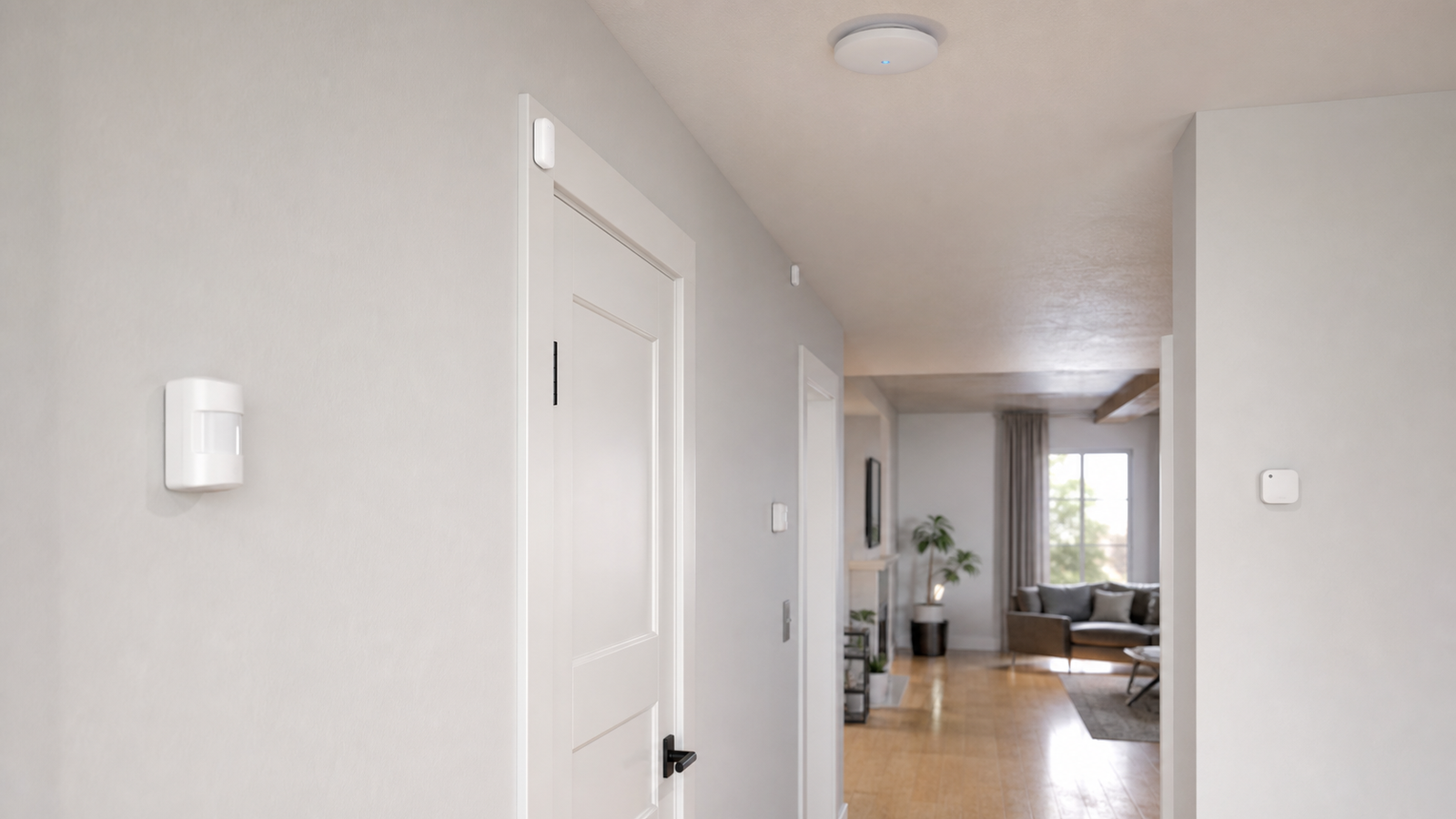
Those are backhaul and client-device problems. A sensor network has different constraints. A temperature sensor, leak detector, occupancy sensor, or contact switch usually needs low idle power, predictable wake behavior, enough range, and a control path that still works when a phone app or cloud service is unavailable.
Protocol choice is an engineering tradeoff
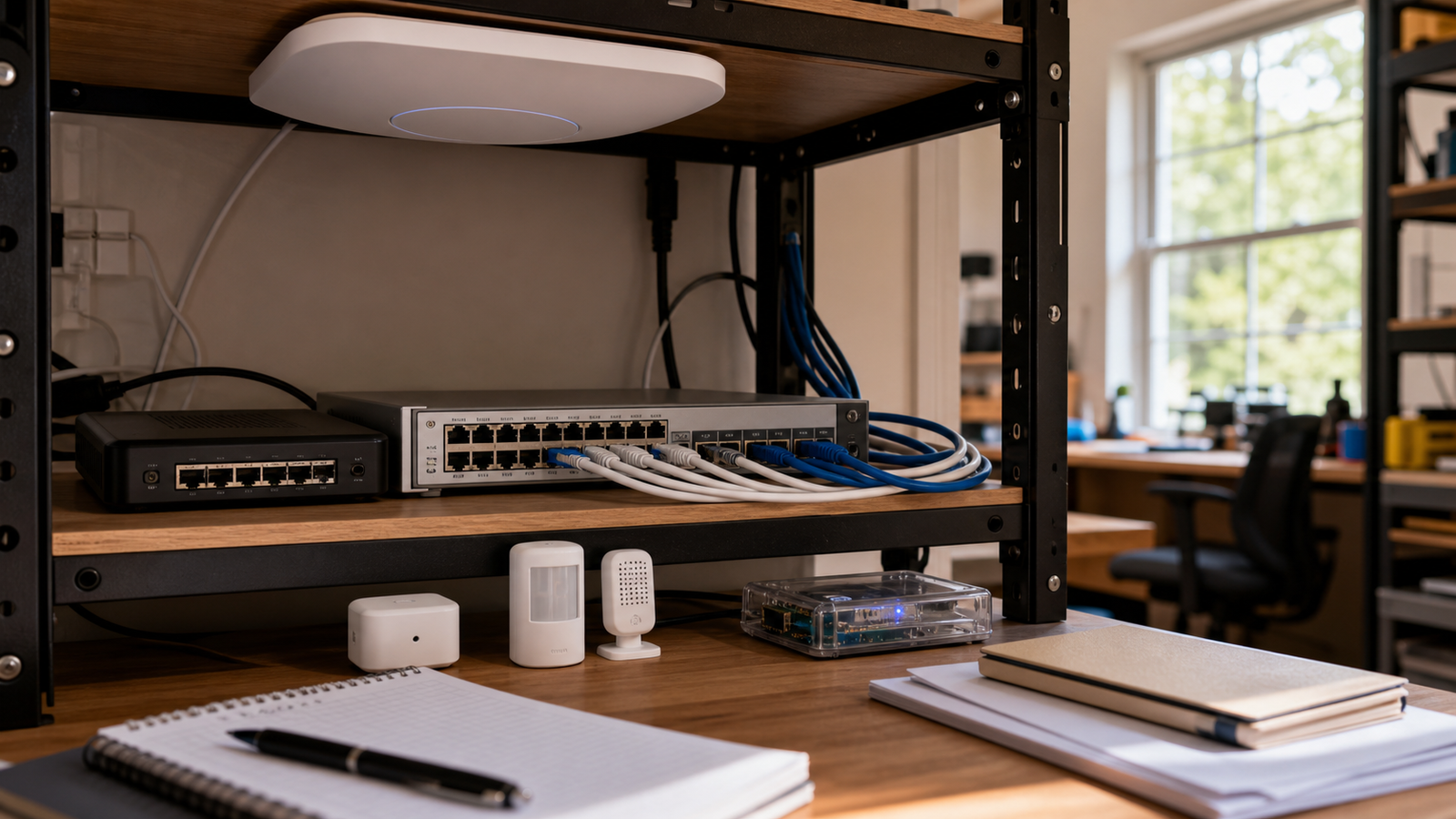
Thread is built for low-power mesh devices and is used by many Matter-over-Thread products. Matter is the application-layer effort meant to improve interoperability across ecosystems. Wi-Fi remains useful for cameras, plugs, displays, and devices with steady power. Ethernet and PoE are still the cleanest answer when uptime matters and cable runs are practical.
The mistake is treating these as brand labels instead of constraints. A garage leak sensor and a 4K security camera should not be judged by the same checklist. One needs sleep behavior and reliable wake events. The other needs sustained bandwidth, storage planning, and heat management.
A practical home-lab checklist
- Map power first. Battery sensors, USB-powered nodes, PoE devices, and wall-powered plugs fail in different ways.
- Separate backhaul from endpoints. Use Wi-Fi 7 or Ethernet for the data spine; choose sensor protocols based on node behavior.
- Test the dead zones. Corners, garages, attics, and metal utility cabinets often matter more than the router spec sheet.
- Document local control. A Matter badge is not a guarantee that every automation survives every outage.
- Plan maintenance. Battery replacement, firmware updates, hub backups, and naming conventions should be part of the design.
TVG Take
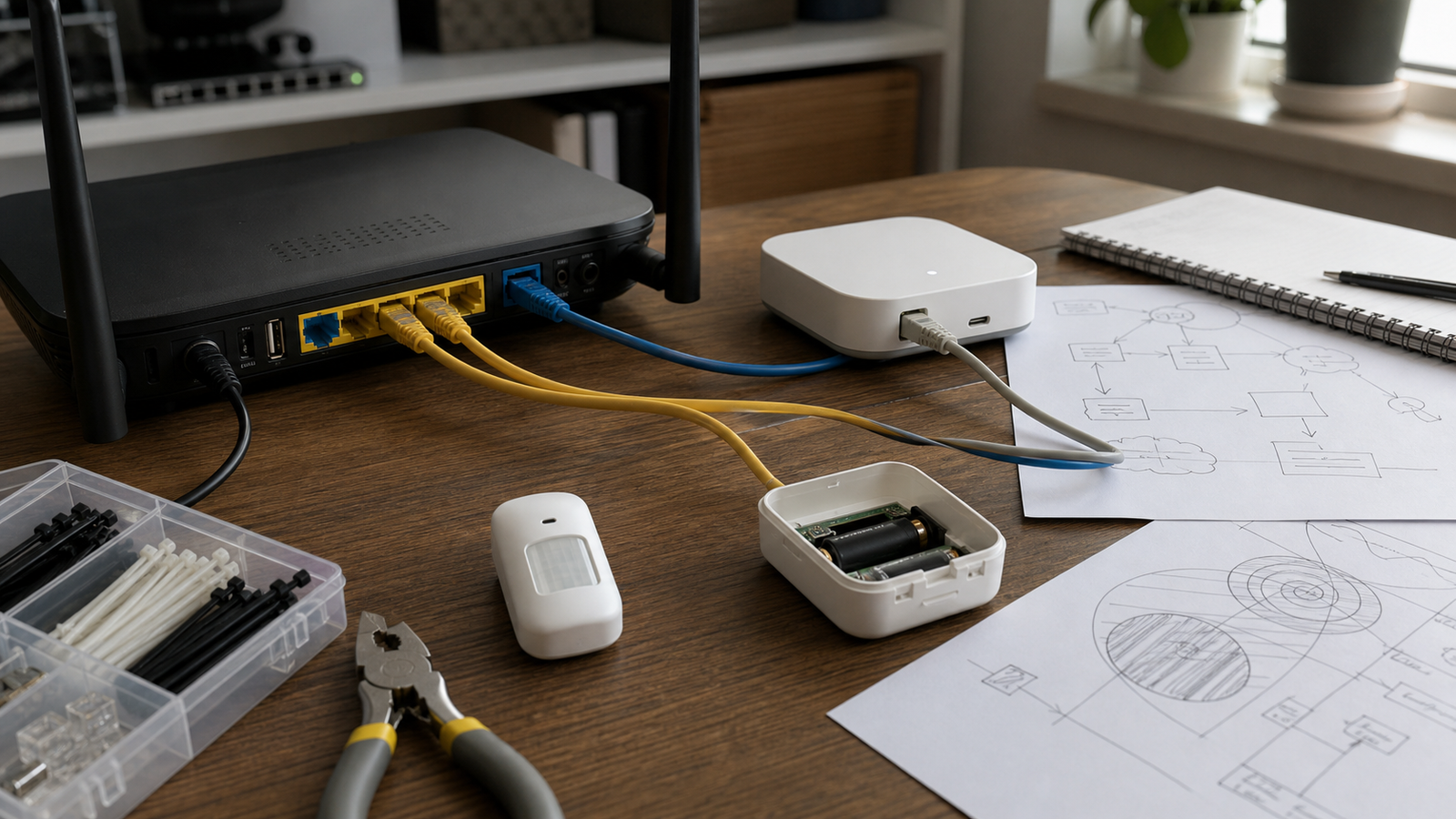
For TVG readers, the best Wi-Fi 7 upgrade is not the biggest number on the box. It is a network design that gives high-bandwidth devices a clean path while keeping low-power sensors on a protocol and placement plan that matches their job.
If a home-lab dashboard is supposed to teach reliability, treat it like a small engineering system. Draw the backhaul. Mark the hubs. Record which devices still work during an internet outage. Then buy the access point, not the other way around.
Test scenarios before adding devices
A simple home-lab acceptance test should include more than a speed test beside the router. Walk the sensor locations. Trigger a door or motion sensor from the edge of coverage. Reboot the hub and confirm automations recover. Turn off internet access briefly if the system claims local control. Check whether video streams affect latency-sensitive automations.
Those tests reveal whether the network is segmented in a useful way or merely fast in the easiest spot. They also catch naming and documentation problems before the dashboard becomes too complex to debug.
When wired still wins
Wi-Fi 7 is useful, but wired Ethernet and PoE remain hard to beat for fixed cameras, access points, NAS boxes, mini PCs, and lab controllers that should not move. A single clean cable can provide data, power, and a known troubleshooting path. That matters for benches used by students or multiple family members.
The practical design is usually hybrid: wired where the device is fixed, Wi-Fi where mobility or installation limits require it, and Thread or another low-power mesh for small battery sensors. The goal is not protocol purity. It is predictable behavior.