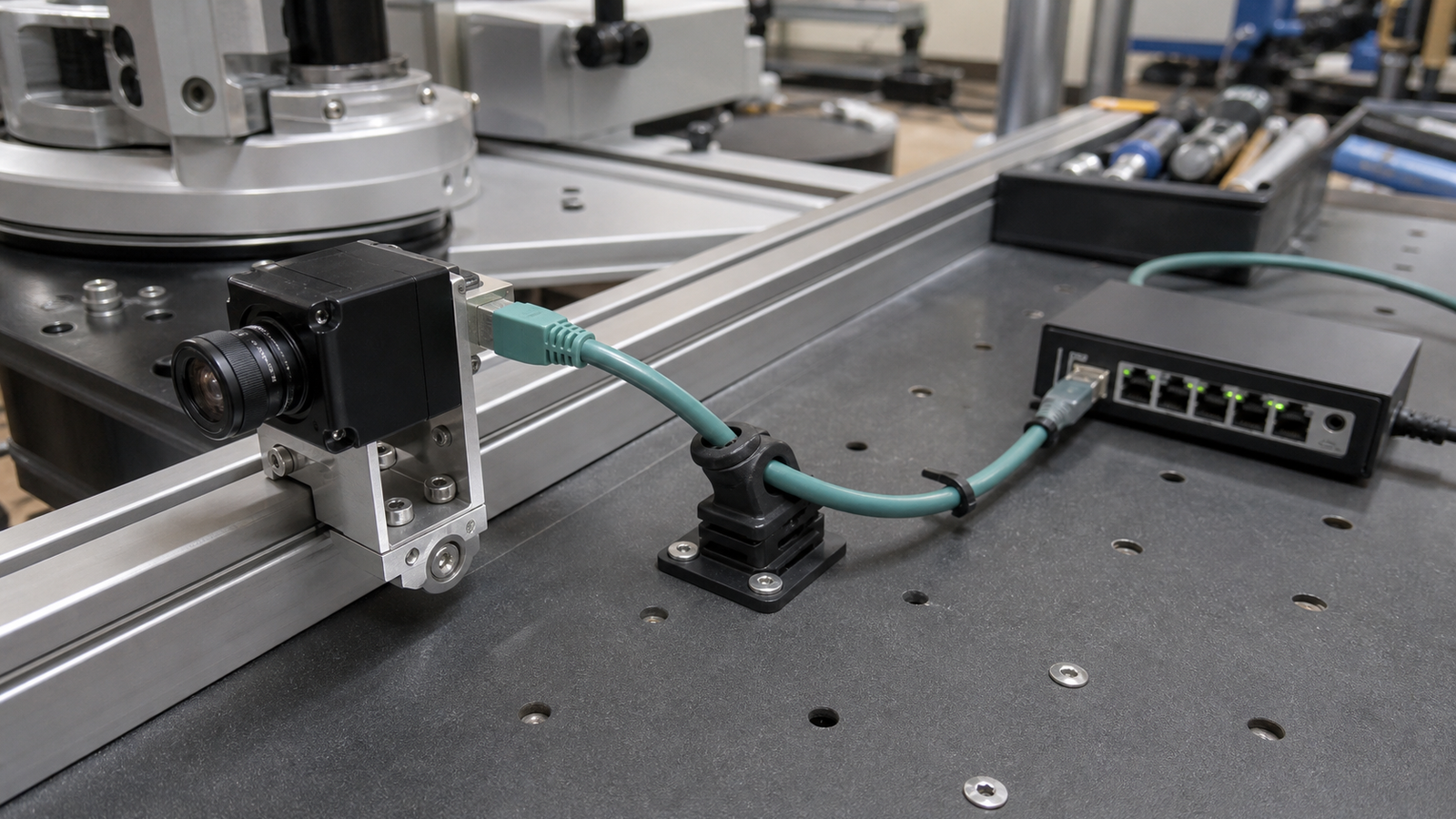
When a robot camera drops frames or disconnects during a test, teams often look at the expensive parts first: the camera, switch, processor, or vision model. The fault may be a cable tugging on a small RJ45 connector.
Power over Ethernet is useful because one cable can carry network data and power. It is not immune to motion, bend stress, vibration, connector wear, or bad cable routing.
Quick answer
Add strain relief near every moving or exposed PoE camera, keep a reasonable bend radius, avoid letting the RJ45 plug carry cable weight, and test the camera while the robot moves. If the failure only appears during acceleration, turning, or mast movement, inspect the cable before replacing electronics.
Why PoE cable routing matters
The Ethernet Alliance describes PoE as a way to deliver power and data over Ethernet cabling, while manufacturers such as Axis use PoE widely for network cameras. On a wall-mounted security camera, the cable may never move. On a robot test bench, it can be pulled, twisted, stepped on, or forced through a tight bend every session.
That physical difference matters. A camera can pass a static bench test and still fail when the robot accelerates, rotates a mast, or drives across a seam. The vision stack sees a software symptom, but the root cause is mechanical.
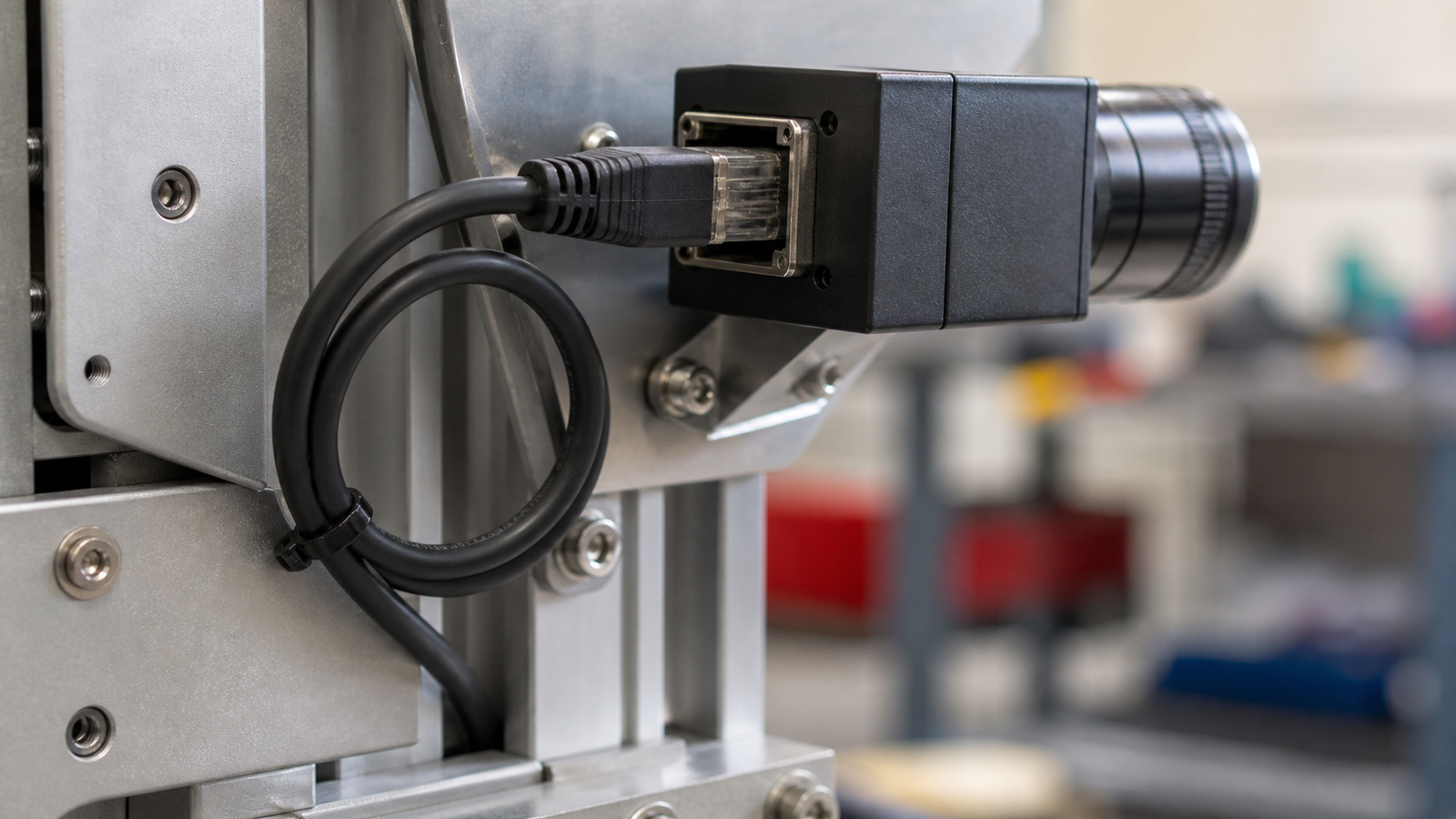
Checklist for robot teams
- Support the cable: tie or clamp the cable to the frame before the connector.
- Leave a service loop: give the camera enough slack for adjustment without a dangling snag.
- Respect bend radius: tight bends and crushed cables create intermittent faults.
- Test in motion: stream video while driving, turning, raising a mast, or shaking the mount.
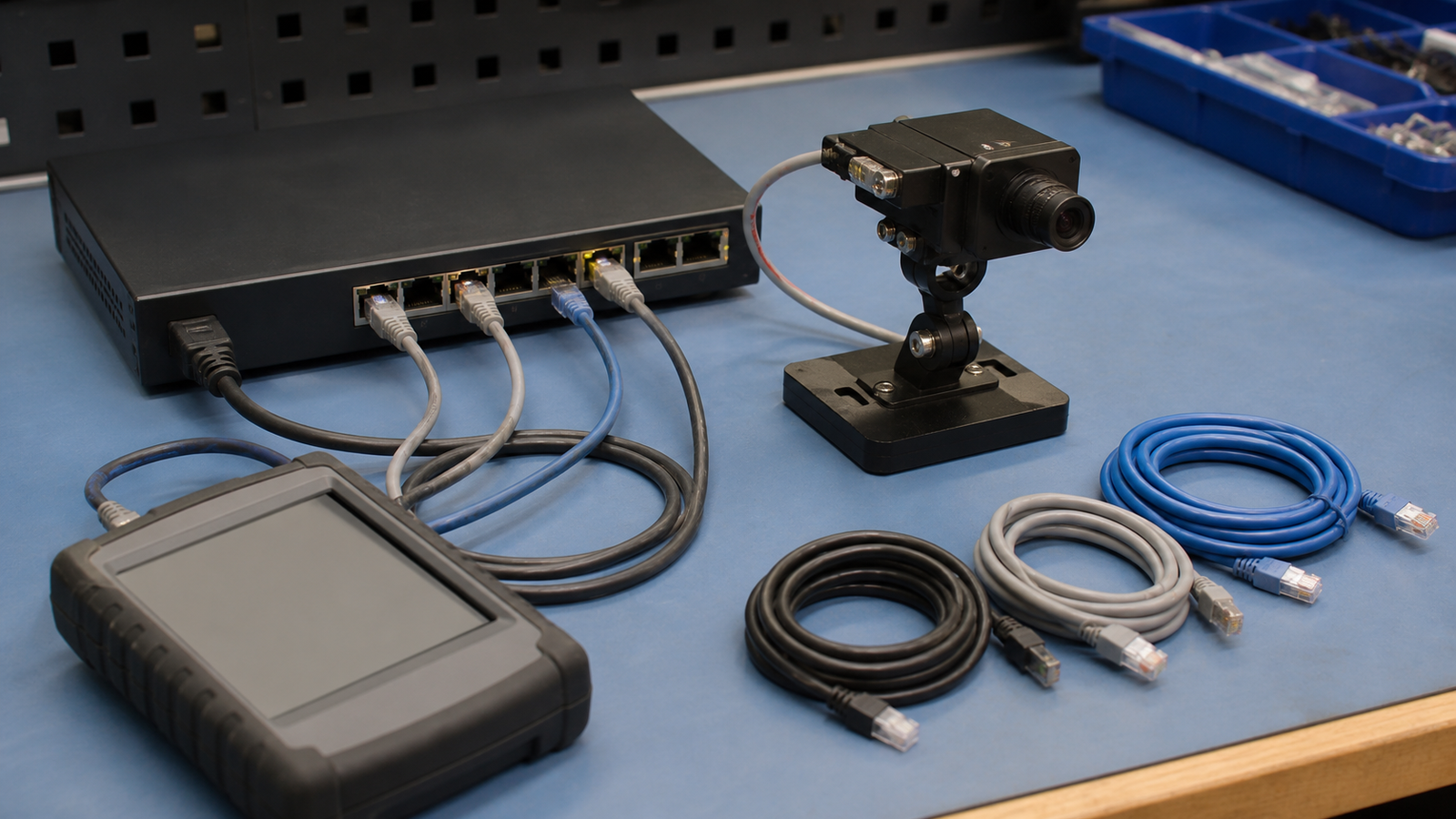
- Mark known-good cables: do not mix field-tested patch cables with random leftovers.
- Separate power/network questions: compare with TVG’s PoE switch vs injector guide.
Debugging sequence
Start with a static stream, then move the cable by hand near the connector, then test while the robot moves. Swap in a known-good short cable at the bench. If the problem disappears, the camera and switch were probably not the first suspects.
For mast-mounted cameras, add a strain-relief point below the moving joint and another near the camera housing. Keep the cable away from wheels, belts, pinch points, and sharp frame edges.
TVG Take
PoE is a clean robot-camera choice when the mechanical details are handled. The cable is part of the vision system. Strain relief, routing, bend radius, and known-good patch leads are cheap reliability upgrades that prevent teams from misdiagnosing physical faults as AI or networking mysteries.