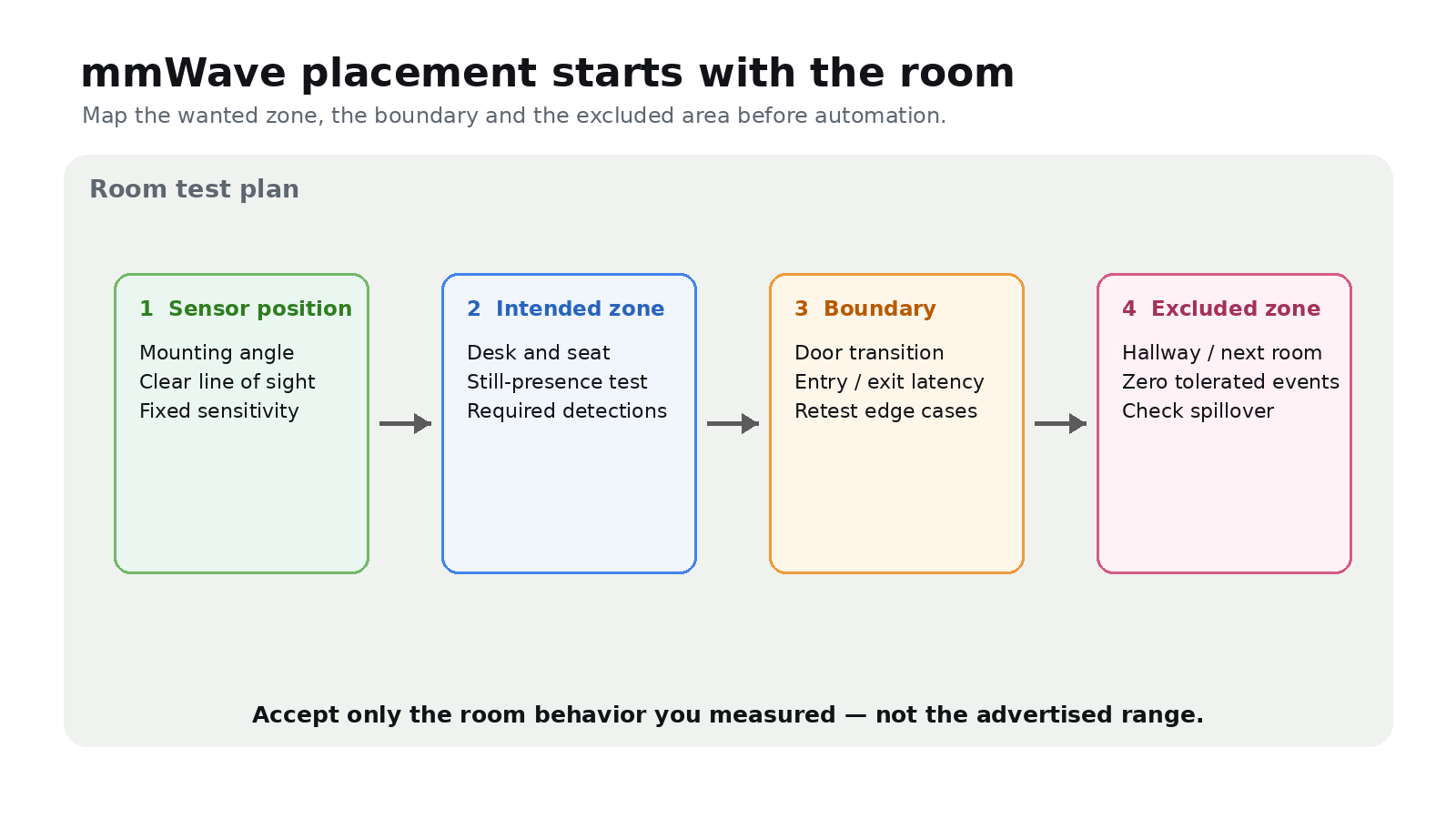
An mmWave sensor can detect motion and presence without recording video, but its output depends on the room. Field of view, mounting angle, reflections, occlusion and intervening materials all affect detection. Texas Instruments’ material testing also shows why ‘works through walls’ is too broad: glass and drywall behaved differently from metal and brick.
Map the detection zone
Before creating an automation, sketch the room and mark the intended zone, doorway, seating position and adjacent spaces. Mount the sensor where the target area is inside its documented field of view, then tune range and zones in the device’s own software.
Do not assume that a wall or cabinet is a reliable mask. Test the actual boundary from both sides and with the door in each normal state.
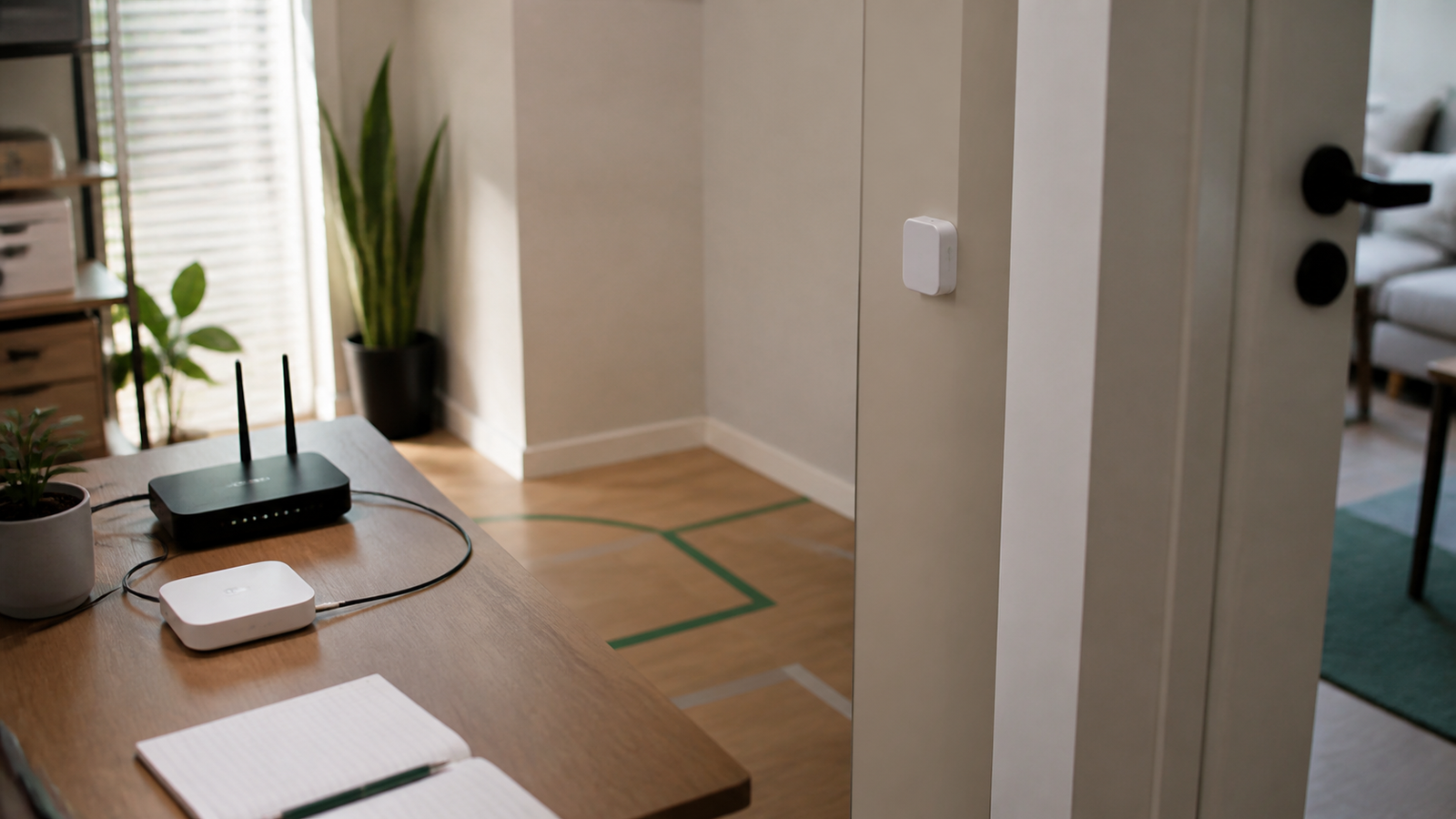
Run a repeatable room test
For each location and sensitivity setting, record entry detection from the doorway and corners; presence while a person sits still; false events with the room empty; detections outside the intended zone; and the time from entry to presence and departure to clear.
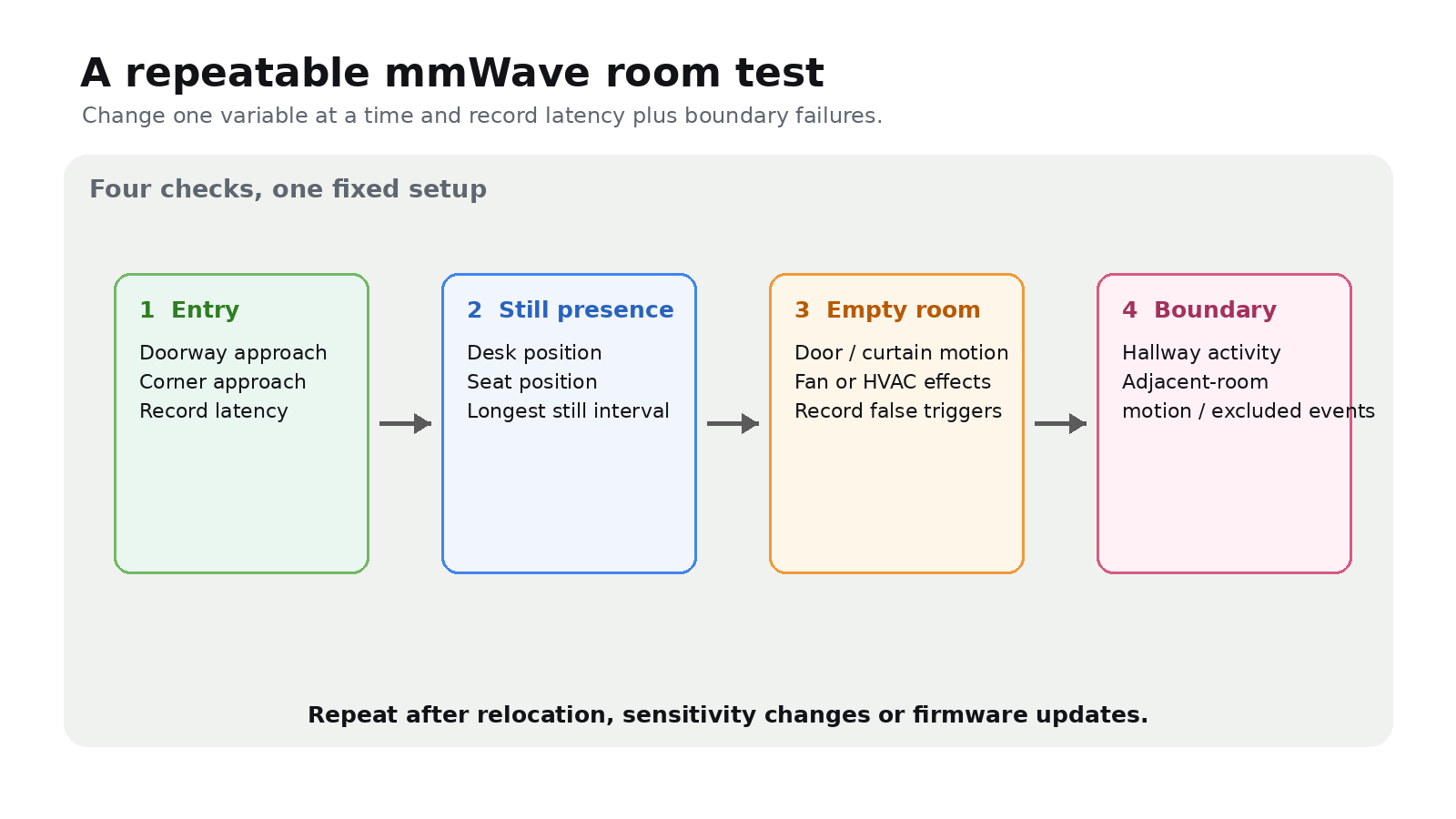
Test doors, curtains, fans and HVAC-caused movement separately. Repeat the matrix after relocation, sensitivity changes or firmware updates. For a networked product, restart its hub or controller and verify that the sensor returns with the correct state.
Set acceptance limits before automation
Define the maximum entry delay, acceptable absence timeout and tolerated detections in excluded areas. A hallway light can use different timing from ventilation or equipment control. Keep a manual override for any automation that can disrupt work or affect safety.
A camera-free sensor reduces visual data collection; it does not make occupancy history harmless. Store only the history needed and restrict access.