A Linux webcam that delivers 30 frames per second alone can begin dropping frames when a second camera, capture device or storage adapter shares the same USB controller. Before changing the vision model, calculate the stream payload, confirm the negotiated pixel format and map both devices to the physical USB tree.
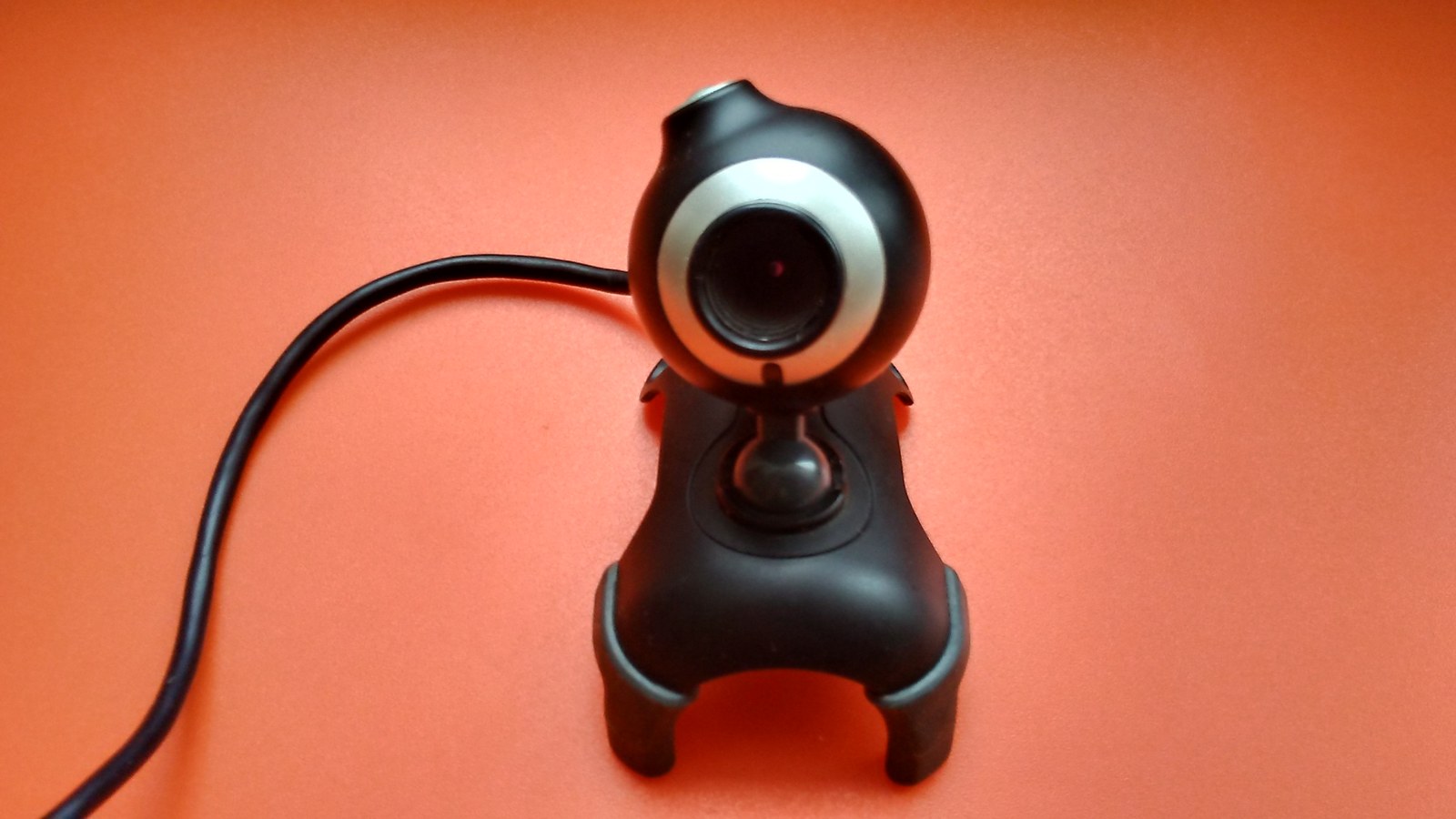
Featured image: WrS.tm.pl/Wikimedia Commons (CC0; original 16:9).
List what the camera actually offers
Start with Video4Linux mode enumeration rather than a product-page maximum:
v4l2-ctl --device=/dev/video0 --list-formats-ext
v4l2-ctl --device=/dev/video0 --get-fmt-video
v4l2-ctl --device=/dev/video0 --get-parm
The Linux kernel’s UVC driver documentation explains that UVC devices expose video-streaming controls through V4L2. The first command lists format, frame-size and frame-interval combinations the device advertises; the next two show the selected format and frame rate. If 1920×1080 at 30 fps appears only under MJPEG and the application forces YUYV, the requested mode may never have been available.
Calculate the uncompressed payload
YUYV 4:2:2 uses 16 bits, or two bytes, per pixel. A 1920×1080 frame therefore contains 4,147,200 bytes before transport overhead. At 30 fps, the pixel payload is 124,416,000 bytes per second—about 995.3 Mbit/s. That cannot fit on a 480 Mbit/s USB 2.0 High-Speed link, even before protocol overhead and other devices are counted.
At 1280×720 and 30 fps, the same calculation gives 55,296,000 bytes per second, or about 442.4 Mbit/s. That is below the signaling-rate headline but still leaves little room for USB framing, host scheduling and shared traffic. MJPEG can reduce the link payload substantially, but its bitrate depends on scene detail and encoder behavior; it also shifts decompression work to the host.
Map the shared physical path
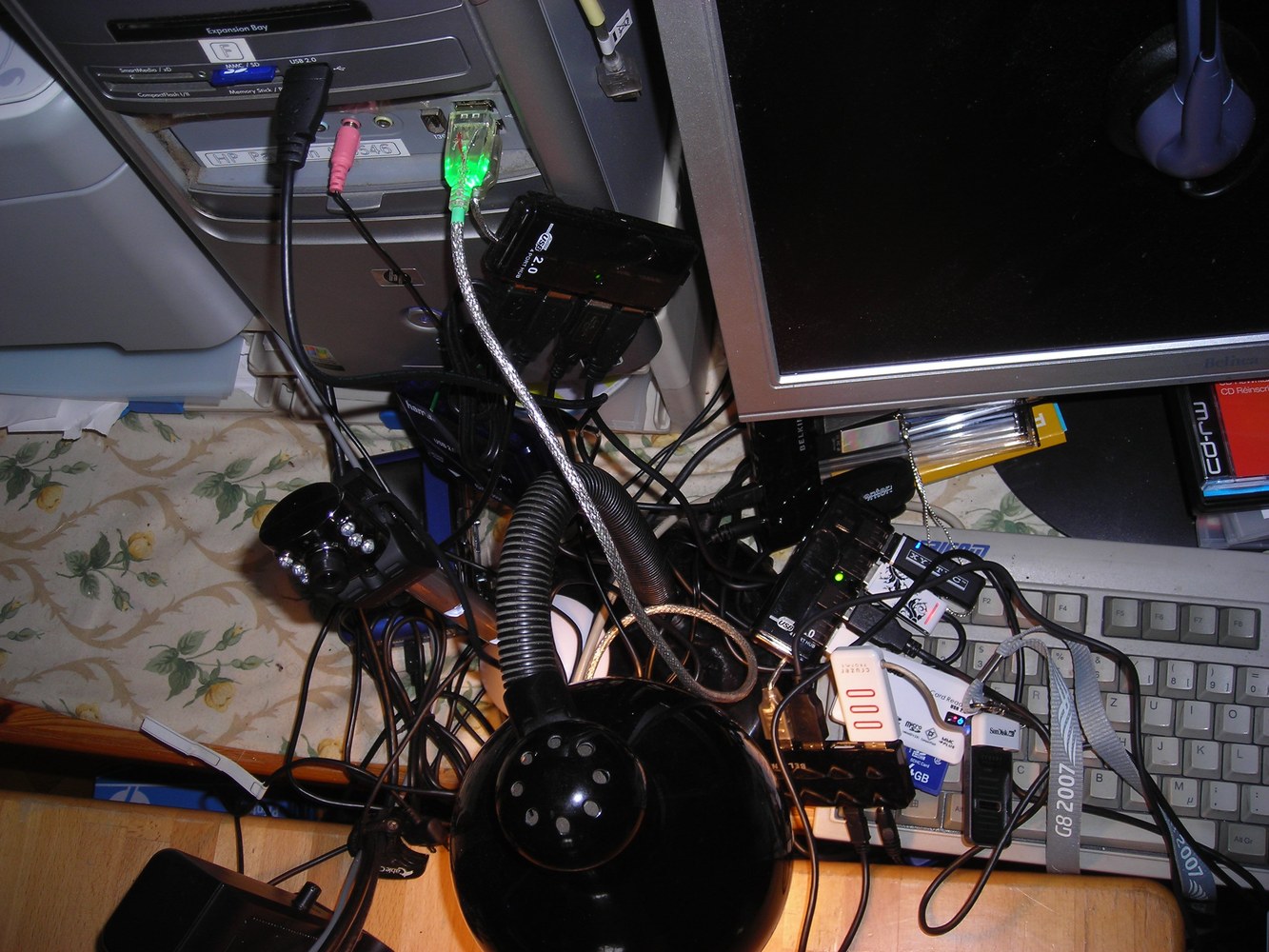
Use lsusb -t to display the controller, hub and device tree. Two sockets on opposite sides of a small computer can still terminate at the same root hub. The important question is not how many receptacles are visible; it is whether the cameras share the same upstream link and host-controller schedule. Debian’s lsusb manual defines -t as the physical USB device-tree view.
lsusb -t
sudo dmesg --follow
v4l2-ctl -d /dev/video0 --stream-mmap=4   --stream-count=600 --stream-to=/dev/null
The stream command removes the vision application from the first isolation step. Watch kernel messages while capturing a fixed number of frames. Then repeat with the second USB device disconnected, on another root port and at a lower-bandwidth camera mode. Change only one condition per run.
Separate four different limits
- Mode limit: the camera firmware does not advertise the requested format, resolution and interval together.
- Link limit: the selected uncompressed payload is too large for the negotiated USB speed.
- Shared-path limit: each stream works alone but fails when devices use the same upstream controller or hub.
- Host limit: MJPEG fits on the cable, but decode, memory copies or the application cannot sustain the rate.
The USB-IF UVC 1.5 document set defines negotiated video formats and payload transport. It does not turn the nominal bus signaling rate into guaranteed application throughput. Host scheduling, endpoint type, packet overhead and other devices consume part of that budget.
Choose the smallest correction that matches the evidence
If the mode is absent, choose an advertised combination or a camera that supports the required format. If raw payload exceeds the link, use MJPEG, lower resolution, lower frame rate or a faster camera and host path. If devices collide only together, move one to a different root controller rather than merely changing hubs. If transport is clean but the application drops frames, profile decode and copy stages.
This boundary-first method keeps a USB transport fault from being misdiagnosed as a computer-vision problem. It also produces a useful deployment record: device path, negotiated USB speed, pixel format, resolution, frame interval and measured frame count.