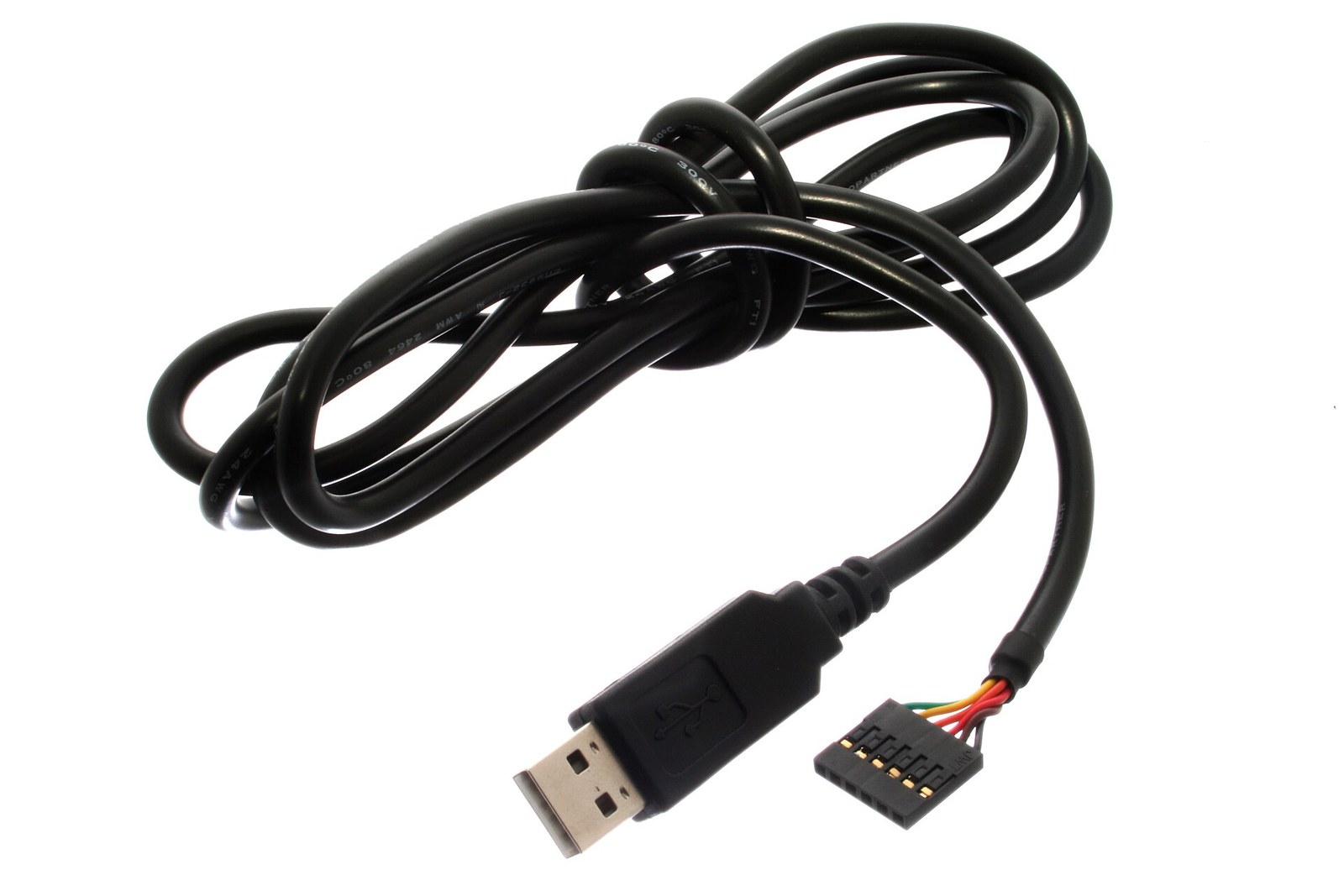
If a Linux robot or test stand opens /dev/ttyUSB0 directly, a reboot or cable swap can point the software at the wrong adapter. The durable fix is to use the system’s existing persistent serial links when possible, then add a narrow udev rule only when those links cannot distinguish the hardware.
Start with what udev already created
List the serial links before writing any rule:
ls -l /dev/serial/by-id/
ls -l /dev/serial/by-path/
udevadm info --query=property --name=/dev/ttyUSB0
by-id names are built from device identity properties and are usually the best application target when each adapter exposes a unique serial number. A service can open the symlink instead of guessing whether the kernel assigned ttyUSB0 or ttyUSB1 first.
by-path identifies the physical USB route. It is useful when two inexpensive adapters report the same or no serial number, but it binds the name to a port and hub topology. Move the cable to another port and the path changes. That is a topology contract, not a device-identity contract.
Prove the attributes before matching them
Use udev’s attribute walk on the actual node:
udevadm info --attribute-walk --name=/dev/ttyUSB0The output walks from the tty device through its parent devices. A reliable rule normally combines the tty subsystem with the USB vendor ID, product ID, and a unique serial attribute. Avoid matching only idVendor and idProduct when a bench has several identical adapters; that rule can assign the same alias to more than one device.
For an FTDI adapter whose verified values are vendor 0403, product 6001, and serial A10XYZ, a local rule can look like this:
SUBSYSTEM=="tty", ATTRS{idVendor}=="0403", ATTRS{idProduct}=="6001", ATTRS{serial}=="A10XYZ", SYMLINK+="robot-lidar"The values above are an example, not universal FTDI identifiers for a specific reader’s cable. Copy the attributes reported by that machine. Save the rule in a file such as /etc/udev/rules.d/99-robot-serial.rules. udev rules add symlinks; they do not rename the kernel’s device node.
Reload, reconnect, and verify the target
After saving the rule, reload the rules and reconnect the adapter:
sudo udevadm control --reload
ls -l /dev/robot-lidar
readlink -f /dev/robot-lidar
udevadm info --query=property --name=/dev/robot-lidar
The last two commands answer different questions. readlink -f shows the current kernel node behind the alias. udevadm info lets the operator confirm that the alias resolves to the expected serial, vendor, and product properties before a motor controller, sensor logger, or flashing tool opens it.
Handle identical adapters honestly
If two units expose no unique serial, software cannot infer physical identity from identical vendor and product IDs. The choices are to keep each unit on a documented physical port and use by-path, program a unique serial if the hardware supports it, or label and replace the adapters with devices that expose stable identity.
This is also why a rule that includes the transient name KERNEL=="ttyUSB0" usually defeats the purpose. It matches the enumeration result that the rule is supposed to avoid. Match persistent hardware or path properties, then give the application a descriptive symlink.
Use the alias at the application boundary
Update the application, service configuration, or container mapping to use /dev/robot-lidar or the chosen built-in persistent link. Keep permissions as a separate rule or system policy; a stable name does not automatically grant access.
Choose an alias that will not collide with another local rule, and keep the rule file in configuration management beside the wiring map. If hardware is replaced, update the recorded serial and rule together rather than broadening the match until an unknown adapter also qualifies.
The engineering gain is small but concrete: logs, service files, and wiring labels can all refer to one device name even when Linux changes the underlying tty number. When the alias is backed by a verified serial or documented path, a cable reorder becomes observable instead of silently redirecting traffic.