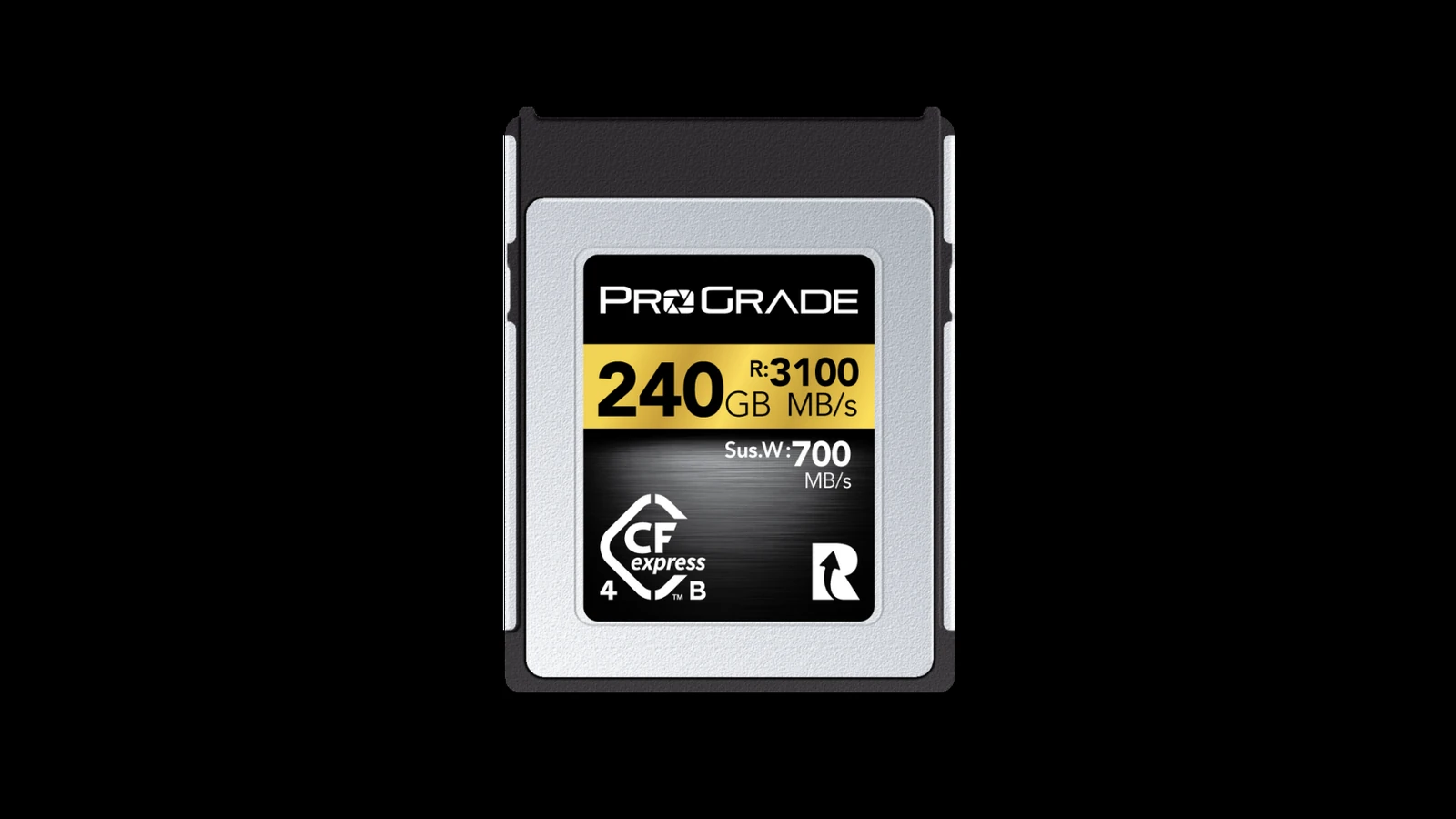
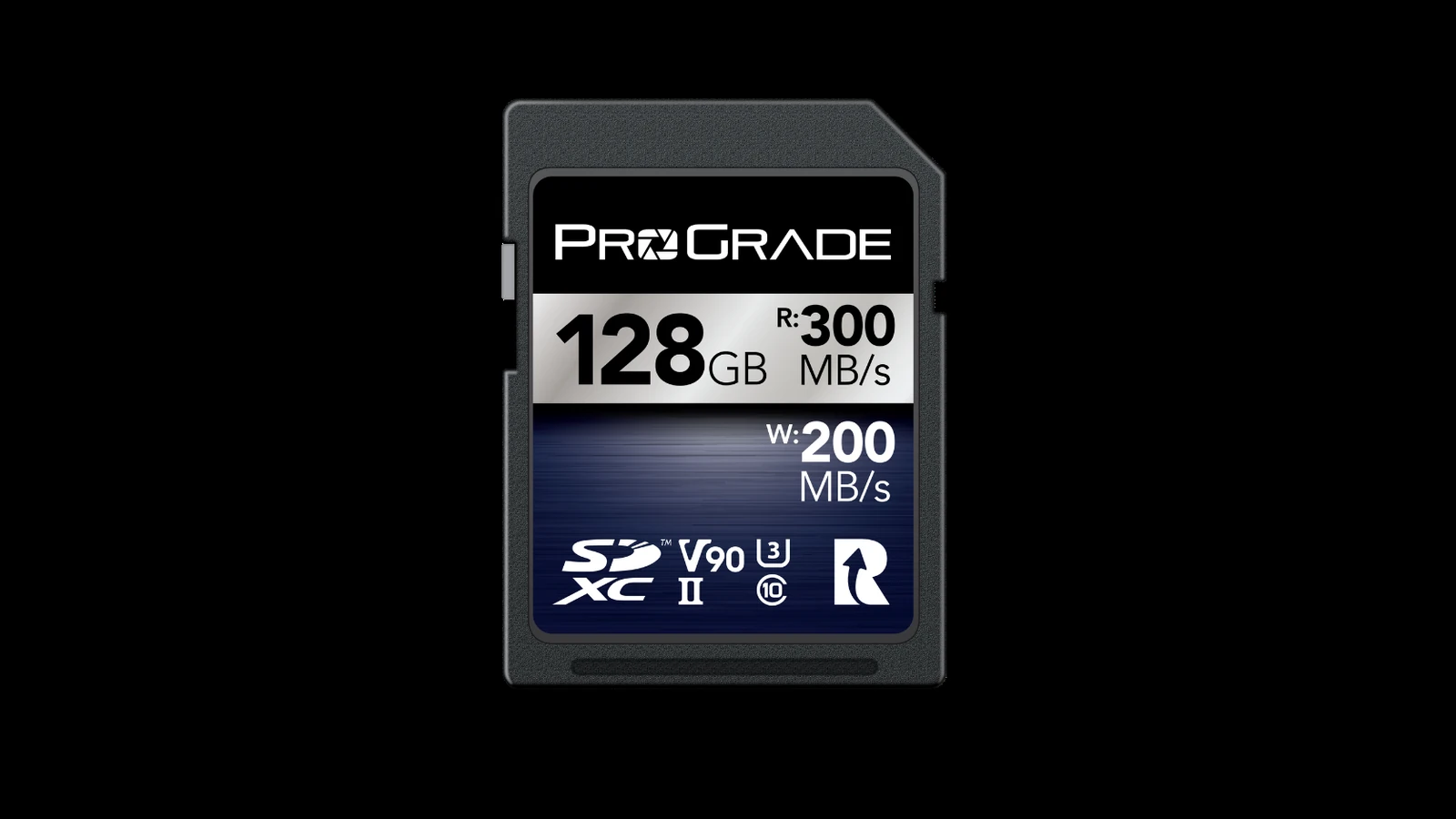
CFexpress and UHS-II SD cards can both be fast, but the correct field-media choice starts inside the camera. The recording mode, codec, burst depth and card-slot interface determine whether a higher-performance card changes the result. A headline transfer number cannot override a camera that only supports a slower bus or a mode that already fits comfortably on UHS-II.
Start with the camera’s approved modes
Check the manufacturer’s manual and qualified-media list for the exact body and firmware. Some high-bitrate video, long bursts or internal RAW modes require CFexpress. Other modes work normally on UHS-II SD. Treat the approved list as a compatibility boundary, not a promise that every listed card delivers identical sustained behavior.
Sustained writes matter more than the label peak
The CompactFlash Association defines CFexpress around PCI Express and NVMe, while the SD Association documents UHS bus interfaces and speed classes. Those standards describe capabilities; they do not make every card equal. For recording, the useful number is the minimum sustained write performance under the camera’s workload. Cache behavior, temperature and controller firmware can all change long transfers.
Reader time is part of the field budget
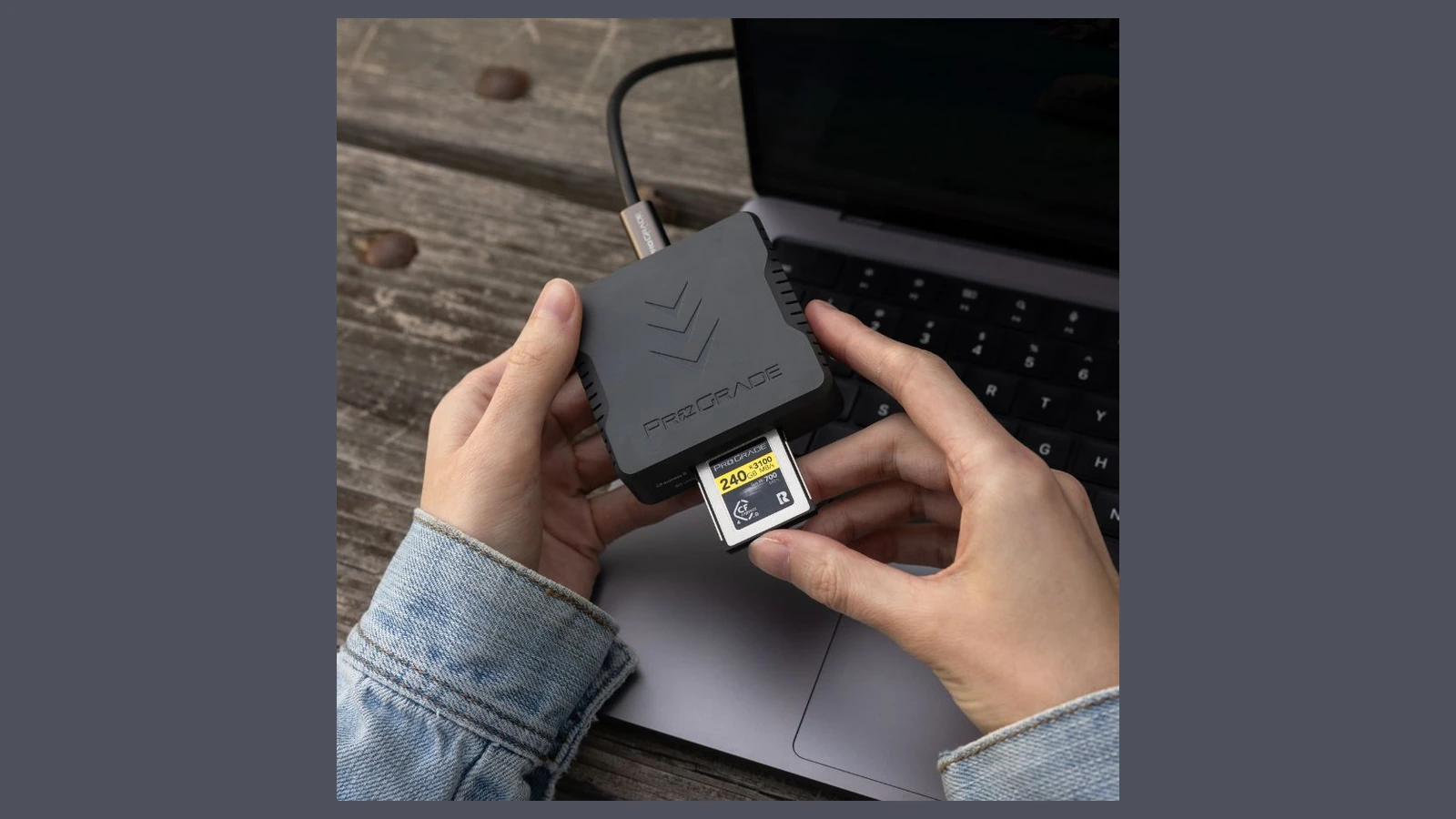
A faster card does not shorten turnaround if the laptop, cable, reader or destination drive is slower. Time a full card copy through the complete reader-to-storage path and verify the copied files before formatting media. A dual-slot camera also changes the decision: simultaneous backup, overflow and split-format recording have different speed and failure implications.
Capacity changes operational risk
Large cards reduce swaps but increase the amount of work concentrated on one device. Smaller cards limit the loss domain but require more handling. Label cards, protect contacts, keep full and empty media physically separate, and maintain at least two verified copies before reuse. These practices matter more than a small benchmark lead.
A practical decision boundary
Choose CFexpress when the camera requires it for the intended mode or when measured offload time materially affects the job. Choose UHS-II SD when it satisfies the approved recording mode and its lower cost, broad reader support or easier replacement improves the workflow. TVG did not benchmark the pictured cards; this is a standards-and-workflow guide.
Before a field day, fill and offload one card using the intended recording mode, reader, cable and destination drive. Record total copy time, verify file counts and inspect the card and reader for unusual heat. That rehearsal exposes workflow bottlenecks without claiming a laboratory speed result.