Buying a local AI machine for a small team has become harder than choosing the highest CPU score. The new spec sheet word is NPU, but a neural processing unit does not automatically make a system the right tool for coding agents, local assistants, image generation, classroom experiments, or offline analysis. For many teams, the real decision is simpler and more practical: should the first local AI box be an NPU laptop or a mini PC?
Quick answer
An NPU laptop is usually better for portable, battery-aware AI features and lightweight local inference. A mini PC is usually better when a small team needs more ports, cooling, memory flexibility, storage, and a stable bench machine for repeated local AI experiments or agent workflows.
Key takeaways
- Choose an NPU laptop when mobility, battery life, and integrated AI features matter.
- Choose a mini PC when cooling, expandability, ports, and always-on bench use matter more.
- For local AI agents, memory, software support, and sustained performance are often more important than TOPS alone.
This is a buyer evaluation, not a hands-on review. TVG has not tested a specific laptop or mini PC for this article. The goal is to define what a robotics club, school lab, small studio, or maker team should check before spending money.
What the NPU changes
Microsoft’s Copilot+ PC developer guide describes a class of Windows devices with NPU-backed AI experiences, while Microsoft’s Windows 11 24H2 documentation says Copilot+ PCs are powered by an NPU that can perform more than 40 trillion operations per second. Intel’s AI PC overview frames modern AI PCs around CPU, GPU, and NPU engines working together.
That matters because NPUs are built for efficient on-device inference. They can make some AI features run with lower power draw than a CPU or GPU. But TOPS is not a universal benchmark. Model support, memory, drivers, runtimes, thermal limits, and software maturity decide whether the NPU helps the actual workload.
When an NPU laptop makes sense
An NPU laptop is the better first machine when mobility is part of the job. If the team needs to demo a local assistant in a classroom, annotate field media after a drone session, prototype at a competition, or run AI features while traveling, portability matters. The integrated display, battery, webcam, microphone, keyboard, and Wi-Fi reduce setup friction.
The laptop also wins when the workload is tied to Windows AI features or app support. Microsoft’s local LLM API documentation shows the platform direction: local models and AI APIs are becoming more accessible to Windows developers, but hardware compatibility varies. If a team wants to experiment with those APIs, a certified AI PC may be less frustrating than a random desktop box.
The tradeoff is sustained performance. Thin laptops can throttle under long runs. Memory may be soldered. Storage upgrades may be limited. Cooling noise can matter in classrooms or production environments. If the laptop is also someone’s daily computer, experiments can conflict with normal work.
When a mini PC makes sense
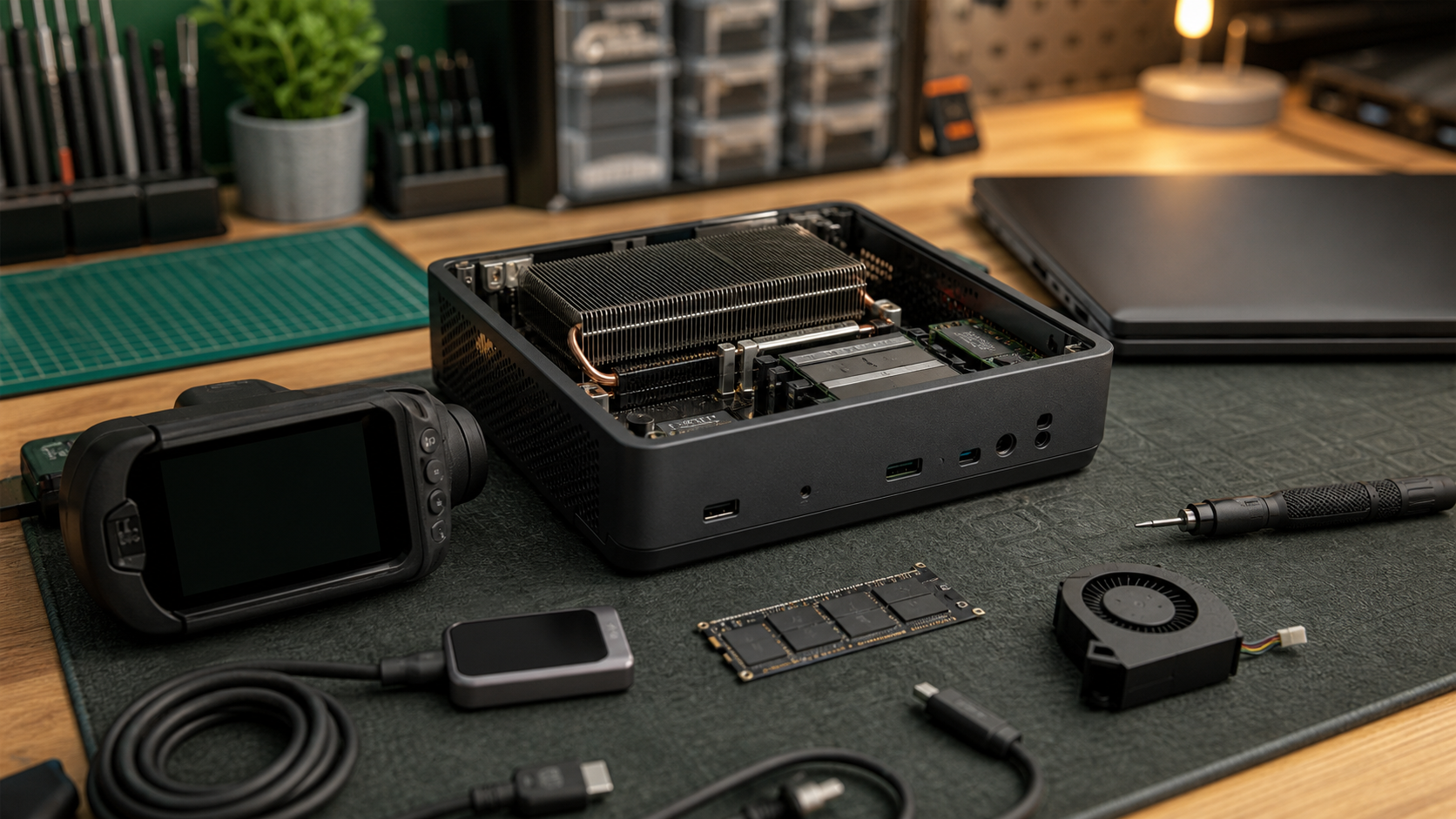
A mini PC is the better choice when the team wants a shared bench machine, a small server, or a semi-permanent local AI node. It can sit near a robot test area, camera ingest station, NAS, or lab network. It can run overnight jobs without tying up a student’s or editor’s laptop. It is also easier to cable into monitors, Ethernet, external drives, power meters, and measurement tools.
The strongest mini-PC argument is maintainability. Many models expose memory and storage more easily than thin laptops. Cooling can be better for the size, though that varies widely. If the team expects to rebuild software images, add drives, test Linux, or leave services running, the box format is usually cleaner.
The downside is that mini PCs often lack the certified NPU path found in current AI laptops, or they rely more heavily on CPU/GPU acceleration. That can still be fine. For many local LLM experiments, memory capacity and GPU/software support matter more than the NPU headline. TVG’s prior coverage of AMD Ryzen AI Halo local-agent computers and Windows AI dev boxes points to the same lesson: a local AI machine should be evaluated as a whole system.
The tests small teams should run before standardizing
- Model fit: Can the target model run on the intended accelerator, or does it fall back to CPU/GPU?
- Memory pressure: Does the system stay responsive with the model, browser, IDE, capture software, and documentation tools open?
- Thermals: Does performance drop after 20, 40, or 90 minutes?
- Power use: Is the device efficient enough for field work, classroom use, or always-on lab service?
- Driver/runtime support: Are the needed AI frameworks actually supported on the hardware?
- Data path: Can the machine access NAS storage, external SSDs, cameras, sensors, or robot logs without awkward adapters?
- Recovery: Can the team reinstall, back up, and restore the machine quickly after a bad experiment?
Do not buy only for TOPS
TOPS is useful as a rough eligibility number, especially for Copilot+ features, but it is not enough for procurement. A machine with a strong NPU and too little memory may disappoint. A mini PC without the latest NPU may still be more useful if it has more RAM, better cooling, wired networking, and easier service access. Teams should map the device to jobs: assistant demos, code help, image tagging, video enhancement, robot-log analysis, or local documentation search.
Security and data handling also matter. If the machine will process private student media, unreleased product footage, or sensitive lab notes, decide who can log in, where model files live, how outputs are stored, and how the system is patched. TVG’s secure AI coding agent checklist is relevant even though the hardware is different: local does not automatically mean safe.
TVG Take
Choose the NPU laptop when mobility, Windows AI feature compatibility, battery operation, and quick demos matter most. Choose the mini PC when shared access, maintenance, wired storage, cooling, and repeatable bench testing matter most. For a small team’s first local AI purchase, the best spec is not the biggest TOPS number. It is the machine that runs the intended workload for an hour, stays cool, keeps data organized, and can be restored after a failed experiment.