
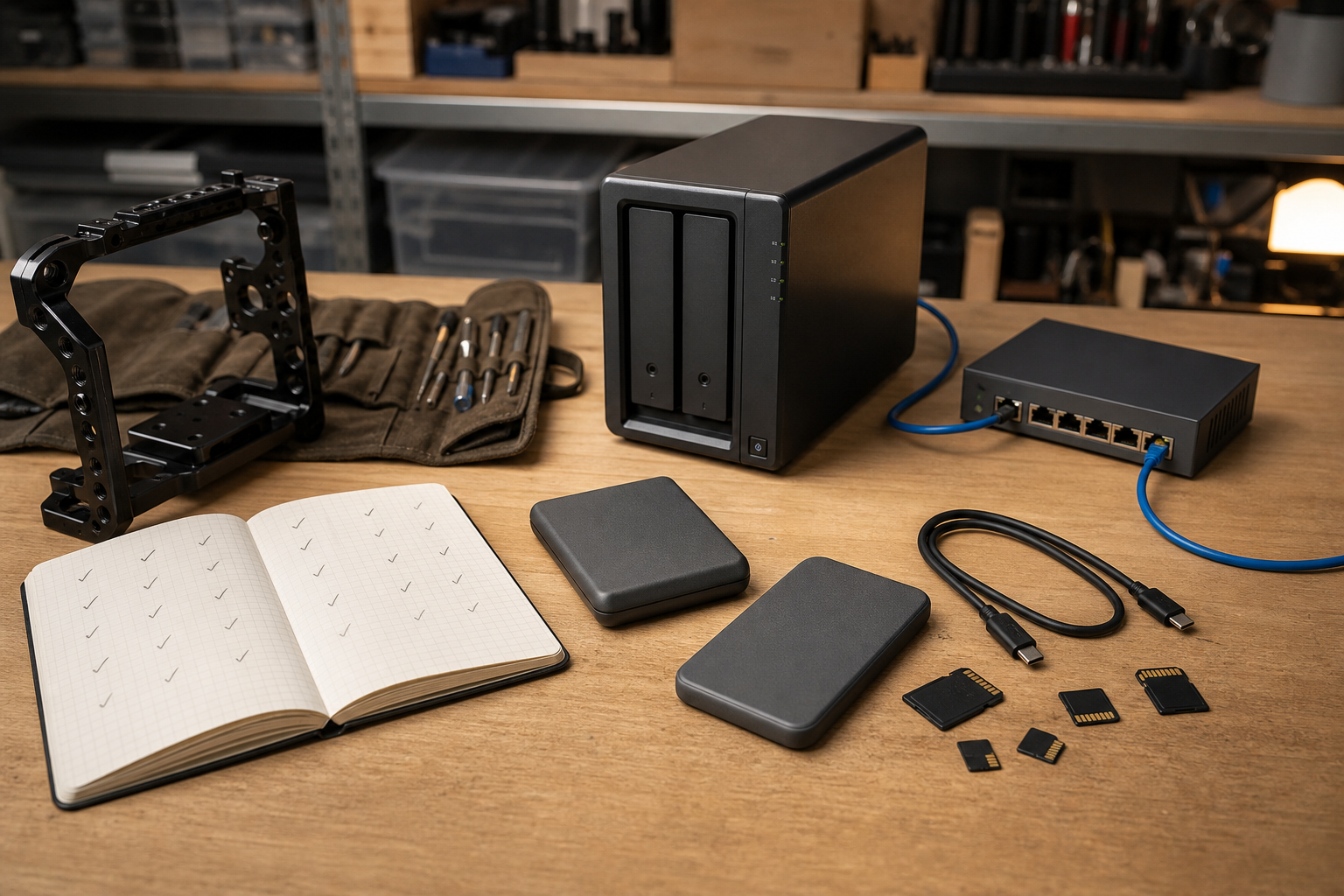
NAS versus external SSD is the wrong argument if the goal is to protect creator and maker work. A network attached storage box and a portable solid-state drive solve different parts of the same problem: moving data quickly, keeping it organized, and making sure a bad day does not erase the only copy of a build log, drone survey, CAD file, robotics video, or classroom project archive.
For TVG readers, the storage decision usually starts in the field. Camera cards fill up during a robotics event. Drone footage lands on a laptop after a photogrammetry run. CAD files and firmware notes live across several student machines. A portable SSD is fast and simple; a NAS is shared and easier to automate. The right answer is often both, with each device assigned a clear job.
Start with the failure cases
CISA’s small-business backup guidance emphasizes regular backups, recovery testing, backup integrity, and Recovery Point/Recovery Time thinking. That framing is useful even for a small maker lab. Ask what would happen if an SD card dies, a student deletes the wrong folder, a laptop is stolen, a NAS volume is corrupted, or a ransomware incident encrypts a shared drive.
NIST’s Cybersecurity Framework 2.0 small-business quick-start guide is not a creator-storage buying guide, but it reinforces the bigger point: small teams need repeatable risk-management habits, not just more hardware. Storage gear should support those habits by making backups automatic, recoveries testable, and access boundaries clear.
Where an external SSD wins
An external SSD is the simplest tool for fast ingest and handoff. If a field team is copying camera footage after a match, a drone mapping session, or a product-demo day, a rugged USB-C SSD is usually easier than asking everyone to connect to a network share. It is portable, fast, and understandable. It also pairs naturally with workflows TVG has already covered, such as microSD versus portable SSD for field cameras and robot logs and drone photogrammetry capture discipline.
The weak point is that an SSD is easy to misplace and easy to treat as “the backup” when it is really just the first copy. A single portable drive sitting in the same bag as the camera cards does not protect against theft, accidental overwrite, or a bad cable causing a failed copy that nobody verifies. External SSDs need a habit: ingest, checksum or at least compare file counts/sizes, label the copy, then move the data into a second system.
Where a NAS wins
A NAS is stronger when several people need the same archive, when backups should run on a schedule, or when a project needs one shared source of truth. A two-bay or four-bay NAS can centralize footage, CAD exports, lesson materials, documentation photos, and robot logs. It can also serve as the landing zone for laptops that come and go.
But a NAS is not magic. RAID or mirrored drives can keep a system online after a disk failure, but RAID is not the same thing as backup. If someone deletes a folder, sync software can faithfully delete it everywhere. If malware reaches the share, it can damage the share. If the room floods or the NAS is stolen, the local array is gone. A NAS should be one layer in the workflow, not the whole plan.
The practical 3-copy pattern
Backblaze’s 3-2-1 backup explainer summarizes the classic idea: keep multiple copies, use more than one storage type, and keep a copy offsite. For a creator or maker lab, that can translate into a simple pattern:
- Copy 1: the working copy on the laptop, edit workstation, or project machine.
- Copy 2: a local NAS or second external drive that receives scheduled backups or finished project archives.
- Copy 3: an offsite copy, such as cloud object storage, a drive stored elsewhere, or another trusted location.
This does not need to be enterprise-grade on day one. A school robotics club might start with one encrypted external SSD for field ingest, one NAS share for weekly archives, and one offsite/cloud copy for final project folders. A creator studio might add versioned backup software, a faster 2.5GbE or 10GbE network, and a written restore test every month.
Network speed is only one part of NAS readiness
Many NAS decisions get reduced to Ethernet speed. Faster networking helps, especially with multi-camera video projects, but it is not the only bottleneck. Drive layout, CPU, RAM, file indexing, SMB settings, client Wi-Fi, and backup software all affect the experience. TVG’s Wi-Fi 7 home-lab router guide is relevant here: wireless headline speeds rarely describe real backup behavior across walls, mixed clients, and crowded channels.
If the NAS is used for editing directly, test real project files before trusting it. If it is used for backup/archive only, prioritize reliability, snapshots/versioning, offsite replication, UPS support, clear permissions, and restore speed over raw benchmark bragging rights.
A simple decision table
- Choose external SSD first if the main problem is field ingest, travel, quick handoff, or fast scratch storage.
- Choose NAS first if the main problem is shared access, scheduled backups, permissions, or central archives.
- Use both if the work moves from cameras and laptops into team archives.
- Add offsite backup as soon as the work would be painful or impossible to recreate.
TVG Take
The best storage setup is the one a tired team will actually use after a long event day. External SSDs are excellent capture shuttles; NAS boxes are excellent coordination and archive tools. Neither replaces a tested backup plan. For creator and maker labs, the minimum professional habit is simple: keep originals, verify copies, separate working storage from backup storage, and periodically prove that a restore works before the project matters.



