Edge AI cameras are attractive because they move perception closer to the robot. They can reduce cloud dependency, protect data, and make small robots more self-contained. But robotics builders often ask the wrong first question. “How many TOPS does it have?” matters less than “Can the full sense-think-act loop finish before the robot has moved too far?”
This guide gives teams a practical way to build an edge AI camera latency budget before they buy hardware or redesign a robot. The goal is not to chase a single benchmark. It is to understand every delay between a photon hitting the sensor and the robot taking a safe action.
What an edge AI camera latency budget includes
A useful budget starts with the complete pipeline. Sensor exposure and readout come first. Image signal processing may add time before the frame is usable. The frame may then move across CSI, USB, Ethernet, PCIe or an internal path. Preprocessing resizes, crops, normalizes or converts the image. Inference runs on a CPU, GPU, NPU, TPU or camera-integrated processor. Post-processing turns raw outputs into boxes, masks, classes, poses or keypoints. The robot software then filters the result, decides what to do, sends a command to a controller, and waits for the actuator to respond.
Each stage can be small by itself and still create a large total delay. A 25 ms inference number can become a 120 ms robot response if capture buffering, transport, Python overhead, control scheduling and motor response are ignored.
Start from robot speed, not benchmark speed
The easiest sanity check is distance traveled during latency. If a mobile robot moves at 1 meter per second, every 100 ms of delay equals 10 cm of travel. For a slow classroom robot, that may be acceptable. For a fast warehouse platform, it may be too much. For a robot arm near a fixture, even a small perception delay can matter if the part, gripper or conveyor is moving.
Teams should define the maximum tolerable reaction distance, then work backward. If a robot can only travel 3 cm before responding, a 1 m/s speed implies roughly 30 ms for the entire detection-to-command path. If the application can tolerate 15 cm, the budget is more forgiving. This is why a camera that works well for inventory counting may be unsuitable for fast obstacle avoidance.
Hardware choices change where the delay appears
The Raspberry Pi AI Camera documentation says the module uses Sony’s IMX500 intelligent vision sensor to provide low-latency AI capabilities to camera applications. That is a different architecture from sending frames to a separate accelerator. It can simplify cabling and reduce host load, but teams still need to inspect the model pipeline, metadata output, camera configuration and supported software path.
The Raspberry Pi AI Kit takes another approach by pairing Raspberry Pi 5 with a Hailo AI acceleration module on an M.2 HAT+. Raspberry Pi lists the module as a 13 TOPS neural-network inference accelerator built around the Hailo-8L. That can be attractive for object detection and multi-stream experiments, but the camera, PCIe path, model conversion and application framework still determine end-to-end timing.
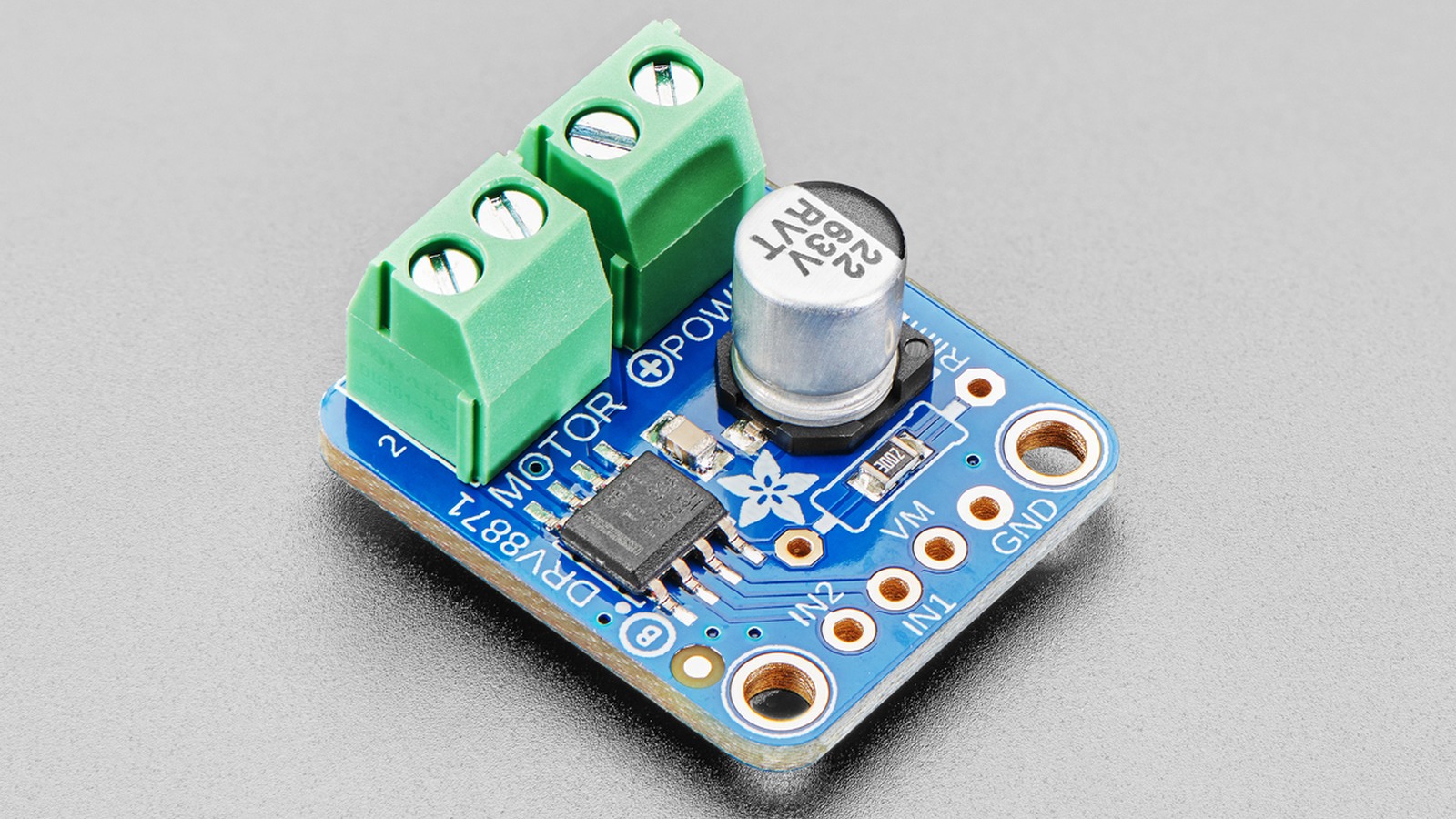
The Google Coral USB Accelerator remains a useful comparison point because it adds an Edge TPU over USB and is specified for 4 TOPS with strong efficiency for supported TensorFlow Lite models. Its constraint is not just raw performance; it is model compatibility, quantization workflow, USB behavior and long-term software maintenance.
Build a first latency worksheet
A practical worksheet should include at least these rows: exposure/readout, frame transport, preprocessing, inference, post-processing, decision logic, command transport and actuator response. Add a target, measured value, measurement method and owner for each row. If the team cannot measure a row yet, mark it as unknown rather than pretending it is zero.
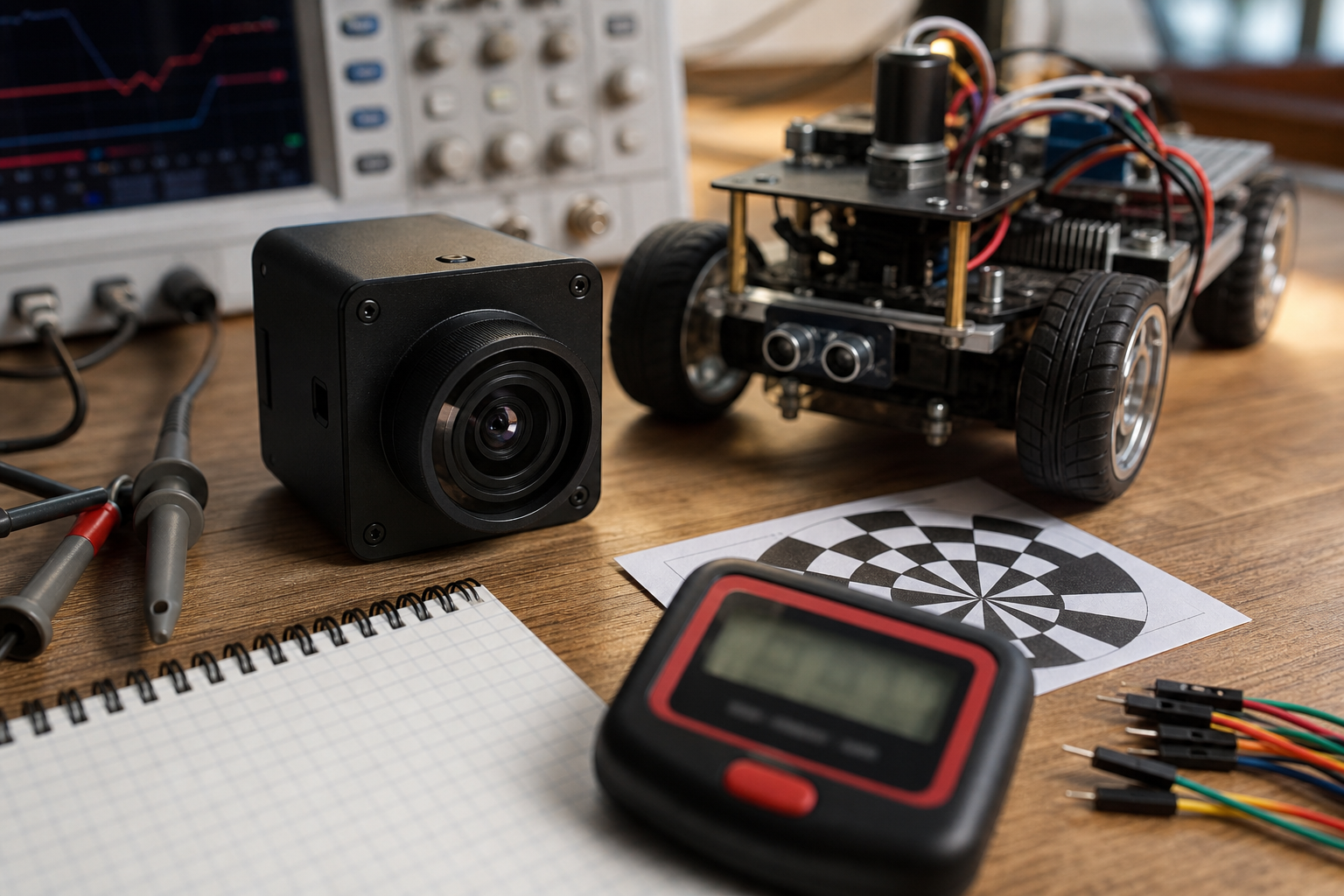
For a classroom or maker robot, a first test can be simple. Point the camera at an LED or moving target, log frame timestamps, inference timestamps and motor command timestamps, then record the robot with a high-frame-rate phone camera. That will not replace lab instrumentation, but it exposes obvious buffering and scheduling problems. For production robotics, teams should use hardware timestamps, controller logs and repeatable targets.
Software architecture matters
Many latency problems are software architecture problems. A camera thread that buffers old frames can make a robot react to the past. A Python loop that blocks on display output can make a fast model behave slowly. A model that reports every detection with no temporal filtering can cause jitter. A ROS node graph with unclear queue sizes can hide delay until the robot is under load.
Builders should prefer latest-frame processing for reactive behaviors, bounded queues, explicit timestamps, and logs that show capture time rather than only processing time. If a perception result does not carry a timestamp, the controller cannot know whether it is acting on fresh data.
Safety and fallback planning
Latency budgets must include failure behavior. What happens when the camera is blinded, the model confidence drops, frames stop arriving, or the accelerator overheats? A safe design should define stale-data thresholds and conservative fallback states. For a mobile robot, that may mean slowing or stopping. For a manipulator, it may mean pausing motion and requesting operator intervention. For a classroom robot, it may mean disabling autonomous mode when detection confidence is unstable.
TVG recently covered related hardware decisions in Raspberry Pi AI Camera Buyer Evaluation and the broader software direction in JetPack 7.2 Pushes Jetson Toward Agentic Edge AI Workflows. The common lesson is that edge AI hardware only helps when the surrounding control system is measured honestly.
Suggested targets by use case
For visual logging, inspection snapshots and non-reactive analytics, hundreds of milliseconds may be fine. For human-facing robots, lower latency helps the system feel responsive, but the safety case usually depends on conservative speeds and independent safety mechanisms. For line-following, obstacle avoidance and conveyor picking, teams should usually aim for tens of milliseconds in the critical path or reduce robot speed until the measured delay is acceptable.
Do not compare these targets directly to vendor TOPS numbers. TOPS does not include exposure, transport, post-processing, decision logic or actuator response. It also does not guarantee that your chosen model maps efficiently to the accelerator.
TVG Take
The best edge AI camera is not the one with the biggest marketing number. It is the one whose full pipeline can be measured, timestamped, maintained and made safe at the robot’s actual speed. Before buying hardware, define the reaction distance your robot can tolerate, turn that into a time budget, then test the entire loop with stale-frame checks and fallback states. That discipline will save more projects than another round of benchmark hunting.