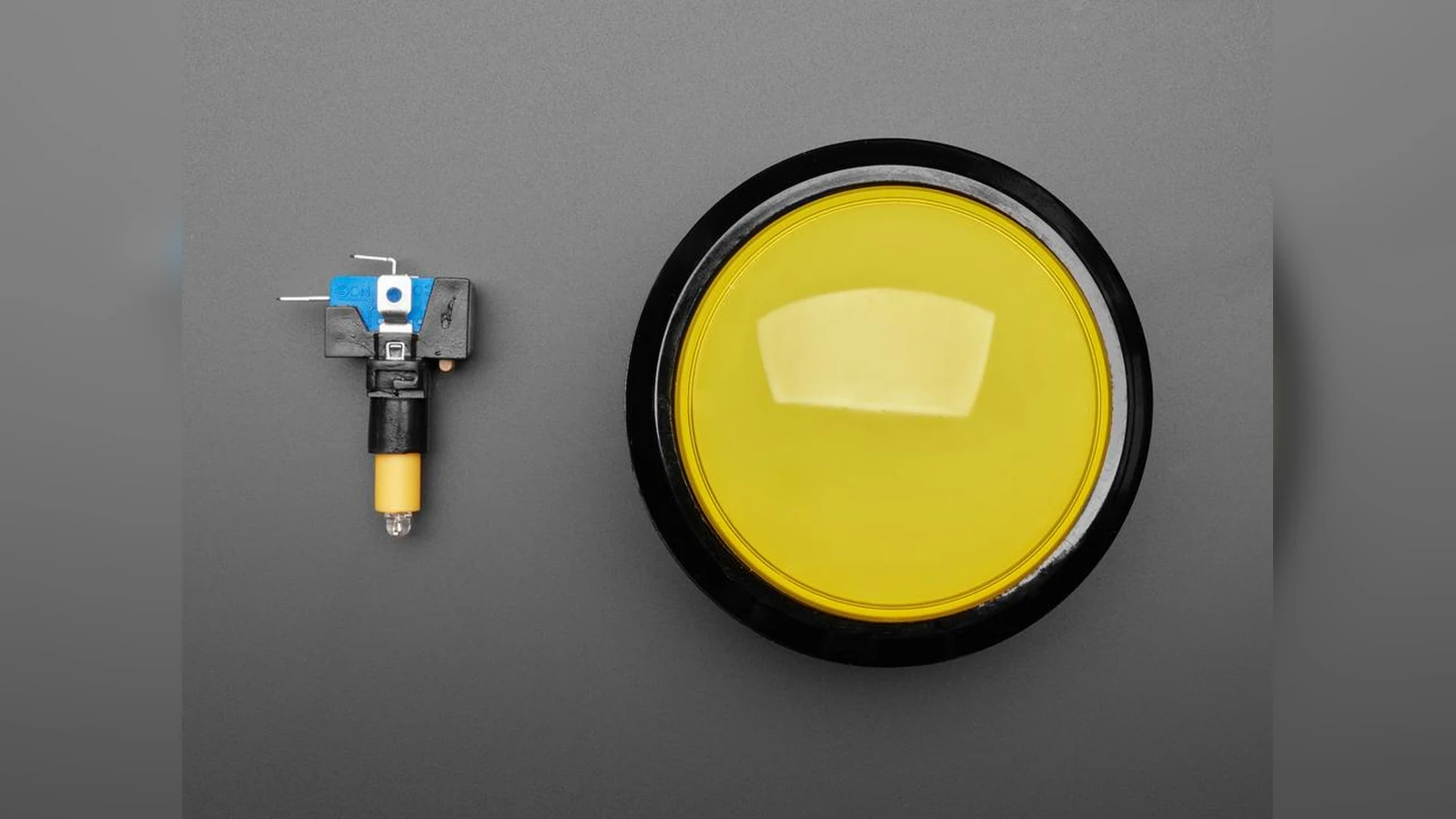
Input choice changes how an accessible STEM project communicates state. A large mechanical switch gives a deliberate press, a defined travel and a signal that is straightforward to debounce. Capacitive touch can reduce force and moving parts, but the reading depends on the electrode, overlay, grounding, environment and firmware threshold.
Start with the user action
Write down the action before selecting the part. If the builder must feel a positive state change, a large button, lever or illuminated switch may be easier to understand than a touch surface. If pressing is difficult but a finger, glove or conductive tool can approach a fixed area, capacitive input may be useful. Neither choice is automatically more accessible: the mechanical geometry, contrast, sound and feedback still matter.
Mechanical input has a clear electrical contract
A switch is not a perfect logic edge. Contacts can bounce, so firmware should debounce the transition instead of treating every edge as a new command. Arduino’s debounce examples and library documentation describe the basic pattern. Also record whether the circuit uses an internal pull-up or pull-down, what state means “active,” and what happens if a wire opens.
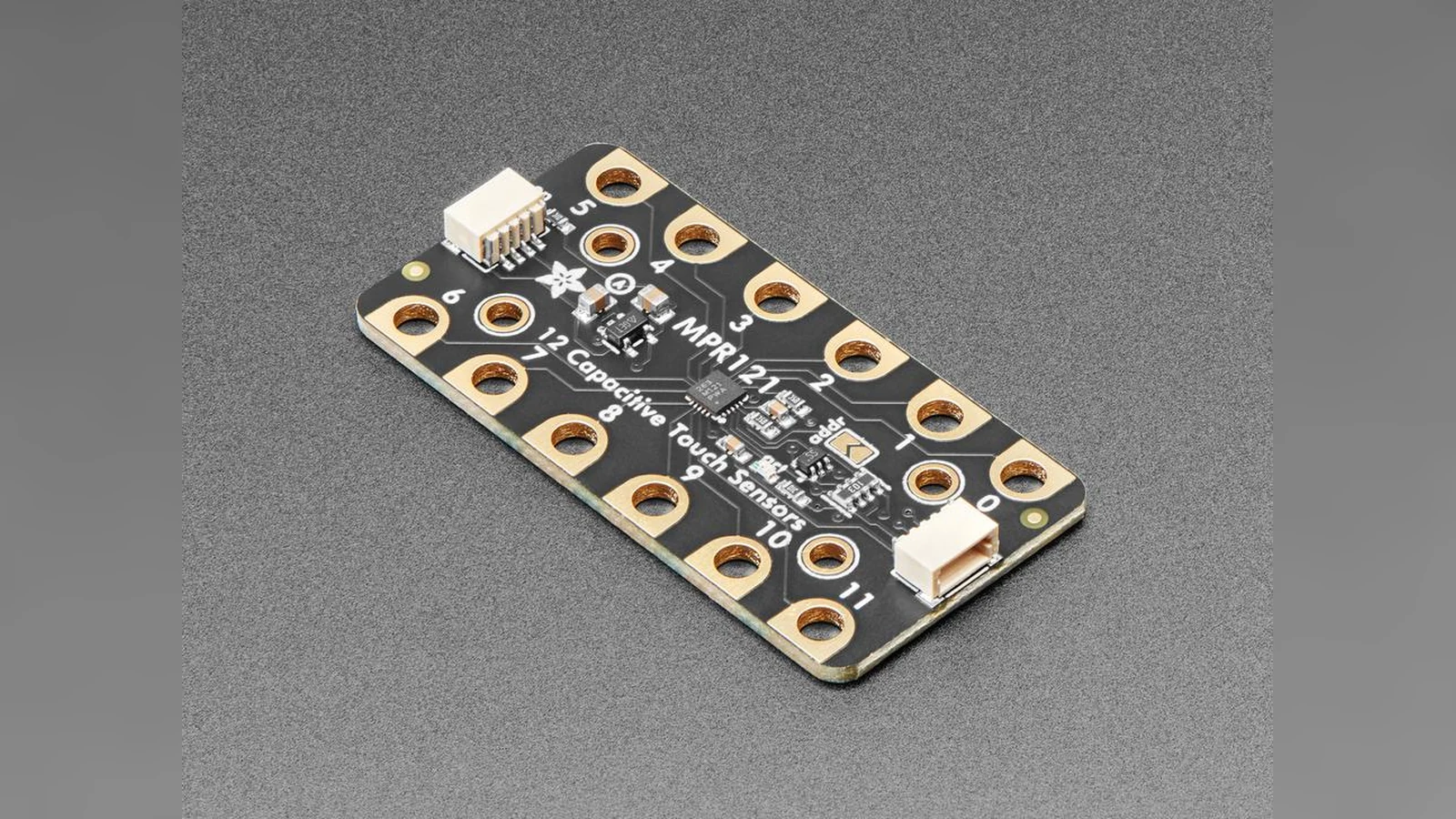
Touch needs an environment record
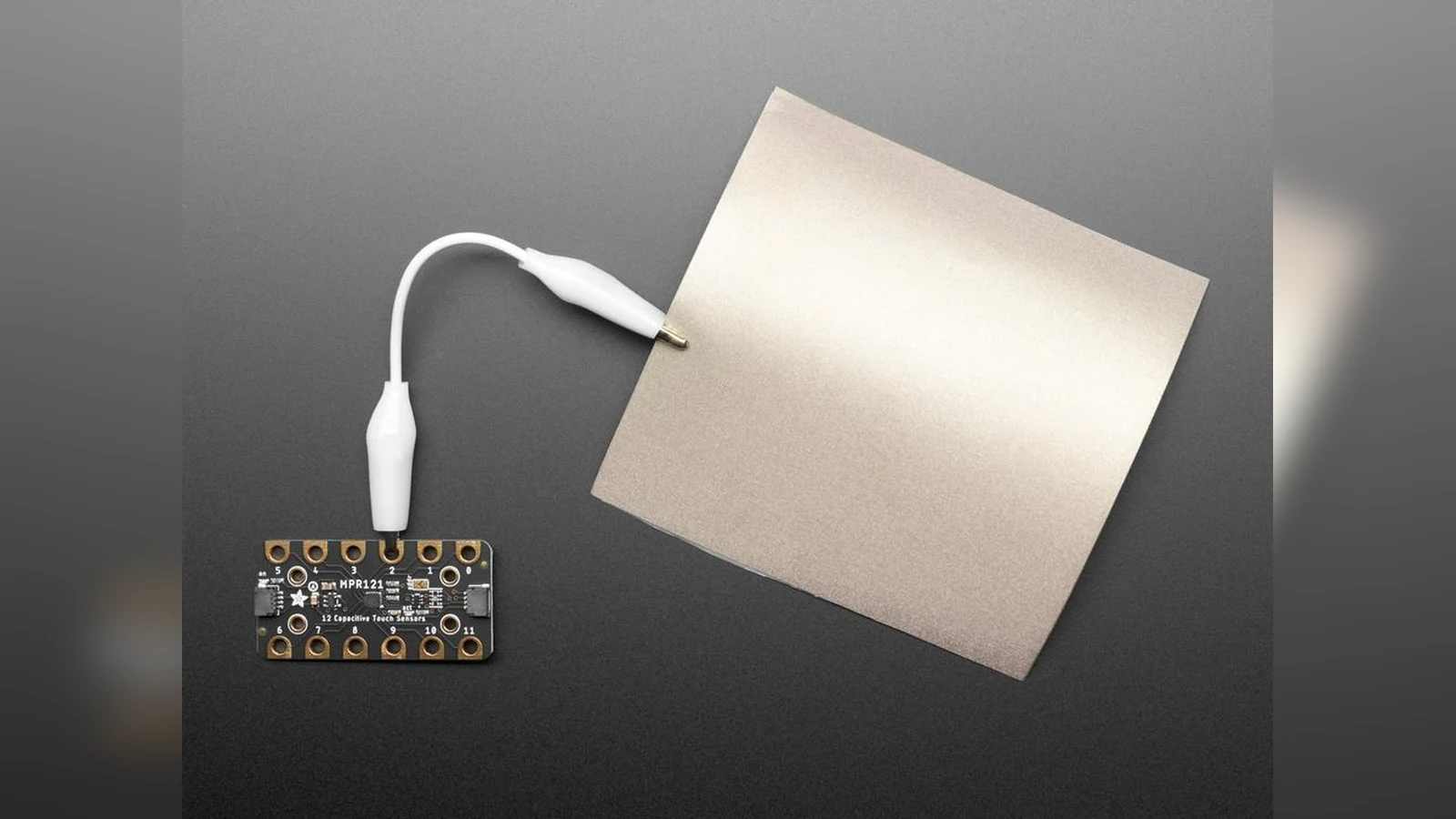
Capacitive sensing measures a change in the electrical field, not a universal “pressed” state. Test the actual electrode, cover material, cable length and power arrangement. Check the idle reading, touch reading, response time and false triggers with the intended user and any gloves. Recalibration should not silently turn a missing or wet input into a valid command.
Make the acceptance test observable
For either input, log the raw signal, filtered state and command event. Test repeated activation, a slow activation, an interrupted cable and the expected reset behavior. The result should say which input is easier for this project and under which conditions—not declare one technology the winner.
Choose the signal around the user
A switch decision is not only about the sensor. It includes mounting height, activation area, cable strain relief, accidental-trigger risk and the firmware response after contact. A large mechanical button gives a builder a clear electrical state and can often be checked with a continuity meter. A capacitive input removes moving parts but makes grounding, enclosure material and environmental noise part of the design. For accessible work, prototype both choices with the intended user before finalizing the enclosure. Record the activation force or touch target, verify a repeatable idle state, and keep a manual stop or disconnect available when the control moves hardware.