Editorial mode: Template B — Analysis / Guide.
Wi-Fi 8 is easy to misunderstand before it becomes a normal consumer label. The useful home-lab question is not whether the next router box shows a larger generation number. It is whether the network becomes more reliable when sensors, laptops, cameras, tablets, hubs and automation gear all compete for the same air.
The IEEE 802.11bn project is commonly discussed around Ultra High Reliability. Wi-Fi Alliance materials around Wi-Fi 7 already show how recent generations have mixed throughput, latency and spectrum-management improvements. TVG’s advice for builders is to treat Wi-Fi 8 as a reliability topic first, not a speed-shopping shortcut.
Quick answer
Do not upgrade a home lab for Wi-Fi 8 branding alone. Upgrade when the router, clients and firmware can improve the reliability problems you actually have: roaming, latency spikes, interference, congested channels, camera dropouts, sensor delays or crowded smart-home traffic.
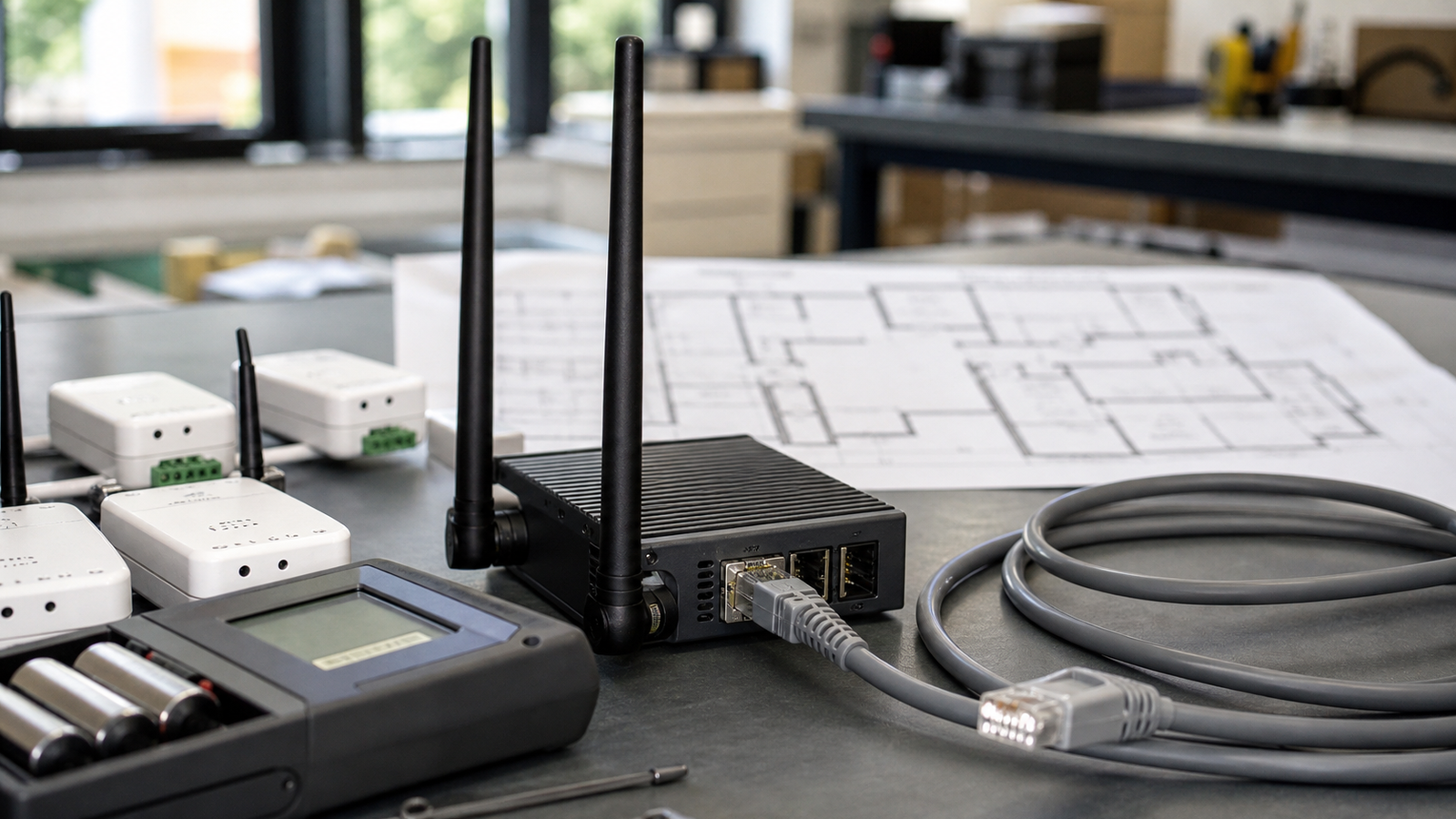
Make a failure map before buying hardware
Start with the failure, not the shopping list. Where do video calls stutter? Which camera drops? Which sensor reports late? Does the garage, workshop, rack closet or classroom corner behave worse than the living room? A simple map of access point location, walls, metal shelving and failure points often explains more than a speed test near the router.
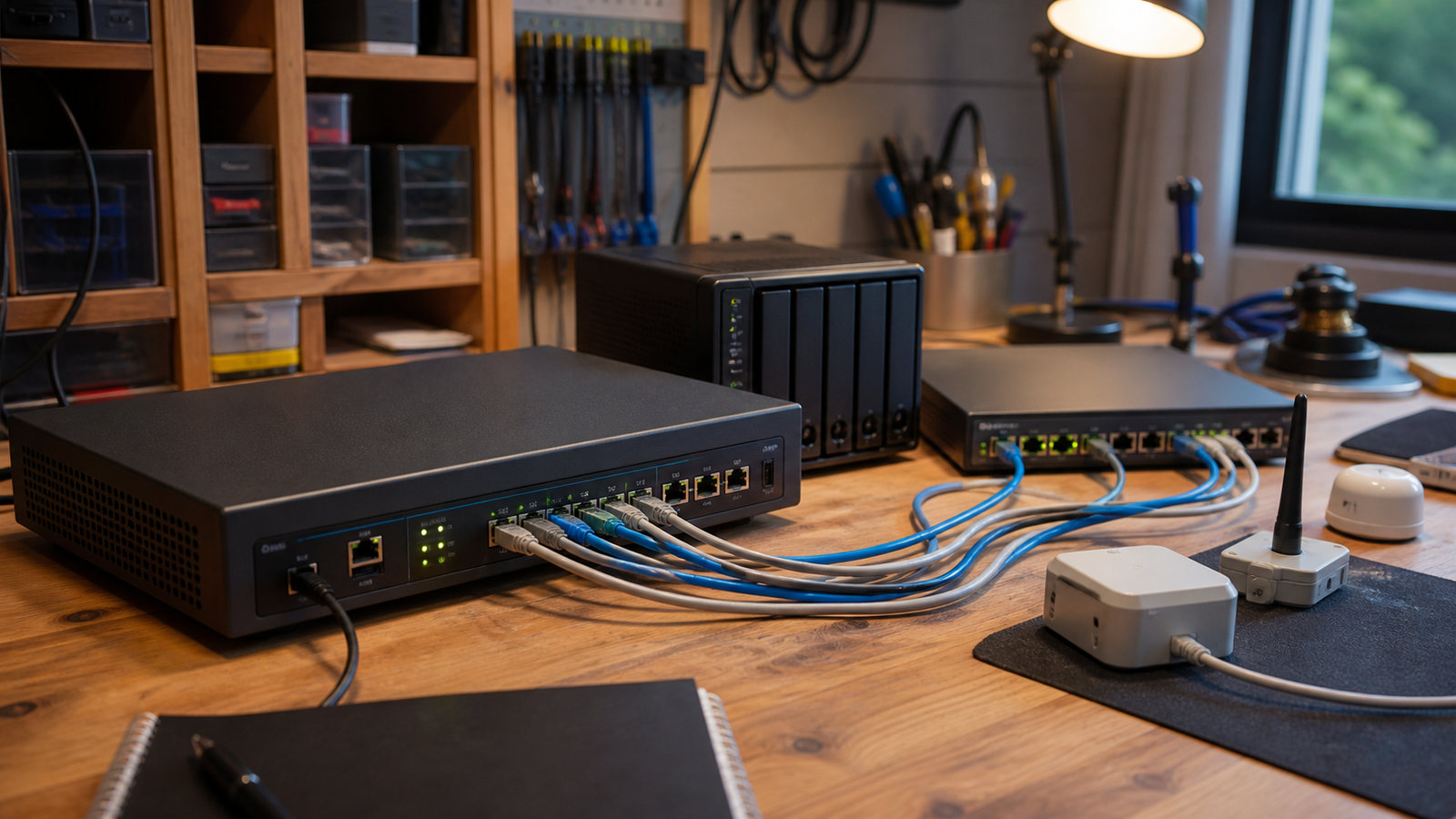
This is especially true when a home lab mixes Wi-Fi with Thread, Matter, Ethernet and Bluetooth devices. A low-power sensor may have a different failure mode than a laptop. A camera may stress sustained airtime. A mini server may be better moved to wired Ethernet so the wireless network is not asked to solve every problem.
What to test when Wi-Fi 8 gear arrives
- Roaming: walk a client through the house or lab and watch whether it sticks to the wrong access point.
- Latency under load: test while cameras, backups and video calls run at the same time.
- Channel behavior: record whether auto-channel changes improve or destabilize the setup.
- Firmware maturity: early router firmware can matter as much as the radio specification.
- Client support: a Wi-Fi 8 router cannot upgrade old clients by itself.
- Fallback wiring: move fixed devices to Ethernet when practical.
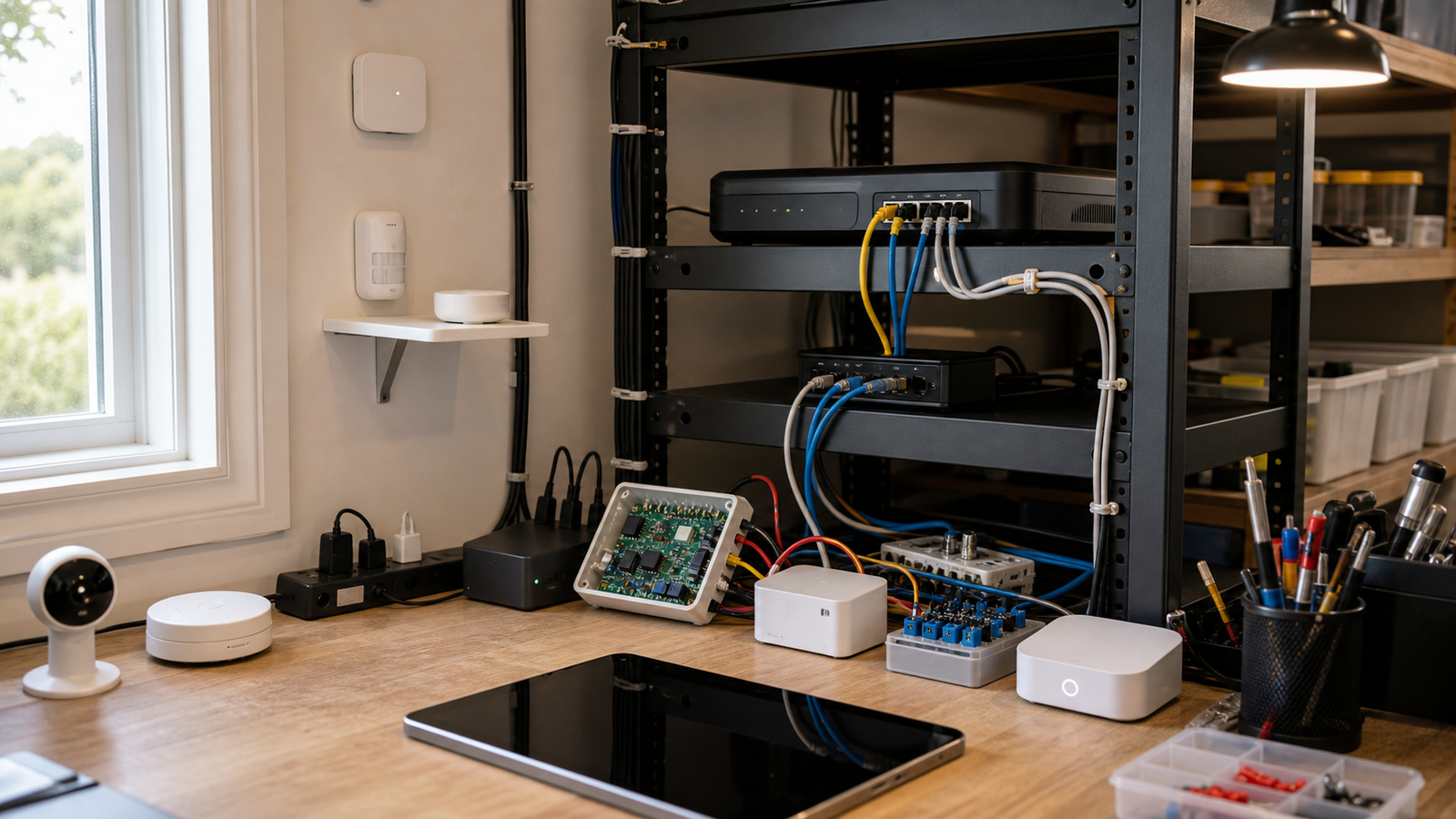
Where Thread and Matter fit
Thread and Matter do not replace Wi-Fi, but they can reduce pressure on it when low-power sensor traffic is handled by a mesh designed for that job. TVG’s Matter and Thread sensor placement guide covers that workflow in more detail.
The practical point is to avoid treating every device as a Wi-Fi device by default. Home-lab reliability often improves when fixed high-bandwidth equipment uses Ethernet, low-power sensors use the right mesh, and Wi-Fi is reserved for clients that need mobility.
Do not skip wired baselines
Before blaming Wi-Fi, run one wired baseline where possible. If a camera, NAS, mini PC or automation hub works correctly on Ethernet but fails over wireless, the team has narrowed the problem. If it fails on both paths, the issue may be power, firmware, storage or the application itself.
That baseline protects the budget. Many home labs buy a stronger router when the real fix is moving a fixed device to Ethernet, separating guest traffic, relocating an access point or replacing a weak client adapter. Wi-Fi 8 may help some environments, but it should not become a way to avoid basic troubleshooting.
TVG Take
Wi-Fi 8 will be most interesting if it makes wireless networks boring under stress. For builders, the smart move is to document failures now, then judge new hardware against those failures later. A generation badge is not a test result.
For classrooms, the lesson is even stronger. Ask students to predict where the network will fail, then measure. They can log signal quality, ping behavior, camera dropouts and sensor delays before and after moving equipment. That turns a router upgrade into a real networking lab instead of a consumer-tech purchase.