
Editorial mode: Template B — Analysis / Guide.
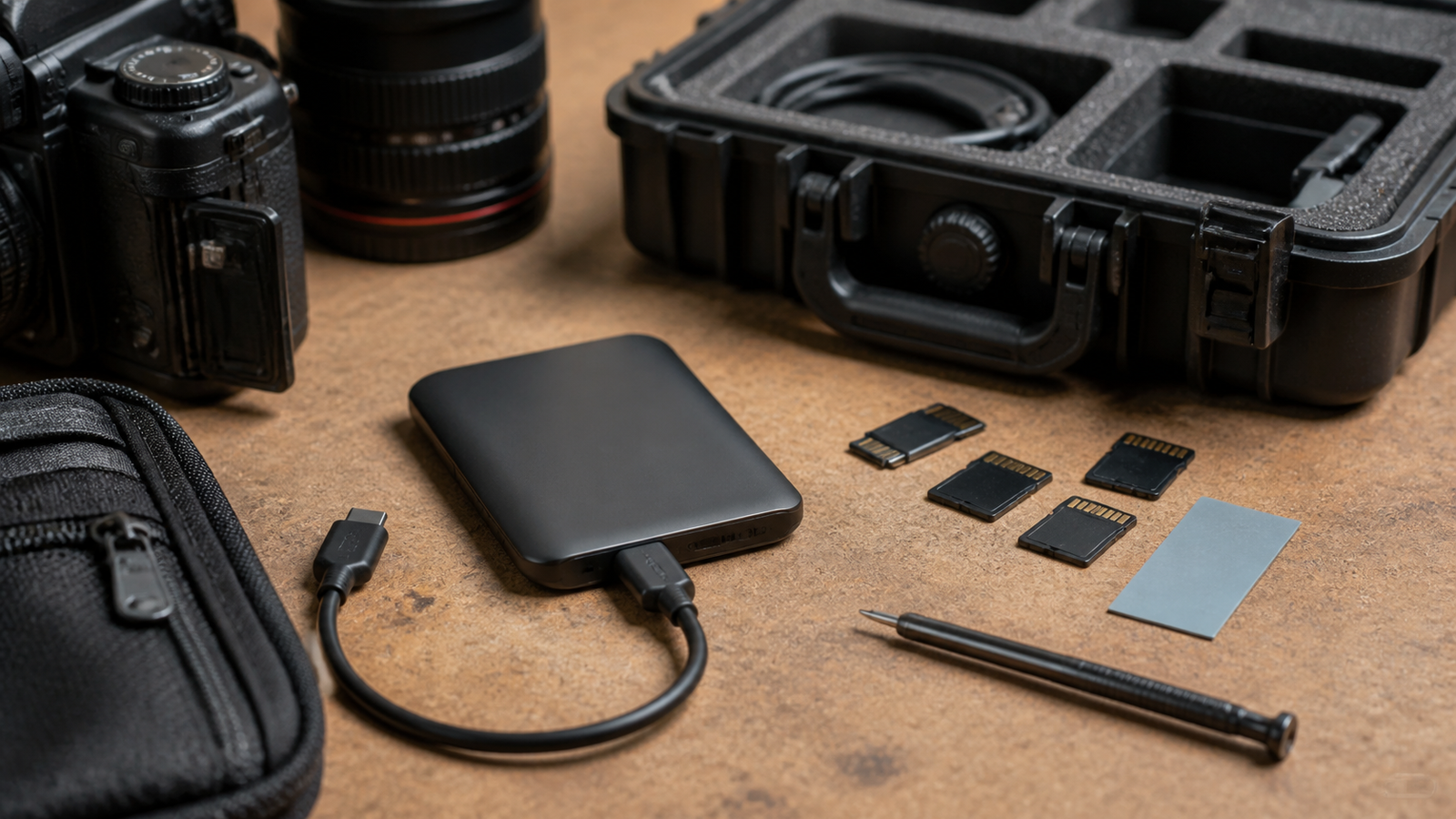
USB4 Version 2 raises the ceiling for external storage workflows, but a bigger bandwidth number does not automatically make a field backup safe. A creator copying camera media, a robotics team logging sensor data, or a maker lab moving large project files still has to care about the host port, cable rating, SSD thermal behavior and sustained writes.
The USB Implementers Forum describes USB4 and publishes the USB4 Version 2.0 specification. SSD vendors such as Kingston explain why NVMe drives can throttle when heat builds. Put together, those sources point to a simple buyer rule: the link standard is only one piece of the storage chain.
Quick answer
Buy USB4 Version 2 storage only when the full chain supports it: computer port, enclosure or drive controller, cable, SSD, thermal design and workflow. If any link falls back, the headline speed may not matter.
Check the host first
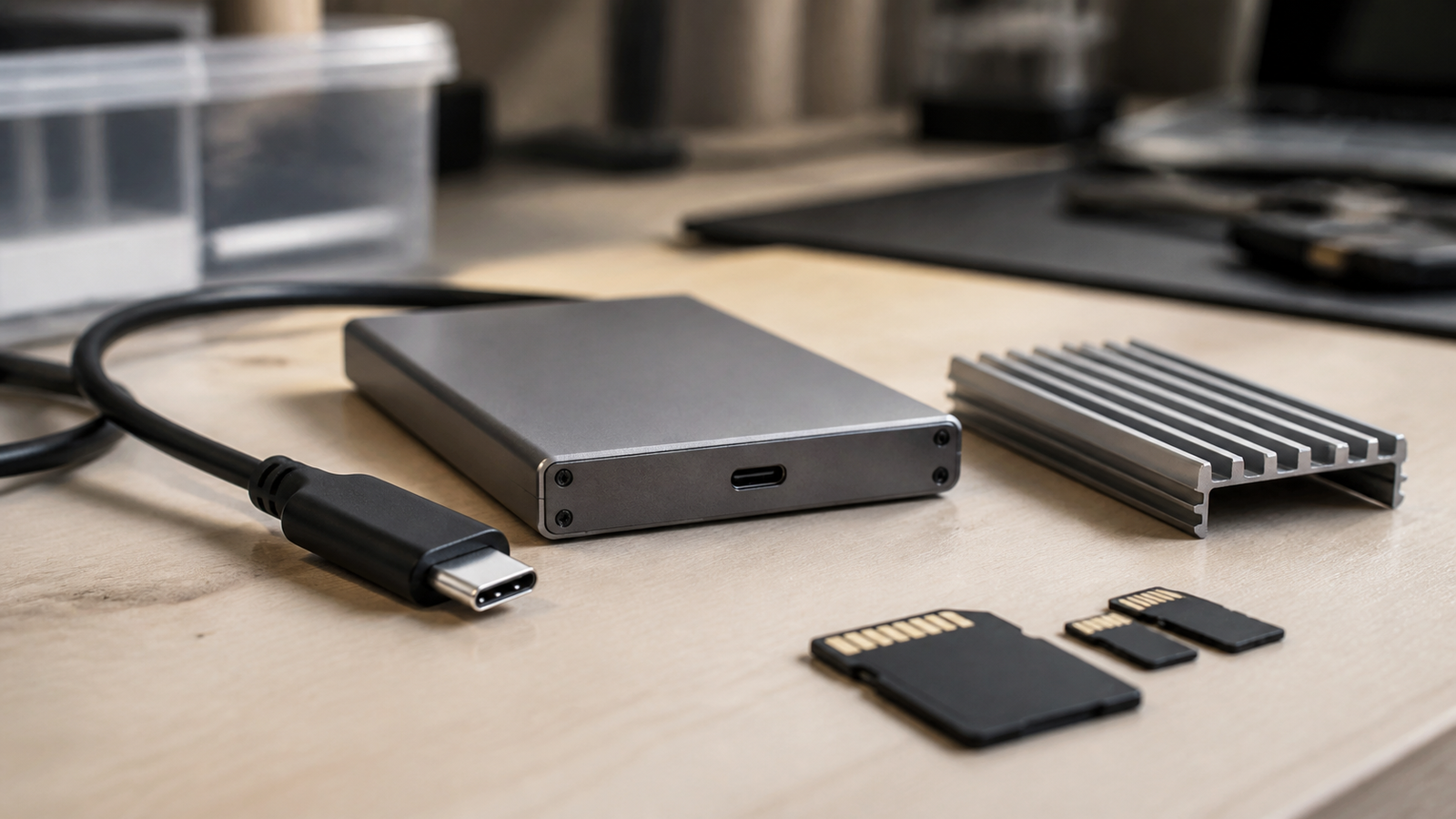
A drive cannot exceed the port and controller it connects to. Before buying, check whether the laptop, desktop, mini PC or tablet supports the expected USB4 mode, whether the operating system exposes it correctly, and whether docks or displays share bandwidth on the same path.
Then check the cable. A short, properly rated cable is not an accessory detail; it is part of the storage system. Mystery cables and worn connectors can create intermittent failures that look like drive problems.
Thermals decide long transfers
Short benchmarks can hide weak cooling. A fast NVMe SSD may burst quickly and then slow during a full-card copy or sensor-log archive. Look for a believable thermal path from controller to pad to enclosure shell, and test the drive with the longest transfer you expect to run.
This is where a field workflow differs from a desk benchmark. A drive sitting in a hot car, sealed case or sunny sideline station may behave differently than it did in an air-conditioned office.
Buyer checklist
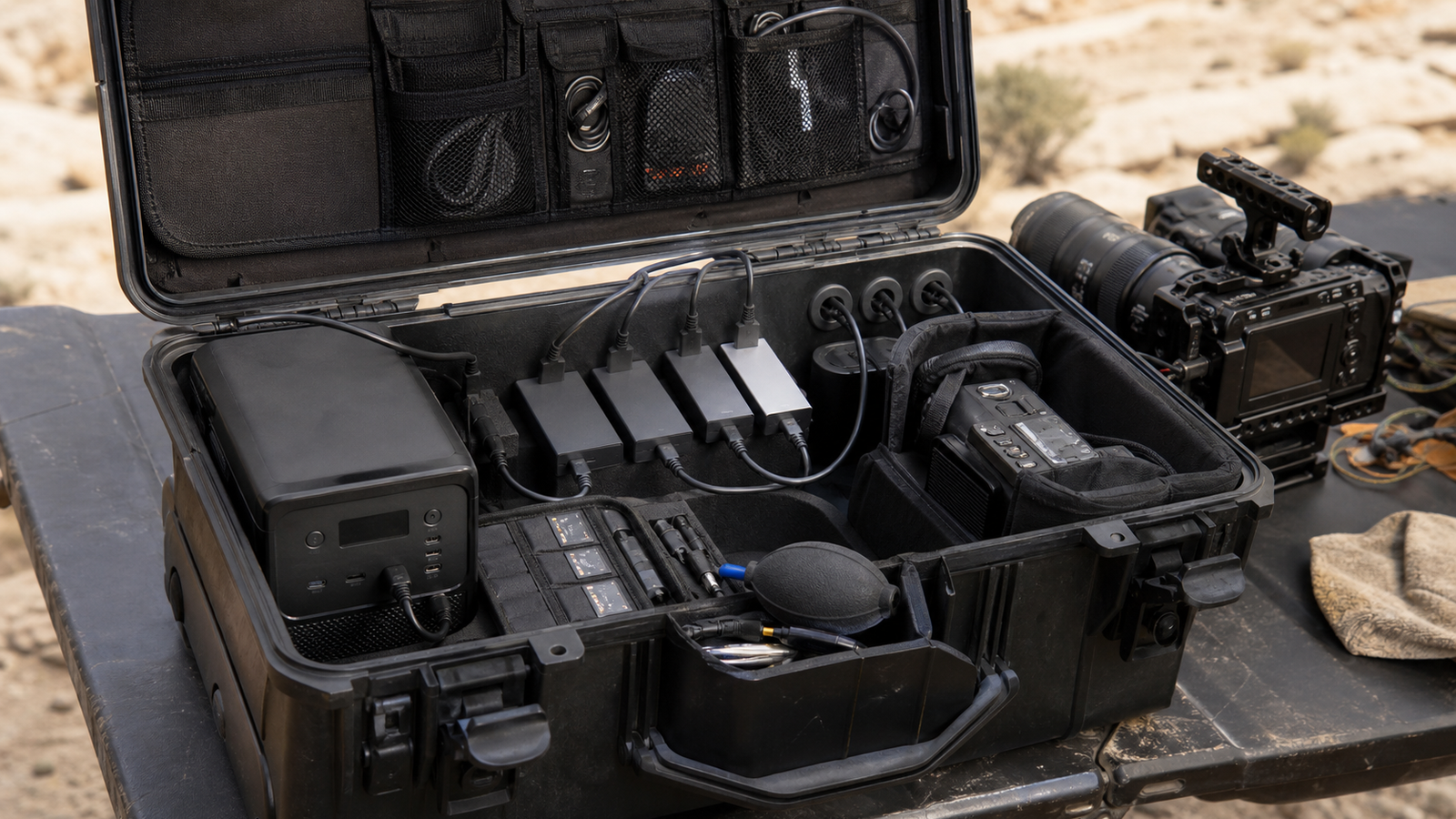
- Host support: verify USB4 Version 2 or appropriate USB4 support on the computer, not only the drive.
- Cable: use a rated cable and keep one known-good spare.
- Thermal path: inspect enclosure material, pad contact and ventilation assumptions.
- Sustained write test: copy a full camera card or log archive before trusting the setup.
- Power behavior: test with hubs, docks and battery-powered setups if used in the field.
- Second copy: do not format original media until a verified backup exists.
This article extends TVG’s earlier USB4 NVMe enclosure checklist with a Version 2 lens.
What not to overclaim
Do not treat USB4 Version 2 as a guarantee that every external SSD will sustain maximum speed. Drive firmware, NAND behavior, enclosure cooling, operating-system caching and cable quality can all affect the result. A product page number is a ceiling under specific conditions, not a promise for every field transfer.
For maker labs, the same caution applies to robotics datasets and 3D-scanning captures. A drive that seems fast for small files may behave differently when writing many gigabytes of images, depth frames or video. Test with the actual file mix before the trip, class or event.
TVG Take
The best external SSD is the one that stays boring when the transfer is large, the day is hot and the cable has been plugged in a hundred times. USB4 Version 2 is promising; it still needs a disciplined buyer checklist.
Field teams should also label their cables and drives. When every USB-C cable looks the same, troubleshooting becomes guesswork. A small label, a known-good spare and a written ingest routine can prevent a storage problem from turning into lost media or missing robot logs.



