Editorial mode: Template B: Analysis / Guide.
Accessibility technology is often treated as a finished product category. In a STEM lab, it can be something more useful: a concrete engineering lesson about inputs, bodies, environments, and reliability. Adaptive switch interfaces are a good place to start because the hardware can be simple while the design problem is real.
The World Wide Web Consortium’s accessibility guidance focuses on making technology usable for people with diverse abilities. In hardware projects, the same principle becomes physical. A button is not just a button when the user may press it with a hand, elbow, head movement, foot, stylus, wheelchair tray, or assistive mount.
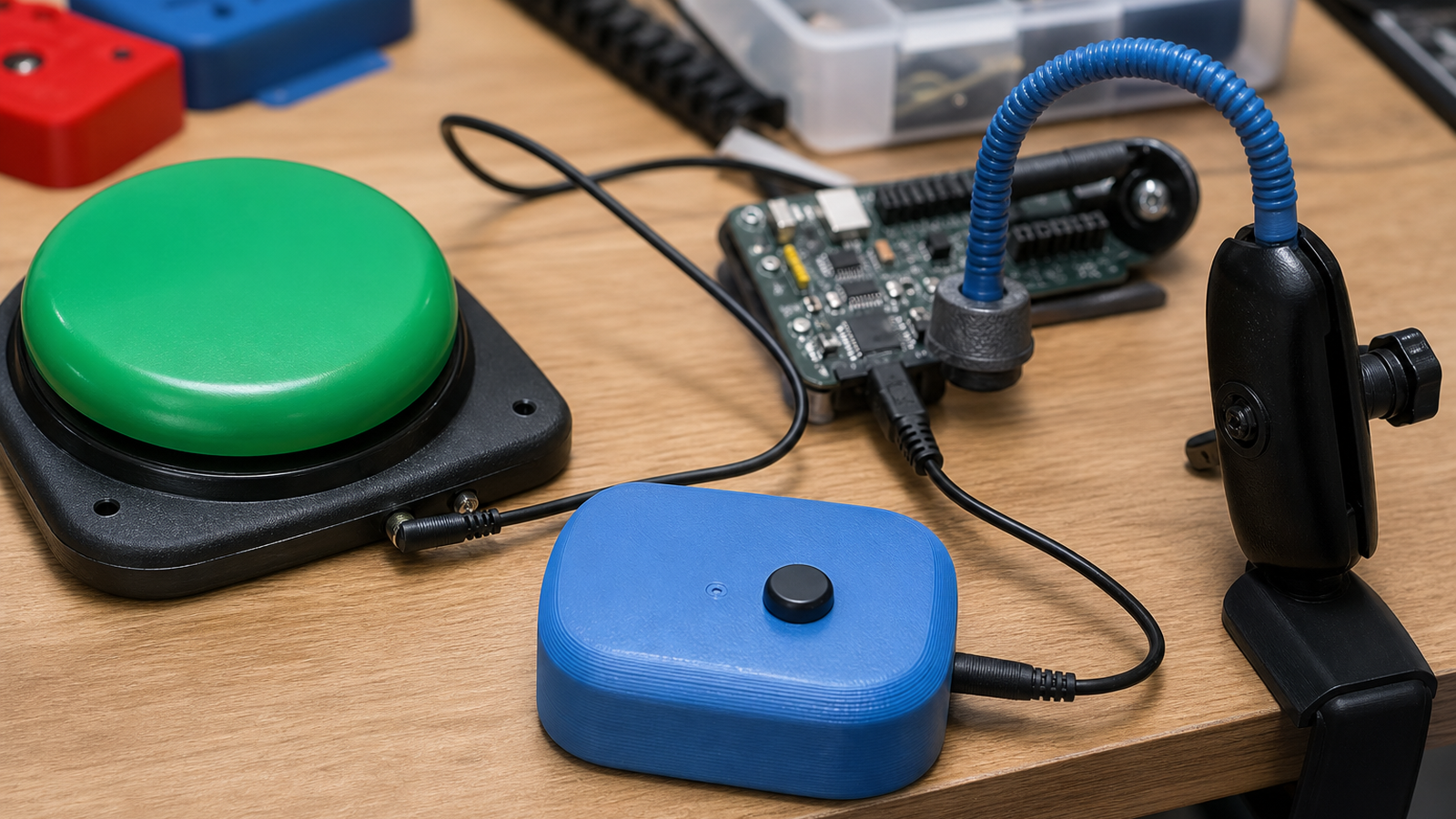
For student teams, adaptive switch projects connect electronics, mechanical design, and human factors. The circuit may be a microcontroller input, pull-up resistor, jack, and enclosure. The hard work is making the input consistent, comfortable, safe, and understandable for a specific user context.
Start with switch type. Large mechanical switches, soft-touch buttons, sip-and-puff devices, proximity sensors, and capacitive pads all create different signals and mounting needs. A switch that works on a desk may fail on a wheelchair tray because vibration, angle, reach, and cable strain change the interaction.
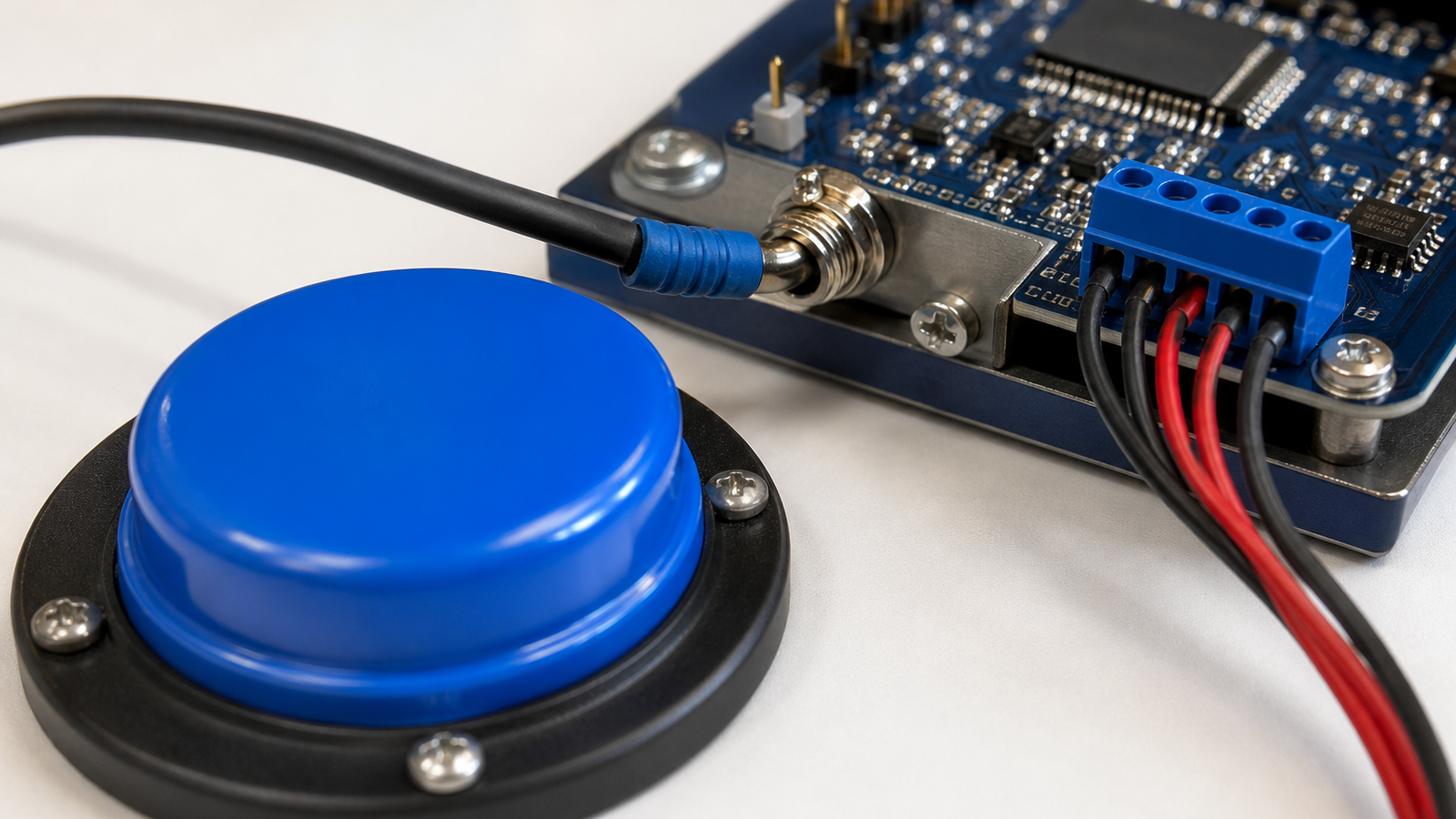
Debounce is the first software lesson. A physical switch can chatter, producing multiple transitions from one press. Students can see the problem on a serial monitor, add filtering, and compare responsiveness against false triggers. That is a better lesson than copying a button example without knowing why state handling exists.
Mounting is the mechanical lesson. The most inclusive interface is useless if it slides away, rotates under load, or leaves a cable where it can snag. Maker teams should design mounts with adjustability, rounded edges, strain relief, and a way to remove or reposition the device without tools.
Feedback closes the loop. A user may need a click, light, tone, vibration, screen state, or companion indicator to know the input was received. For robotics clubs, this maps directly to driver-station controls and operator confidence. An input that is electrically correct but ambiguous in use is not finished.
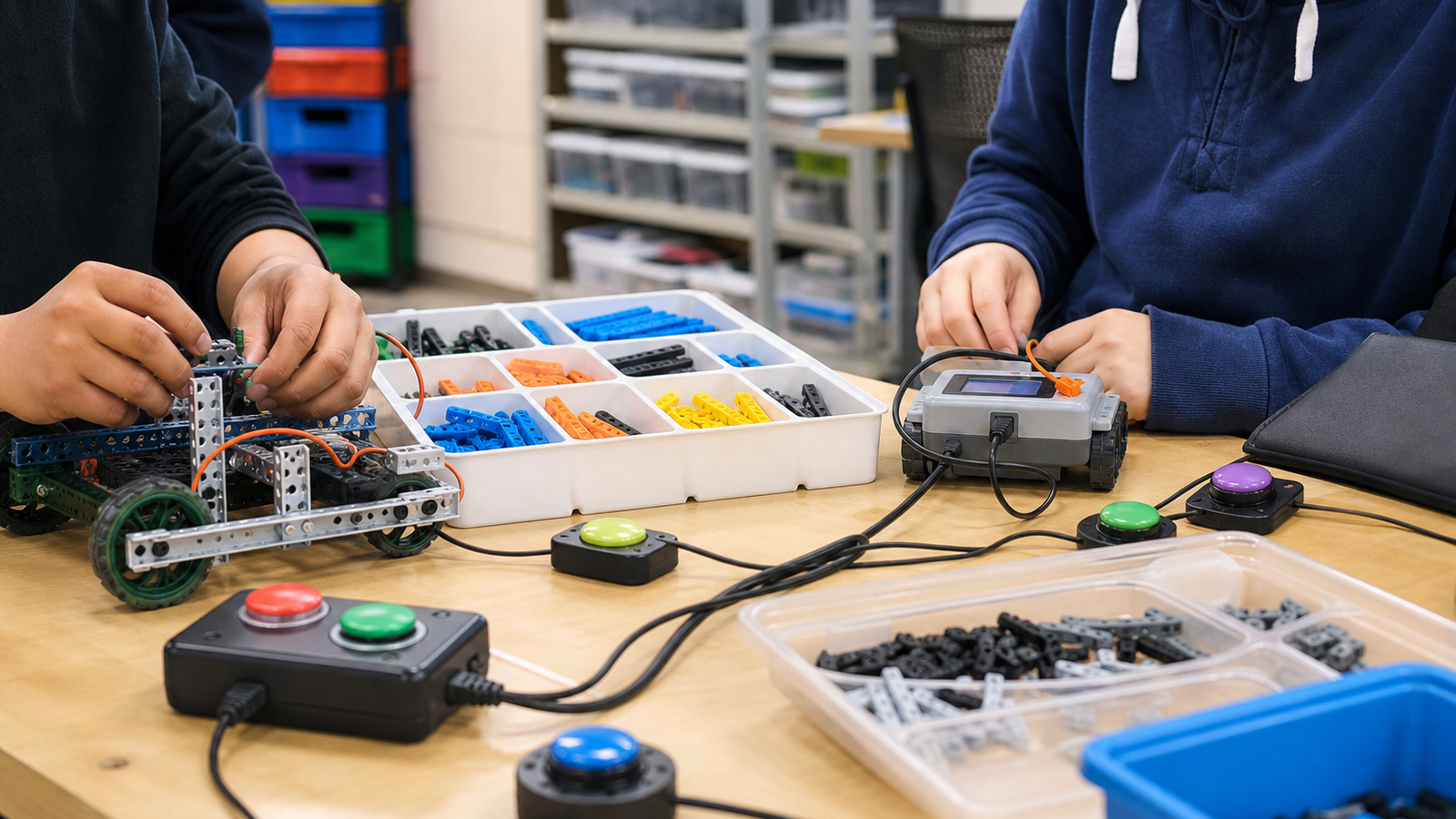
Safety and consent are nonnegotiable. Student teams should not build assistive devices for a person without listening to that person, caregiver, teacher, or occupational-therapy context. Avoid attaching devices to mobility equipment without permission, and avoid making medical or therapeutic claims. The STEM lesson is inclusive engineering practice, not pretending to certify a clinical product.
One useful classroom exercise is to build the same switch input three ways: direct polling, debounced polling, and an interrupt-driven input. Students can then compare missed presses, false double-presses, latency, and code complexity. The accessibility context gives those abstract tradeoffs a human reason.
Documentation should be part of the build. Record the switch force, cable type, connector, mount adjustment range, battery or power requirement, and cleaning method. If the original student builder is absent, another person should still be able to use and maintain the interface safely.
Inclusive projects also expose procurement reality. A prototype may work with a $2 button, but a real user may need a more durable commercial switch, a different mounting arm, or a sealed enclosure. That conversation helps students understand the difference between proof-of-concept and dependable assistive hardware.
TVG Take: Adaptive switch interfaces are valuable because they expose the gap between a working circuit and a working tool. The project teaches debounce, enclosure design, cable management, mounting, feedback, and user-centered iteration in one compact build.
For TVG’s broader coverage, accessibility tech belongs next to robotics and maker hardware because it asks the same engineering questions with higher stakes: what does the system sense, how does it fail, who can repair it, and whether the design respects the person using it.