Editorial mode: Template B: Analysis / Guide.
USB-C Power Delivery has made maker labs cleaner. One charger can power a laptop, single-board computer, camera monitor, microcontroller station, and battery pack. That convenience also hides a common failure: teams count available ports instead of calculating the load each device can actually draw.
The USB Implementers Forum describes USB Power Delivery as the specification behind higher-power USB charging and negotiated voltage/current behavior. In practice, the device, charger, cable, and any hub or dock must all agree on what can be delivered. If one piece in the chain is underrated, the entire station may drop to a lower profile or behave unpredictably.
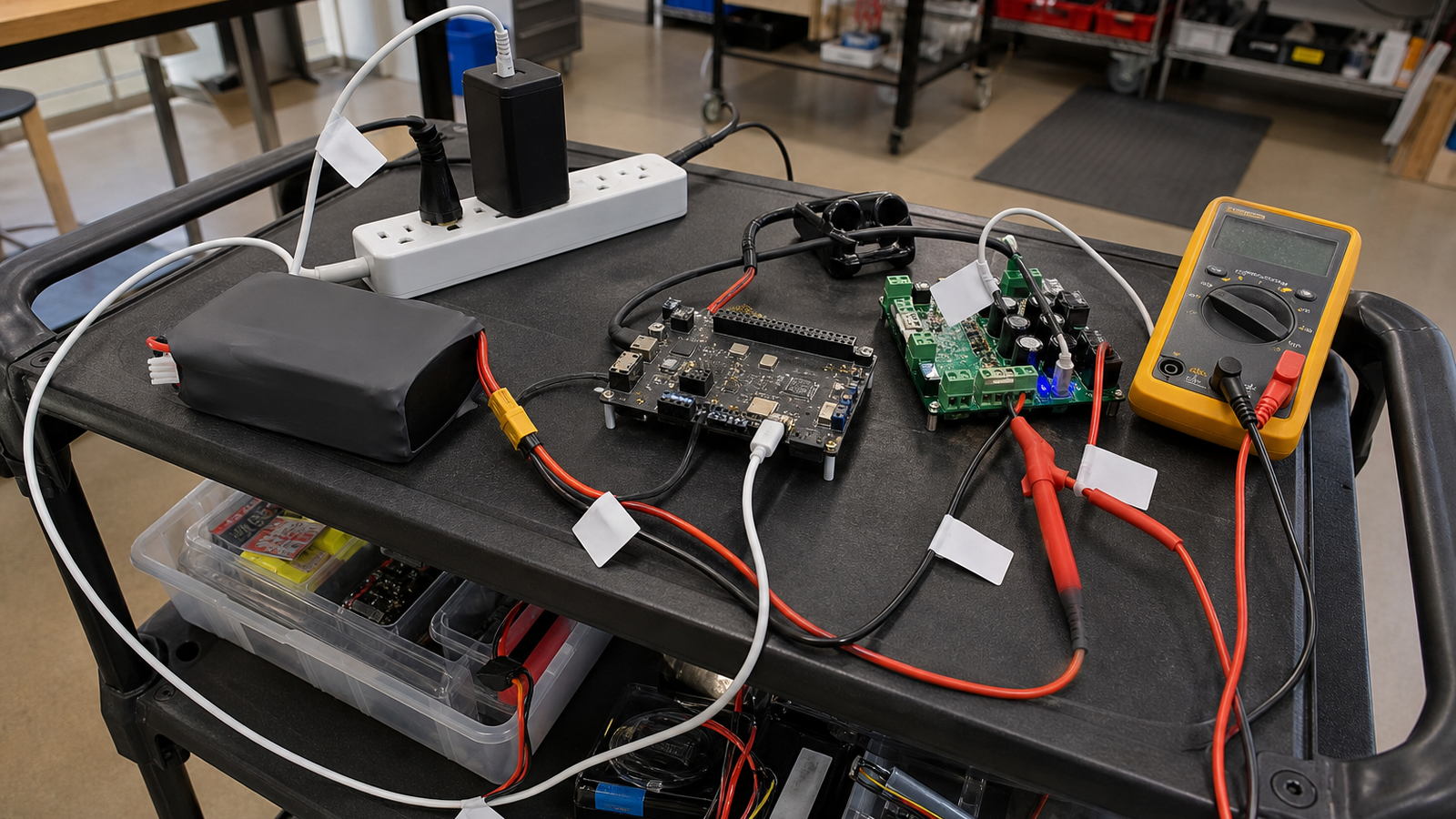
Start with a written load budget. List every device on the cart, its maximum draw, its connector, and whether it needs a steady supply or only charges a battery. A Raspberry Pi with cameras, a portable display, a microcontroller programmer, and a laptop can all be “USB-C devices” while having very different tolerance for voltage dips.
Next, separate compute loads from charging loads. A laptop that is replenishing its battery can briefly demand far more than the same laptop running at full charge. A power bank may accept a high input profile while also providing output to other devices, but pass-through charging behavior varies. Robot teams should test the exact power path they plan to use, not a similar-looking cable drawer setup.
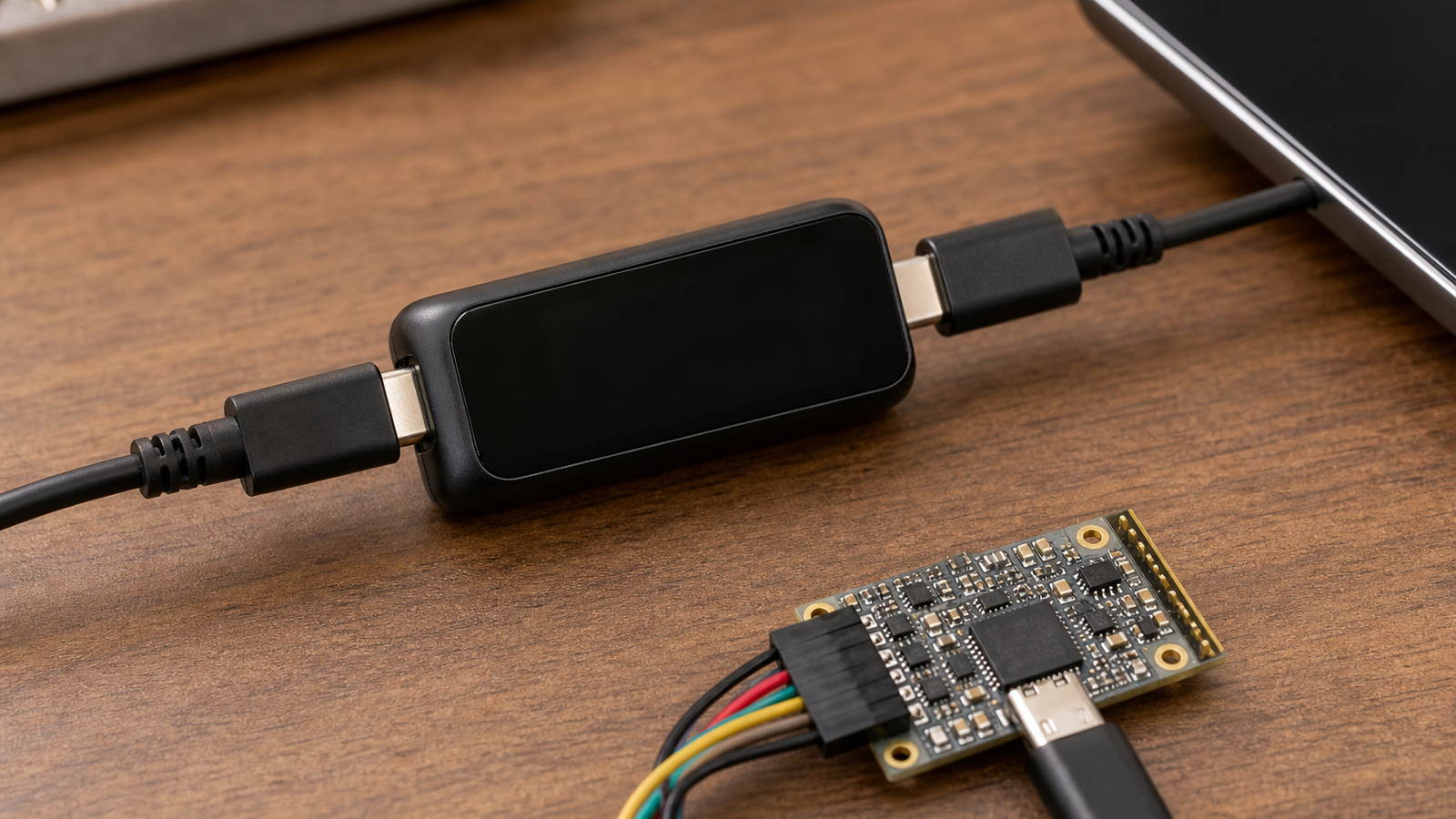
Cable rating matters. USB-C’s reversible connector makes mismatched cables easy to overlook, especially when a cable that works for data transfer is pressed into service as a high-power cable. Label cables that are approved for the cart, and keep unknown giveaway cables out of competition or field kits.
For robots and field carts, peak load is more important than average load. Servos, radios, displays at full brightness, camera heaters, and SSD writes can create short spikes. If the station brownouts only during calibration, recording, or motor bring-up, the power system will look fine during a casual desk check and fail when the team most needs it.
A practical test is simple: assemble the final cart, connect all intended devices, set displays to field brightness, start data logging, run camera preview, charge the laptop from a low battery state, and leave the system operating long enough to get warm. Watch for reconnect sounds, storage disconnects, camera frame drops, or touchscreens that dim unexpectedly.
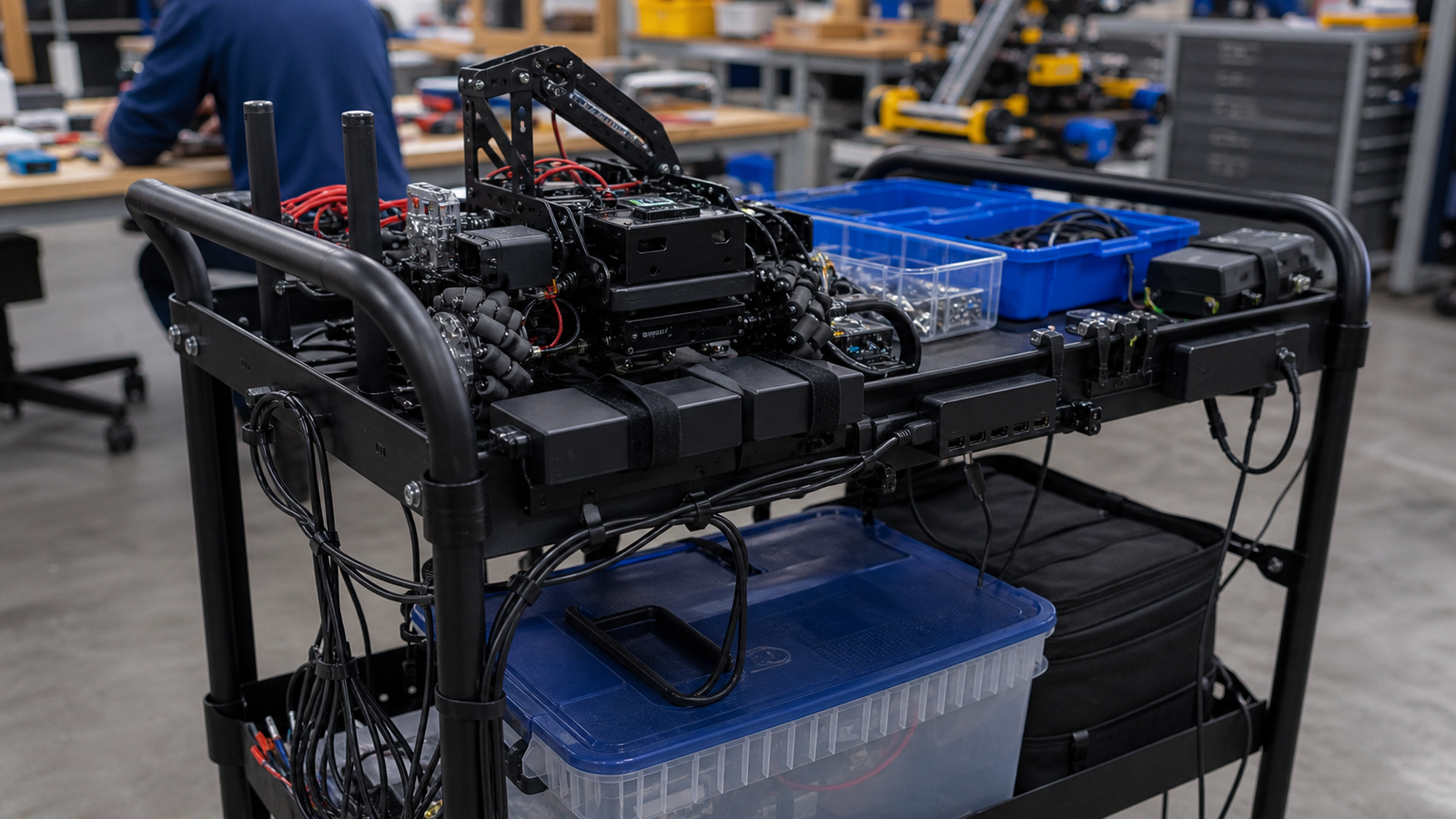
Keep safety boring. Use certified chargers from known vendors, avoid daisy-chained adapters, do not bury power bricks under fabric or foam, and give every high-current device strain relief. If a cable, hub, or charger gets hot enough that a student notices it during normal use, remove it from the cart until the cause is understood.
A good worksheet includes five columns: device, expected load, peak load, charger port, and fallback power option. The fallback column is important because event-day reliability often depends on what happens when the preferred charger is forgotten, borrowed, or broken.
Do not ignore data paths. A USB-C cable used for power may also carry video, storage, or debug data in another setup. If the cart relies on a dock, test monitor output, camera capture, storage writes, and charging at the same time. Some failures appear only when power and data demands collide.
For STEM teams, make the power plan visible. Tape a small laminated load map inside the cart or toolbox. Students should be able to rebuild the station without guessing which charger belongs to which device.
TVG Take: USB-C PD is a good lab standard when treated as a negotiated power system, not magic cable plumbing. A reliable robot cart has a load table, labeled cables, a tested charger, and a restore plan when one component disappears on event day.
The support article this connects to is TVG’s broader field-power coverage: USB-C PD, portable power stations, and robot lab backup planning all point to the same rule. Reliability comes from testing the full path under realistic load, not from buying the largest adapter on the shelf.