
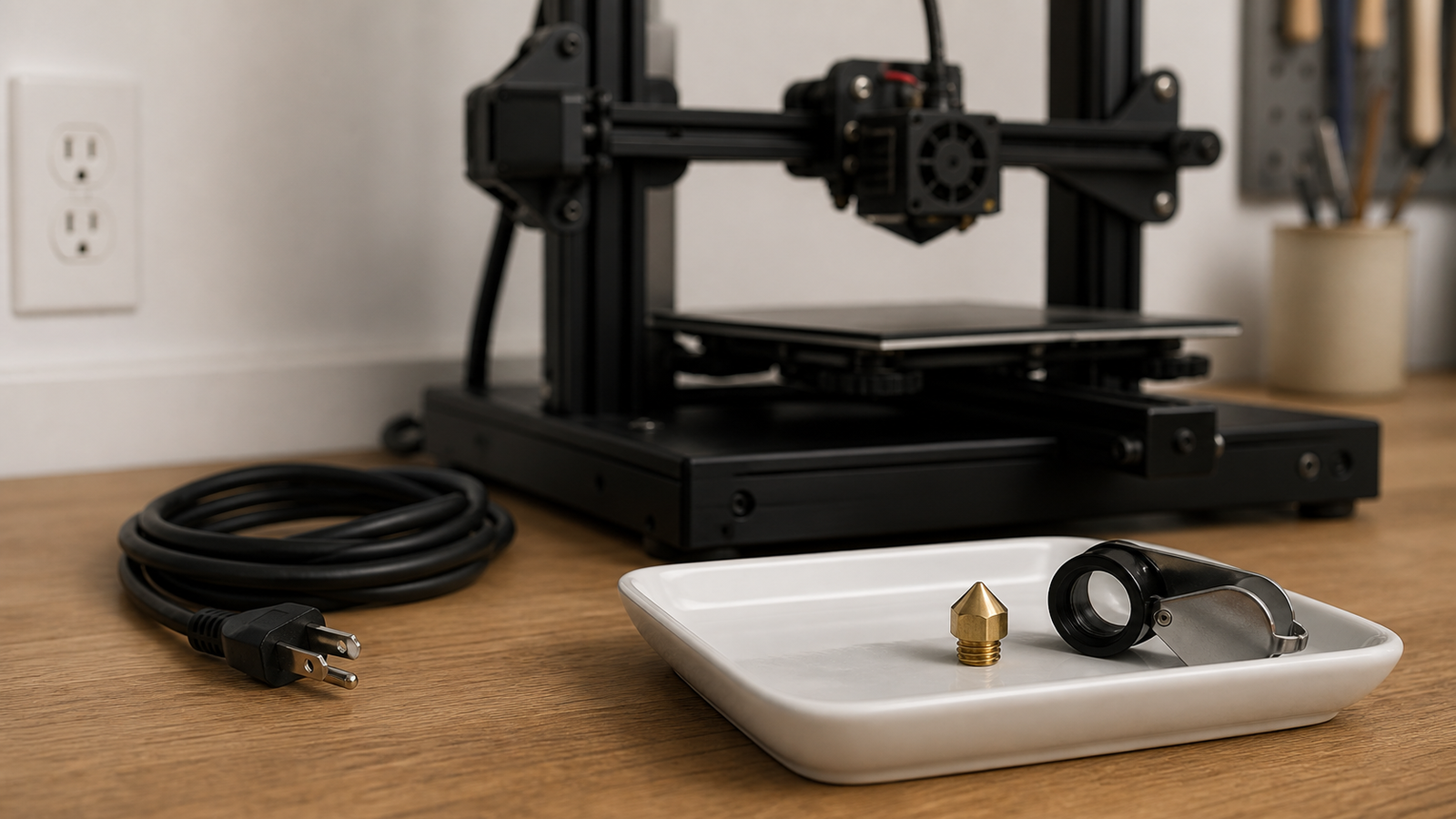
One rough print does not prove that a nozzle is worn. Wet filament, a partial clog, loose mechanics, incorrect temperature, damaged cooling, and a changed slicer profile can produce similar symptoms. A useful wear check compares the printer with its own earlier baseline.
This is a maintenance guide, not a hands-on test of a particular printer or nozzle. Follow the printer maker’s hotend service procedure. Nozzles and heater blocks can remain hot after power is removed, and tightening procedures often require specific temperatures and counter-holding.
Quick answer
- Record nozzle material, nominal diameter, installed date, and abrasive-filament use.
- Rule out moisture, clogs, loose motion parts, and profile changes first.
- Compare a saved coupon using the same material, profile, orientation, and measurement method.
- Inspect only when the hotend is in the safe state specified by the manufacturer.
- Confirm the diagnosis with a controlled nozzle replacement, not a simultaneous batch of adjustments.
Material history is the first clue
Prusa’s maintenance guidance notes that nozzles wear over time and that abrasive filled materials accelerate wear on ordinary brass. Glow, carbon-fiber, glass-fiber, metal-filled, and some mineral-filled filaments can change the risk sharply.
Also record nozzle changes that occur for reasons other than wear. A collision with the build plate, aggressive cleaning, or an incorrect hot-tightening procedure can damage the outlet or sealing surfaces. Those events belong in the same maintenance log because print hours alone will not explain the change.
A spool log is more useful than total printer hours. Record material type and approximate mass through the nozzle. A hardened nozzle can reduce wear, but it may need different temperature or flow tuning, so a material change and a nozzle-material change should not be treated as identical experiments.
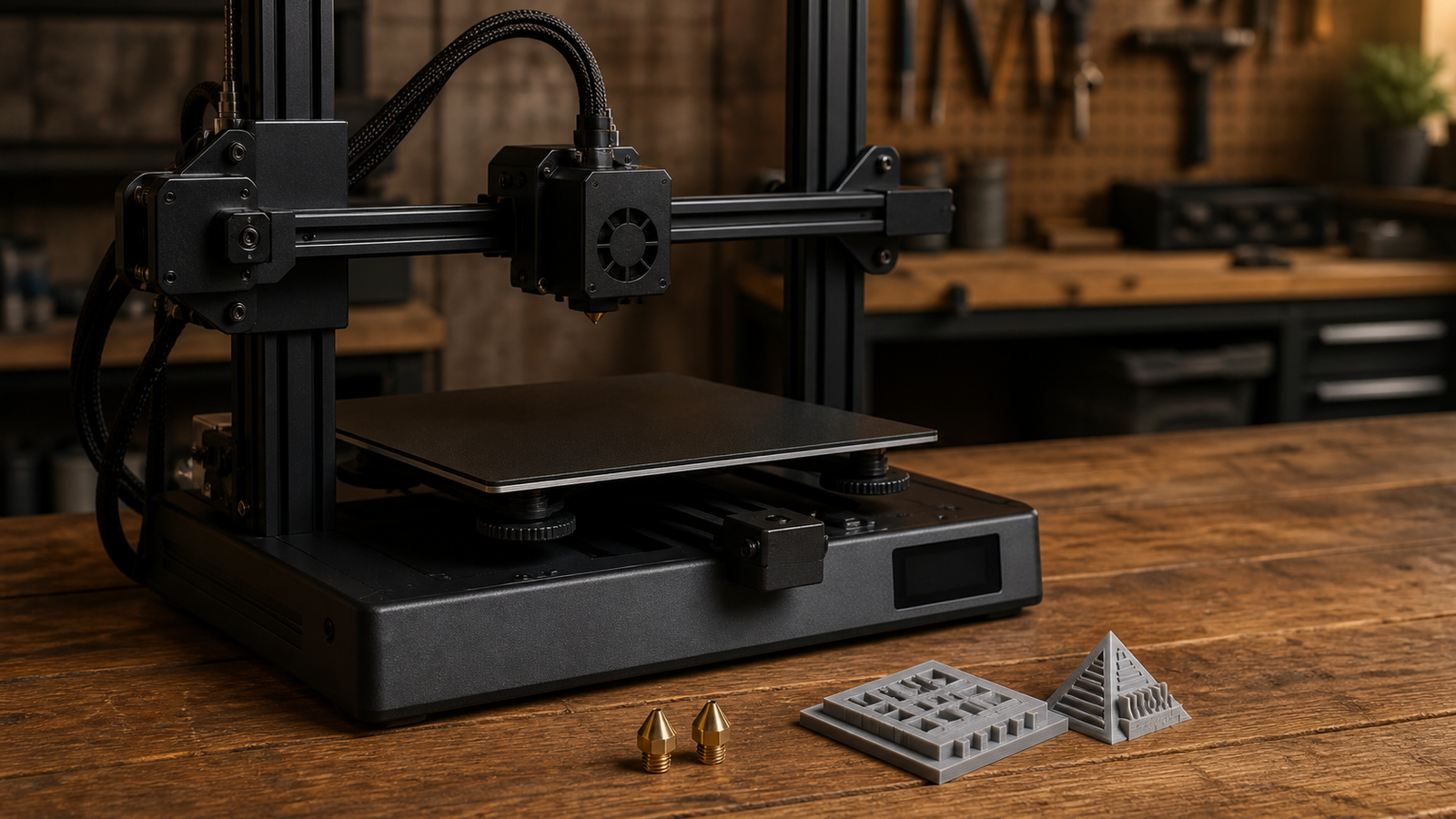
Build a repeatable coupon
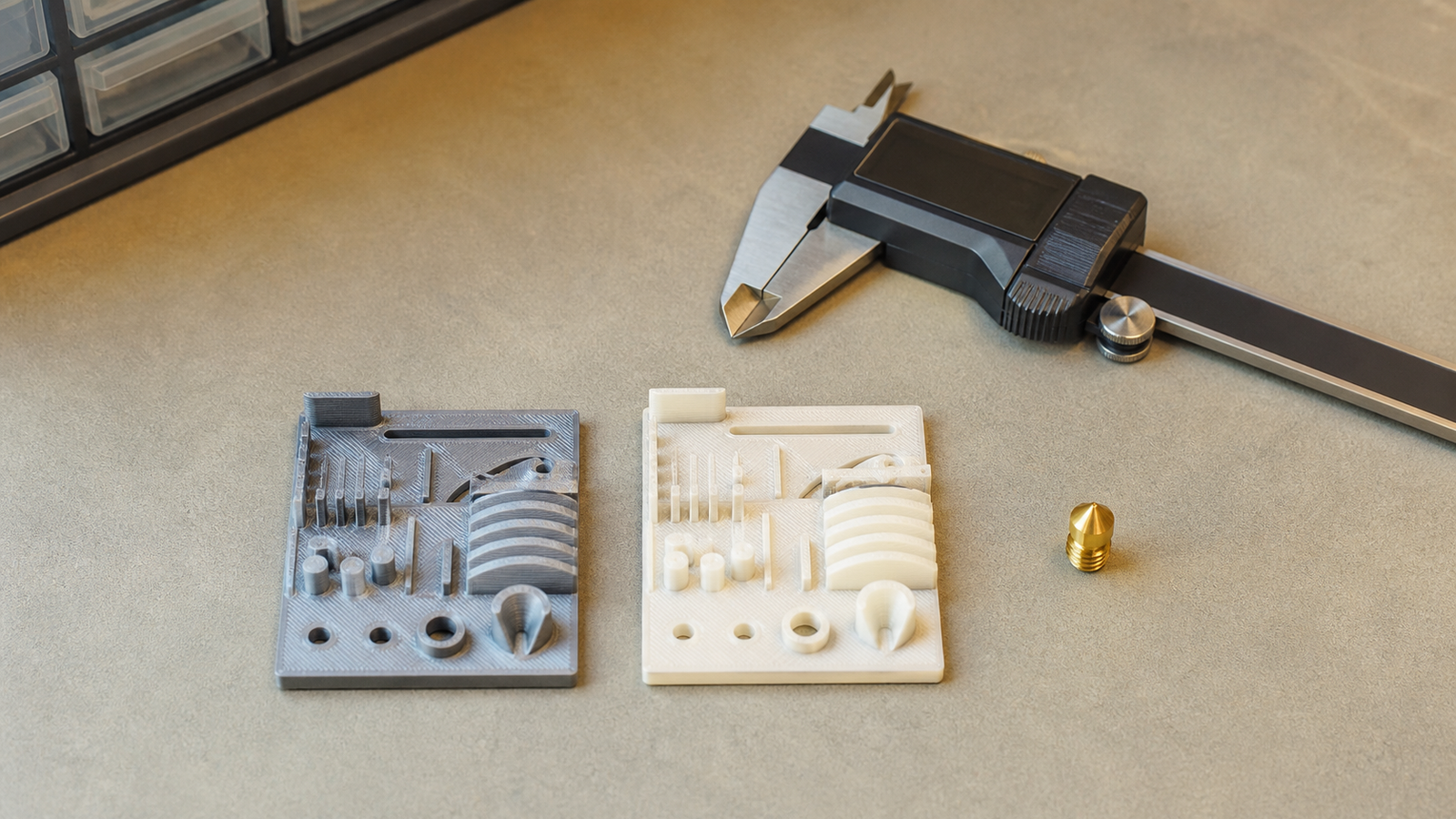
Save one small model that includes straight walls, a round hole, a narrow slot, top surfaces, and a bridge. Keep the slicer version and profile with the model. Photograph it under the same lighting and measure only defined faces.
A worn or damaged orifice may change line shape, corner detail, wall consistency, and stringing, but none of those signs is exclusive to wear. Extrude a short strand only through the printer’s documented procedure and observe whether it exits consistently; curling can also indicate contamination or a partial obstruction.
Keep the profile matched to the hardware
Prusa’s nozzle profile guidance separates printer nozzle diameter from print-profile extrusion width. If the installed nozzle and slicer profile disagree, a software mismatch can resemble a hardware fault.
Before replacing parts, verify the active printer profile, material profile, temperature, extrusion multiplier, and cooling settings. Dry or replace suspect filament. Check belts, wheels or rails, extruder tension, and hotend mounting. Change one variable at a time.
Photograph the installed nozzle from the same angle only when the machine is cool and safely accessible. A phone image is not a precision diameter measurement, but it can document chips, asymmetry, or accumulated material. Never bring a loose metal measuring tool against an energized heater assembly.
Replacement is the confirmation step
If history, inspection, and the baseline still point to wear, install a known correct nozzle using the official procedure. Repeat the same coupon without retuning several unrelated values. Improvement after a controlled replacement strengthens the diagnosis; no improvement sends the investigation back to material, mechanics, temperature control, or motion.
TVG Take
Treat a nozzle as a tracked consumable, not a mystery part. A dated baseline coupon and material log cost almost nothing and prevent random calibration changes. For heat-related faults rather than wear, use TVG’s thermal diagnostic tool guide.



