
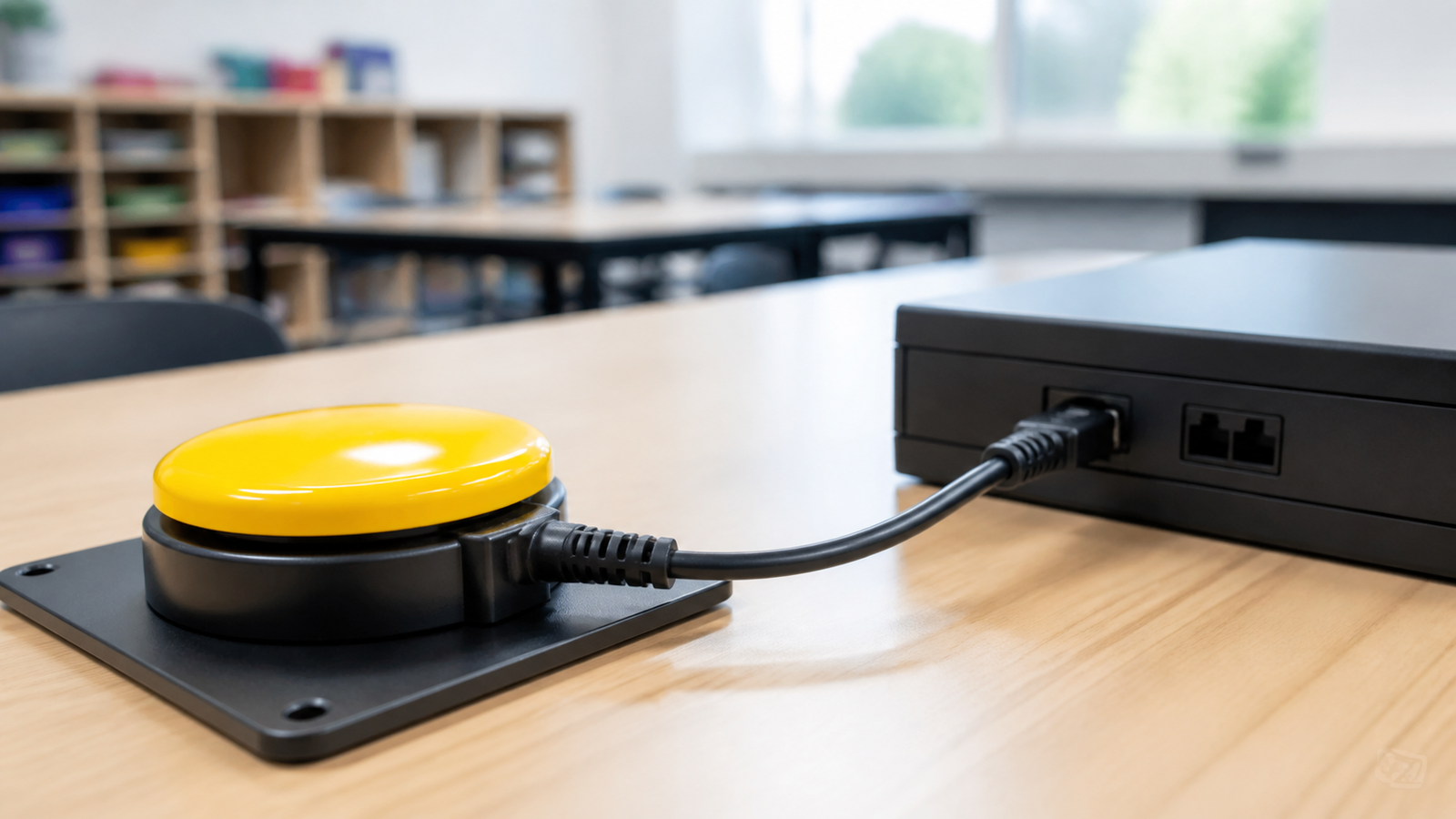
An accessible switch input is not just a large button wired to a microcontroller. It is an agreement about connector wiring, electrical state, activation timing, feedback, mounting, and what the project does when the cable is unplugged.
This guide is for low-voltage STEM prototypes. It is not medical-device guidance and does not certify a design for a particular user. The person using the interface, along with a parent, teacher, therapist, or accessibility specialist when appropriate, should lead decisions about placement and activation.
Quick answer
- Define momentary versus latching behavior before writing code.
- Use a protected, strain-relieved connector and document its contacts.
- Debounce without adding a delay that makes scanning or repeated input feel sluggish.
- Provide immediate feedback that does not depend on sight or hearing alone.
- Fail to a safe idle state when the switch or cable disconnects.
Start with the input contract
The W3C accessibility overview notes that people use keyboards, switches, voice, touch, and other methods to activate controls. A STEM device should therefore expose one simple action consistently before adding multi-press shortcuts or timing games.
Write down the idle voltage, active voltage, pull-up or pull-down arrangement, expected connector contacts, and whether the action occurs on press, release, or both. A normally open momentary switch with a defined pull-up is common, but the right choice depends on the controller and the safe state.
Mechanical design is part of accessibility
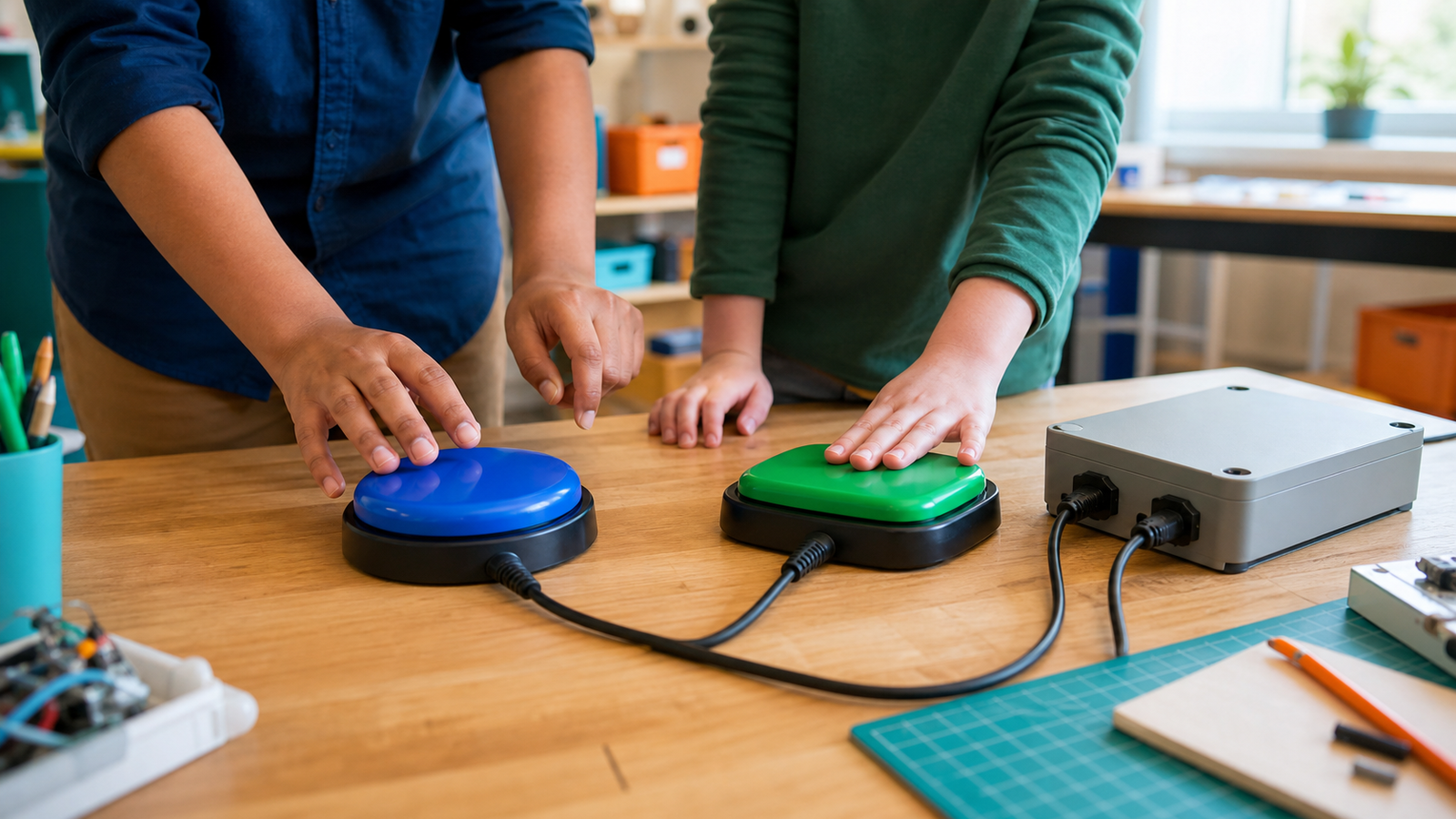
A switch that slides away, twists its cable, or needs an awkward reach is not reliable input. Provide mounting holes or a stable non-slip base, route the cable away from wheels and hands, round exposed edges, and protect the jack from side loads. Keep energized conductors enclosed.
Do not assume bigger is always better. Activation force, travel, surface texture, angle, and placement can matter more than diameter. Build a removable mounting plate so the user can try positions without rebuilding the electronics.
Debounce for intent, not convenience
Mechanical contacts can transition several times during one press. Adafruit’s debouncing guide explains the physical source of that bounce. Software can require a stable state for a short interval, but an overly long fixed delay can ignore intentional presses or slow a scanning interface.
Log raw transitions during setup, then choose a debounce interval based on the actual switch and intended activation speed. Keep long-press or double-press features optional; timing-dependent gestures can turn motor variability into an error.
Feedback and failure checks
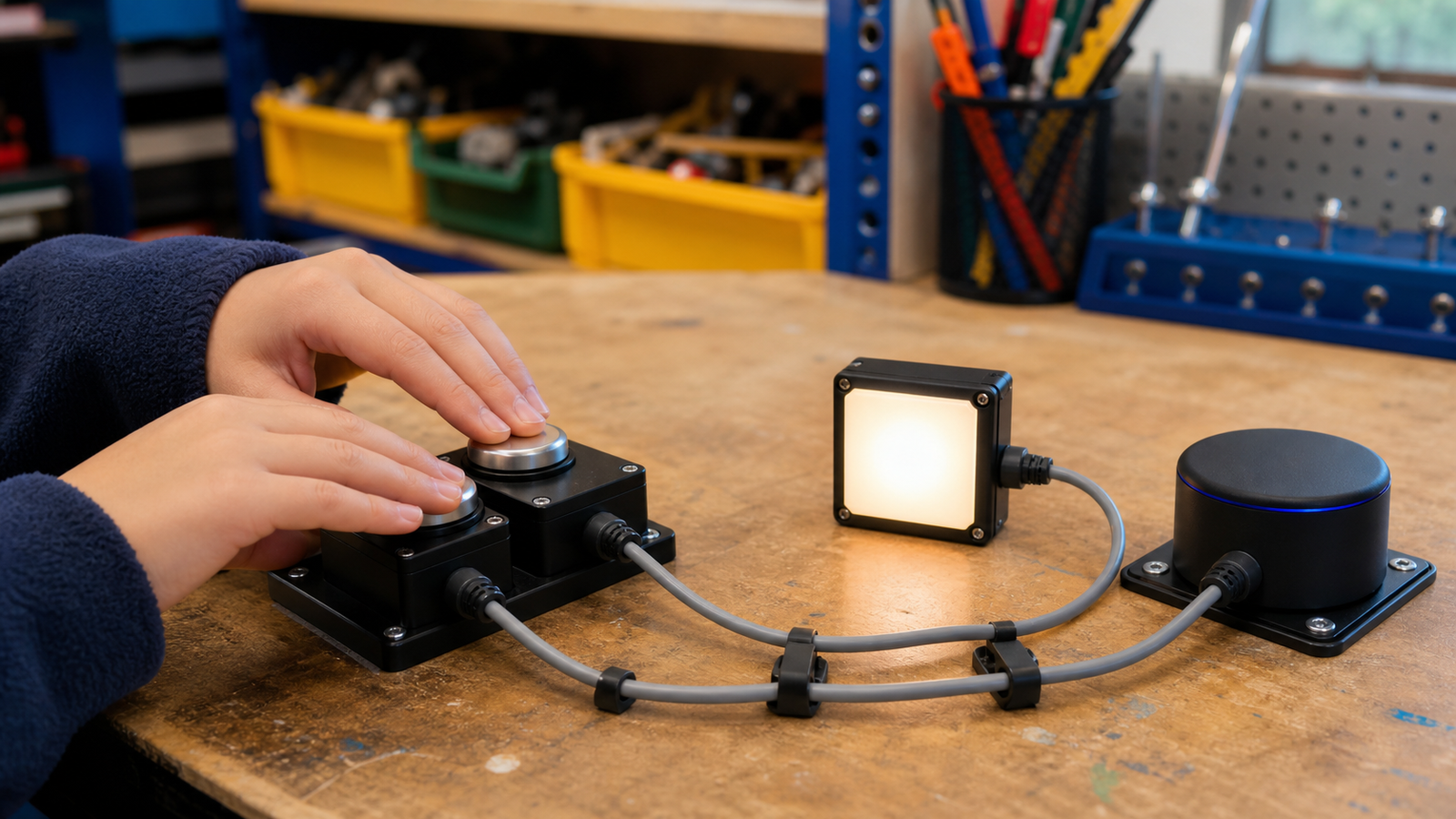
Confirm activation in at least two ways when practical: for example, a visible indicator plus a click, tone, or vibration. Add a test mode that reports switch state without moving a motor. Unplug the cable while idle and active; the system should stop or remain idle rather than trigger unpredictably.
The U.S. Access Board’s ICT resources emphasize operability and compatibility as system properties. For a classroom build, that translates into repeatable connectors, clear controls, and behavior that survives setup changes.
TVG Take
The best first prototype has one switch, one clear action, one safe disconnect behavior, and adjustable mounting. Complexity should follow user feedback, not precede it. Continue with TVG’s adaptive switch input guide for controller options.

I have tried quite a few platforms over the years and this one really stands out for its consistent performance. The promotions are generous and never feel misleading. I also enjoy how quick the support team is when I need help with a transaction. A go to destination for both newcomers and seasoned players. pktd999