
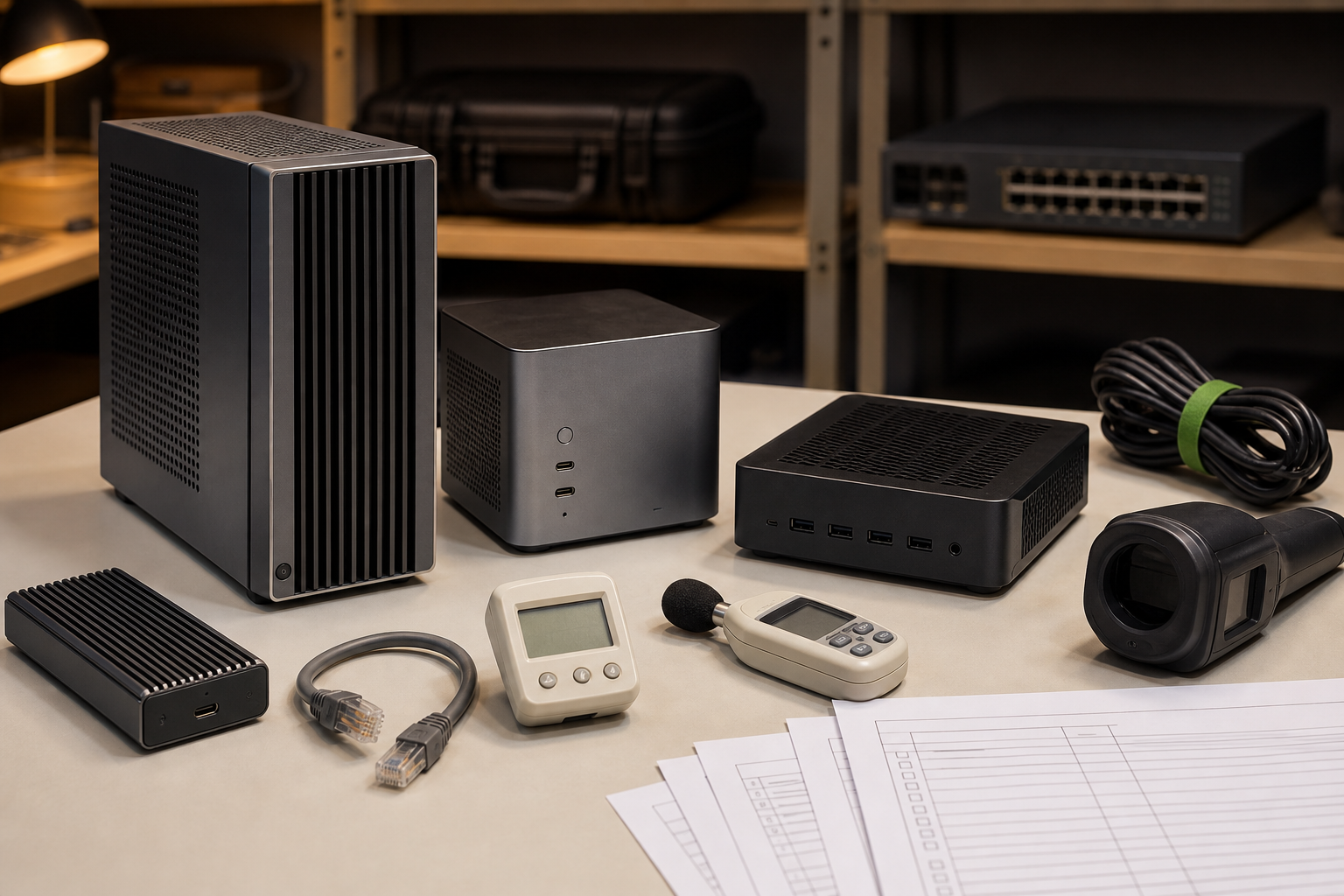
Local AI workstations are starting to look attractive again for small labs, robotics teams, educators, and creator studios. Cloud GPUs remain useful, but the daily work of testing agents, running small vision models, fine-tuning prototypes, managing sensitive media, and teaching model behavior often benefits from a machine that sits in the room and can be controlled directly.
This is a buyer evaluation, not a hands-on review. TVG has not tested every current compact workstation. The goal is to define what we would check before buying a mini PC, dev box, compact workstation, or NPU laptop for local AI work in a lab setting.
The shortlist question
Do not start with TOPS or GPU branding. Start with the workload. A lab that runs small vision-language demos for students has different needs from a studio generating video assets, a robotics group testing perception pipelines, or a developer evaluating coding agents on private repositories.
Recent product pages from Microsoft, NVIDIA, AMD, and Framework show the range. Microsoft’s Surface RTX Spark Dev Box is positioned for developers building AI applications. NVIDIA’s DGX Spark frames the category around local AI development. AMD’s Ryzen AI materials emphasize NPUs and integrated compute in client systems, while Framework’s Desktop points to a repairable compact PC approach.
The categories overlap, but the buying logic is not identical.
GPU, NPU, or unified memory?
A discrete GPU is still the safest choice for many local model experiments because software support is mature and memory bandwidth can be high. The tradeoff is heat, power, noise, price, and physical size. A compact GPU box that throttles under a classroom shelf is less useful than a slower system that runs reliably for an entire workshop.
NPUs are more interesting for always-on and power-sensitive workloads. They can help with local inference features, camera effects, speech tasks, and operating-system AI functions. But an NPU does not automatically replace a GPU for every model. Check supported frameworks, quantization paths, driver maturity, and whether the tools your team uses can actually target the accelerator.
Unified memory matters when models and media assets exceed the small VRAM pools found in many compact systems. It can simplify some workloads, but it also makes performance harder to judge from a single headline number. Look for real examples using the model size, context length, image resolution, or video workflow you plan to run.
Storage and ports decide daily usability
For TVG readers, ports are not decoration. A local AI bench may need 2.5G or 10G Ethernet, external NVMe storage, USB cameras, capture devices, serial adapters, microphones, and a display. A system with strong compute but weak I/O can become a dongle nest.
Internal storage should be sized for datasets, model weights, logs, and rollback images. External storage matters too. TVG’s portable SSD versus memory-card reader evaluation covered field backup decisions; local AI labs have a similar problem when camera footage, robot logs, and training samples need to move without touching a public cloud.
Thermals and noise are not afterthoughts
AI workloads do not behave like a short benchmark. A system may be quiet for five minutes and annoying after an hour. It may sustain a demo model but throttle during batch processing. It may fit on a desk but exhaust heat into a shelf, cart, or enclosed cabinet.
Before buying, check whether the vendor publishes power-supply capacity, cooling design, memory configuration, upgrade limits, and support documents. If those details are vague, budget time for a real acceptance test: one hour of representative inference, one hour of media or dataset movement, and one hour of mixed work with cameras, storage, and network attached.
Privacy and classroom control
Local hardware is not automatically private. A local agent may still call cloud APIs, extensions may sync data, and model downloads may require accounts. The benefit is control: you can decide which workloads run offline, which datasets stay on local storage, and which students or staff can access the box.
This connects to TVG’s NPU laptop, mini PC, or Jetson kit buyer evaluation. The device class matters, but the operating model matters more: user accounts, update policy, storage permissions, and a clean way to reset the machine between projects.
What TVG would test first
- Run the exact model or app stack for one hour and log sustained performance, power draw, and fan behavior.
- Move a realistic dataset from camera or NAS storage and measure whether ports, cables, and storage are the bottleneck.
- Confirm whether the accelerator path works in the tools your team uses, not only in vendor demos.
- Test offline mode: model availability, documentation access, licensing, and account requirements.
- Check repair and lifecycle risk: RAM/storage access, power supply availability, warranty terms, driver support, and OS update policy.
Who should buy what
A classroom should prefer quiet operation, simple reset procedures, and strong documentation over maximum TOPS. A robotics lab should prioritize I/O, camera support, network stability, and repeatable deployment. A creator studio should look harder at GPU memory, storage throughput, codec support, and noise. A developer team should test agent tooling, container support, security controls, and whether the box can be reprovisioned quickly.
If a vendor cannot explain sustained performance, ports, thermals, and support lifecycle clearly, treat the product as a preview until proven otherwise.
TVG Take
A good local AI workstation is not the machine with the loudest accelerator number. It is the system that runs your real workload, moves your real data, stays cool enough to trust, and can be reset when the next student, project, or client walks in. Buy the workflow, not the badge.



