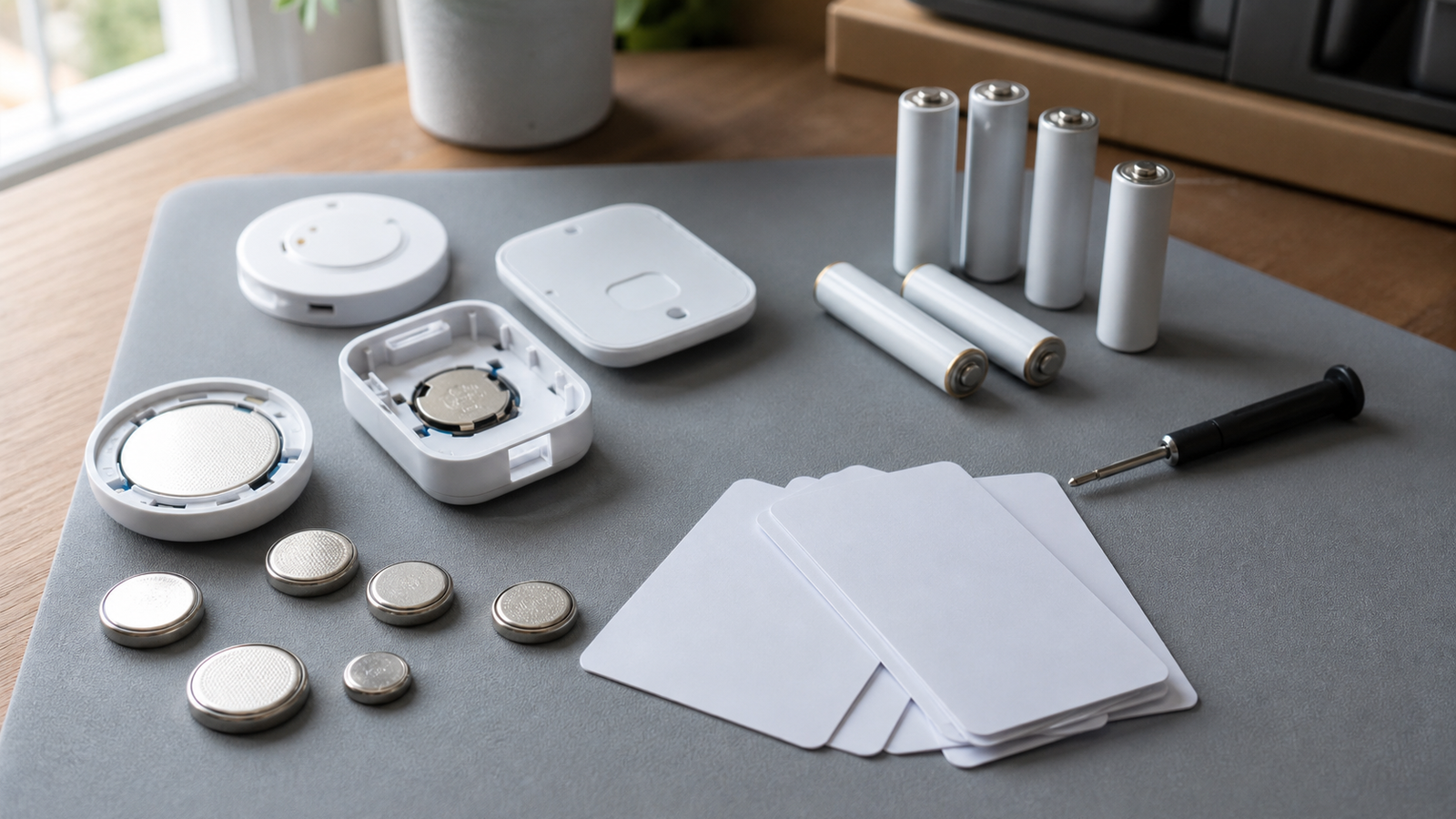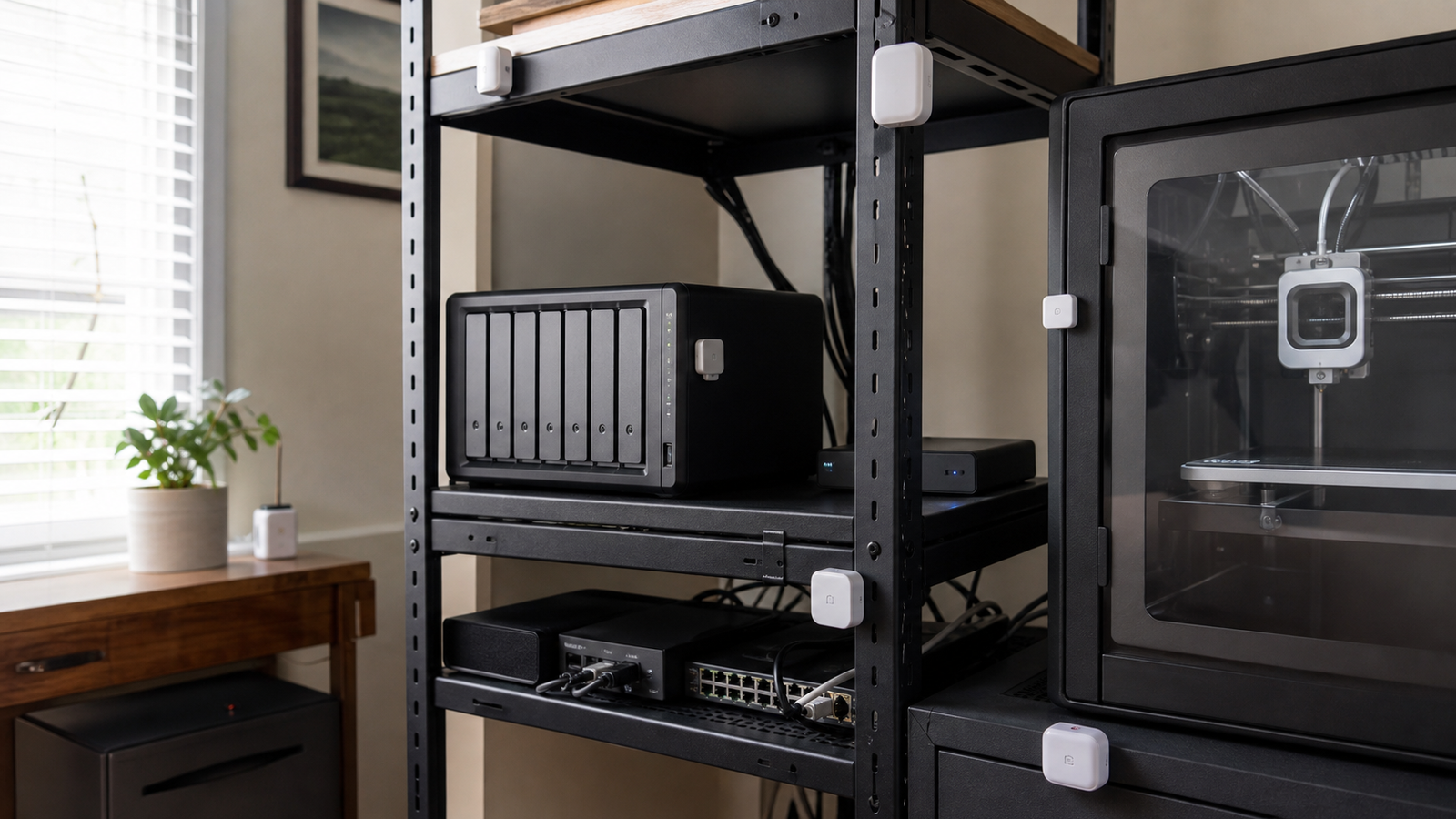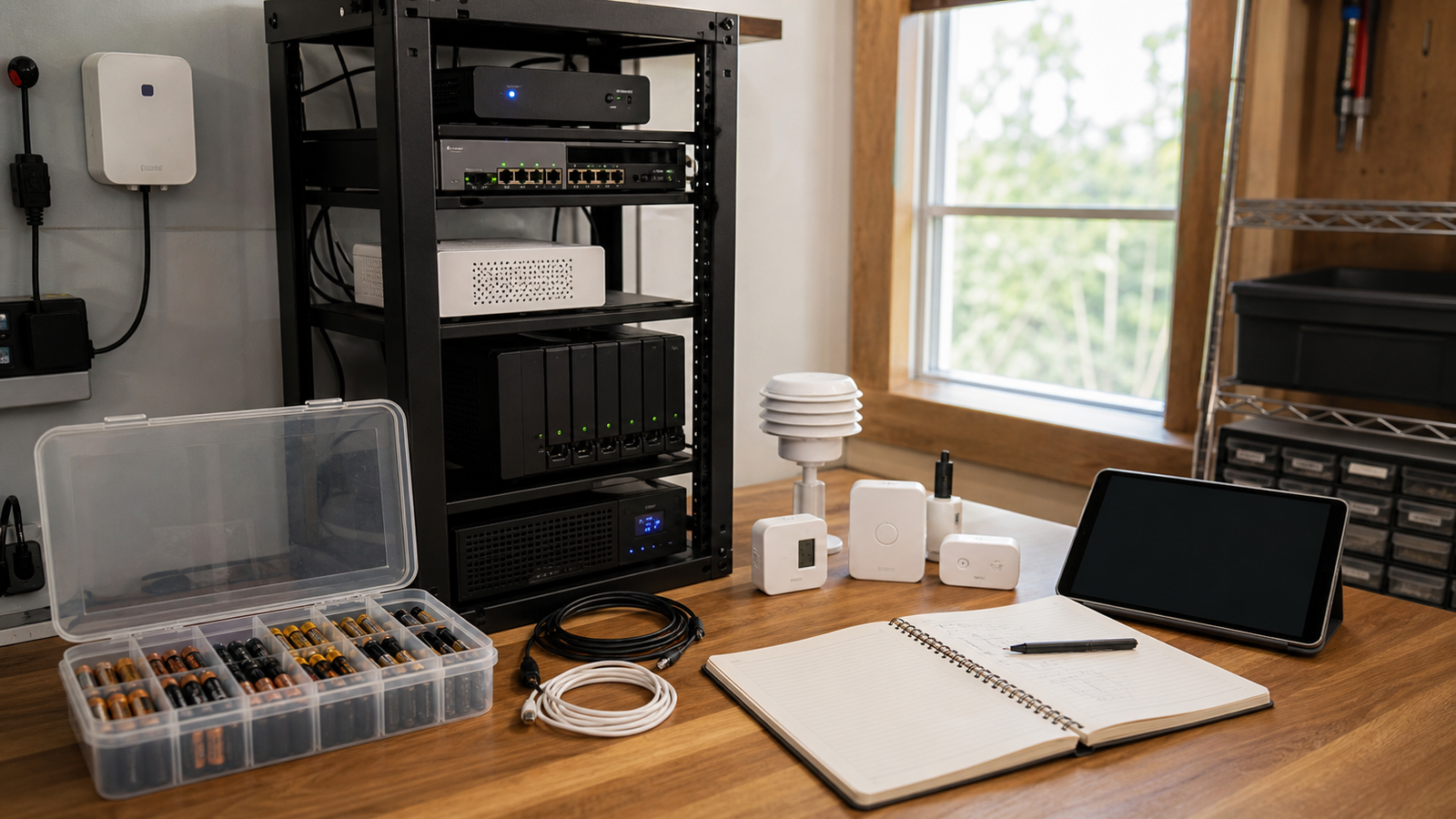
A sensor dashboard can look smart on the first weekend and become unreliable three months later. Batteries fade, devices get renamed, wireless paths change, and nobody remembers which contact sensor was mounted behind the NAS rack.
For TVG readers, smart home and home-lab sensors should be treated like a small monitoring system. The question is not only whether a sensor pairs successfully. The question is whether the setup remains maintainable after the novelty wears off.
Quick answer
Before adding sensors to a home lab, create a battery and maintenance plan: device name, location, battery type, expected replacement interval, signal path, and alert threshold. If the dashboard cannot tell you what to service, it is not really monitoring the system.
What to document
- Physical location: rack door, printer enclosure, garage shelf, window, leak tray, or room zone.
- Battery type: coin cell, AA, AAA, rechargeable pack, or wired power.
- Network path: Thread, Wi-Fi, Zigbee, Bluetooth bridge, or hub location.
- Alert rule: what value triggers a notification and who should act.
- Replacement note: when the device was installed and when the battery was last changed.
This builds on TVG’s recent Thread vs Wi-Fi sensor checklist. Protocol choice is important, but maintenance behavior decides whether a deployment remains useful.
Where dashboards fail
The most common failure is not dramatic. It is a slow drift into uncertainty. A sensor reports late. A battery warning gets ignored. A device name no longer matches the shelf it monitors. A hub moves during a furniture change. A humidity alert fires so often that everyone stops caring.
Good home-lab monitoring reduces that ambiguity. Keep names human-readable, place a small service map near the rack or printer area, and review alert thresholds after the first week instead of assuming defaults are correct.
TVG Take
Battery planning is not glamorous, but it is the difference between a useful monitoring layer and a decorative dashboard. If a home lab depends on sensors for temperature, leaks, doors, or power-adjacent awareness, the maintenance plan belongs in the design from day one.
A simple maintenance rhythm
Set a monthly sensor walk-through. Open the dashboard, compare every device name with its real location, check battery warnings, and trigger one test alert per sensor type. For rack, printer, garage, or leak monitoring, write down what action the alert should cause. A temperature warning with no response plan is just noise.
Home-lab builders should also separate convenience sensors from risk sensors. A desk occupancy sensor can fail quietly. A leak, freezer, battery-area or equipment-temperature sensor deserves a clearer service note, a backup alert route, and a replacement battery kept nearby. That prioritization makes the dashboard easier to trust.
Placement before automation
Do not automate alerts until the physical placement is stable. Move a temperature sensor away from direct sunlight, keep leak sensors where water would actually collect, and avoid hiding contact sensors where replacing a coin cell requires disassembling a shelf. Maintenance friction is a design constraint.
The same habit applies to naming. Use names that survive app changes and hub migrations: “rack top temperature” is clearer than “sensor 12.” If a future user can identify the device without opening three apps, the monitoring plan has already improved.
TVG setup rule
If a sensor protects equipment, give it a maintenance owner and a spare battery. If it only adds convenience, keep the alert quiet. That distinction keeps the dashboard useful instead of turning every small device into another alarm to ignore.
Sources
- Connectivity Standards Alliance: Matter overview
- TVG: Thread sensors vs Wi-Fi sensors for home labs
- TVG: Wi-Fi 7 home lab AP placement