Arduino says Arduino Core on Zephyr 0.90.0 is officially stable and leaving beta, a shift that matters for anyone using Arduino as a bridge between beginner-friendly sketches and more serious embedded systems work. The July 29 announcement says the core is becoming Arduino’s primary framework for advanced hardware while older mbedOS-based cores begin a deprecation phase.
That does not turn every classroom project into an industrial controller. It does mean the Arduino ecosystem is giving students, mentors, and makers a clearer path toward RTOS concepts: tasks, timing, device drivers, concurrency, and board-support layers that are normally hidden behind simpler starter projects.
Why it matters
Arduino’s strength has always been approachability. Zephyr’s appeal is different: it is a real-time operating system used for connected and resource-constrained devices, with a larger model for hardware abstraction, scheduling, networking, and maintainable embedded software. Putting those worlds closer together creates a useful ladder for STEM programs.
A student can still start with familiar Arduino APIs. The next lesson can ask why a sensor read, wireless stack, display update, and motor-control loop should not all be treated as one long blocking script. That is the point where RTOS thinking becomes visible.
The classroom engineering issue
The risk is treating a stable core as a shortcut around fundamentals. RTOS projects can fail in ways that are harder for beginners to see: priority mistakes, race conditions, missed deadlines, memory pressure, bad driver assumptions, and hardware that behaves differently under load than it did in a one-sensor demo.
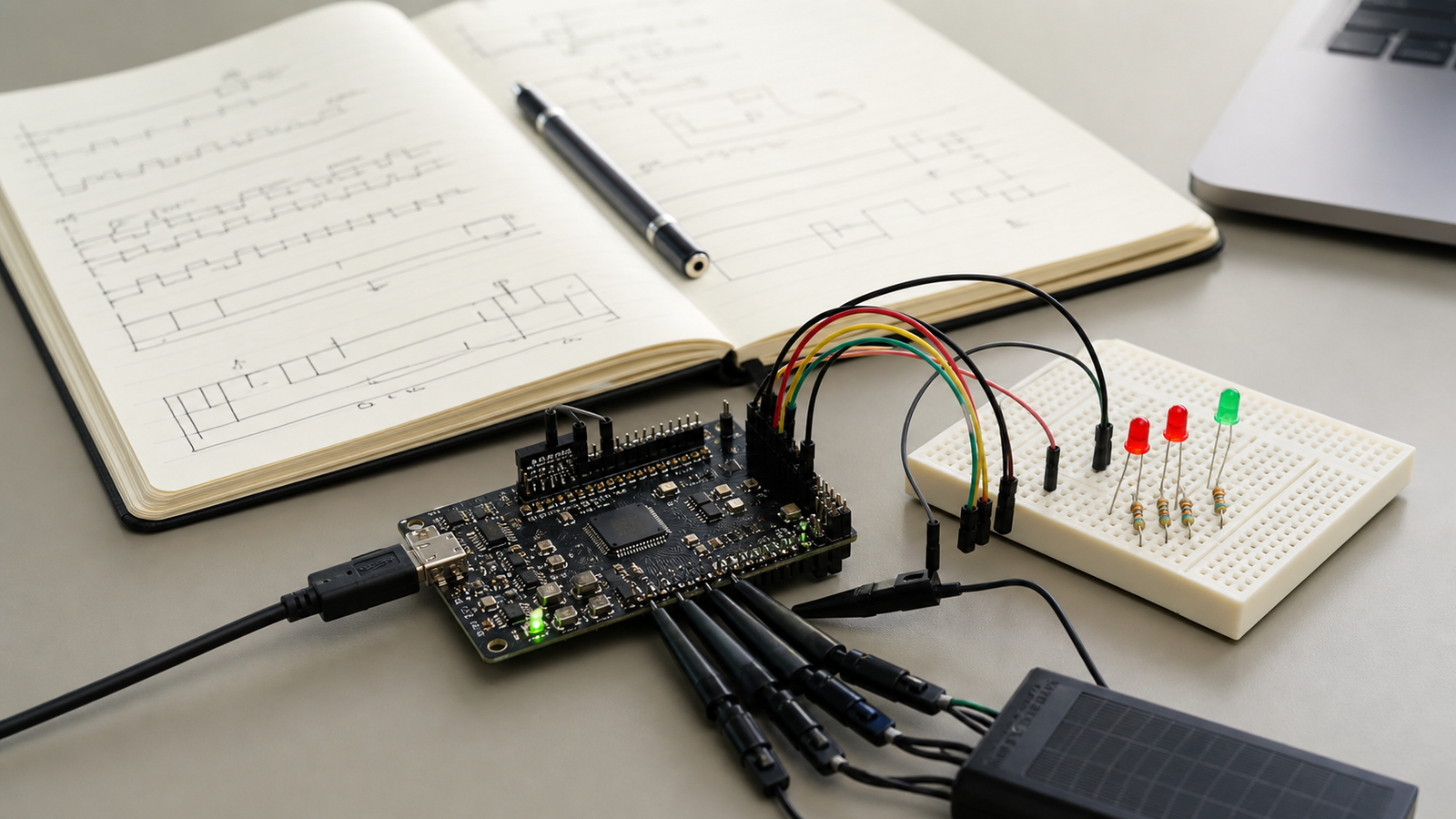
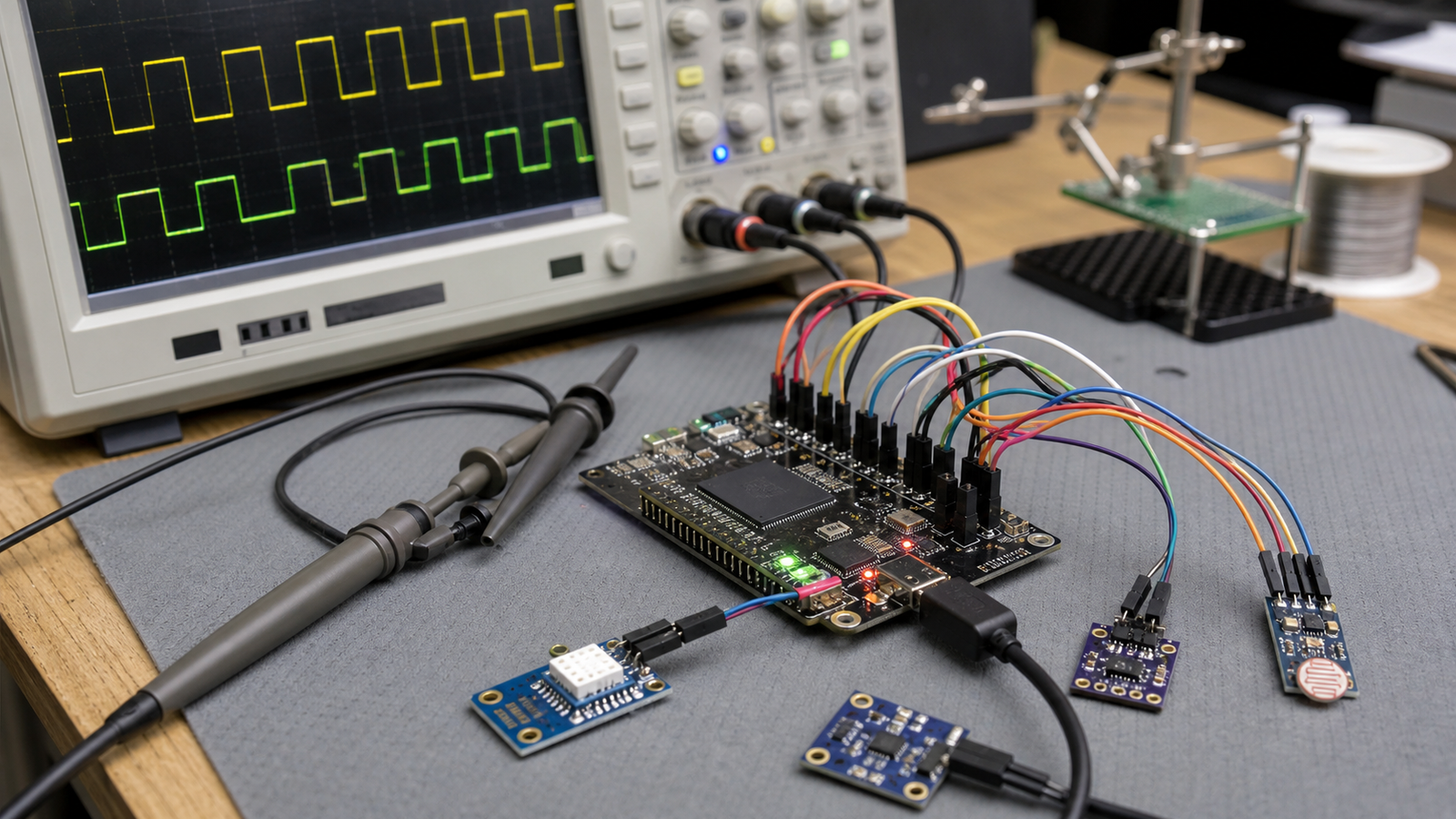
That makes lab design important. A good Zephyr-backed Arduino lesson should include a known board, a small number of peripherals, a timing goal, a failure mode students can observe, and a way to log what happened. Otherwise, the lesson may become a stack of installation steps instead of an engineering exercise.
Where makers should start
The best first projects are bounded. Try a sensor logger that must keep sampling while updating a display. Try a small robot subsystem where status LEDs, serial output, and sensor reads run without blocking the control loop. Try a connected device that still has to behave safely if networking drops.
Do not start by porting a large old sketch with unknown libraries. Library compatibility, board definitions, and timing assumptions will decide whether the migration is educational or frustrating.
TVG Analysis
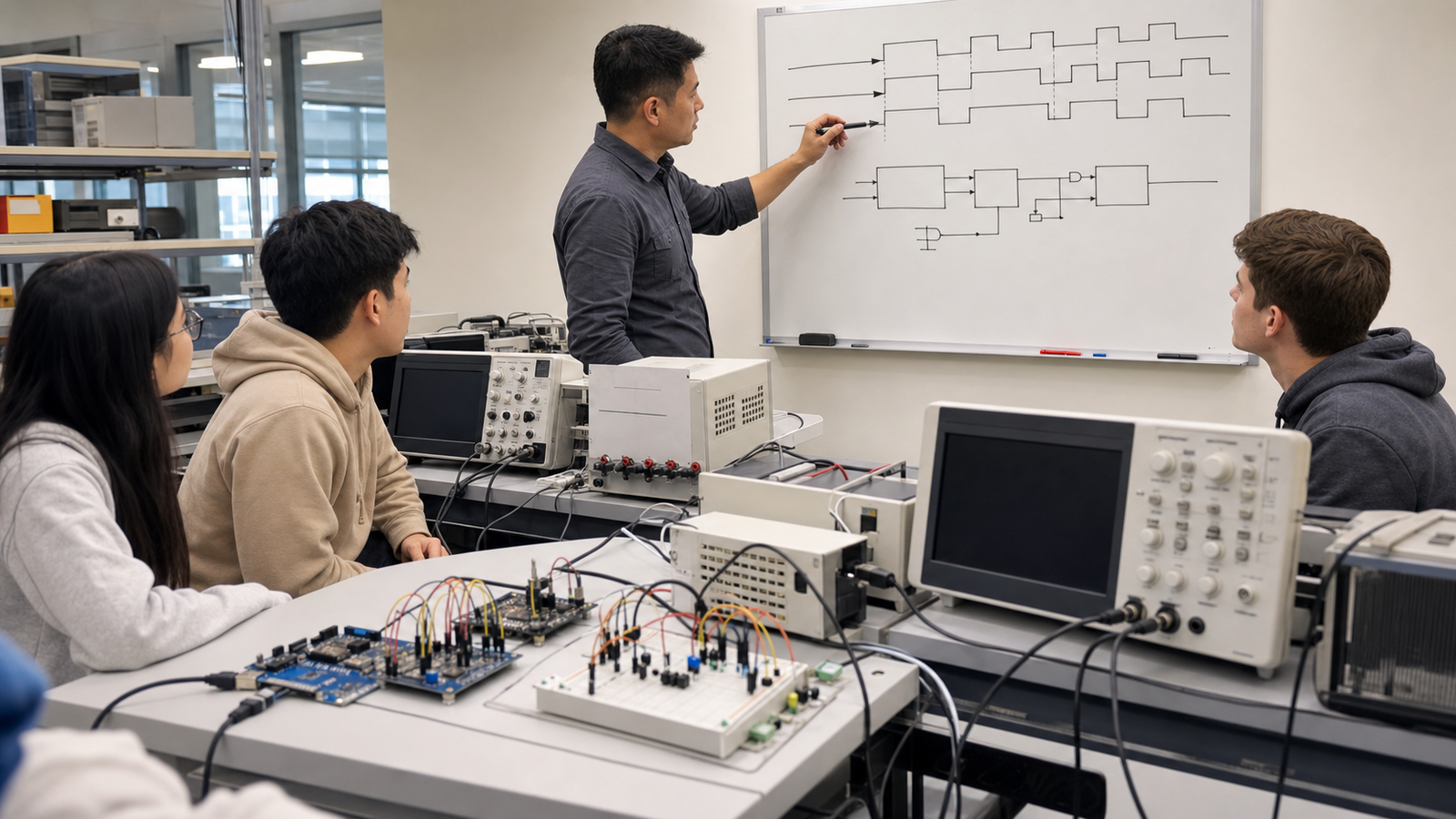
The stable Zephyr core is a credibility moment for Arduino’s advanced-hardware path. For TVG readers, the value is not the label “stable” by itself. It is the chance to teach embedded systems as systems: hardware, timing, drivers, tasks, logs, and safe failure behavior.
What remains unknown is how quickly classroom-ready examples, library support, and board-specific documentation will catch up. TVG will be watching whether the ecosystem produces projects that teach RTOS judgment rather than only showing that a sketch can compile on a new core.