
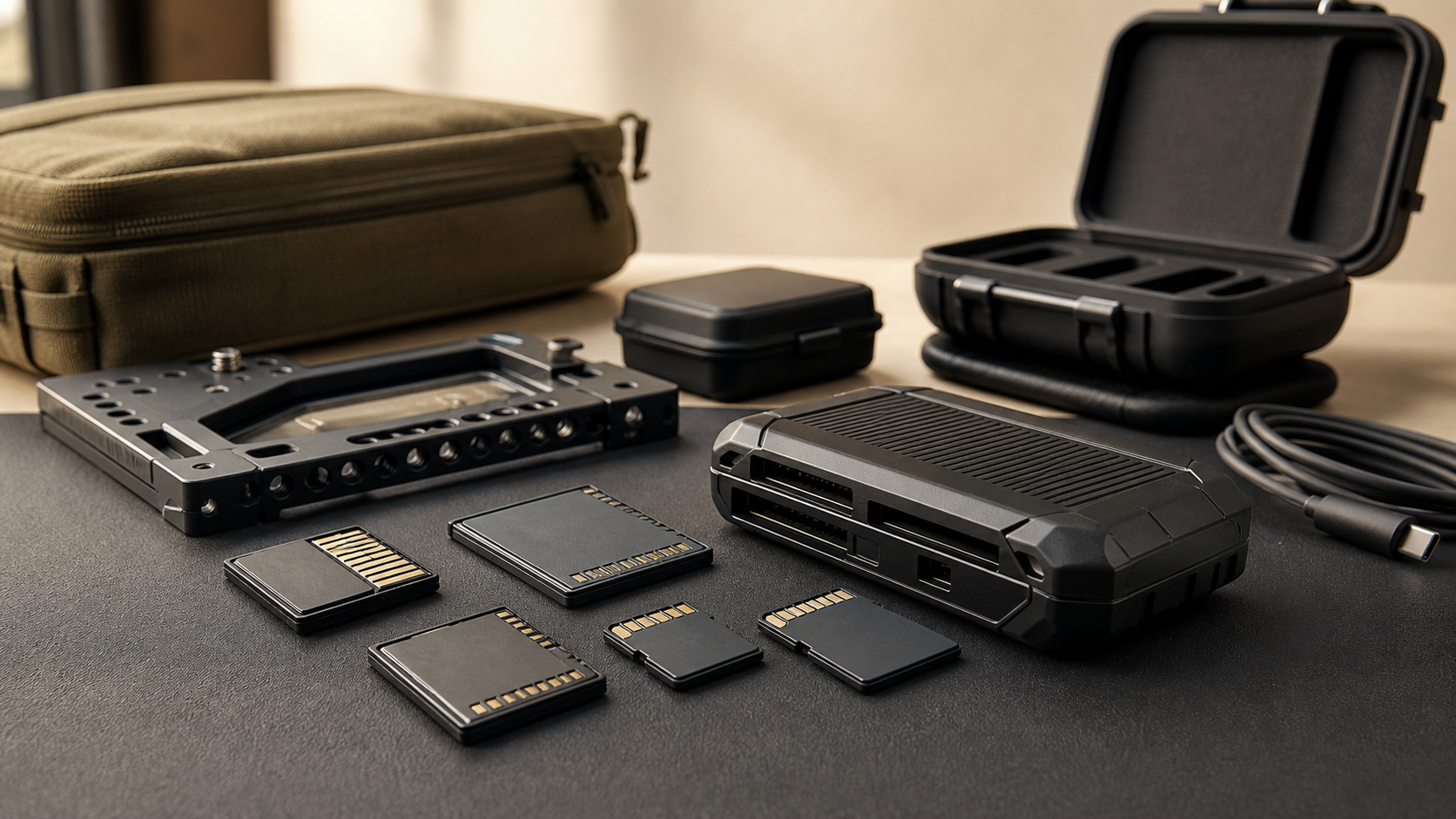
Choosing a memory card for field capture sounds simple until a robotics team, maker lab, or small creator crew loses a test run because the card was too slow, the reader was missing, or the backup process took longer than the battery window. CFexpress, SD Express, UHS-II SD, and microSD can all be the right answer. They are just right for different jobs.
This guide is for practical technical teams: robot competitions, drone documentation crews, fabrication labs, school media teams, inspection projects, and field creators who care about repeatability more than spec-sheet bragging rights. It builds on TVG’s recent guides to action camera storage specs, portable SSD versus memory-card-reader backups, and field camera power workflows.
Start with the codec, not the card logo
The first question is not “CFexpress or SD?” It is: what is the highest sustained write load your camera, drone, scanner, or recorder will actually demand? High-bitrate video, RAW burst shooting, ProRes-class recording, high-frame-rate capture, and multi-camera logging stress removable media differently from occasional still photos or low-bitrate documentation clips.
That is why card classes matter. The SD Association publishes SD standards and speed-class information, while the CompactFlash Association maintains CFexpress and related certification programs. Those standards are not marketing decoration; they are a way to reason about sustained performance, host compatibility, and reader support.
For a maker lab, the practical rule is simple: match the card to the camera mode you actually use, then leave headroom. A camera that records a modest H.264 stream may be fine on a reputable UHS-I or UHS-II SD card. A cinema camera recording high-bitrate RAW or intra-frame codecs may require CFexpress Type B, Type A, or a certified VPG-rated card depending on the body. A drone or action camera may require a small, high-endurance microSD card and still fail if heat or counterfeit media enters the picture.
CFexpress: high ceiling, higher system cost
CFexpress is the higher-performance path for cameras and recorders that need sustained throughput. It is also the path that can increase total workflow cost quickly. CFexpress cards, readers, and backup hardware are usually more expensive than standard SD setups, and teams often need multiple cards because long field days are not one-card days.
The upside is bandwidth and thermal design headroom. CFexpress cards are built for use cases where bursts, high-resolution video, and sustained recording overwhelm older removable media. For labs recording detailed tests, product demos, robot runs, or 8K/RAW workflows, the card can become the difference between a stable capture plan and a mode that exists only on paper.
The risk is assuming any fast-looking CFexpress card is equal. Check the camera manufacturer’s approved-media list, sustained write claims, video performance ratings where applicable, and the reader interface. A fast card attached to a slow USB reader can turn backup into the bottleneck.
UHS-II and SD Express: familiar shape, different expectations
UHS-II SD cards remain a strong middle path for many cameras because the format is familiar, widely available, and supported by many hybrid bodies. The second row of contacts on UHS-II cards gives compatible devices more bandwidth than older UHS-I cards, which can matter for burst shooting and higher-bitrate video modes.
SD Express is a different conversation. It brings PCIe/NVMe-style performance ideas into the SD family, but support depends on both the card and the host device. A lab should not buy SD Express cards expecting universal gains unless the camera, reader, and backup machine actually support the mode. Backward compatibility does not mean full-speed compatibility.
For STEM and maker environments, that host-device detail is important. Mixed gear carts often include old laptops, school desktops, borrowed cameras, student card readers, and inexpensive USB hubs. In that environment, a reliable UHS-II workflow may beat a theoretically faster card that only reaches full speed on one reader.
microSD: small, common, and easy to misuse
microSD is unavoidable in drones, action cameras, single-board computers, small recorders, and many embedded systems. It is also where teams are most likely to underbuy. Small cards face heat, cramped device slots, vibration, and frequent write cycles. Counterfeit and no-name cards add another failure mode.
For field robotics and drone documentation, microSD choices should be boring: buy from reputable channels, choose the speed class recommended by the device maker, label cards physically, rotate them, and retire cards after repeated field seasons or unexplained errors. If the device writes logs or video continuously, endurance ratings matter more than the peak number printed on the package.
Reader and backup workflow matter as much as media
A good card choice can still fail the day if the reader and backup plan are weak. Before an event or field test, run a full rehearsal: record at the intended settings, dump the card through the actual reader, verify the file on a second device, and time the process. Do not assume the team’s general-purpose USB-C hub can sustain a day of large transfers without heat or power issues.
For multi-camera days, use a simple ingest checklist. Assign fresh cards, mark exposed cards, copy to primary storage, verify checksums or at least file counts and playable samples, then copy to a second location before formatting. The PetaPixel memory-card guide is a useful broad reference for understanding card families, but each lab should turn that knowledge into a local workflow card.
What to buy first
For most maker labs, start with the format your devices already require and spend the first upgrade dollars on reliability: reputable cards, a known-good reader, clear labels, and enough capacity to avoid panic formatting. Move to CFexpress only when the camera body and recording modes demand it. Move to UHS-II when the camera supports it and your burst/video workload benefits. Treat SD Express as a host-compatibility question, not a drop-in speed miracle.
If the lab is buying new cameras, put media cost into the camera budget. A body that looks affordable can become expensive if it needs multiple high-capacity CFexpress cards for the modes that made it attractive. Conversely, a slightly less demanding camera may deliver more usable footage if the team can afford enough media, batteries, and backup storage to operate cleanly.
TVG Take
The best field-capture card is the one that survives the whole workflow: recording, heat, handling, ingest, backup, verification, and reuse. CFexpress is the right tool for demanding capture modes, but it is not a badge every team needs. SD and microSD remain practical when they are matched to the device and managed with discipline.
Before an important robot run, drone flight, or maker-lab shoot, do one full media drill. Record the hardest expected format, dump it through the exact reader, verify the files, and check how long the process takes. That test will reveal more than a spec table.



