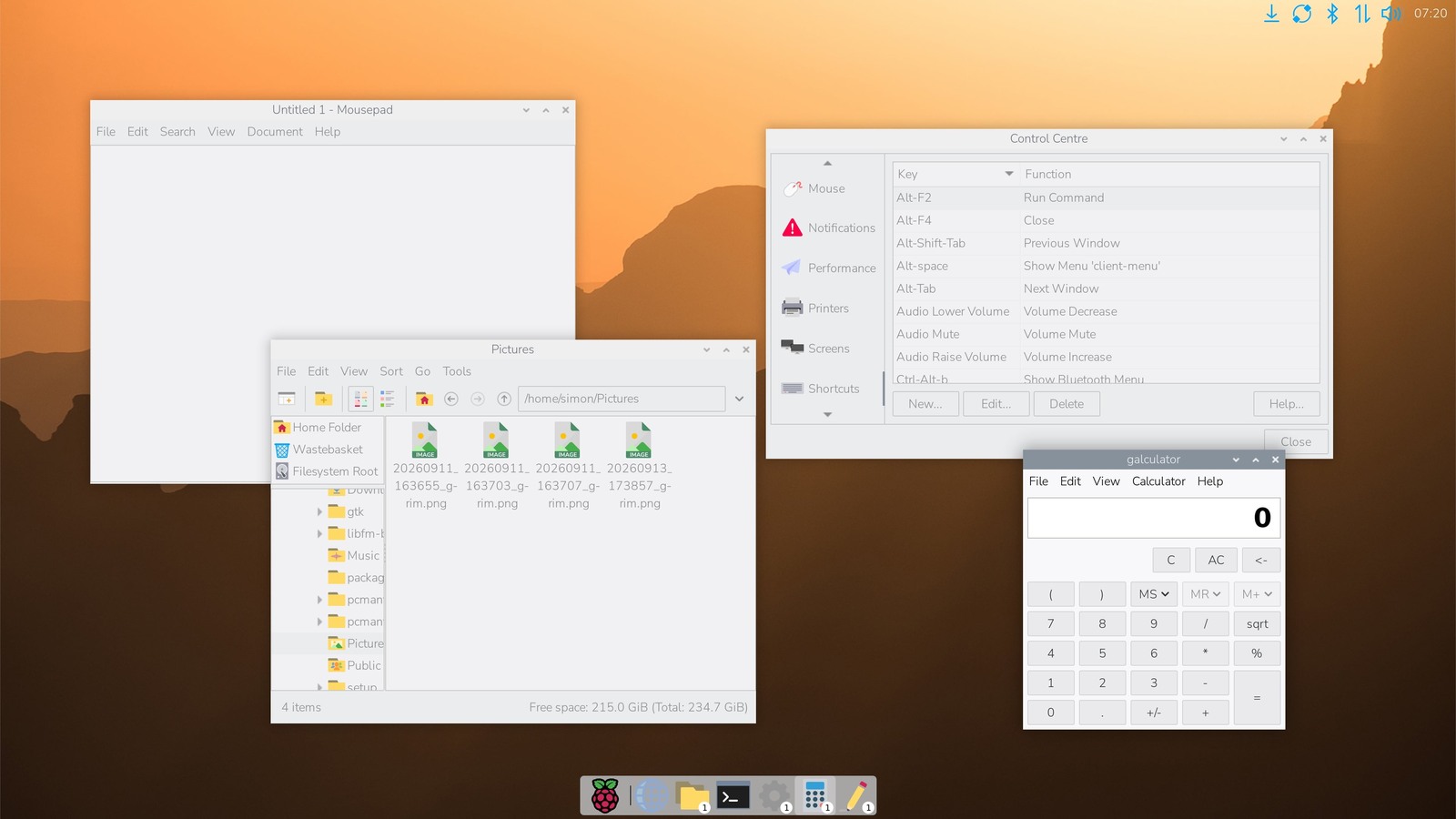
Raspberry Pi has released an optional desktop refresh for Raspberry Pi OS that adds an icon dock, a searchable graphical launcher and a combined quick-launch/task-list widget. The familiar taskbar remains the default, so installing the update does not force a new layout on existing systems.
The September 15 release is a user-interface change with several operational details underneath it. Raspberry Pi’s announcement says the desktop has evolved from its original LXDE base to Wayland and the labwc compositor, but retains the conventional menu-and-taskbar model unless a user selects one of the new presets.
The dock is a configurable container, not a fixed replacement
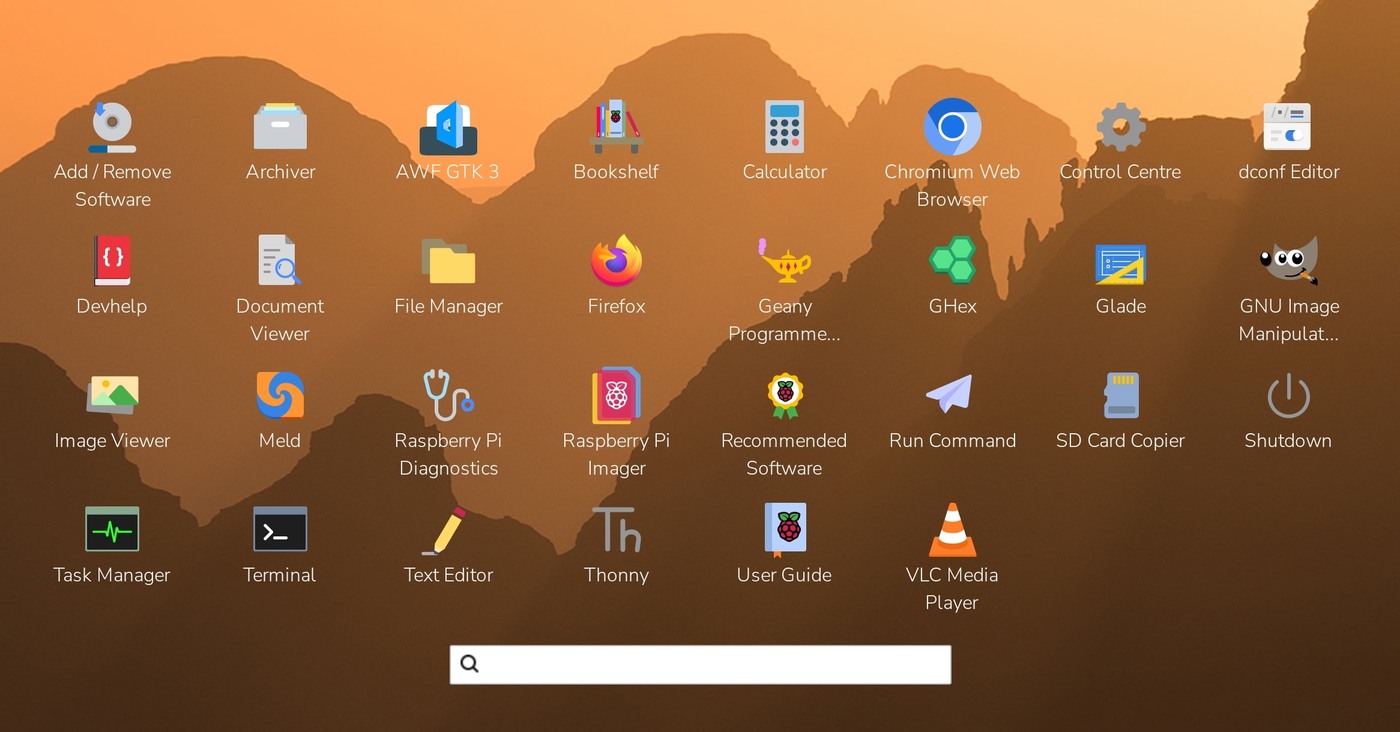
The dock can replace the taskbar or run beside it. Two new widgets are designed for it: a full-screen application launcher and an icon-based widget that combines pinned applications with running-window counts. Existing taskbar widgets can also be moved into the dock, and the new widgets can run in the taskbar.
The launcher supports alphabetical sorting, drag-and-drop ordering, optional category screens, text filtering, cursor-key navigation and long-press context menus for touchscreens. The task widget shows the number of open windows over each application icon. Clicking a running application brings its windows forward; clicking again when they are already foregrounded can open another window where the application supports it.
Autohide is available for both dock and taskbar. An “Exclusive” option reserves screen space so maximized windows do not cover the selected panel. Status icons can sit in a two-row tray at half the main dock icon size, with an optional tray-split widget for a fixed row break.
Three presets define how much changes at once
The Defaults page now offers Taskbar, Taskbar / Dock and Dock styles. Taskbar preserves the established arrangement. Taskbar / Dock adds the launcher and task list to the dock while leaving status icons in the taskbar. Dock removes taskbar widgets and puts the launcher, task list and status tray in the dock.
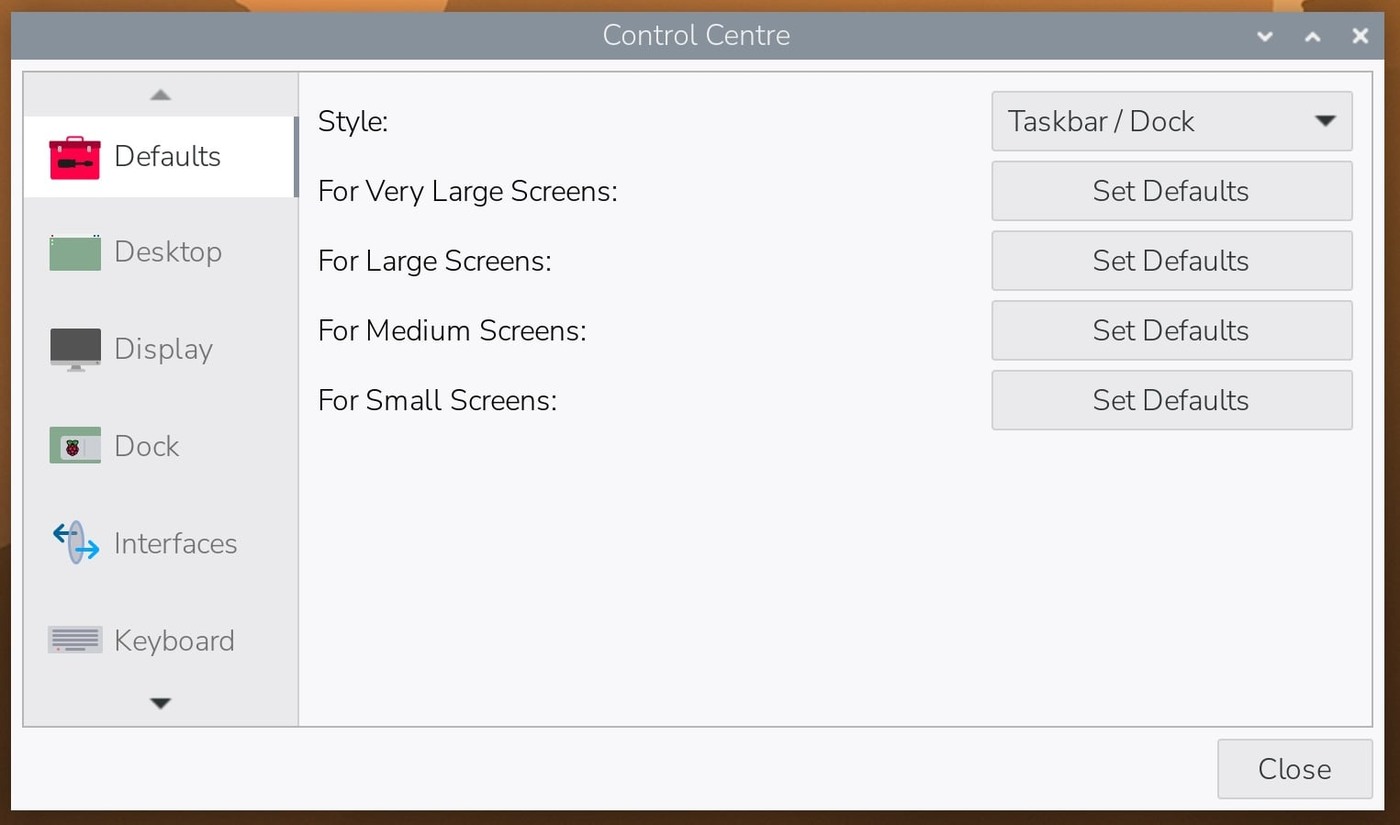
Those presets are broader than a panel-position toggle. Raspberry Pi says selecting a dock style also disables Active Desktop by default and resets related desktop configuration to a known state. Users who have carefully customized the wallpaper or file-manager behavior should record those settings before experimenting with the presets.
The lighter desktop path changes who mounts removable drives
Active Desktop uses pcmanfm to draw the background and provide desktop icons. The update can instead use the lighter swaybg background process when desktop icons are unnecessary. Raspberry Pi recommends disabling Active Desktop on systems with less than 2 GB of memory and shows a boot notification suggesting the change.
That swap changes more than drawing. Because pcmanfm previously handled removable-drive automounting, the ejecter plugin now takes over insertion, mounting and notification when Active Desktop is off. Anyone debugging a missing USB-drive notification should therefore check the panel’s ejecter component, not only the file manager.
How the update reaches existing systems
Raspberry Pi says the new image already contains the features. Existing supported installations can update through the graphical updater or run sudo apt update followed by sudo apt full-upgrade. The packages still leave the traditional appearance active; users opt into a dock preset from Control Centre.
The release also adds an editable Shortcuts page, an analogue-clock mode and a revised screenshot workflow. Print Screen now captures the screen and can open an editor or copy the image to the clipboard. Alt plus Print Screen first presents a selection rectangle.
TVG Analysis
The useful engineering change is modularity rather than visual novelty. Raspberry Pi is exposing the panel as a set of replaceable widgets while preserving a conservative default, and it has separated desktop drawing from removable-media handling so a low-memory configuration does not quietly lose automount behavior.
What remains to watch is how the presets interact with heavily customized installations and unusual display setups. The first troubleshooting boundary should be whether the system was upgraded in place or installed cleanly, which preset was selected, and whether Active Desktop is still enabled—not simply whether the dock is visible.