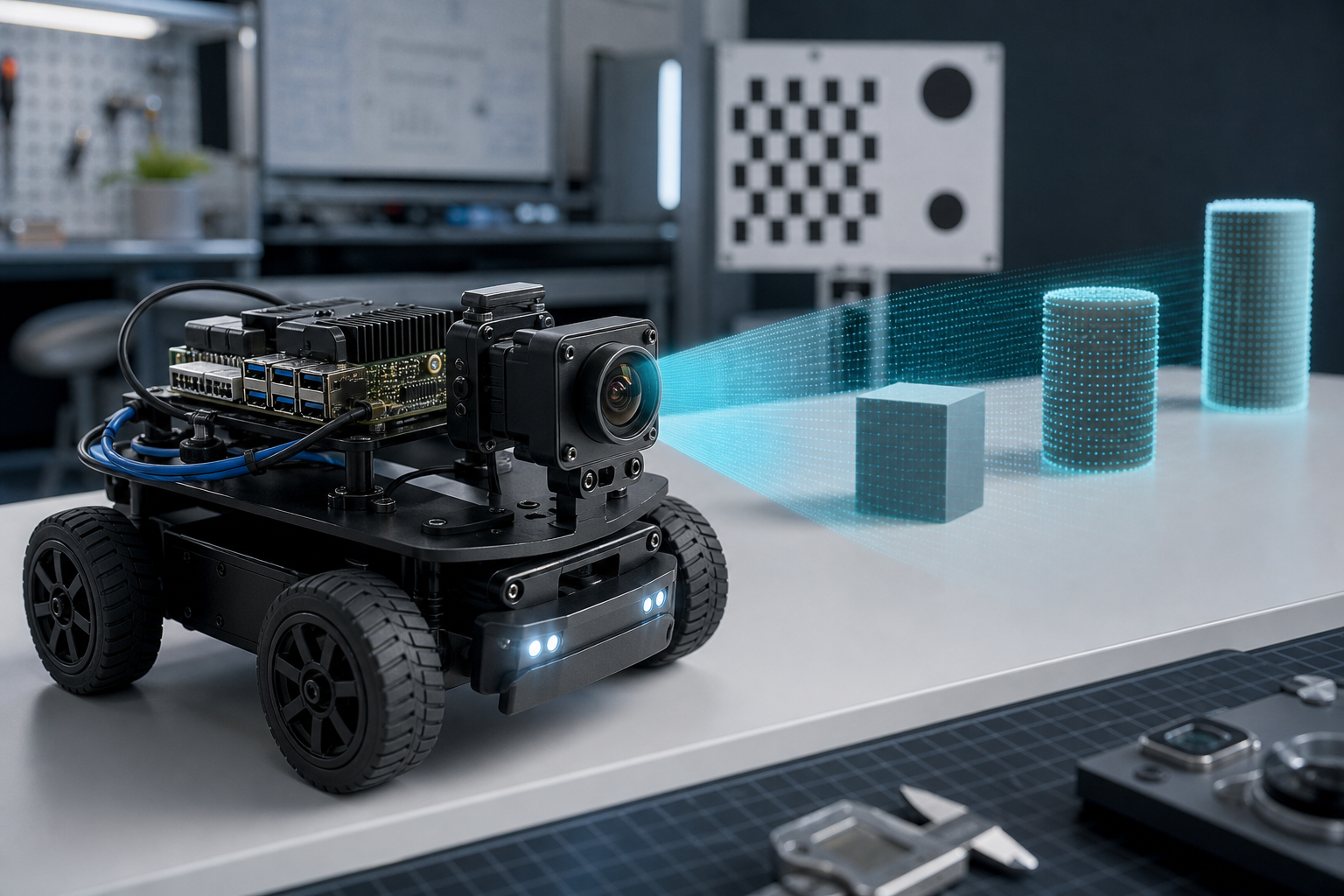
An edge AI camera can make a robot look smarter than it is — or expose every weak point in the design. Before builders spend money on a camera module, depth sensor, or smart vision system, they should define the job the robot actually needs to do: detect objects, estimate distance, avoid obstacles, identify parts, read labels, follow lines, inspect defects, or guide motion.
The camera choice should follow that job. Too many robotics projects start with a popular sensor and then try to force the software stack around it. That is backwards. The right question is not “Which camera has the best specs?” It is “Which camera gives the robot reliable information fast enough, in the lighting and environment where it will actually run?”
Why edge AI cameras are getting attention
Robotics teams are moving more vision work closer to the machine. NVIDIA’s Jetson platform, Raspberry Pi-class systems, AI accelerators, USB cameras, MIPI camera modules, depth cameras, and smart industrial cameras have made local inference more practical. Instead of streaming every frame to a cloud service, a robot can detect, classify, segment, or track objects onboard.
That matters because robots need low latency and predictable behavior. A mobile robot avoiding a person, a classroom robot following a target, or a small arm aligning with a part cannot wait on unstable Wi-Fi or remote inference every time it needs a decision.
Start with the vision task
Different robot vision tasks need different sensor priorities:
- Object detection: resolution, field of view, motion blur control, and model performance matter.
- Navigation and obstacle avoidance: depth quality, sensor range, update rate, and failure behavior matter.
- Inspection: lighting control, lens quality, repeatable mounting, and calibration matter more than trendy AI features.
- Manipulation: hand-eye calibration, depth accuracy, timing, and coordinate transforms matter.
- Education and prototyping: software support, documentation, community examples, and replacement cost matter.
A $30 camera can be the right choice for line following. A depth camera can be the right choice for obstacle detection. A global-shutter industrial camera may be the right choice for fast motion. A smart camera may be useful when the team wants a packaged inspection tool, but it can also lock the project into a vendor workflow.
Latency beats headline resolution
High resolution looks good on a spec sheet, but a robot cares about the full pipeline: exposure time, frame transfer, decoding, preprocessing, model inference, postprocessing, control-loop timing, and actuator response. A sharp 4K image is not useful if the robot reacts too late.
Builders should test end-to-end latency early. Measure the time from an object entering the scene to the robot making a usable decision. If that number is too high, reducing resolution, cropping the region of interest, improving lighting, or using a smaller model may help more than buying a more expensive camera.
Depth cameras are useful, but not magic
Stereo, structured-light, and time-of-flight depth cameras can help robots estimate distance, build maps, and detect obstacles. RealSense-style depth cameras and similar sensors are popular because they provide depth images and point-cloud workflows that integrate with robotics software.
But depth sensing has limits. Reflective surfaces, sunlight, dark materials, glass, narrow objects, fast motion, and sensor range can all cause failures. A robot that depends on depth should have a fallback behavior when data becomes noisy or invalid. For safety-related motion, never assume depth output is always correct.
Calibration is not optional
Camera calibration is one of the boring steps that decides whether a robotics vision system works. OpenCV and ROS image-pipeline tools exist because lenses distort images, cameras have intrinsic parameters, stereo systems need alignment, and robot frames must agree about where objects are located.
For builders, the practical rule is simple: if the robot uses the camera for measurement, navigation, manipulation, or geometry, calibrate it. If the camera mount moves, calibrate again. If the lens changes, calibrate again. If the project moves from a desk test to a robot chassis, verify again.
Lighting is part of the system
Many “AI camera problems” are really lighting problems. A model trained under bright, even light may fail in a classroom, garage, warehouse aisle, or event floor. Shadows, flicker, glare, sunlight, and reflective surfaces can break a vision pipeline.
Before changing models, inspect the image stream. Add fixed lighting where possible. Use shorter exposure for moving objects. Avoid mounting cameras where vibration or glare dominates the frame. A stable image often beats a larger neural network.
Software support should affect the buying decision
For robotics, driver and middleware support are not minor details. A camera that works cleanly with Linux, ROS 2, OpenCV, GStreamer, Python, and the team’s target compute board will save time. A camera with a closed driver, weak documentation, or unusual firmware tools can become a project bottleneck.
Before buying, check:
- Does it work on the target OS and compute board?
- Is there a ROS 2 driver or clean V4L2/OpenCV path?
- Can the team control exposure, gain, white balance, and frame rate?
- Are calibration files supported?
- Can the camera run at the needed frame rate and resolution without dropping frames?
- What happens after a USB disconnect, brownout, or reboot?
TVG Take
The best robotics camera is not the one with the most AI branding. It is the one that produces reliable, timely, calibrated data under real operating conditions. Builders should spend less time chasing peak resolution and more time testing latency, lighting, mounting, calibration, and failure behavior.
For STEM teams and makers, the smart path is to start with a clear task, pick the simplest camera that can satisfy it, and document the limits. For professional or semi-professional robots, treat the camera as part of the control system — because bad perception becomes bad motion.