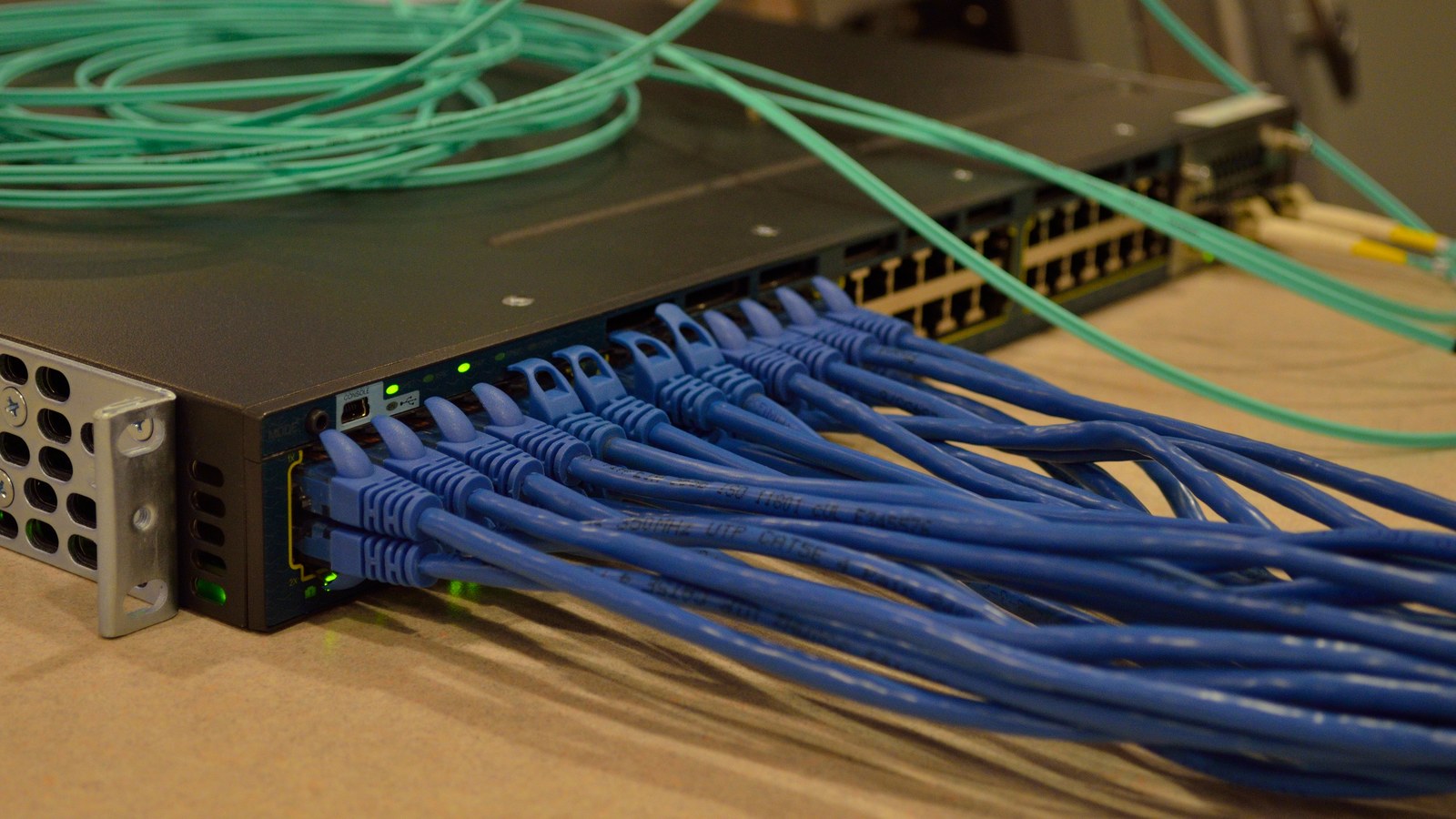
An Ethernet link can stay up while a duplex mismatch destroys useful throughput. The decisive check is not the link light or a single speed reading: read speed, duplex and autonegotiation at both ends, then compare collision and frame-error counter changes during the same traffic interval.
Featured image: Raysonho/Wikimedia Commons (CC0; cropped to 16:9).
Start with endpoint readback, not a new cable
On Linux, identify the interface and ask the driver what it negotiated:
ip -br link
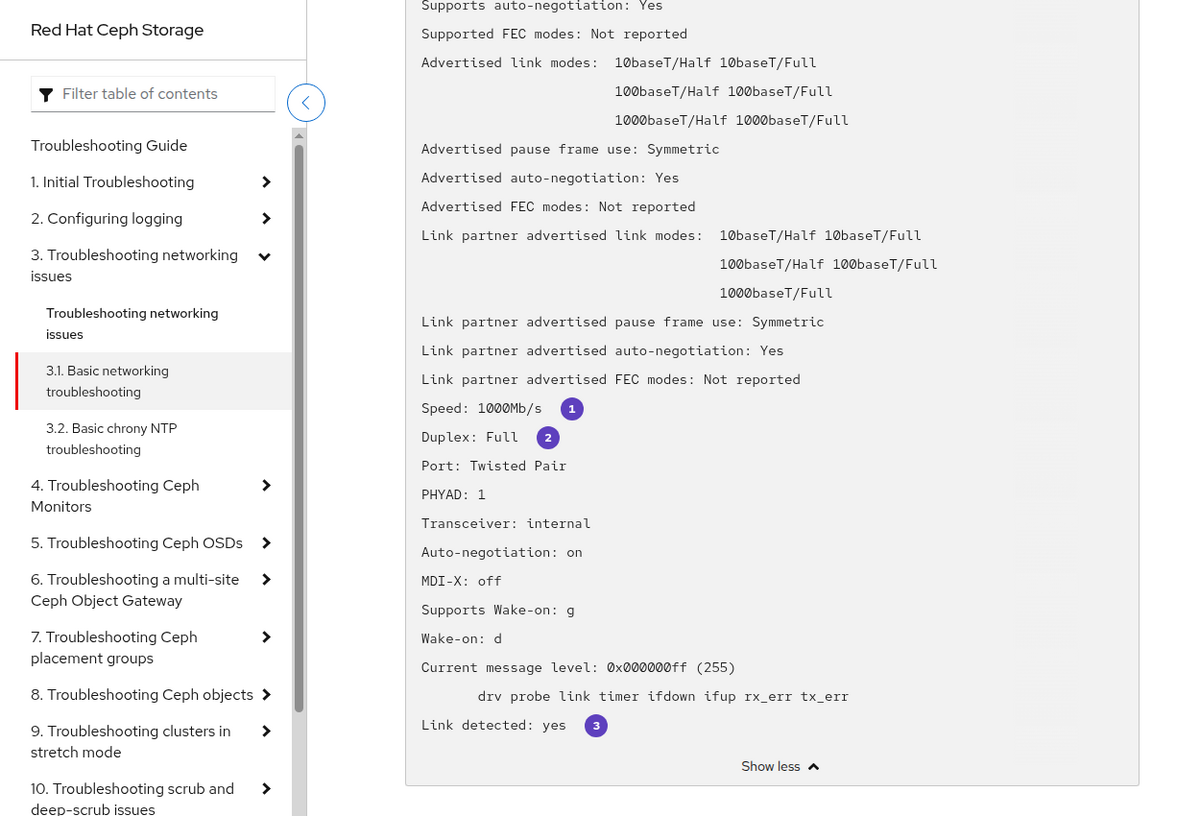
sudo ethtool enp2s0
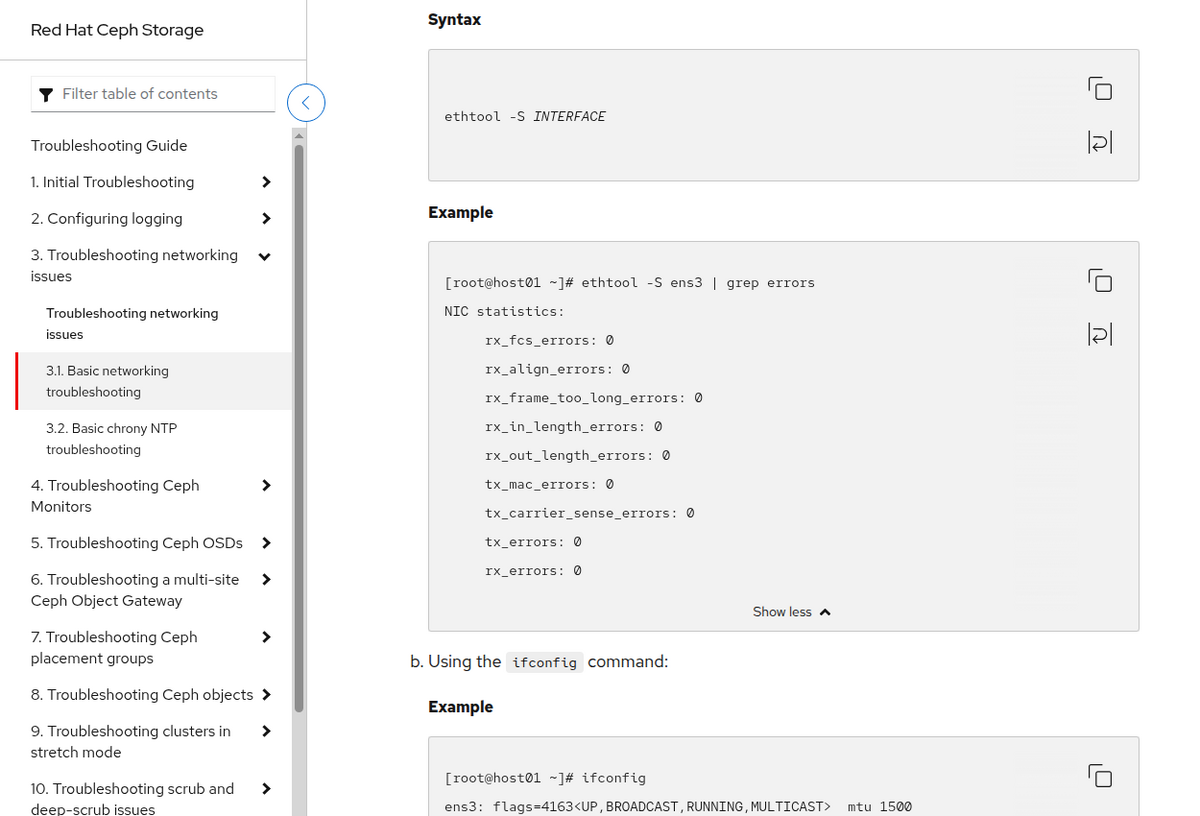
sudo ethtool -S enp2s0
The ethtool manual defines the basic query as the interface name alone; -S requests driver-defined statistics. Record Speed, Duplex, Auto-negotiation and Link detected. Then read the connected switch port through its management interface or CLI. A full/full or half/half link is internally consistent even if the speed is lower than expected. Full on one end and half on the other is the mismatch.
The classic fault is asymmetric
Cisco’s Ethernet duplex guidance explains the mechanism. The half-duplex endpoint uses carrier sense and collision handling. The full-duplex endpoint is allowed to transmit and receive at the same time. When both send together, the half-duplex side treats the event as a collision. Cisco identifies rapidly increasing FCS and alignment errors on the half-duplex side, while the full-duplex port may report runts.
That is why one counter on one device is not enough. Late collisions plus rapidly increasing FCS or alignment errors on the half-duplex side, paired with runts on the full-duplex port, form a much stronger signature than any counter alone. Cisco also cautions that late collisions can indicate an overlength cable or segment, so the duplex readback still matters.
Measure deltas over one controlled interval
Driver counters are often lifetime totals. Capture them before and after a reproducible transfer rather than reacting to a nonzero number left by an old fault:
sudo ethtool -S enp2s0 > before.txt
# run the same bidirectional transfer for 60 seconds
sudo ethtool -S enp2s0 > after.txt
diff -u before.txt after.txt
The Linux kernel’s interface-statistics documentation distinguishes standard counters from driver-defined ethtool statistics. Names vary by NIC, but useful candidates include late or excessive collisions, receive CRC/FCS errors, alignment errors and carrier errors. Check the switch’s corresponding port counters over the same 60-second window.
Normalize the change by traffic volume when comparing runs. For a receive-side counter, calculate error rate = Δ errors / Δ received frames; for a transmit collision counter, use transmitted frames. Ten errors during a few hundred frames and ten during several million frames are different signals. Save the raw outputs as well as the ratio because an interface reset, driver reload or device reboot can return a counter to zero. A falling lifetime total is a reset, not a spontaneous repair.
Do not confuse four different failure paths
- Duplex mismatch: endpoint readback disagrees; late collisions and FCS/alignment errors rise on the half-duplex side, while the full-duplex port may report runts.
- Physical cabling fault: CRC/FCS or symbol errors rise without contradictory duplex settings, often changing when the cable, connector or port changes.
- Congestion: queue drops rise while physical-layer CRC and collision counters stay quiet.
- Speed negotiation: both ends agree on duplex but settle at 100 Mbit/s instead of 1 Gbit/s, pointing toward cable-pair, advertisement or PHY issues rather than a duplex mismatch.
The Cisco Meraki troubleshooting note likewise describes high error rates and reduced performance when one endpoint uses full duplex and the other half duplex. It recommends verifying both ends rather than assuming the managed switch is the only authoritative view.
Fix negotiation symmetrically
The safest normal correction is to restore autonegotiation on both endpoints, then bounce the link and verify the resulting mode. If legacy equipment requires a forced 10/100 setting, force the same speed and duplex on both ends and document it. Do not leave one side forced while the other remains automatic and assume that speed detection also communicated duplex.
After the change, repeat the same transfer and counter-delta capture. A clean result requires three observations together: both endpoints report the same mode, the collision/FCS signature stops increasing, and application throughput recovers without new queue drops. If errors persist with matching duplex, return to cable, connector, PHY and port isolation rather than forcing more settings.