
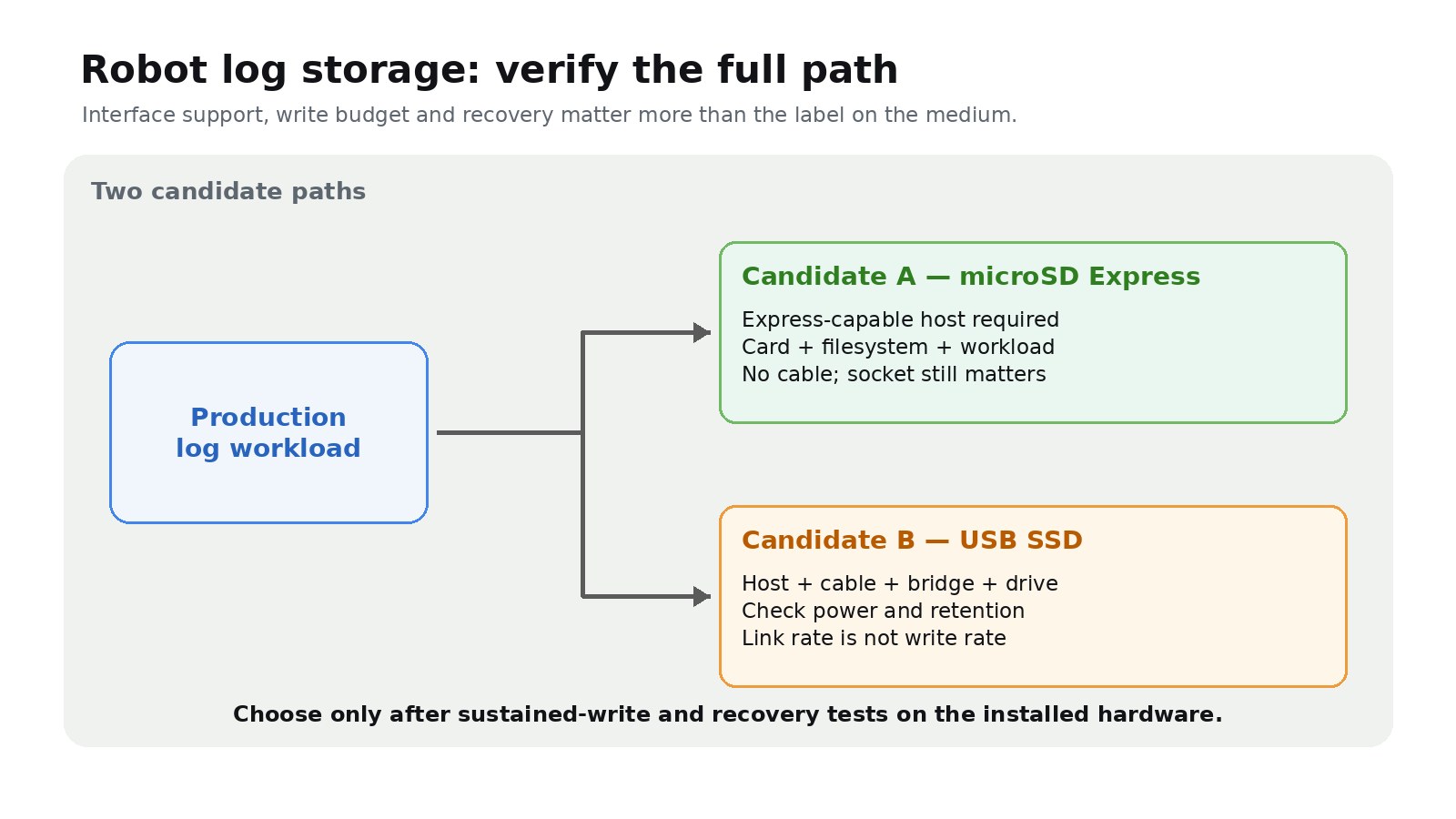
Quick answer: Use microSD Express only when the robot’s host explicitly supports SD Express. Otherwise the card cannot use its PCIe/NVMe Express path. A USB SSD can be more serviceable for large logs, but its real performance and reliability depend on the host port, drive, bridge, cable, power budget and mount.
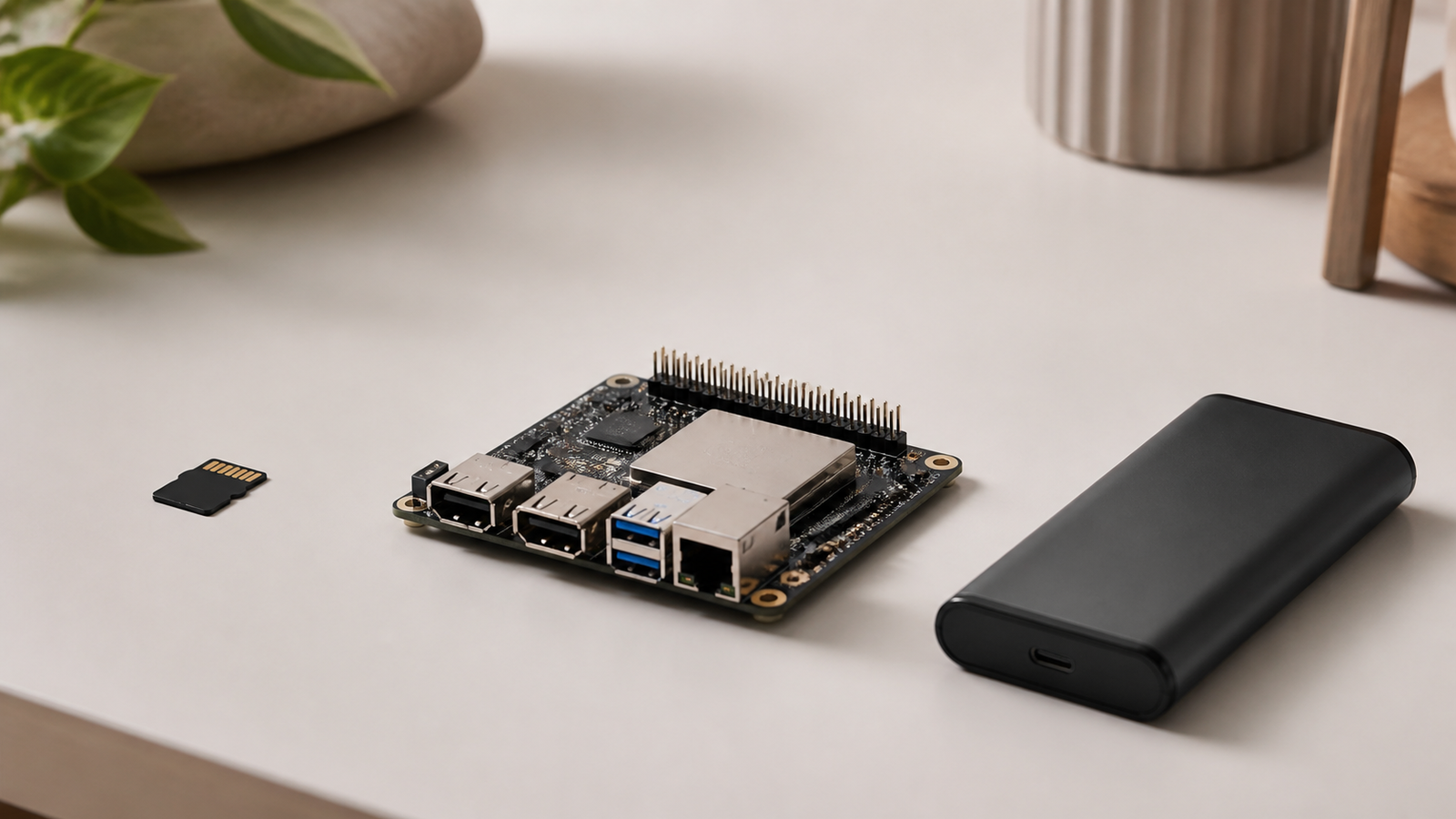
First identify the host interface
SD Express combines PCI Express and NVMe with the SD form factor. Express mode needs support on both the card and host.
This matters on common robot computers. Raspberry Pi’s current SD-card documentation describes DDR50 and SDR104 support for its official microSD cards, not SD Express. Its computer documentation separately supports USB mass-storage devices and warns that disks and SSDs have power requirements. For a Raspberry Pi design, compare the board’s documented microSD and USB paths; do not budget around SD Express rates unless the exact host documentation says they are available.
USB labels need the same care. USB-IF defines USB 3.2 signaling rates of 5, 10 and 20 Gbit/s, but a link rate is not a sustained file-write result. The slowest element in the host, cable, bridge, SSD, filesystem or workload sets the delivered rate.
Size storage from the log stream
Measure bytes written per second with every production stream enabled, then multiply by the required run time. Add room for indexes, temporary files, filesystem overhead and a retention margin. Define what happens when free space reaches a threshold: rotate old runs, stop cleanly or raise an operator-visible fault.
Capacity and endurance must be checked by product. “USB SSD” does not guarantee either, and a card label does not establish sustained-write behavior.
Compare failure domains
A card avoids an external data cable but still depends on its socket, host power and filesystem. A USB SSD adds a cable and usually a storage bridge; secure the drive, strain-relieve the cable and check the complete enclosure’s power requirement.
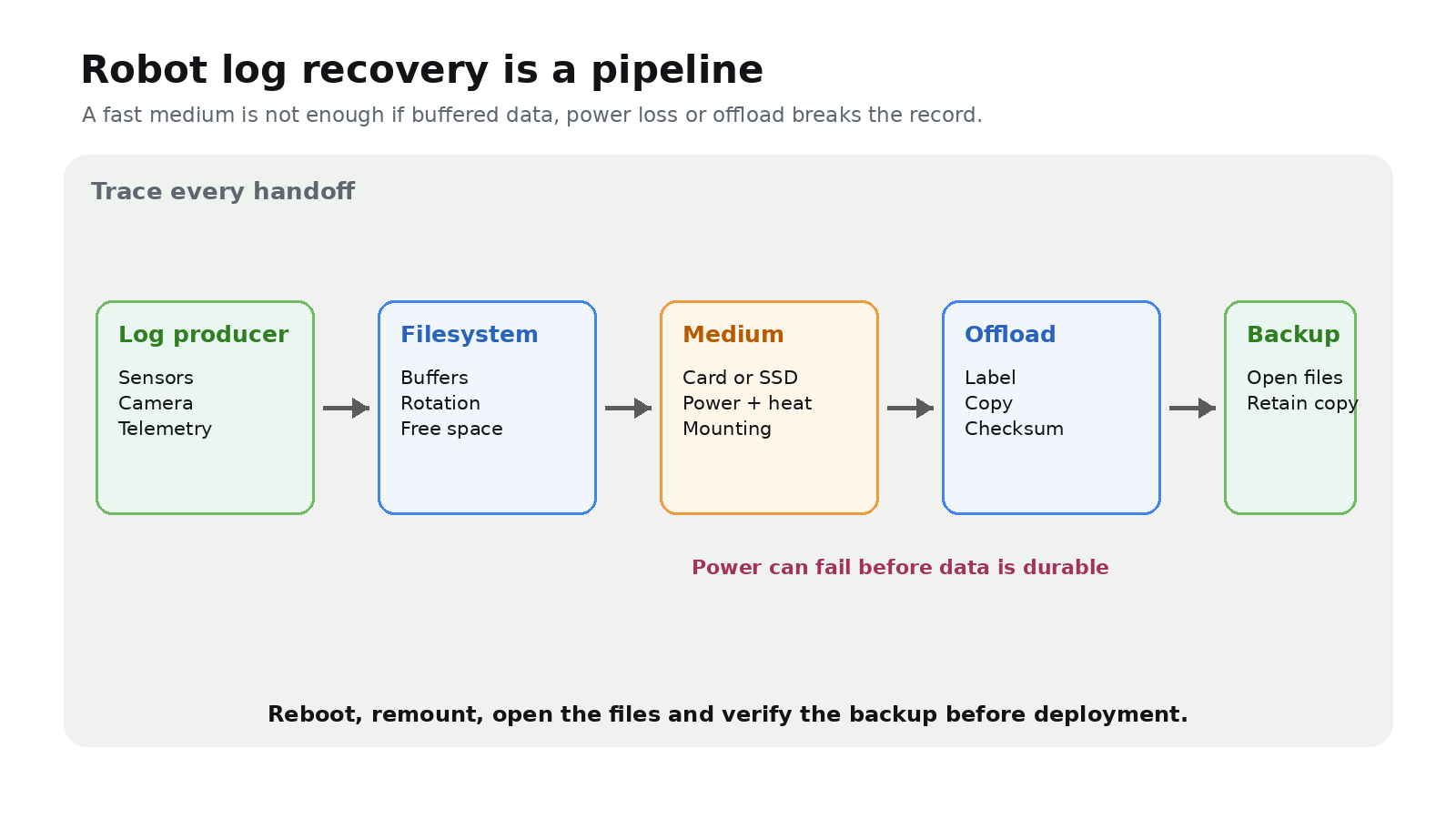
Neither path is inherently safe from abrupt power loss. Buffered data, application write behavior and the filesystem all affect what survives.
Run a recovery test before deployment
- Record the production workload for longer than the longest planned run.
- Verify temperatures, disconnects, dropped records and free-space handling.
- Interrupt power under a controlled, non-destructive test plan.
- Reboot, remount and check which files are readable.
- Time the label, offload, backup and media-replacement procedure.
Choose the path that meets the write budget and returns usable data after the defined failure tests. Peak speed is secondary to a documented recovery path.
Disclosure: TVG did not benchmark a card or SSD for this guide. Product selection requires testing the exact hardware.



