
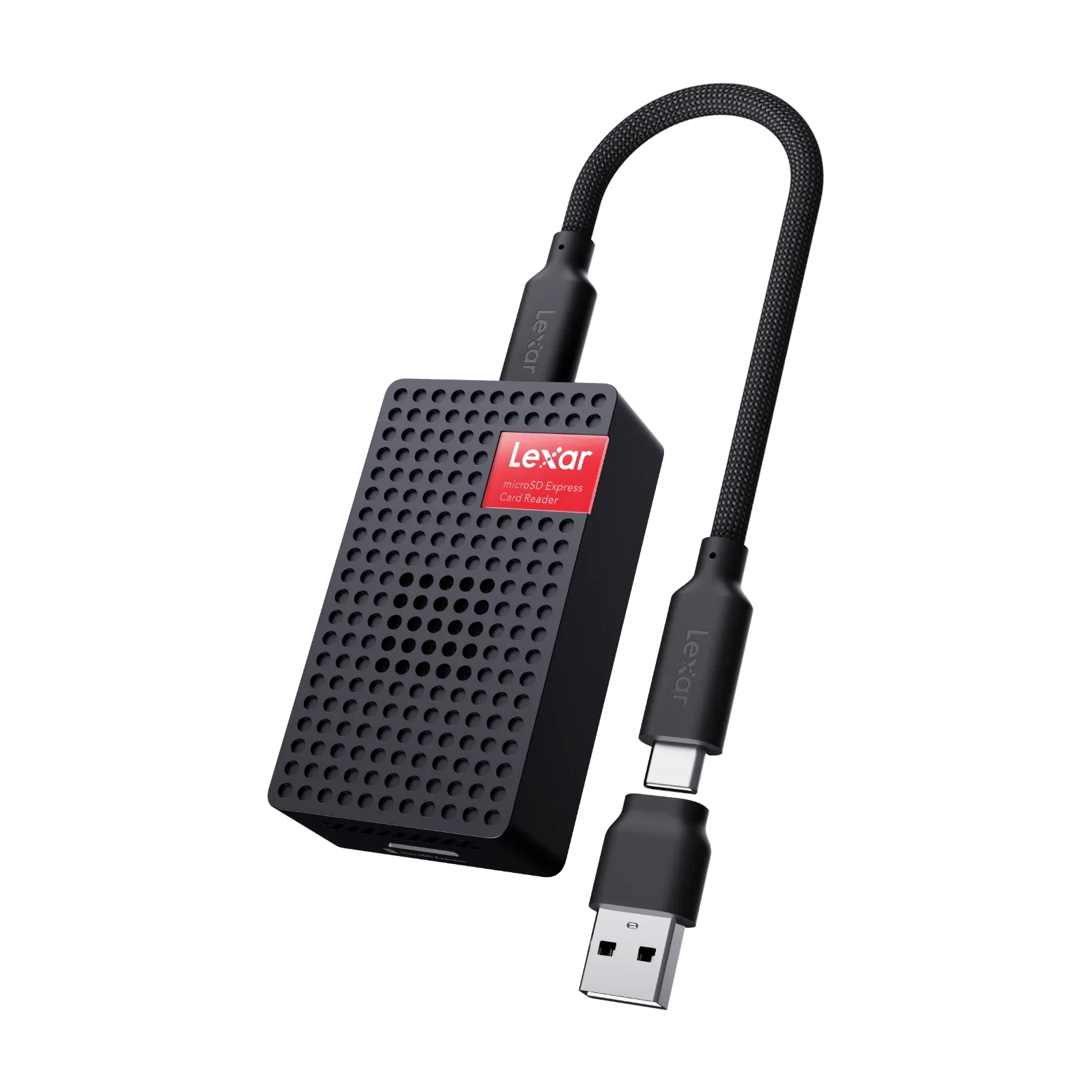
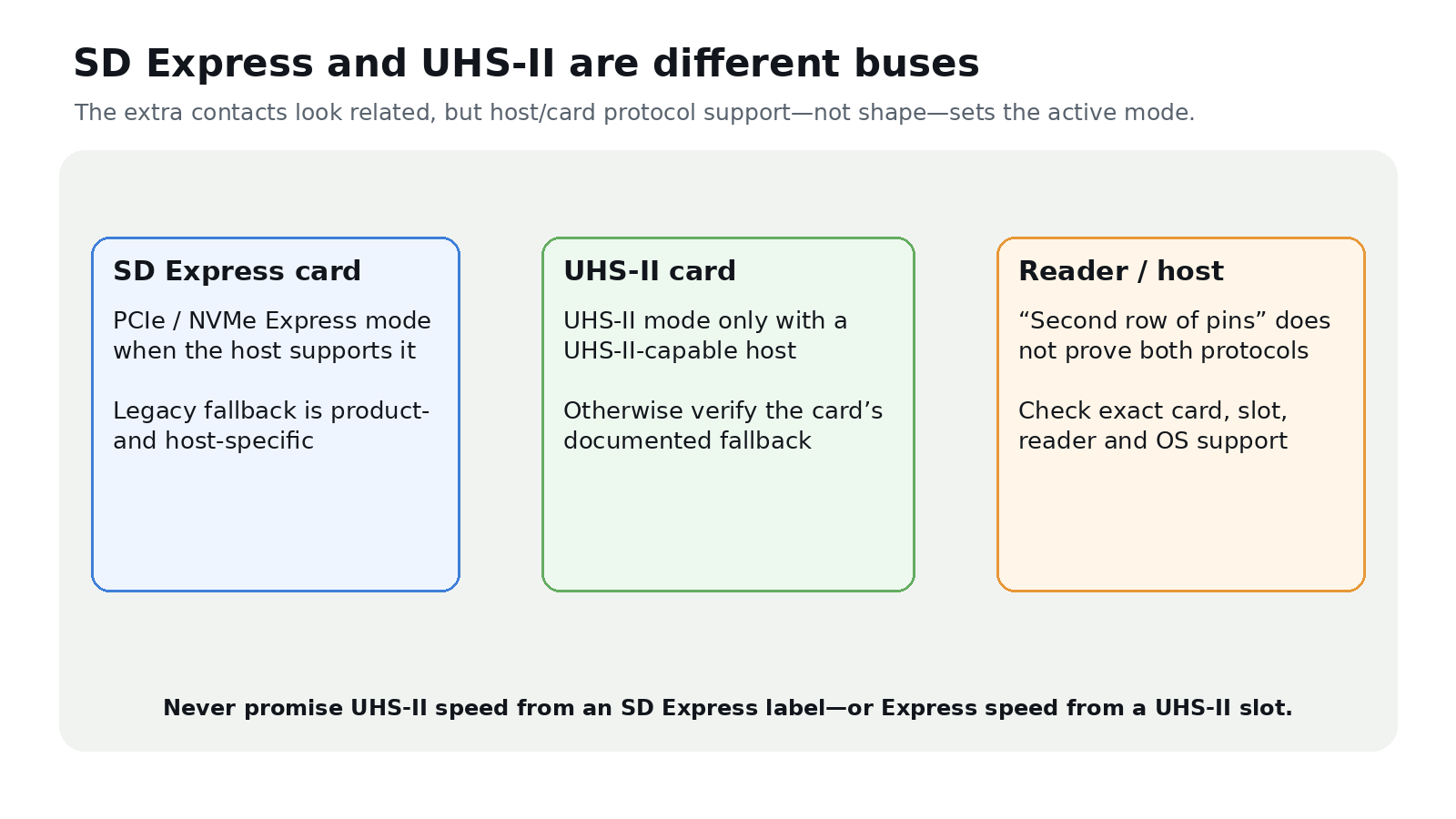
Compatibility answer: SD Express and UHS-II are different interfaces. SD Express uses PCIe/NVMe for Express mode; UHS-II uses the UHS-II bus. Similar second-row contacts do not make the protocols interchangeable. Check the exact card and host documentation for supported modes and fallback behavior.
Begin at the capture device
A drone or 360 camera must explicitly support the card type, capacity, filesystem and sustained write requirement. An SD Express card cannot use its Express path in a UHS-II-only slot. Likewise, an SD Express-capable connector does not prove that its controller also implements UHS-II. Some products support legacy modes, but the resulting mode and speed are product-specific.
Use the camera maker’s current compatibility list and the card’s stated video or sustained-write class. Peak read speed is not a capture guarantee. Run a full-duration recording with the production resolution, codec, temperature and power setup; then check for stopped recordings, corrupted clips and thermal warnings.
Interpret write marks by their minimum guarantee: C10 and U1 indicate 10 MB/s, U3 indicates 30 MB/s, while Video Speed Class labels run from V6 through V90. The device must support the relevant class.
Trace every offload link
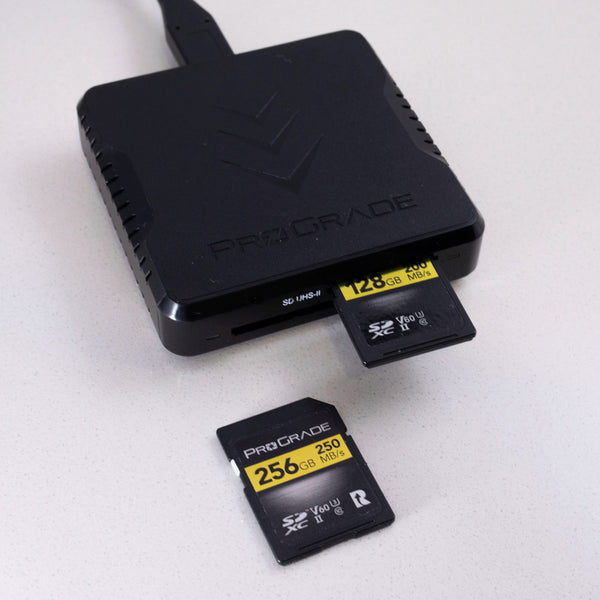
The reader must implement the card’s intended protocol. The host port, cable, driver, filesystem and destination drive must then sustain the transfer. A reader marketed for UHS-II may access an SD Express card only through a documented legacy fallback—or not as expected. A generic USB adapter can also reduce an otherwise fast path.
Record negotiated link information where the operating system exposes it, but validate with complete file copies. Advertised bus rates exclude protocol overhead and do not establish destination write performance.
Use a field chain that can fail safely
- Label cards and keep used media physically separate.
- Copy into a dated job folder without renaming originals.
- Create a checksum manifest and verify the copied files.
- Open representative large and small files in the delivery application.
- Make a second independent copy and verify it before card reuse.
- Carry a proven fallback reader, cable and supported media type.
The decision is therefore not “SD Express or UHS-II is faster.” It is whether one tested chain—from camera slot to two verified copies—supports the chosen mode and required sustained workload. Preserve the original card until that chain has completed.



