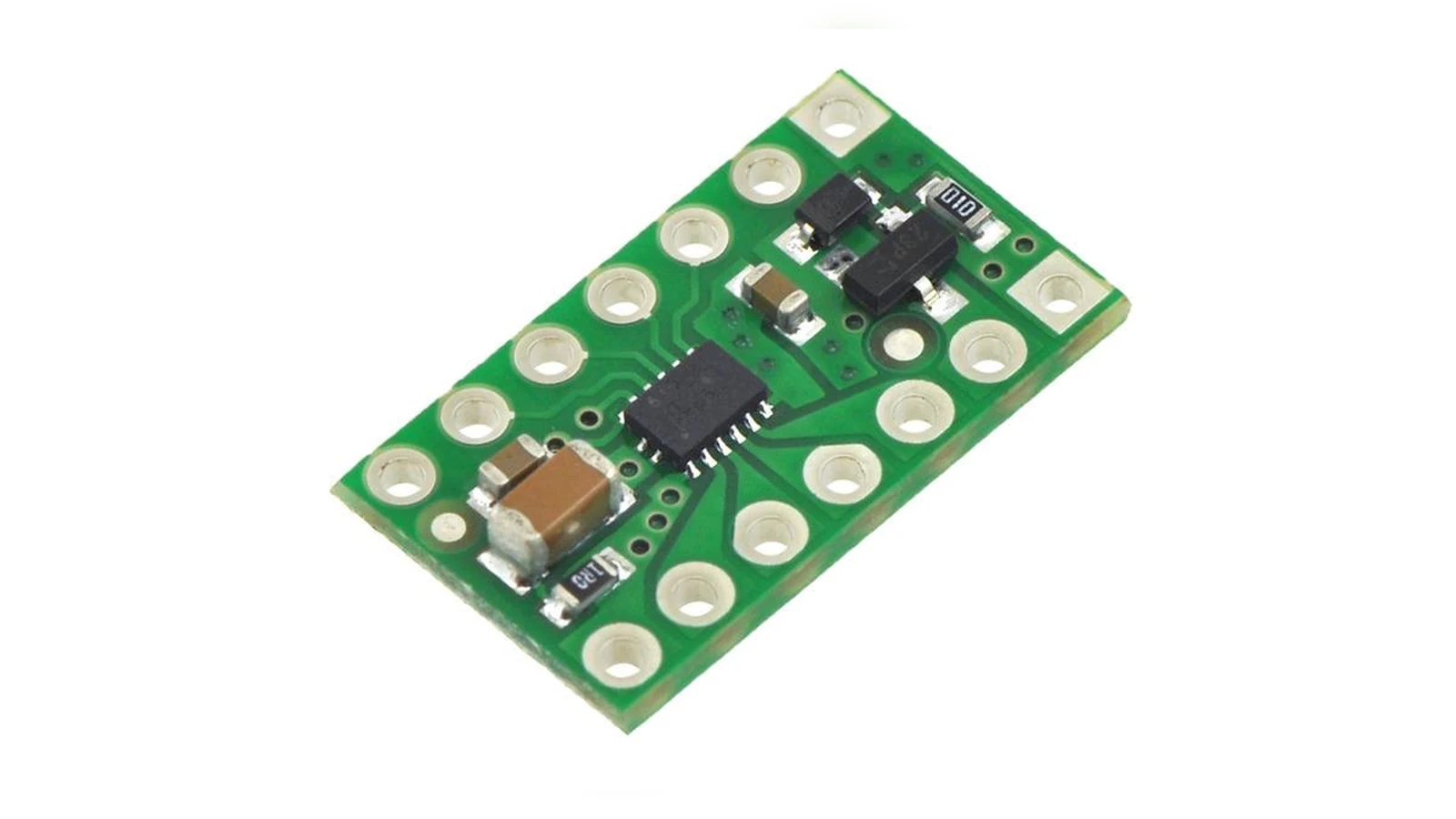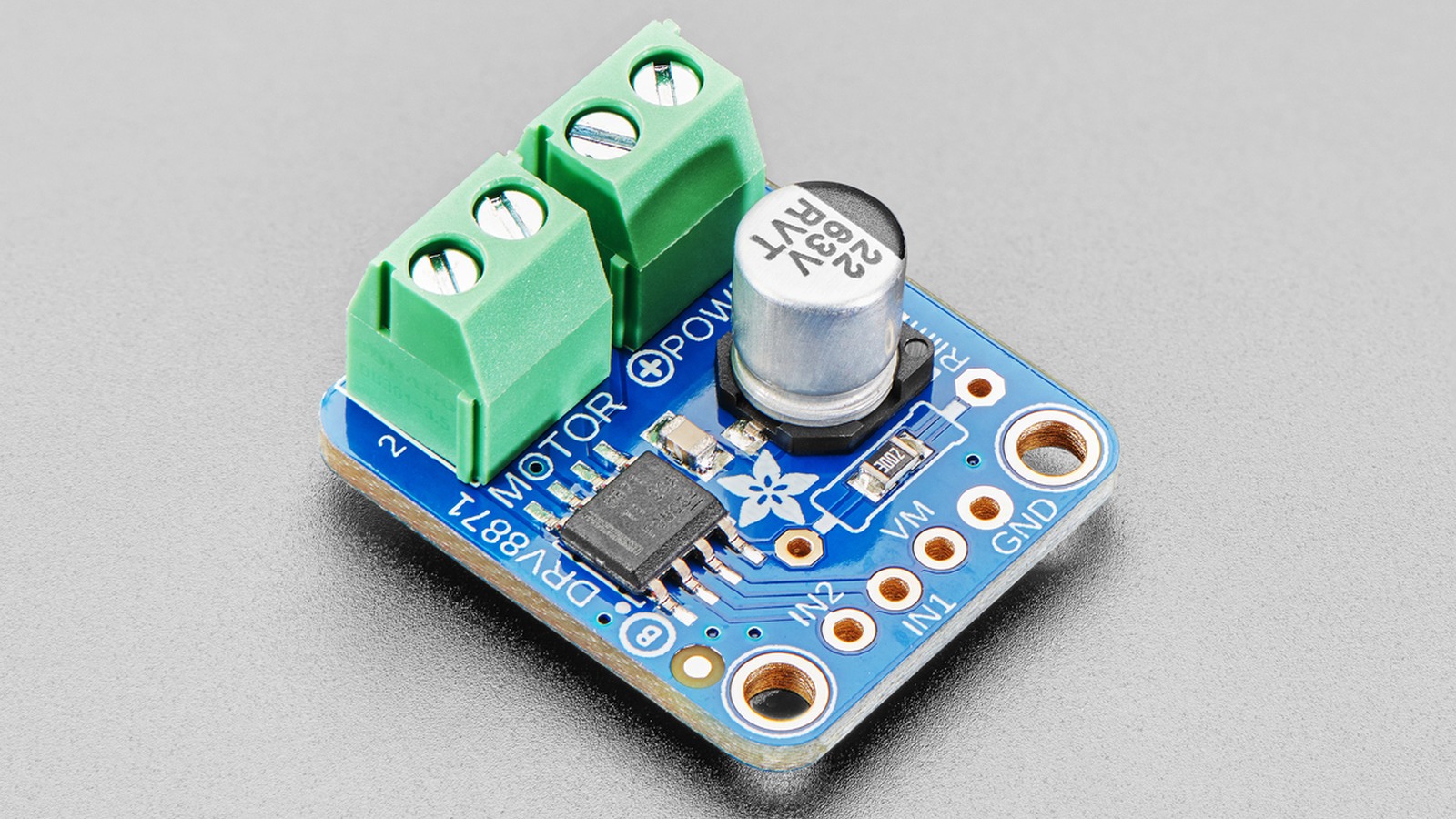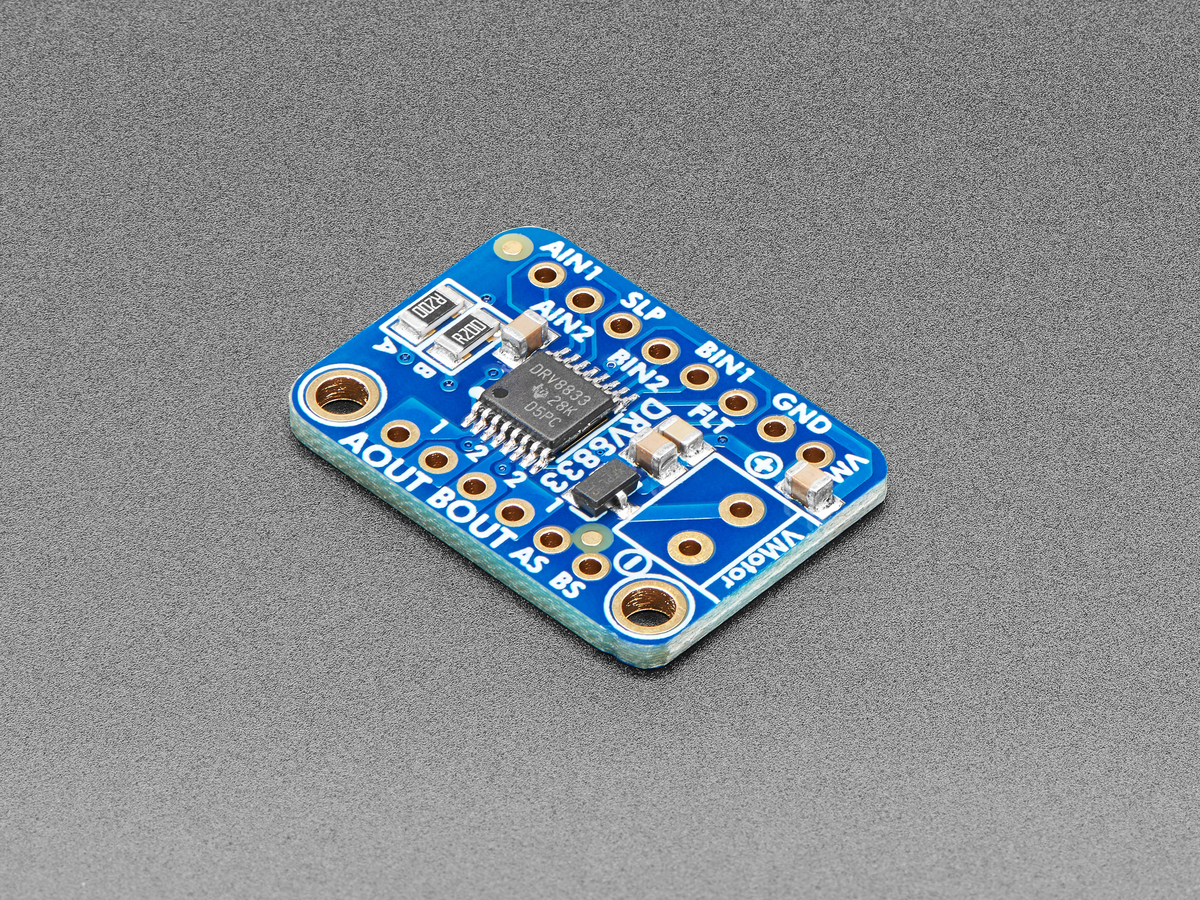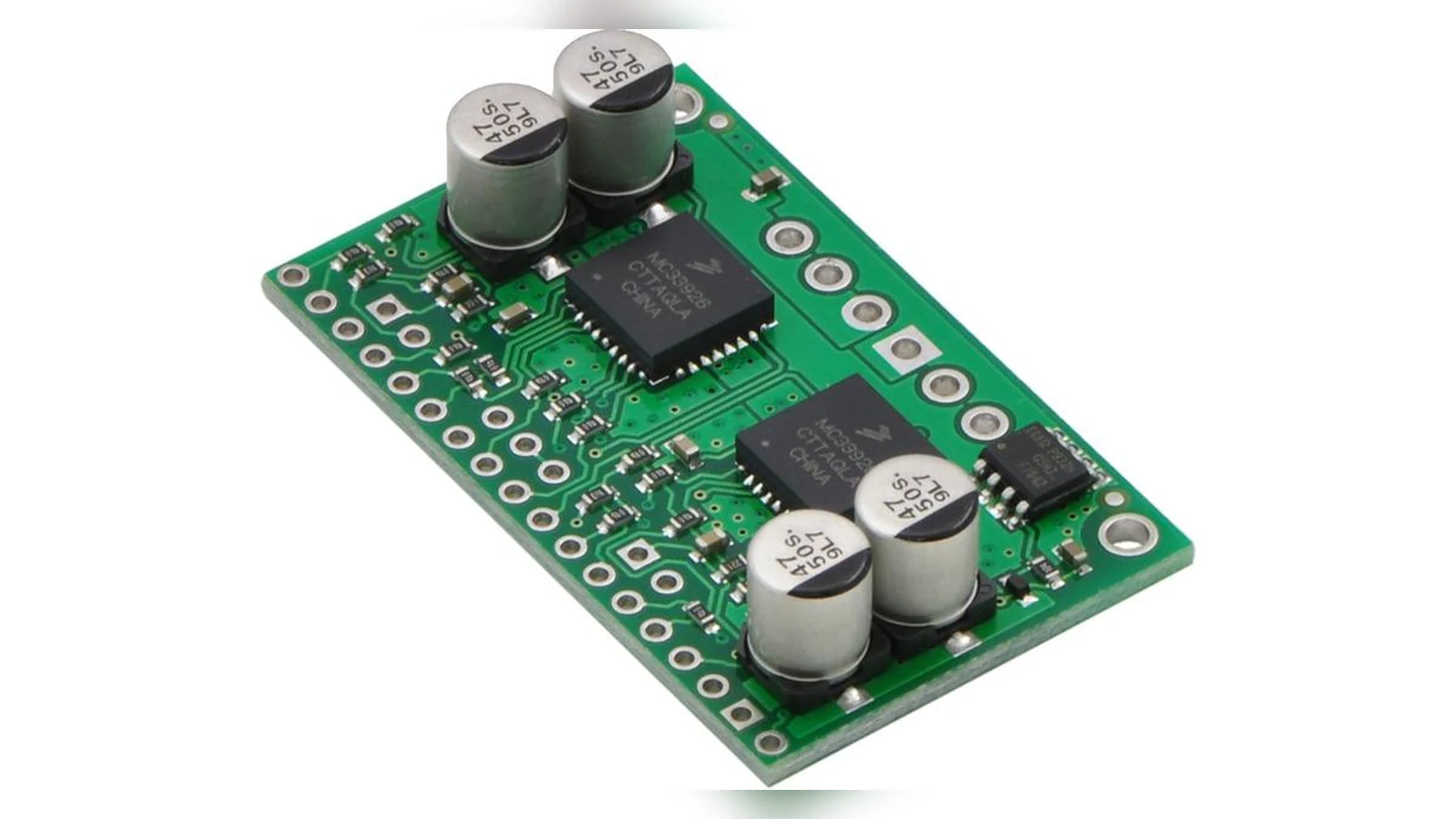
A robot that pauses, resets or loses torque may have a software symptom and a power-stage cause. Motor-driver peak current, RMS current, overcurrent protection and thermal behavior are different limits. Before changing a control loop, capture enough evidence to tell current limiting from thermal shutdown, wiring loss or a mechanical load that is simply too high.
Start with the load state
Record the command, supply voltage, motor current if the driver exposes it, duty cycle, wheel or joint condition and ambient temperature. Repeat the observation with the mechanism unloaded only if that is safe. A driver that behaves normally unloaded but faults under acceleration points toward load, current demand, gearing or wiring—not automatically toward code timing.
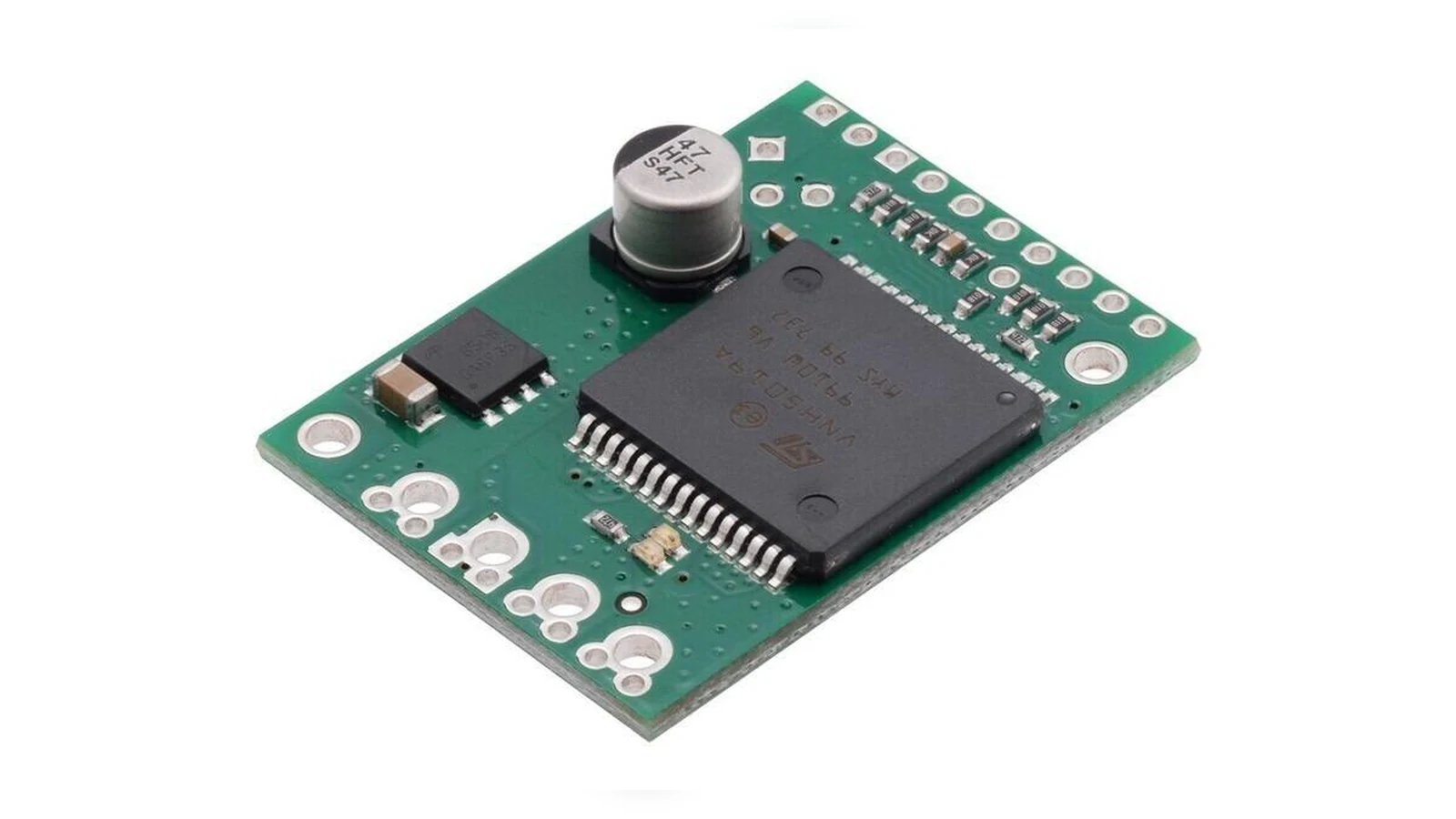
Do not confuse peak with continuous capacity
TI’s current-rating guidance distinguishes peak output current from RMS current and explains why thermal limits still govern real operation. A short current spike may be inside an overcurrent threshold while the package continues accumulating heat. Conversely, a driver can reach thermal shutdown without exceeding the nominal current-protection setting.
Check the physical heat path
Inspect the board mounting, copper area, heatsink contact, airflow, connector temperature and battery-to-driver wiring. Measure at a consistent point and time, and record whether the driver recovers only after cooling or after a power cycle. Keep fingers away from moving mechanisms and energized conductors; stop if a battery, connector or board shows damage.
Use a small fault matrix
Compare low duty, high duty, unloaded motion, blocked-motion behavior only when the hardware documentation permits it, and a known-good motor or driver where available. Log supply sag and driver status flags. The goal is not to create a universal thermal number. It is to identify the boundary that changes with load, time, airflow or wiring so the next repair is aimed at the right layer.
Use temperature as a symptom, not the diagnosis
A hot driver can come from excessive average current, a short current peak, poor airflow, high switching loss or a board that cannot spread heat into copper. Measure supply voltage and motor current under the motion that causes the fault, then compare those values with the driver data sheet’s operating conditions. Also inspect connectors and solder joints: resistance outside the IC can create heat and voltage drop that look like a driver problem. If the device enters thermal shutdown, record the load and time to failure before changing hardware. Lower current limits, gentler acceleration and a carrier with more thermal area are different fixes for different causes; a larger driver alone does not correct binding mechanics or wiring faults.