
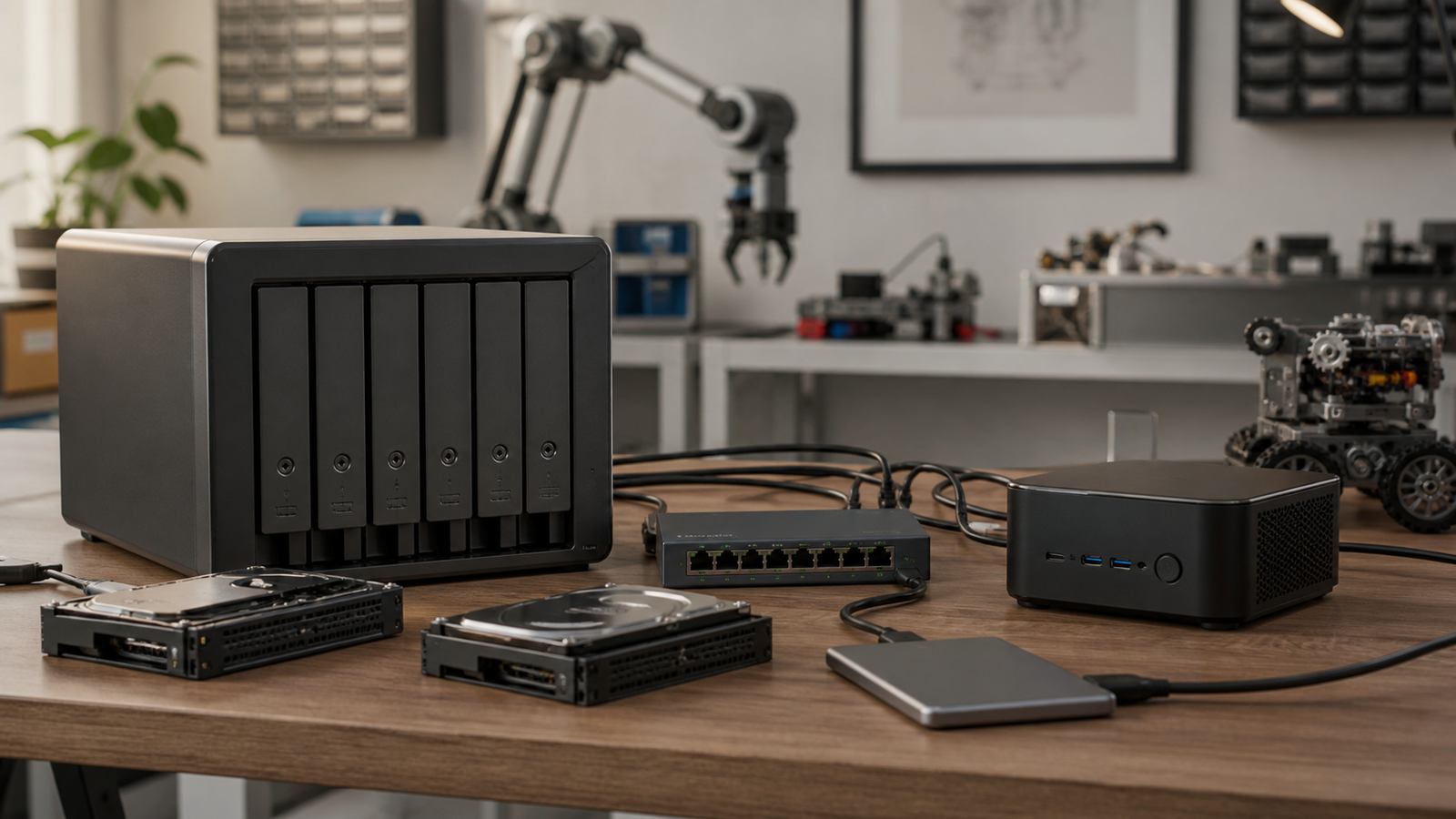
A small lab can outgrow external drives faster than expected. Robot camera logs, CAD revisions, slicer profiles, drone footage, 360 camera files, and classroom project folders all need somewhere to land. The common choice is a NAS appliance. The tempting alternative is a mini-PC with attached storage and server software.
Both can work. They fail differently.
Quick answer
Choose a NAS appliance when you want predictable drive bays, simple shared folders, snapshots, and appliance-style management. Choose a mini-PC backup server when you need more compute, custom software, container workloads, or a flexible home-lab experiment. For irreplaceable creator and robotics data, either path still needs an off-device backup.
What a NAS is good at
IBM defines network-attached storage as a dedicated storage device that makes files available over a local network. In practical terms, a NAS is attractive because the basic job is obvious: drives in bays, shared folders, user permissions, and storage services that are meant to stay on.
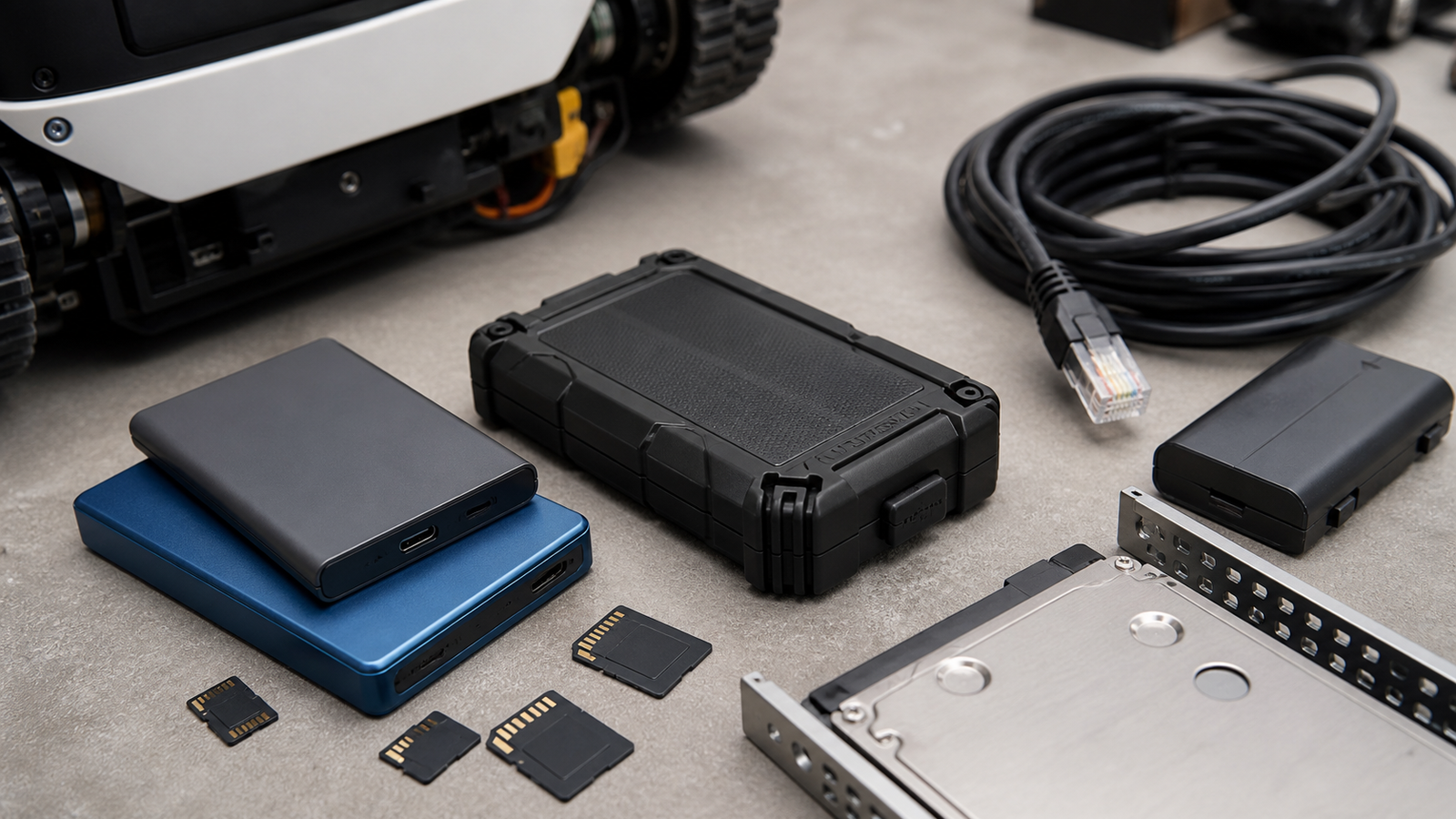
For a small TVG-style lab, that is useful. A NAS can collect robot logs after a field test, store camera footage after an offload session, hold CAD exports, and keep project folders reachable from multiple workstations. Many appliances also include snapshot tools, drive health views, and scheduled backup features.
The tradeoff is that an appliance can be less flexible. If the CPU, memory, operating system, or app ecosystem does not fit your next workflow, the box may become a storage endpoint rather than a general lab server.
What a mini-PC server is good at
A mini-PC backup server is more open-ended. It can run TrueNAS, Linux, containers, media tools, build servers, Home Assistant, experiment dashboards, or custom scripts. That flexibility is valuable if the same box needs to collect sensor data, preprocess robot logs, or automate camera-card ingest.
The downside is ownership. You become the integrator. Drive enclosures, USB or Thunderbolt links, power recovery, cooling, boot media, filesystem choices, and update policies are now your design decisions.
That can be a good learning project. It can also be a bad place to store the only copy of a client shoot or a season of robotics-team data.
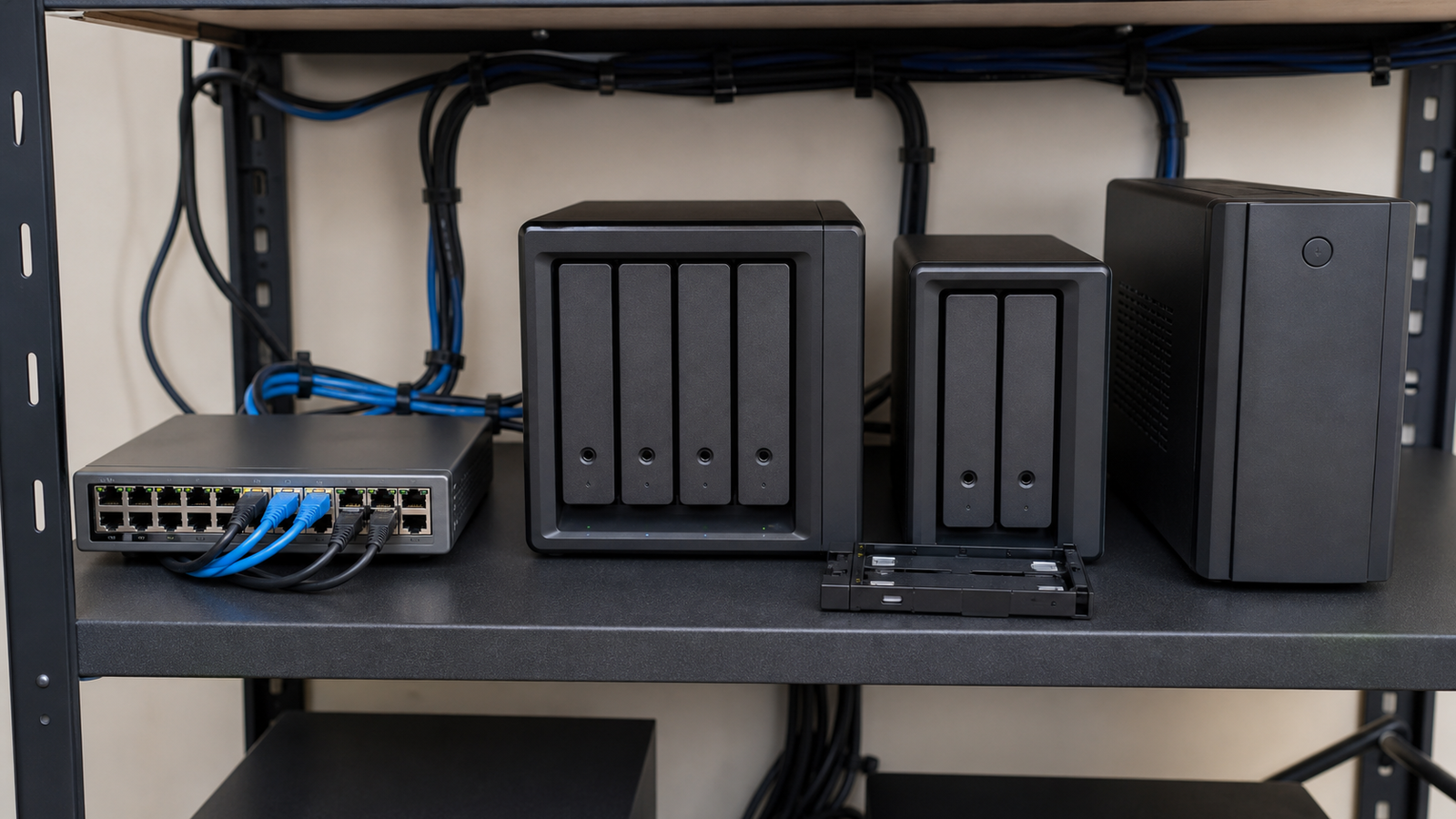
Comparison: failure modes
A NAS appliance usually fails in predictable categories: a drive reports errors, a fan gets loud, a power supply fails, a firmware update breaks something, or the network path disappears. The system may warn you early if health monitoring is configured.
A mini-PC storage server adds more varied failure points. A USB drive enclosure can drop under load. A small power brick can brown out. A container update can collide with storage permissions. A boot SSD can fail separately from the data drives. None of those are impossible to manage, but they require documentation.
For creator media, this connects directly to TVG’s field offload planning. Fast ingest is only step one. The lab still needs a place where files are verified, organized, and copied again.
Network reality check
Storage performance is often blamed on the NAS when the real bottleneck is the network. A single 1GbE link is easy to saturate with video files. Wi-Fi can be fine for documents and light project work, but large footage and dataset moves are better over Ethernet.
That is why TVG’s Wi-Fi 7 mesh backhaul guide still recommends Ethernet discipline for home labs. A good storage plan includes switches, cables, and client ports, not just drive capacity.
Decision checklist
- Data type: video footage, robot logs, CAD files, images, datasets, or mixed project folders.
- Recovery target: how quickly the lab must be working again after a drive or device failure.
- Drive access: whether drives are easy to replace and identify.
- Snapshots: whether accidental deletes and ransomware-style damage can be rolled back.
- Off-site copy: whether a fire, theft, or surge would still leave a recoverable copy.
- Documentation: whether another person can understand the setup when you are unavailable.
TVG Take
A NAS is usually the safer default for a small creator or robotics lab that primarily needs reliable shared storage. A mini-PC server is better when the lab explicitly wants a programmable platform and accepts the maintenance burden.
The wrong answer is pretending that RAID, snapshots, or a big drive automatically equals backup. The right plan has at least two copies, a tested restore path, and a network that matches the size of the files being moved.



