
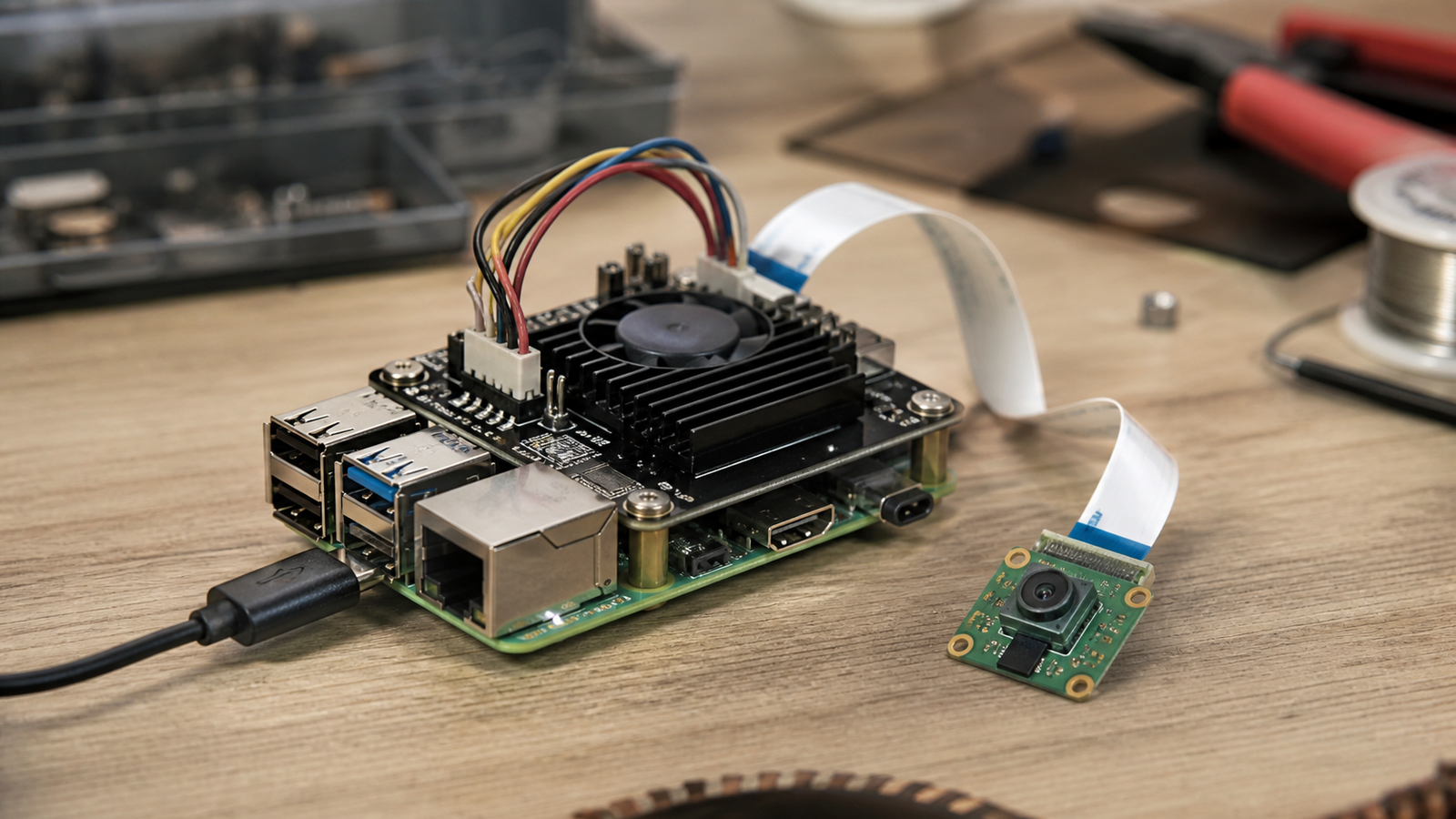
Raspberry Pi’s August 13 post on LiteRT on Raspberry Pi is a useful signal for makers building local AI appliances. The promise is straightforward: use the same LiteRT workflow and offload compatible inference to Raspberry Pi AI HAT+ hardware instead of treating acceleration as a separate one-off integration.
That is good news for builders. It is not a reason to skip validation.
Quick answer
LiteRT can make Raspberry Pi AI HAT+ projects easier to prototype, especially when a model fits the supported acceleration path. Before using it in a robot, kiosk, field translator, classroom device, or inspection rig, test model compatibility, end-to-end latency, thermal behavior, power margin, camera or audio pipeline timing, and CPU fallback.
What changed
Raspberry Pi says the update allows model inference to be offloaded to Raspberry Pi AI HAT+ and AI HAT+ 2 through LiteRT workflows. LiteRT is Google’s on-device runtime for edge AI, intended for models that need to run locally on phones, embedded boards, and other constrained devices.
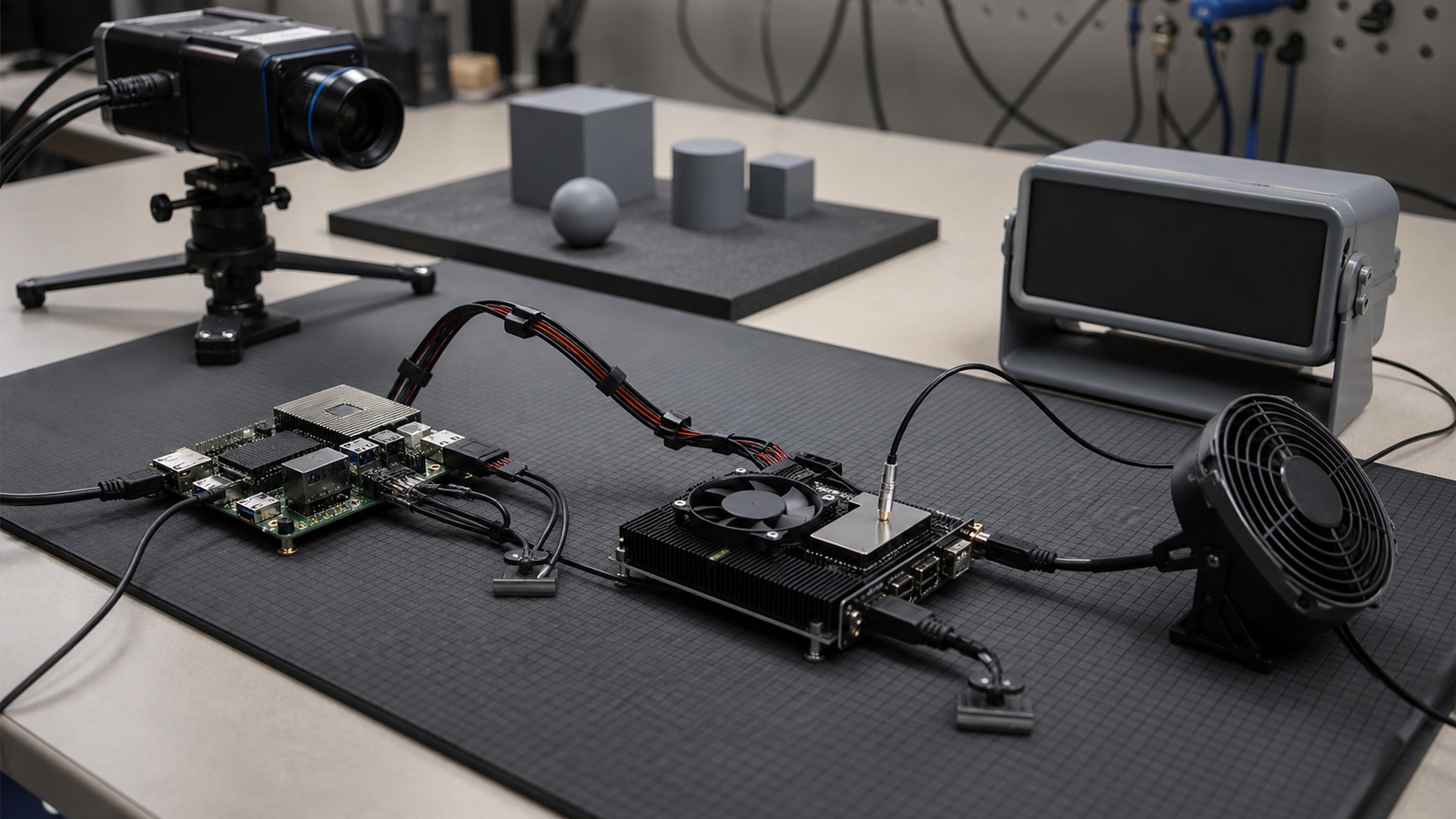
For TVG readers, the interesting part is workflow consistency. If a maker can move from a CPU-only prototype to an accelerator-backed build without rewriting the whole application, the project has a better chance of surviving beyond the demo stage.
That matters for local AI projects like field language appliances on Raspberry Pi, classroom vision demos, shop-floor inspection helpers, and low-bandwidth robots. The board is only part of the system. The runtime, model format, camera path, storage, and power budget decide whether the device behaves predictably.
Bench test 1: model fit
Start with the model, not the heatsink. Confirm that the model format, operators, input size, and quantization path are compatible with the LiteRT and AI HAT+ flow you plan to use. A model that runs on the CPU does not automatically become a good accelerator workload.
Record the exact model name, input dimensions, quantization type, runtime version, and test image or audio sample. If the project is for a class or team, those notes are more valuable than a vague statement that acceleration “works.”
Bench test 2: latency where the user feels it
Inference time is not the same as application latency. A robot vision loop includes camera exposure, frame transfer, preprocessing, inference, post-processing, control logic, and actuation. A translator includes audio capture, chunking, model processing, speech output, and user interaction delay.
Measure the whole path. If the accelerator improves inference but the pipeline still blocks on camera handling or storage writes, the user will not feel the benefit.
Bench test 3: heat and power margin
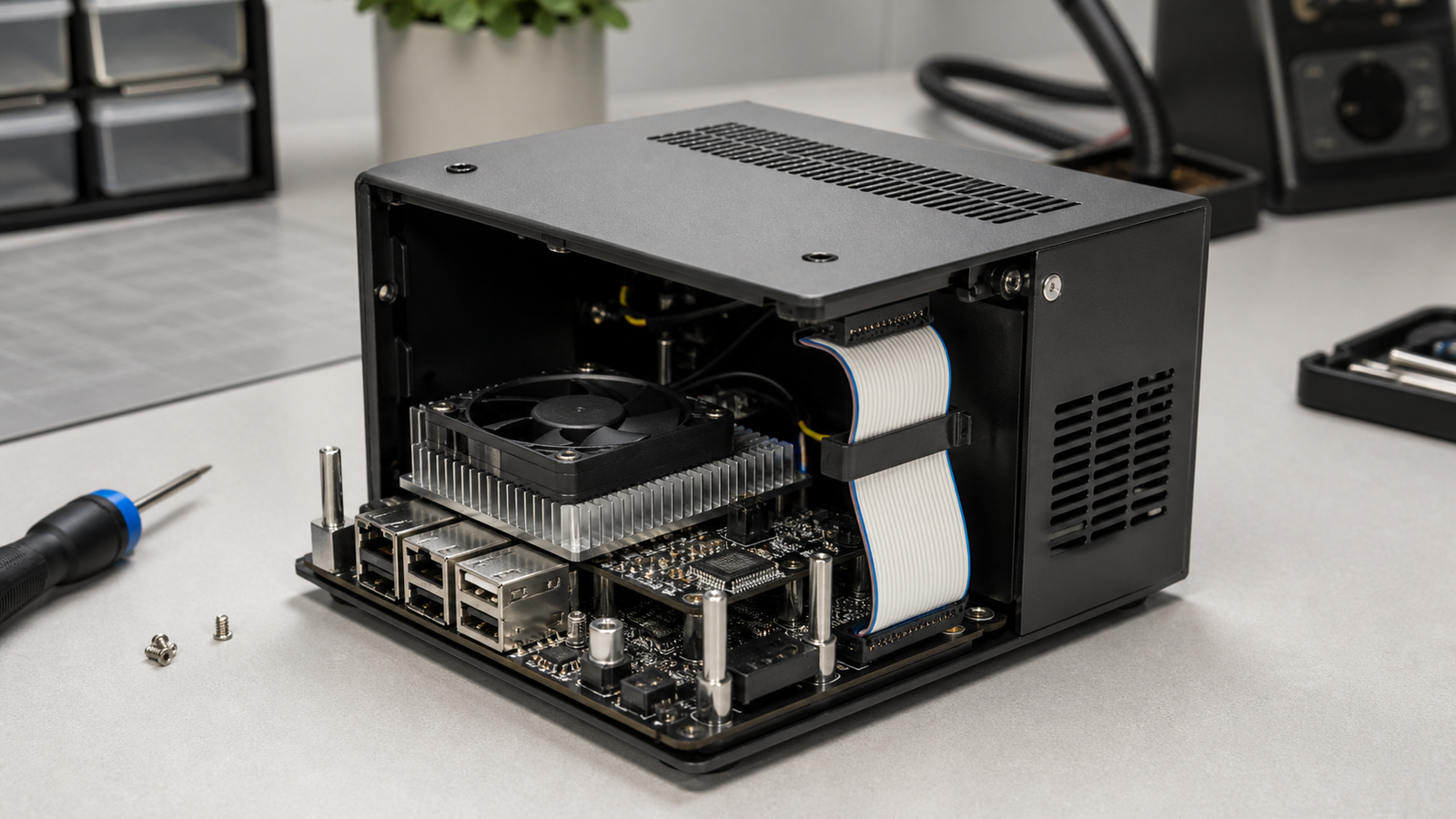
AI accelerator boards can make small computers look more capable, but they also add heat and power requirements. Test with the real enclosure, cable, supply, and workload. A Raspberry Pi on an open desk is not the same as a Pi inside a printed case near motors, LEDs, a camera, and a small fan.
For mobile builds, log voltage behavior during startup, camera initialization, and sustained inference. For stationary appliances, verify that the supply and cooling strategy still work after an hour, not just during a short demo.
Bench test 4: camera and cable reliability
Local AI often depends on a camera feed. If that feed uses a flat ribbon cable, treat the mechanical design as part of the inference system. TVG’s recent MIPI CSI ribbon-cable strain relief guide covers the failure mode: a model can be fine while the image source is physically unreliable.
Route cables with bend radius, strain relief, and service access in mind. Do not evaluate the AI stack using a cable arrangement that cannot survive the final enclosure or robot chassis.
TVG Take
The LiteRT update is encouraging because it lowers the workflow penalty for using Raspberry Pi AI acceleration. The engineering takeaway is still conservative: acceleration is not a feature until the whole appliance has been tested under the conditions where it will actually run.
For a maker project, that means a simple validation sheet: model version, runtime version, latency, CPU fallback, power supply, thermal result, camera path, and failure behavior. If those are unknown, the project is still a prototype.



