Accessibility technology is often discussed as an accommodation layer added after a project is designed. In STEM robotics, that misses the engineering opportunity. Adaptive switch inputs can be part of the control architecture from the beginning.
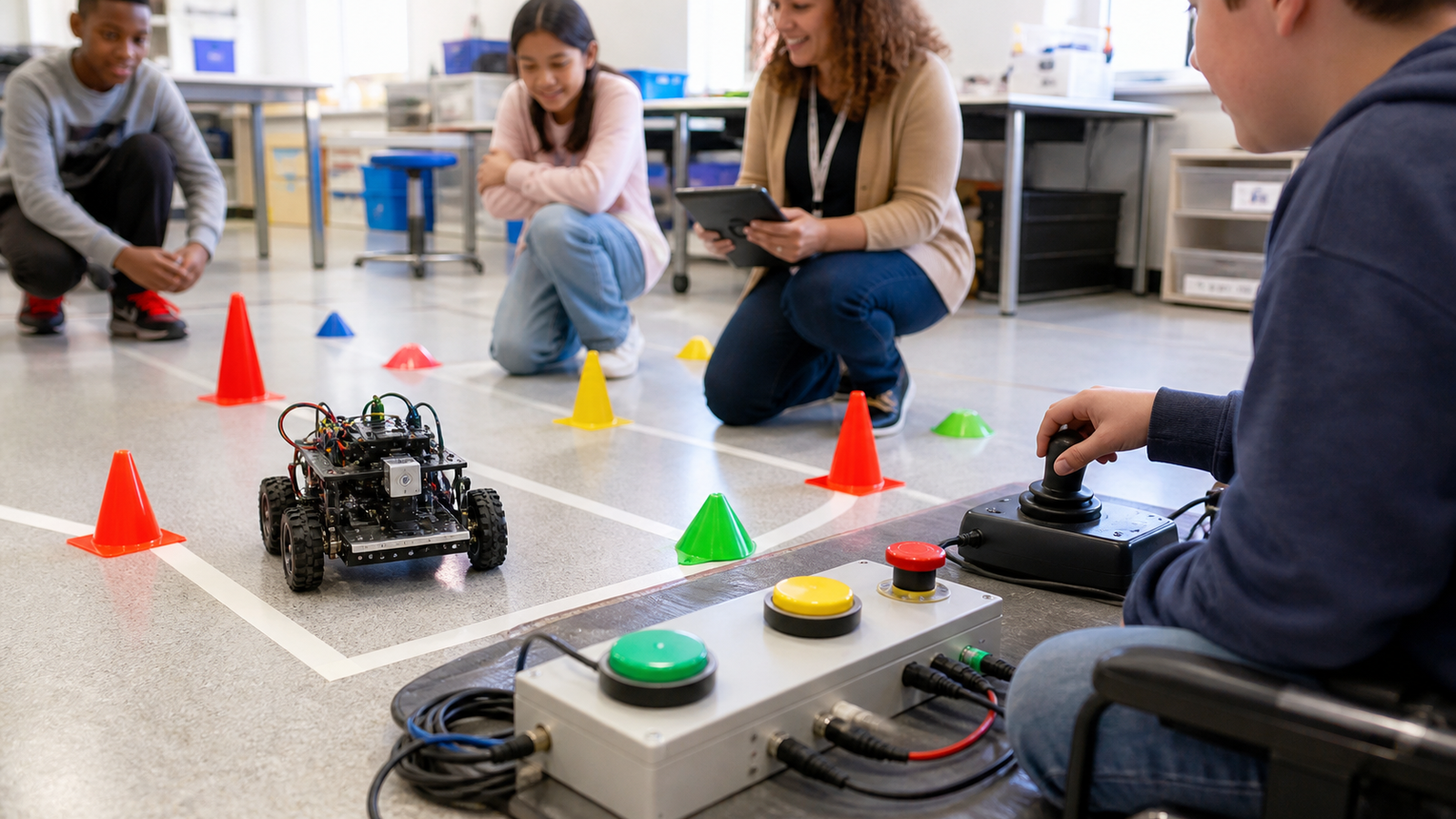
A student who cannot comfortably use a standard gamepad may still be able to operate, debug, score, or command a robot through switches, scanning choices, remapped controls, voice-assisted workflow, or a partner-control layout. The project does not have to become less technical. It has to expose more useful input paths.
Quick answer
Design STEM robots with remappable controls, large-switch options, clear safety boundaries, and project roles that separate driving, triggering, debugging, and strategy. Adaptive inputs should control real robot functions, not toy side tasks, and every alternate input method needs the same safety testing as a standard controller.
What adaptive inputs change
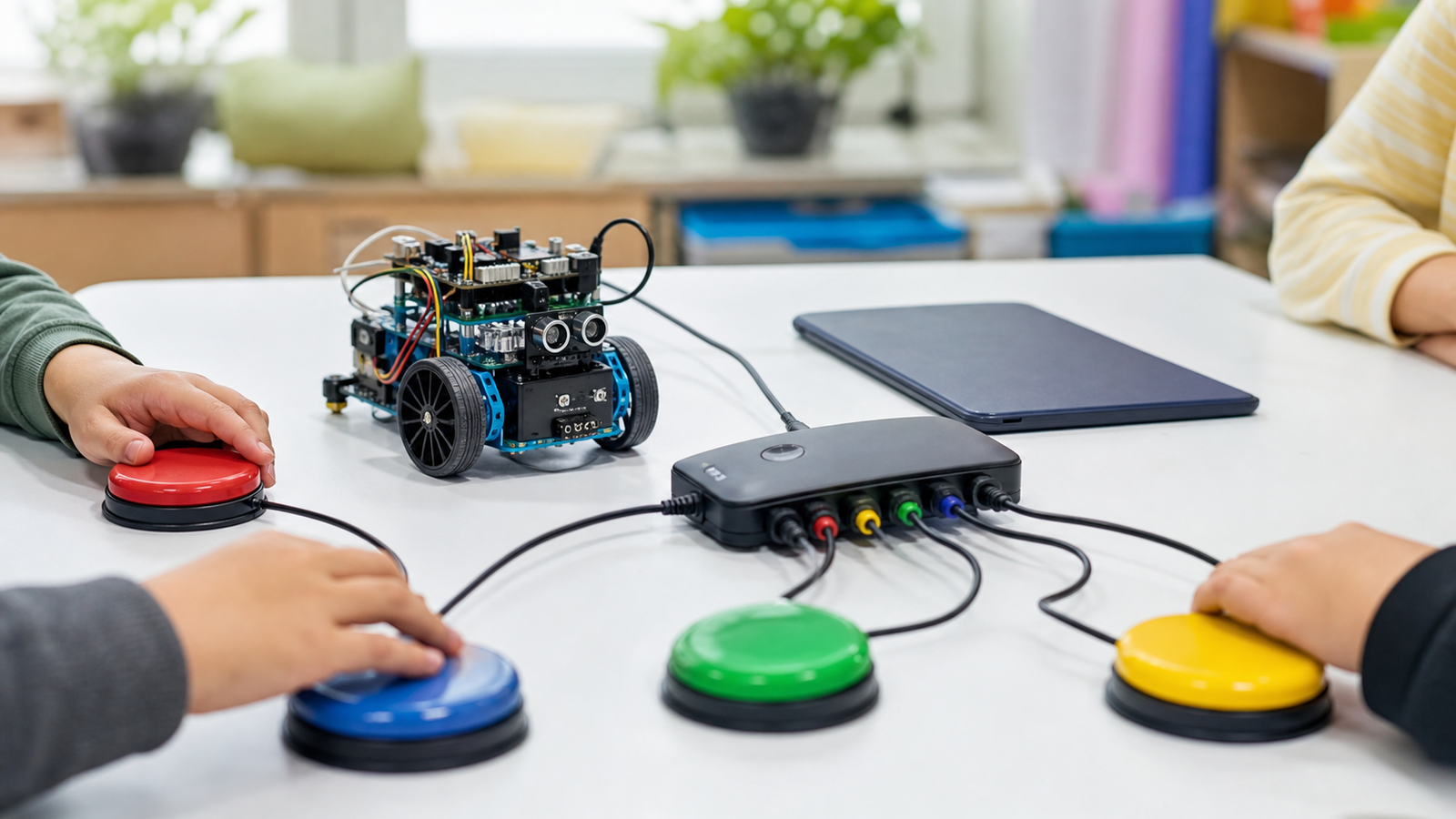
Microsoft’s Adaptive Accessories are one mainstream example of modular input thinking: buttons, hubs, and configurable controls built around different physical needs. Web accessibility guidance from W3C also emphasizes input modalities because people interact with systems in different ways.
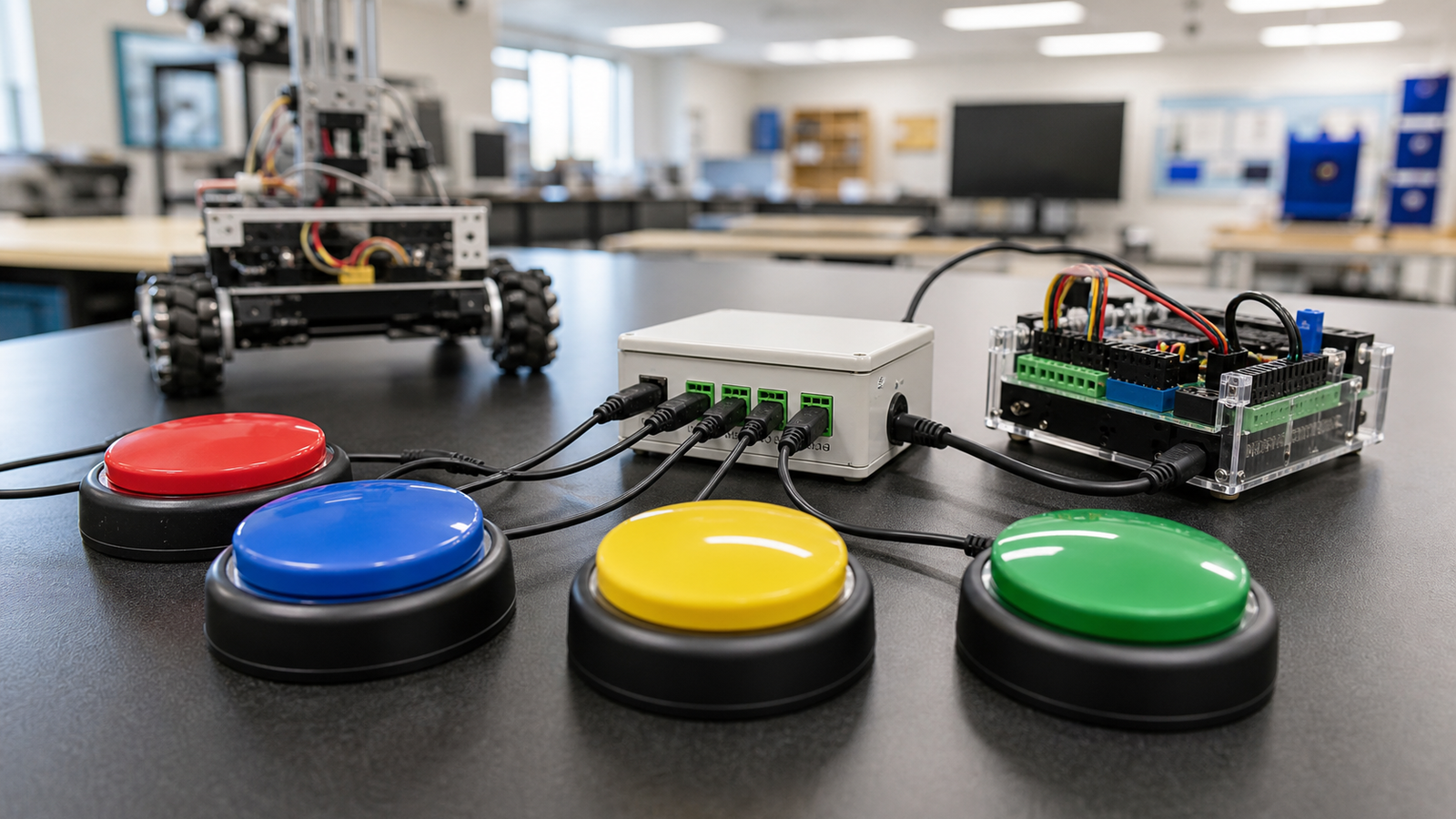
For a robotics team, the hardware can be simpler: a pair of large switches for forward/stop, a scanning menu for autonomous modes, a joystick alternative, or a dedicated trigger for a mechanism. The engineering work is in mapping those inputs cleanly and safely.
Design rules for teams
- Separate functions: driving, mode selection, intake, scoring, and emergency stop may need different input strategies.
- Make controls remappable: do not hard-code one driver profile into the project.
- Test debounce and latency: switch inputs can chatter or be held longer than expected.
- Keep safety obvious: stop states should be reachable and visually understood by mentors.
- Preserve real roles: an accessible input path should operate meaningful robot behavior.
- Document the setup: wire colors, ports, software mappings, and reset steps should be repeatable.
Inclusive design is engineering design
Accessibility also creates better systems for everyone. A robot that can accept multiple input devices is easier to test. A control layer with clear mode boundaries is easier to debug. A project that assigns meaningful roles beyond “main driver” gives more students a route into sensors, strategy, pit operations, and software.
TVG’s NFC and QR accessibility labels guide covered similar ground from the lab-information side: accessibility improves when the physical environment and digital workflow are designed together.
TVG Take
Adaptive switches should not be treated as a simplified track beside the real robot. They are another interface to the same engineering system. The best STEM programs make control mapping, safety, and role design part of the build season, so more students can participate in the technical work rather than watch it happen.