
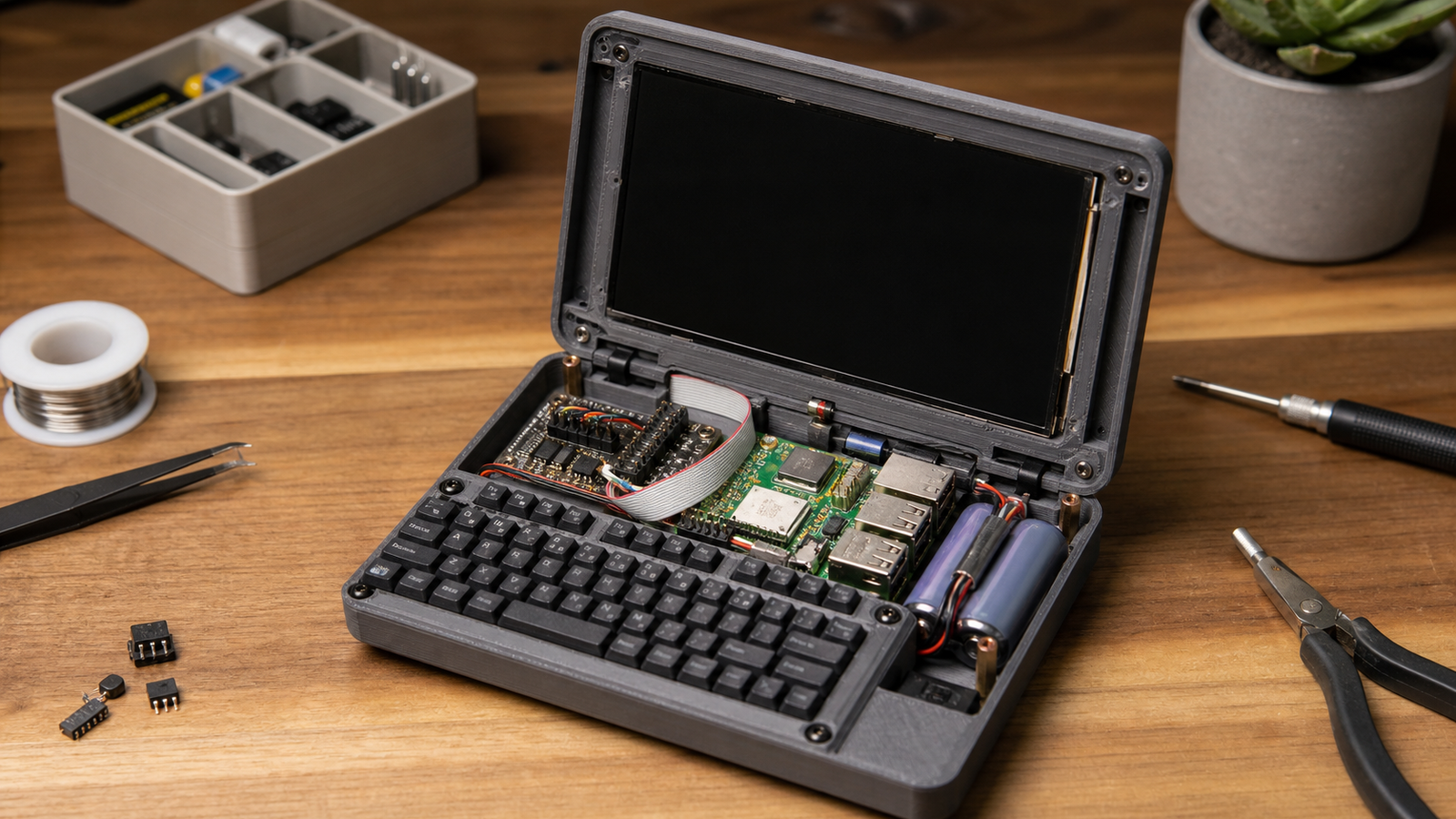
Raspberry Pi’s latest Maker Monday highlight points to a deceptively small engineering problem: a Raspberry Pi Zero cyberdeck squeezed into an Altoids tin.
The official Raspberry Pi news feed describes a build by Exercising Ingenuity that combines a Raspberry Pi Zero, a tiny display, a handmade keyboard, a Waveshare RP2040 Zero acting as the keyboard microcontroller, a UPS HAT, battery, and USB hub inside the small metal tin. The result is fun, but the engineering lesson is serious for anyone building pocket field terminals.
Small computers are easy to admire in photos. The build also fits TVG’s continuing maker-field coverage, from Raspberry Pi LoRa field links to mobile maker-lab cable kits. They are harder to make usable, power-safe, serviceable, and durable after the lid closes.
What the build includes
According to Raspberry Pi’s feed, the project uses a 2-inch LCD display left over from another project. The screen did not work with the latest Raspberry Pi OS, so the builder dropped back to older software and made configuration changes in raspi-config.
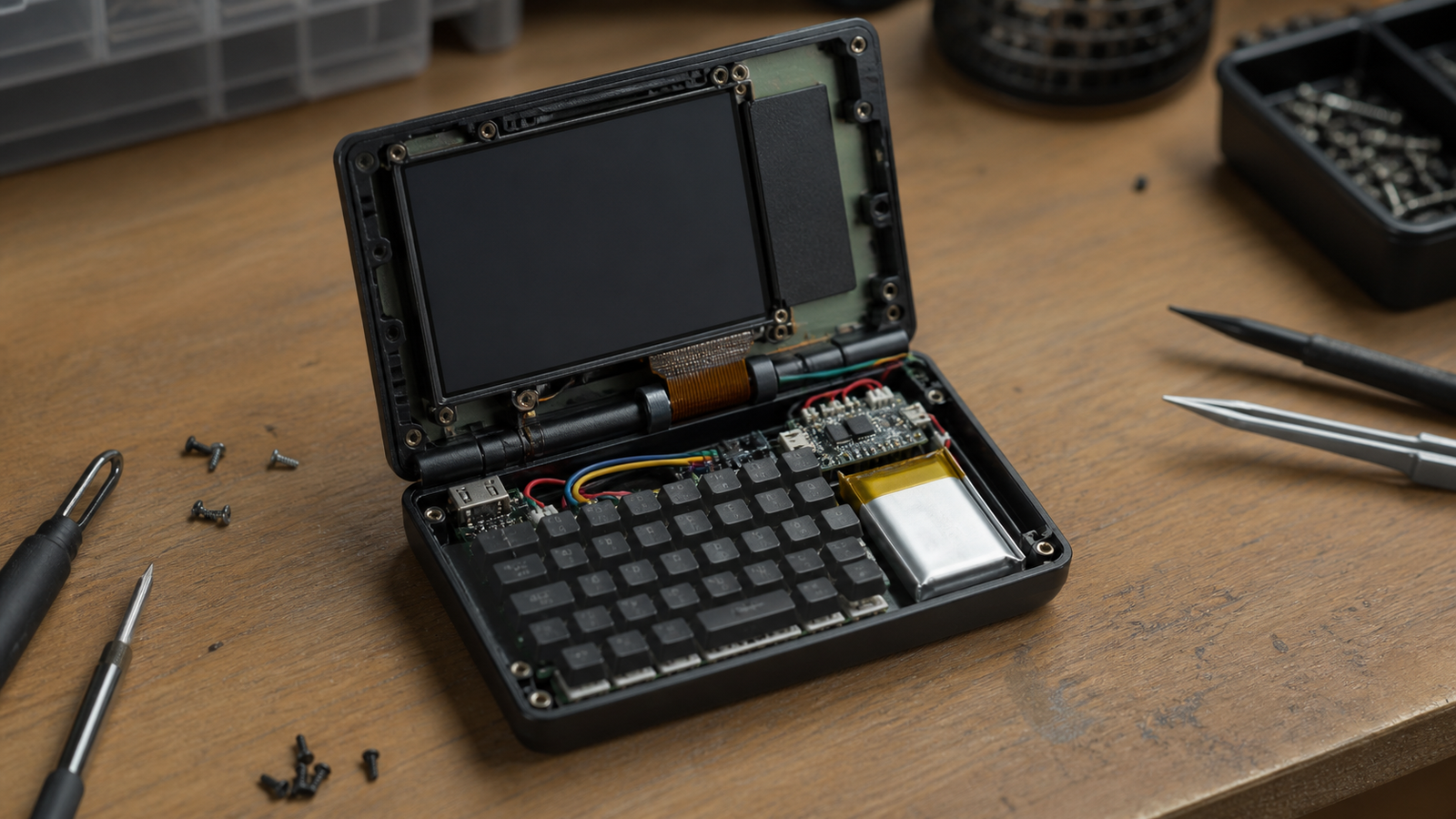
The build also includes a handmade protoboard dot-matrix keyboard. A Waveshare RP2040 Zero acts as the keyboard’s microcontroller. Space was saved by removing unused components from small boards and soldering parts directly together instead of relying on wires. A USB hub provides an external USB port.
That parts list sounds playful, but it captures several real design tensions: human input, display readability, battery packaging, software support, thermal limits, connector access, and repairability.
Why tiny terminals are difficult
A pocket field terminal is not just a small computer. It is a human-machine interface. The display has to be readable. The keyboard has to be usable enough for real commands. The battery has to be safe and sized for the workload. The I/O has to be accessible without turning every cable into a lever that can damage the board.
The software detail in the Raspberry Pi highlight is especially important. If a display requires older OS support or custom configuration, that becomes part of the system. A field tool that depends on a fragile software image may be exciting for a build log but risky for a team that needs repeatable operation.
Mechanical constraints matter too. Hinges, board height, connector orientation, switch access, and cable strain can dominate the design. In very small enclosures, there may be no clean separation between electronics layout and ergonomics.
Field use changes the checklist
For a school robotics team, tiny terminal, or maker field kit, the practical checklist is not whether the device boots once. It is whether a teammate can charge it, open it, type on it, connect a cable, recover from a crash, and understand what changed after a software update.
That means documenting the image, keeping a known-good backup, labeling ports, and leaving enough physical access for repairs. It also means deciding whether the enclosure is a display piece, a learning project, or a real field tool.
STEM and maker lesson
Builds like this are useful because they force tradeoffs into the open. A bigger enclosure would make wiring easier. A bigger screen would improve readability. A bigger battery would improve runtime. A commercial keyboard would improve typing. The challenge is choosing which compromise teaches the intended lesson.
For classroom use, a tiny cyberdeck can become a systems-thinking exercise. Students can map power draw, keyboard scanning, display interfaces, operating-system dependencies, enclosure design, and connector strain. They can also compare the result with a less dramatic but more maintainable field kit.
TVG Analysis
The Altoids-tin cyberdeck is charming, but its real value is that it makes miniaturization visible. Packing compute into a small box is only the start. The engineering work is keeping the device understandable, recoverable, and usable by someone other than the builder.
TVG will keep watching these maker builds because they connect directly to field robotics and STEM practice. A tiny terminal can teach more about systems design than a polished gadget review, as long as the limitations are treated as part of the lesson.



