
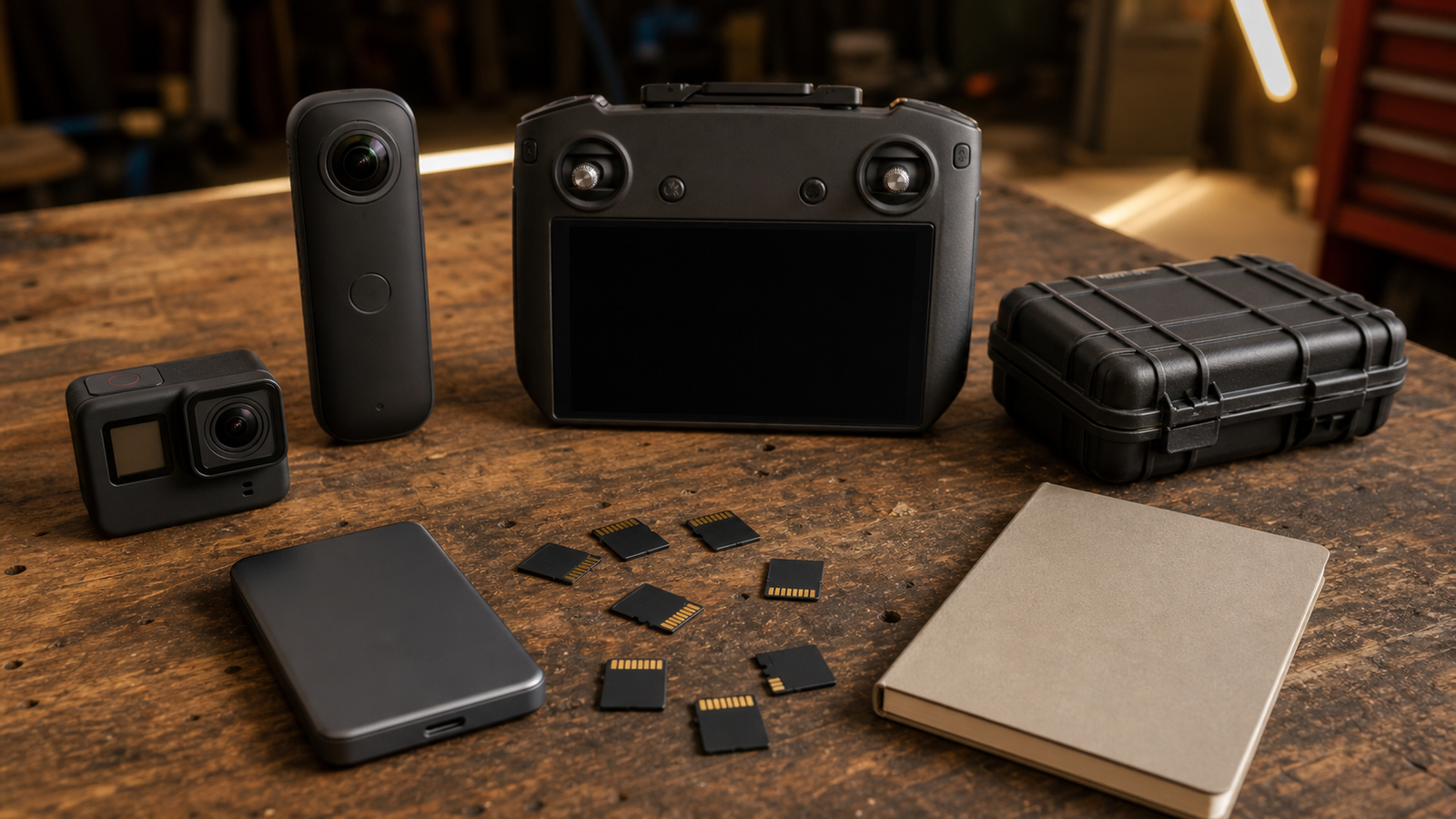
Memory-card labels can look simple until a field shoot fails. V30, V60, and V90 are not lifestyle badges; they are part of the recording reliability plan for action cameras, 360 cameras, drones, robot tests, and maker documentation. The wrong card may work at one resolution and fail at another, or work indoors and overheat during a long outdoor run.
The SD Association provides specification resources for SD memory cards. For buyers, the practical lesson is to separate peak read speed from sustained write requirements. Field video depends on the latter.
Quick answer
Use the card class required by your camera’s highest recording mode, then buy extra margin for heat, long takes, and field backups. V30 is often enough for lighter 4K modes, while V60 or V90 becomes relevant when the camera’s bitrate, codec, frame rate, or manufacturer guidance demands higher sustained writes.
Why field work is different
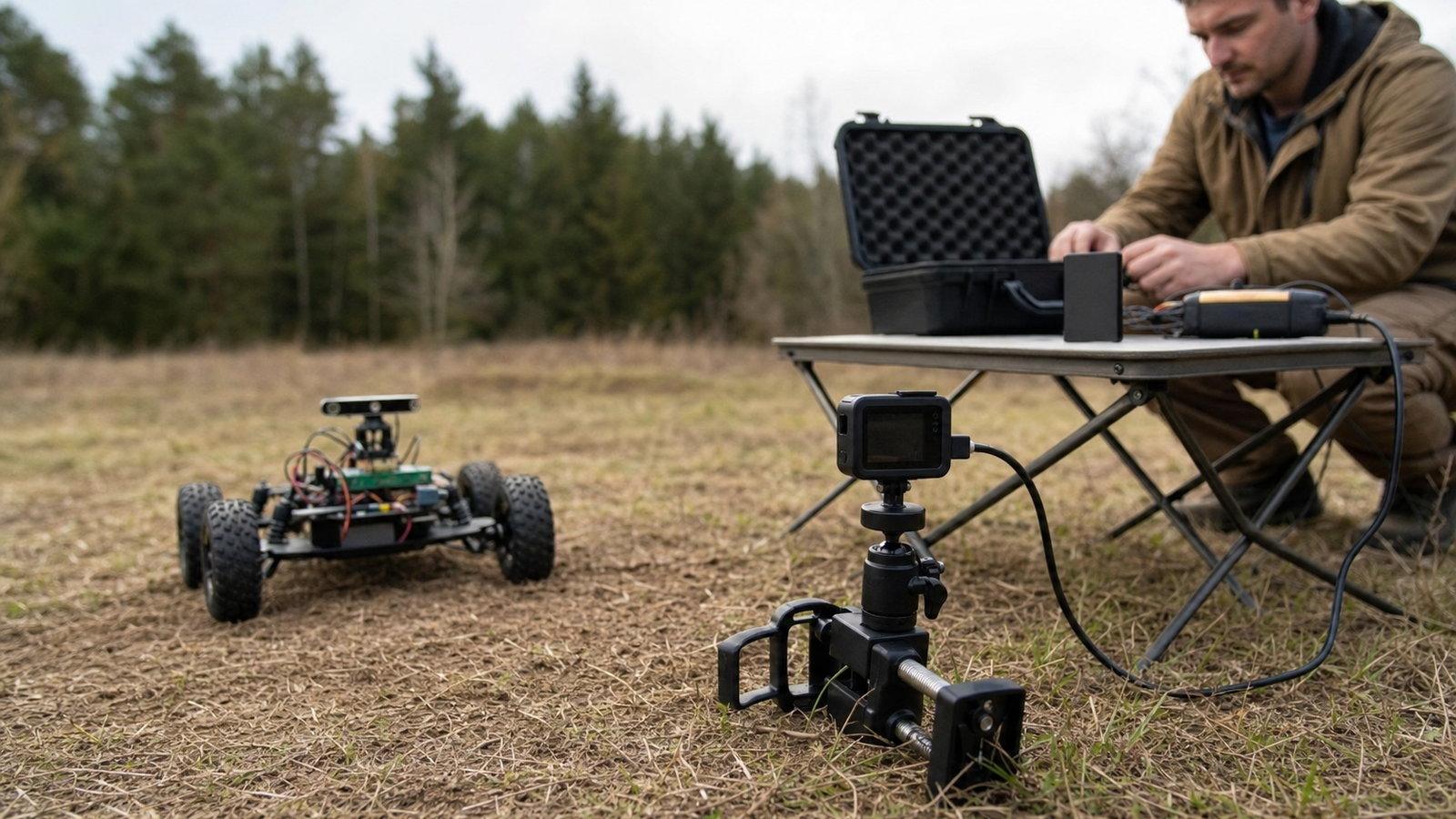
A studio test can hide bad habits. In the field, the camera may be mounted on a robot, a drone, a bike, or a tripod in direct sun. The card may fill faster than expected. A team may swap cards with cold fingers, forget which one was copied, or trust a peak-speed number that has little to do with sustained video recording.
TVG’s action camera versus 360 camera guide covers capture-role choices. The memory-card decision is the next layer: each camera mode needs a card and backup process that match the recording job.
Buyer checklist
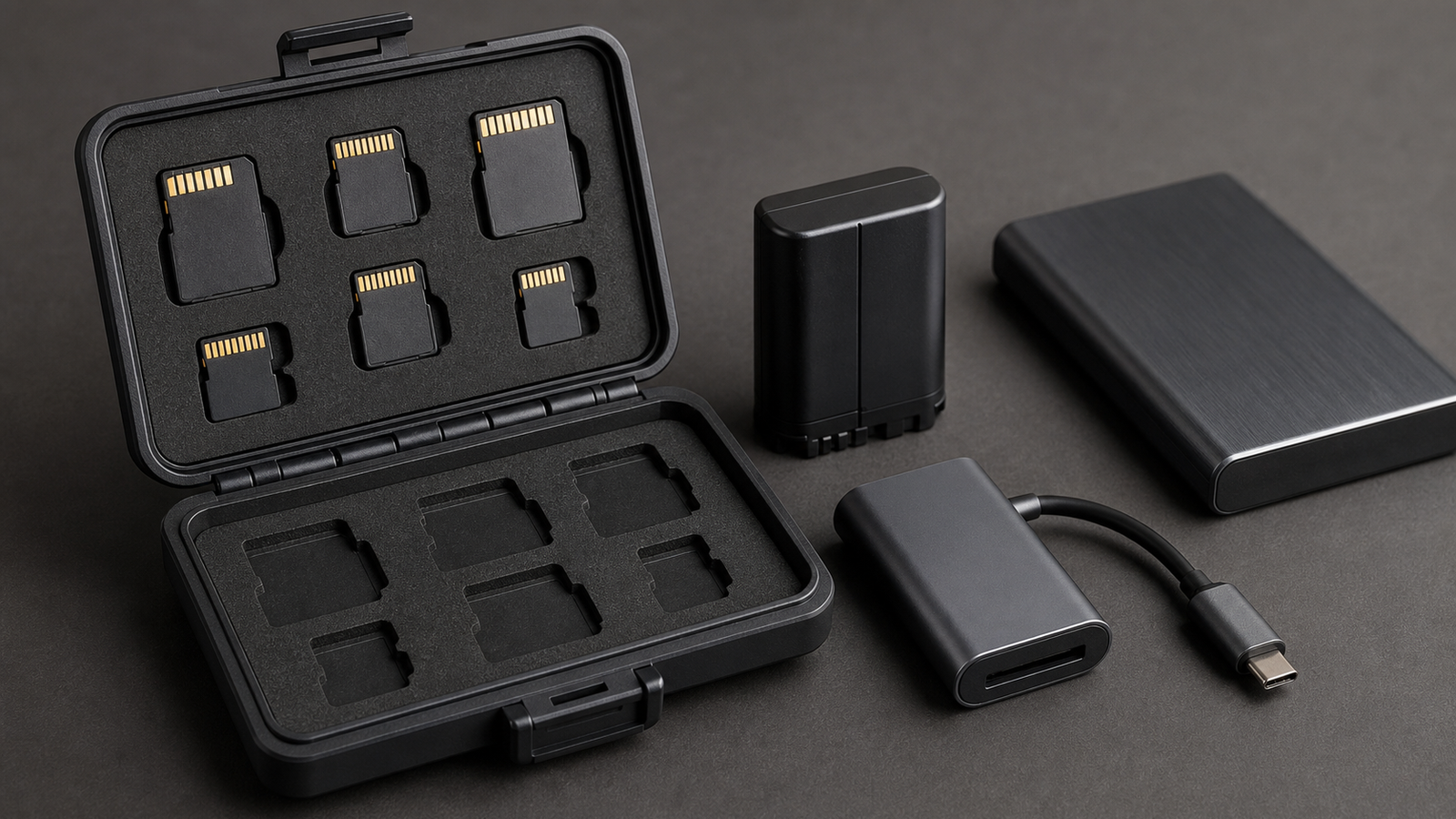
- Start with the camera manual: use the card class and capacity range the manufacturer recommends for the exact mode.
- Check sustained write, not peak read: high read numbers are useful for offload speed but do not guarantee recording stability.
- Match capacity to workflow: huge cards reduce swaps but increase the amount lost if one card fails.
- Plan heat: long high-bitrate recordings can stress both camera and card.
- Use a known reader: a slow reader can make backups painful enough that teams skip them.
- Format deliberately: keep a clear routine for formatting only after verified copies exist.
For storage discipline after the field day, TVG’s NAS snapshots guide is a useful reminder: one local copy is not the same as a backup.
TVG recommendation
Buy memory cards the way you buy test equipment. Match the documented requirement, keep spare cards in a case, label the workflow rather than the card face, and verify copies before reuse. The best card is not the fastest one on the shelf; it is the one that makes your field video pipeline repeatable.
Do not ignore recovery time
Field teams often think about recording only while the camera is running. Recovery time matters too. A slow card reader, one shared laptop port, or a confusing folder routine can stretch a five-minute backup into a bottleneck that delays the next robot run or drone flight. That is why TVG recommends testing the ingest path at home with the same card reader, cable, portable SSD, and folder naming routine that will be used outside.
There is also a risk tradeoff between one large card and several smaller cards. One large card reduces swaps and handling mistakes. Several smaller cards limit the loss if a card is damaged or overwritten. The better choice depends on whether the team has a disciplined offload checklist and enough time between runs.



