
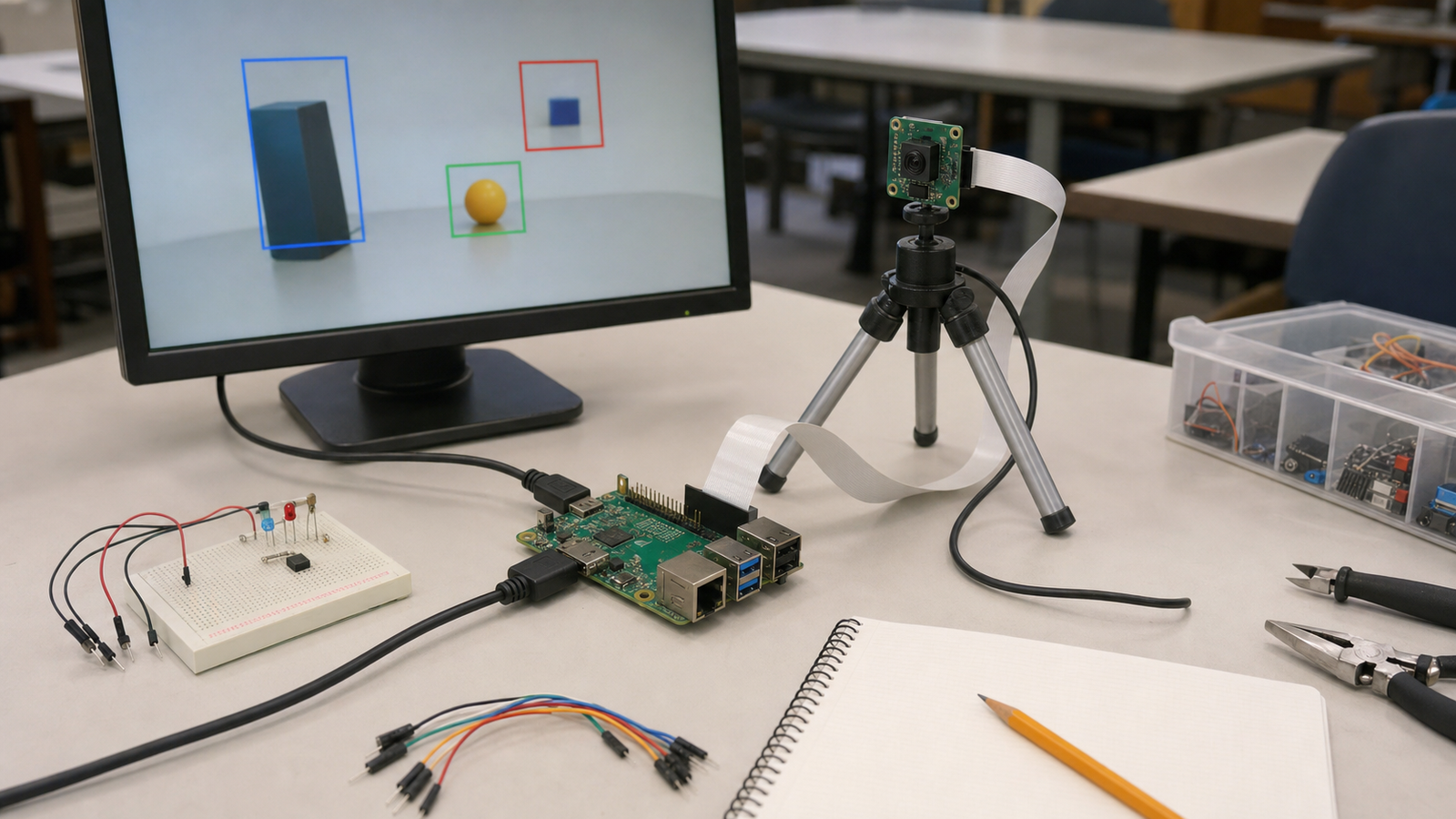
Raspberry Pi’s July 2026 announcement of AI Projects with Raspberry Pi is a useful reminder that artificial intelligence in STEM does not have to mean a distant data center. A single-board computer, camera, sensor, or small accelerator can make local inference visible on a classroom table.
The risk is that a project that works once becomes treated as a complete lesson. For TVG’s STEM Lab coverage, the better goal is validation: can students explain what the model sees, what data it used, how long it takes, when it fails, and whether the demo can be reproduced next week?
Quick answer
A classroom Raspberry Pi AI project should have a validation checklist covering input data, camera setup, model limits, latency, privacy, power, logs, and fallback behavior. If students cannot repeat the demo and explain failures, the project is not finished.
Start with the learning objective
Local AI can teach several different lessons. One class may focus on camera geometry. Another may focus on dataset quality. Another may compare cloud inference with local inference. Another may use AI as part of a robot or smart-home project. The hardware choice should follow that goal.
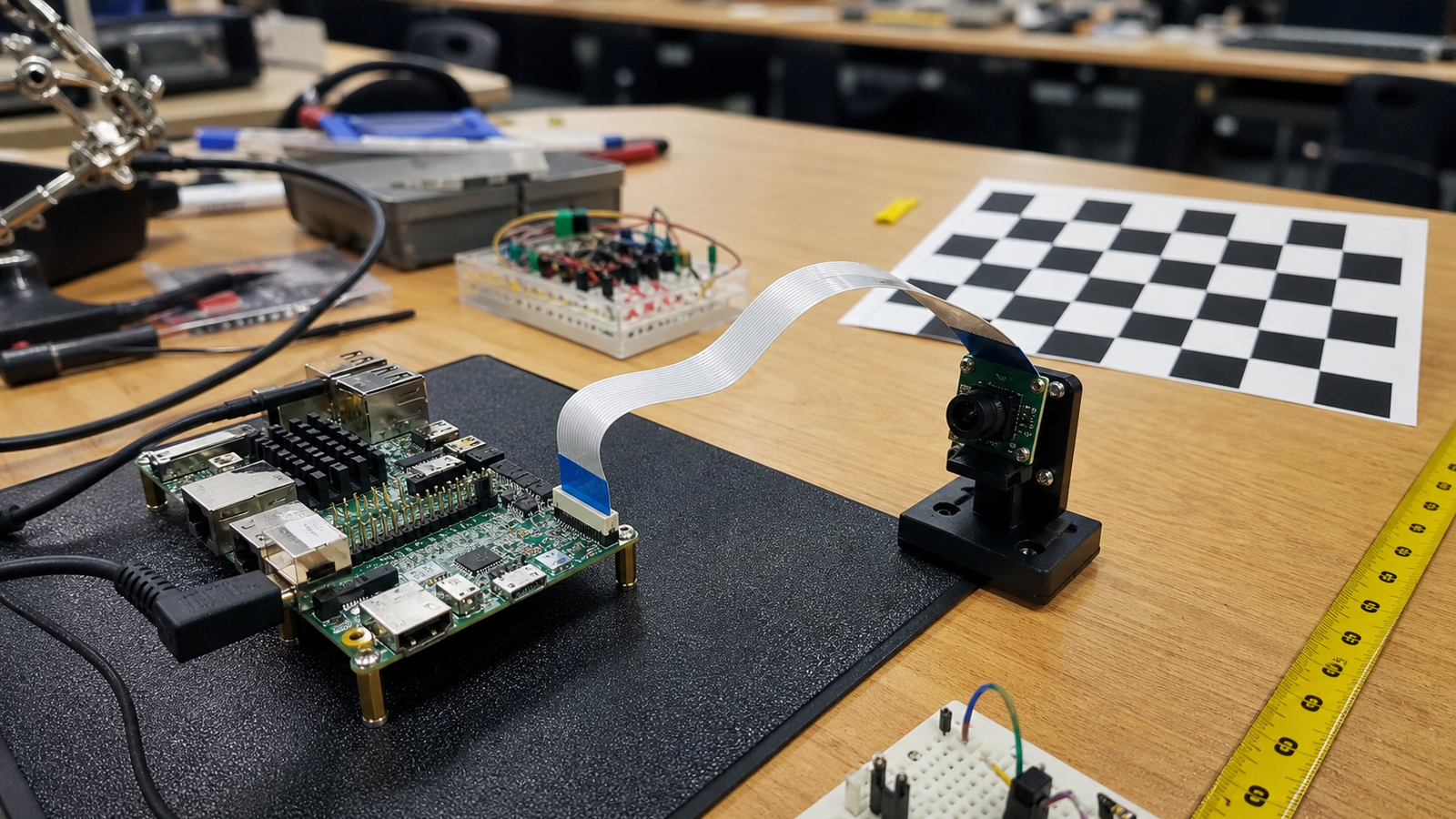
Raspberry Pi’s book announcement frames the work around real-world AI applications on familiar hardware. TVG’s robot camera calibration checklist is also relevant because many AI demos quietly depend on camera placement and lighting.
Validation checklist
- Input source: note whether the project uses a camera, microphone, sensor, file, or network stream.
- Environment: record lighting, camera height, background, distance, and object position.
- Model limits: list what the model is expected to detect and what it should ignore.
- Latency: measure whether the response is fast enough for the task, especially if a robot is involved.
- Privacy: decide whether images, audio, or logs leave the classroom device.
- Power: use a stable supply and avoid flaky cables that look like software bugs.
- Failure log: keep examples of false positives, missed detections, and confusing inputs.
What makes it TVG-worthy
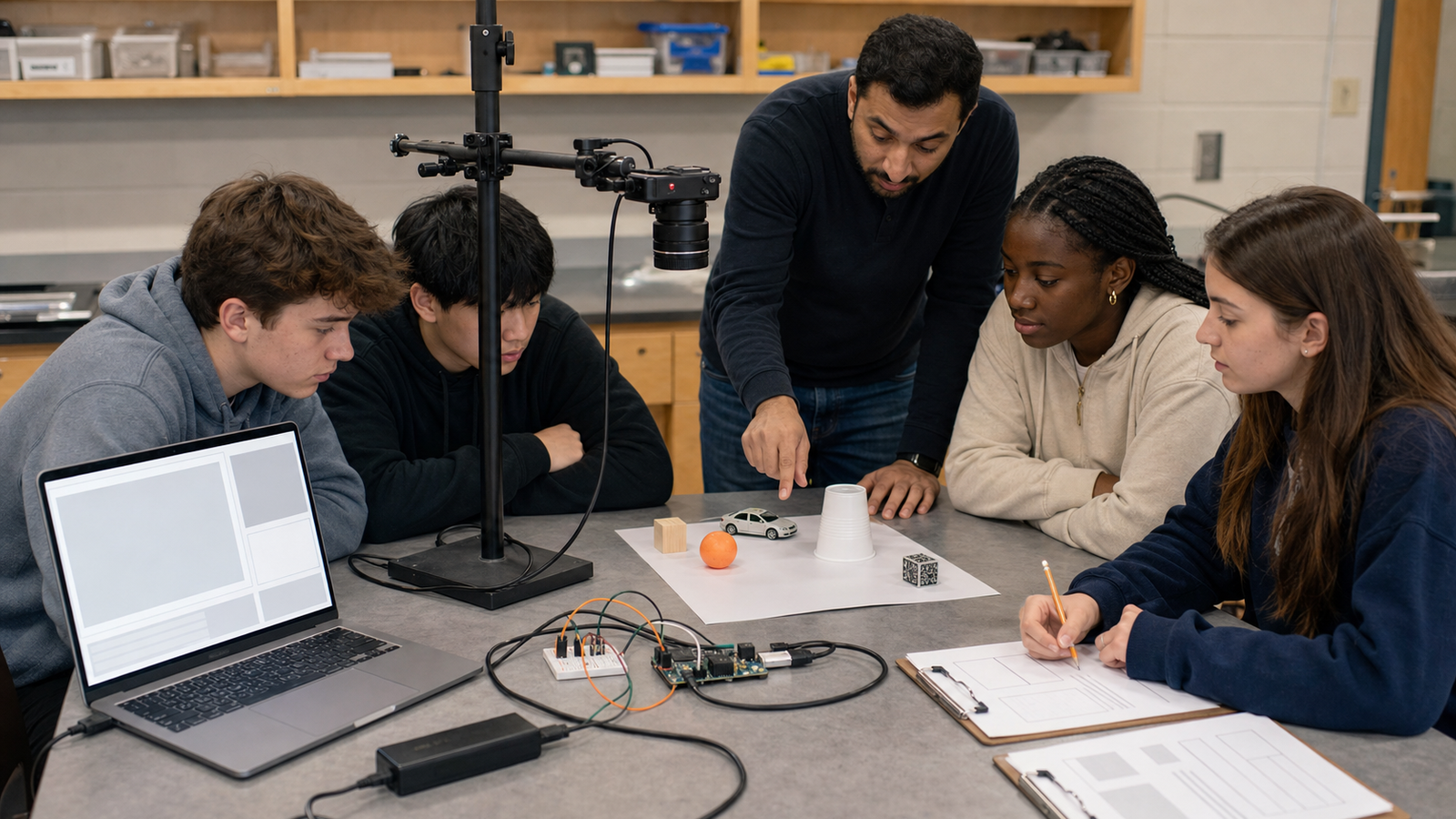
The strongest classroom AI projects do not hide uncertainty. They show it. Students can test what happens when lighting changes, when the object is partly blocked, when the camera angle shifts, or when the processor is busy. Those observations turn an AI demo into an engineering lesson.
For robot projects, the bar is higher. A model output should not directly command motion without bounds, review logic, or safe stop behavior. A local AI project that controls hardware needs the same discipline as any other sensor-driven control loop.
TVG Take
Raspberry Pi makes AI feel reachable, which is exactly why classroom validation matters. The lesson should not be “the computer recognized the object.” It should be “the system recognized the object under these conditions, failed under these conditions, and gave us evidence we can improve.” That is the difference between AI show-and-tell and engineering education.

That’s a really useful point about the classroom validation checklist – it’s easy to overlook those details when getting excited about AI!