Editorial mode: Template B: Analysis / Guide.
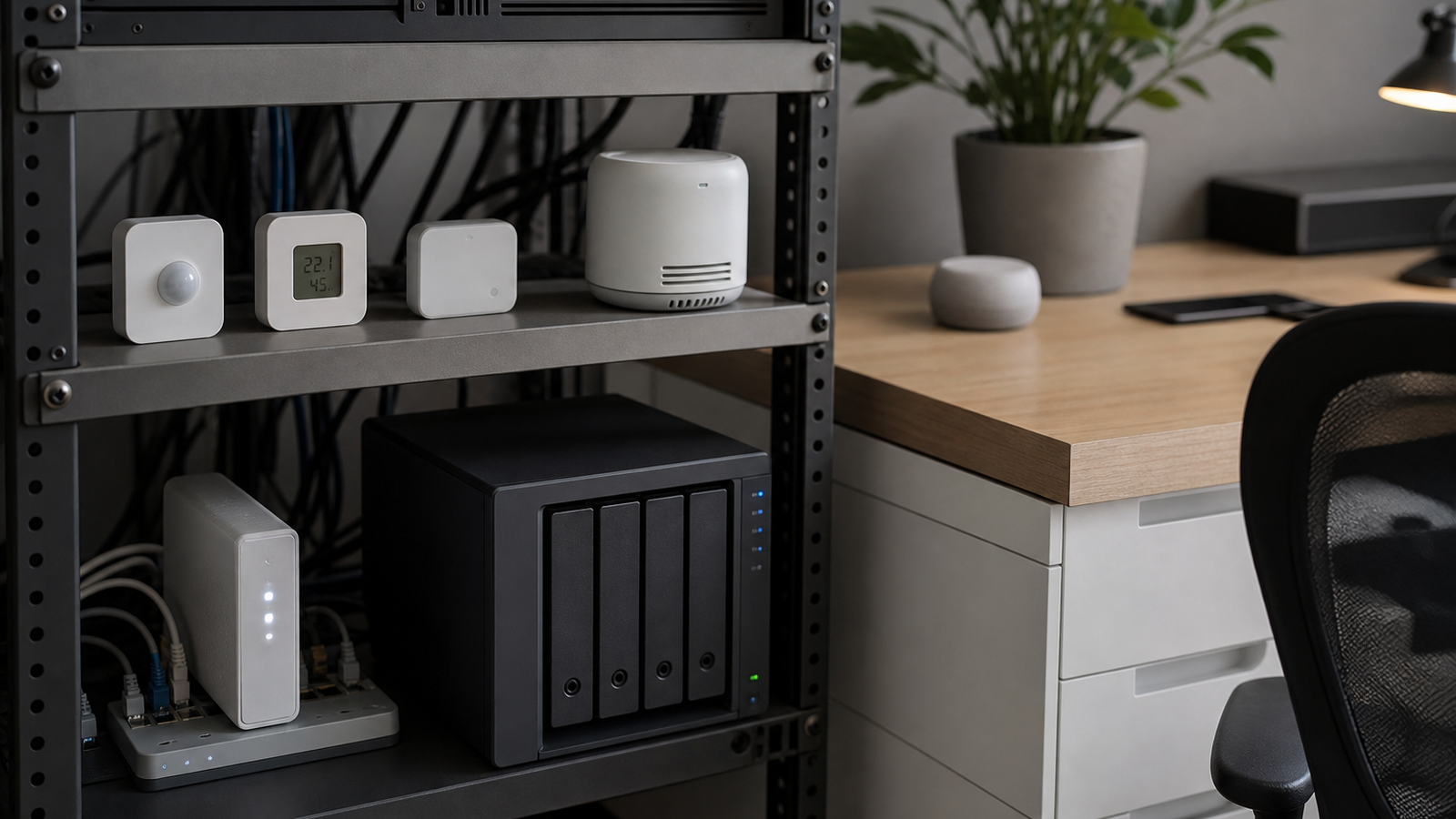
A home lab does not need a complicated building-management system to benefit from sensors. Temperature, humidity, door state, leak detection, rack airflow, and power-state alerts can prevent damaged gear and lost experiments. The hard part is choosing sensors that keep working after the first weekend setup.
Thread and Wi-Fi are often compared as if they are interchangeable radios. They are not. The Thread Group describes Thread as a low-power IP mesh network designed for smart-home applications. Wi-Fi, by contrast, is the general-purpose high-throughput network most home labs already depend on for laptops, NAS boxes, cameras, and access points.
The buyer question is not which radio is newer. It is which failure mode you prefer. Wi-Fi sensors can be simple when the lab already has strong coverage and always-on power nearby. Thread sensors can make more sense for battery-powered nodes spread across a room, closet, garage, or rack area, especially when mesh coverage and border-router support are in place.
For home-lab monitoring, start with the sensor’s job. A leak sensor under a rack does not need bandwidth; it needs battery life and dependable alerting. A camera or high-rate air-quality monitor may need Wi-Fi because the data rate is higher and power is less constrained. A door, motion, contact, or temperature sensor often fits Thread better if the surrounding ecosystem is supported.
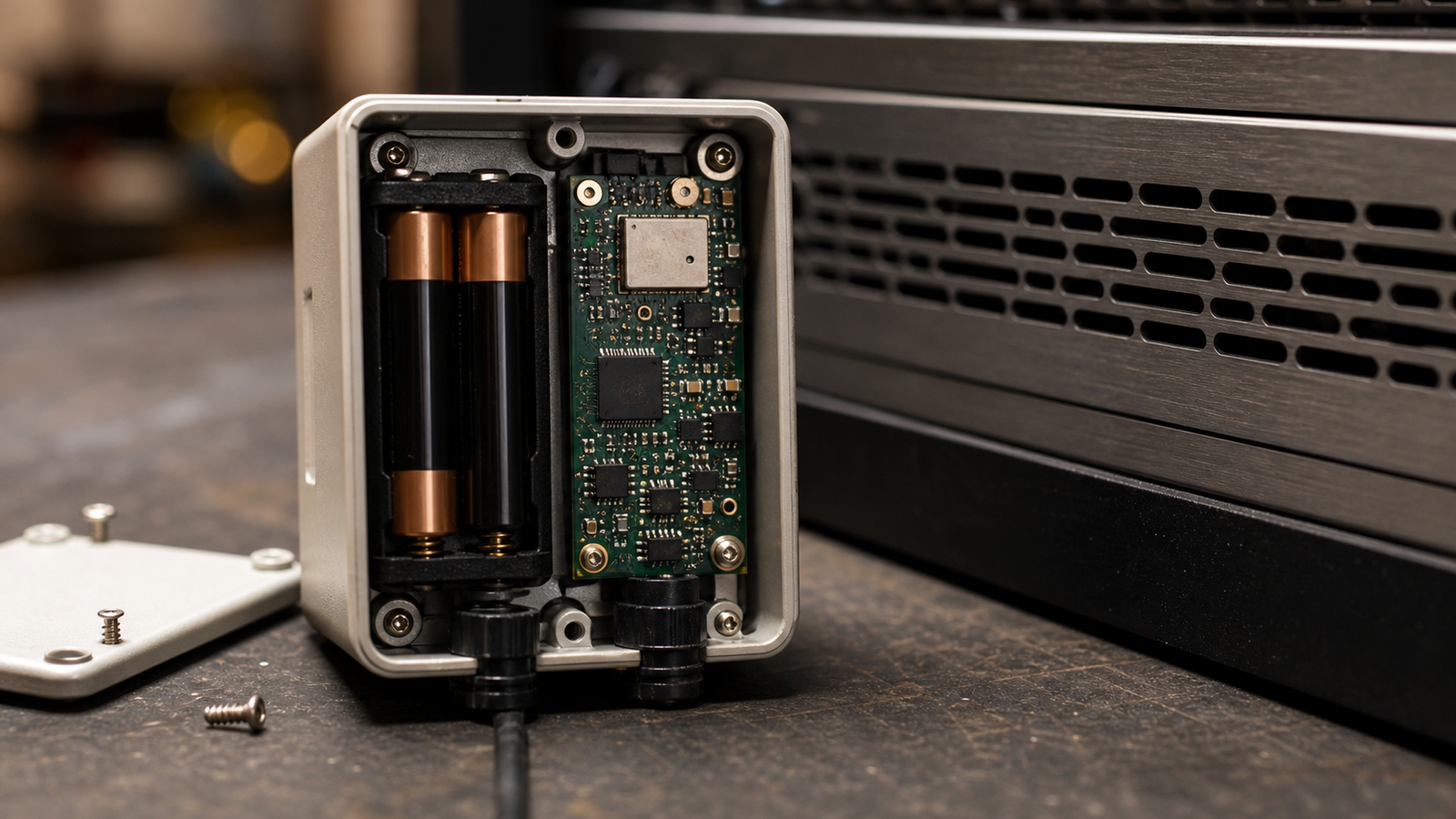
Gateways are the catch. Thread requires compatible border routers and a platform that exposes devices cleanly to the automation system. Matter can help with cross-ecosystem device setup, but it does not erase every vendor implementation difference. Before buying a box of sensors, verify the exact controller, hub, and automation platform you plan to use.
Wi-Fi sensors have their own maintenance cost. Each battery Wi-Fi device wakes a higher-power radio, negotiates with an access point, and may depend on a vendor cloud service. In a crowded apartment or garage lab, poor AP placement can make a cheap Wi-Fi sensor look unreliable even when the sensor is not the root cause.
Security and privacy also matter. A sensor that reports only local state to a local controller is different from a sensor that depends on a remote account for push alerts. Home labs often contain prototypes, client hardware, or unreleased projects. Treat monitoring devices as part of the lab network, not decorative accessories.
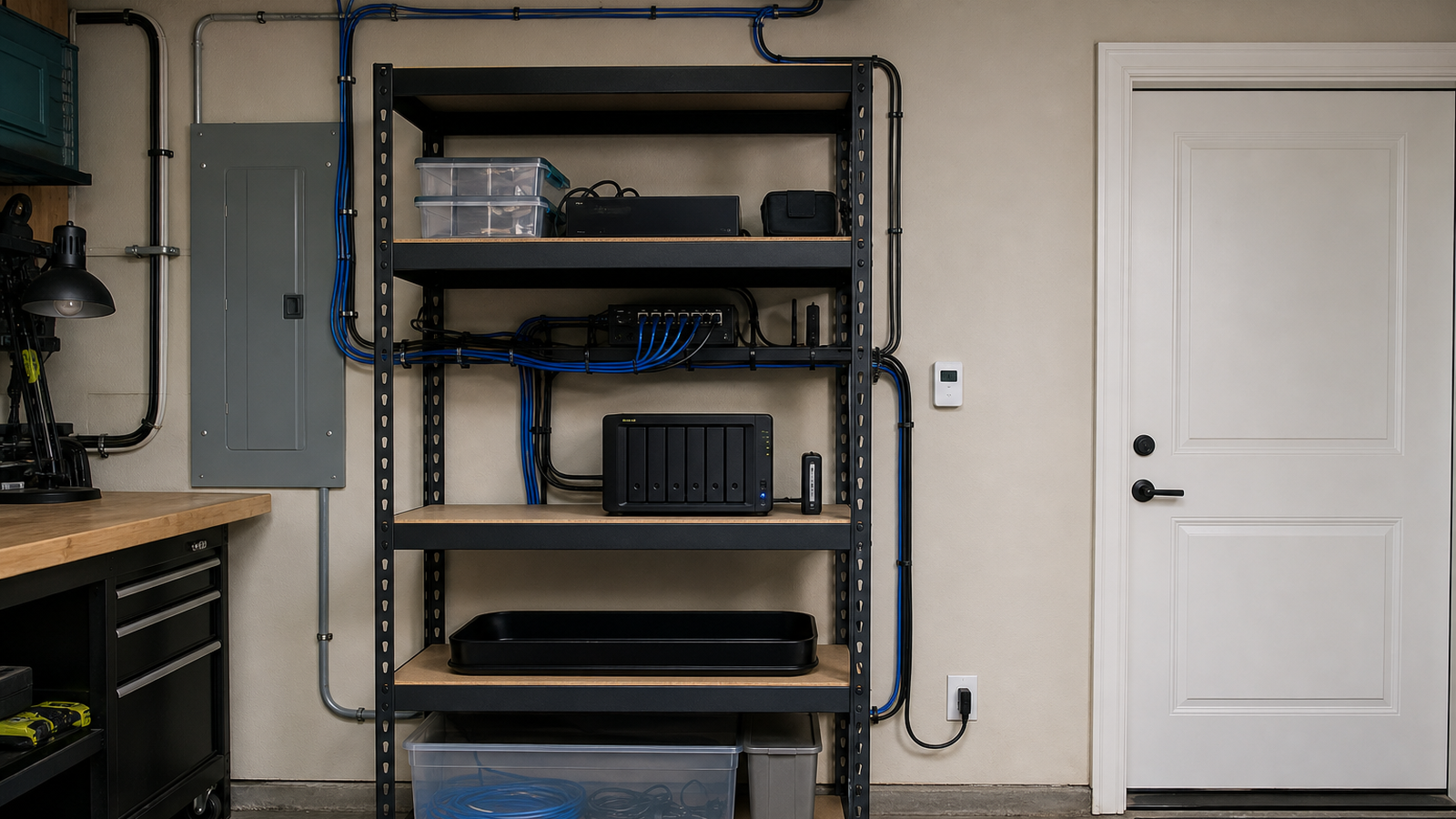
A simple buying rule works: choose Thread for low-rate, battery-powered state sensors when you already have a strong Thread/Matter controller path; choose Wi-Fi for higher-data devices or when power and AP coverage are not a concern; avoid sensors that require a cloud account for basic local visibility unless the tradeoff is deliberate.
Map the lab before buying. Mark where the rack, router, metal shelves, garage door, water heater, breaker panel, and concrete walls sit. Radios that work across an open living room can behave very differently when the sensor is behind a metal rack or inside a cabinet.
Update support is another buyer variable. Sensors that cannot receive firmware fixes or whose batteries are hard to replace may become maintenance debt. For monitoring systems, boring longevity is more useful than one extra dashboard feature.
Finally, test alert paths. A sensor that records data locally but fails to notify anyone during a leak, heat event, or freezer-door problem has not met the job. Home-lab monitoring should include a deliberate alert drill just like backup systems need restore drills.
TVG Take: Thread is not automatically better than Wi-Fi, and Wi-Fi is not automatically simpler. The reliable choice is the one whose radio, gateway, battery, update path, and automation platform match the monitoring job. Buy one or two sensors first, test them in the worst corner of the lab for a week, then scale.
This article supports TVG’s smart-home and home-lab cluster by moving the discussion from gadget lists to monitoring architecture. A home lab becomes easier to protect when sensors are selected as part of a system rather than as isolated accessories.