
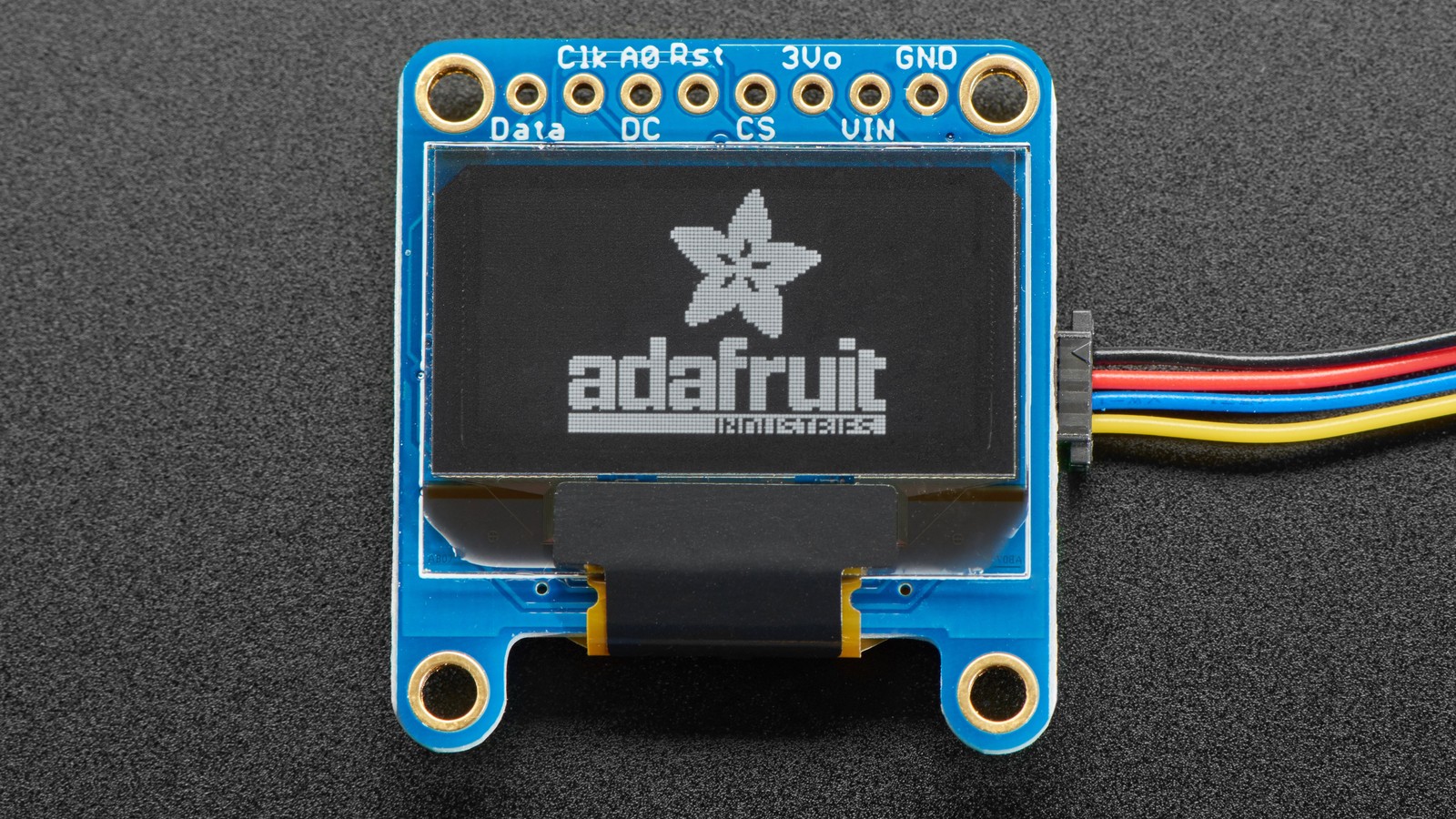
An SSD1306 controller that acknowledges on I2C has proved only that its bus interface responded at an address. A blank panel can still result from command bytes sent with the wrong control prefix, a display left in sleep, an unconfigured charge pump, a mismatched multiplex ratio, or framebuffer data written to the wrong memory layout.
Stop rescanning the address once the same device acknowledges reliably. The next useful test is to separate three layers: I2C framing, panel initialization, and graphics-memory transfer.
First prove that commands, not just addresses, arrive
The SSD1306 I2C transaction begins with the slave address and then a control byte that identifies following bytes as commands or data. A successful address ACK does not confirm that the controller interpreted later bytes in the intended stream. Capture one initialization transaction with a logic analyzer and verify that the command control byte precedes commands, while the data control byte precedes framebuffer bytes.
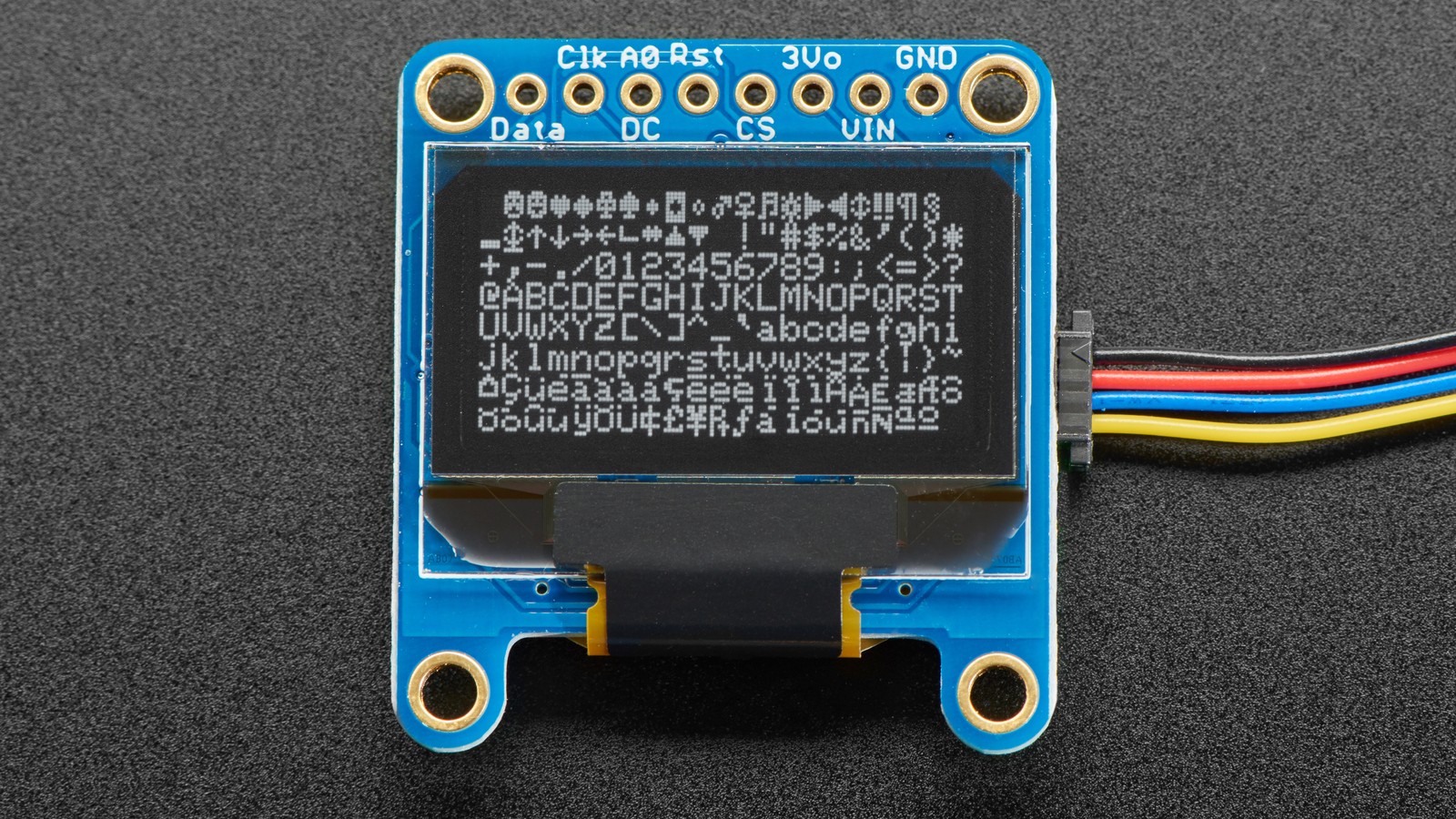
If a library is in use, check its return value and reset assumptions before replacing its entire initialization sequence. Adafruit’s implementation supports constructor variants with or without a reset pin; a board whose reset line is held low can acknowledge at the controller interface yet never reach a usable display state.
Reduce initialization to the commands that establish a scan
The SSD1306 powers up with the display off. Command 0xAE turns the display off, while 0xAF turns it on. The initialization path should intentionally finish with 0xAF; drawing into GDDRAM before that command will not make pixels visible.
For modules using the controller’s internal charge pump, command 0x8D selects charge-pump configuration. Whether that circuit should be enabled depends on the module wiring and supply design, so copy the sequence for the actual board rather than for a visually similar panel. This is one reason bare-panel datasheet sequences and breakout-board library defaults are not interchangeable.
The multiplex command 0xA8 sets the number of active rows; the datasheet defines a reset value of 63, corresponding to 64-MUX. A 128×32 module needs a different multiplex setup from a 128×64 module. COM pin configuration, display offset and scan direction also need to match the glass, even though all of those configurations can share the SSD1306 controller name.
Use the entire-display-on command as a boundary test
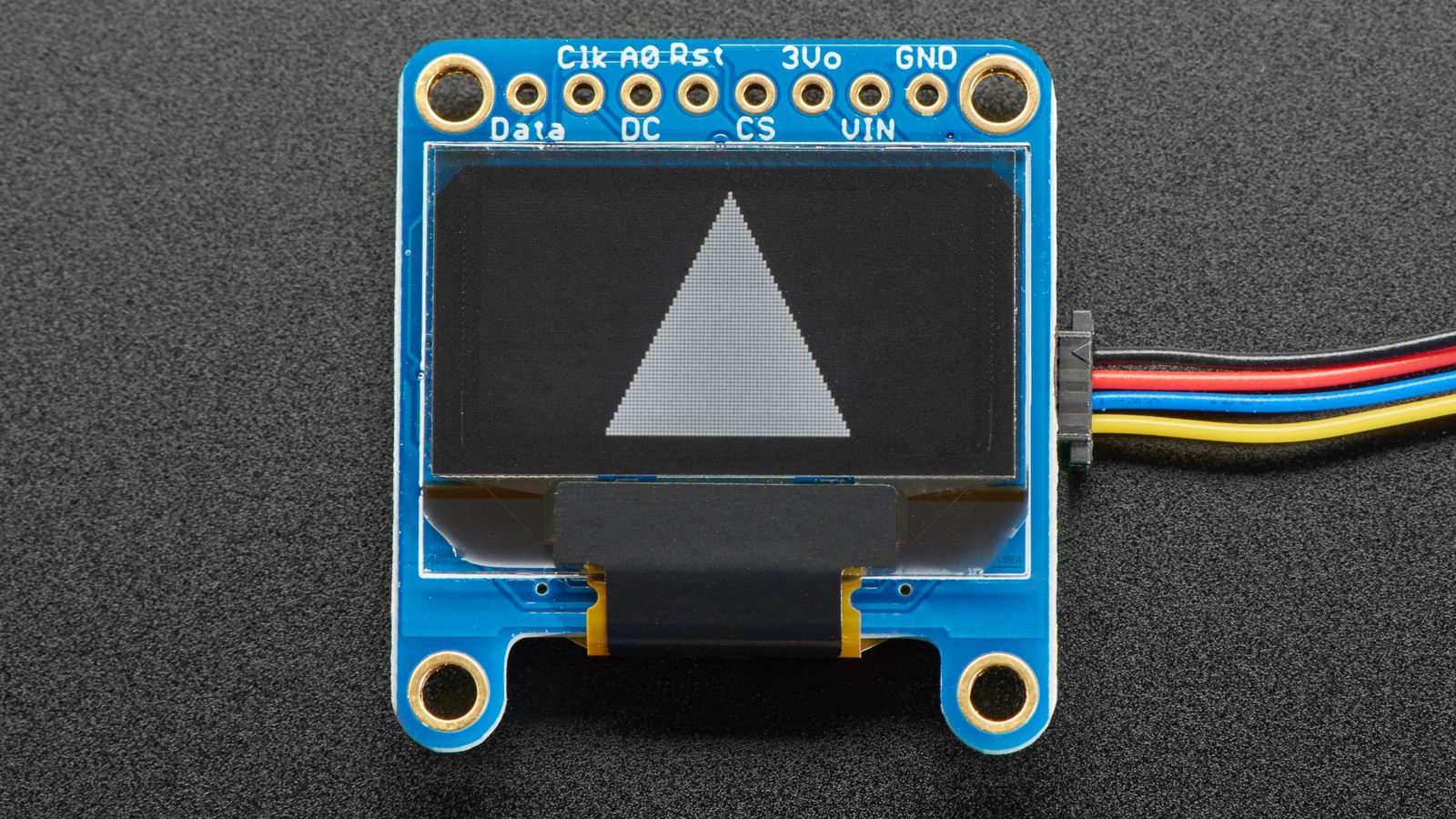
Command 0xA5 forces all display segments on regardless of GDDRAM contents; 0xA4 returns output to the RAM contents. After power and the scan configuration are correct, briefly sending 0xA5 is a useful boundary test. If the panel lights, the remaining fault is likely in addressing or framebuffer transfer. If it remains dark, stay with reset, power, charge-pump and panel-configuration checks.
Do not leave 0xA5 active as the final fix. It bypasses RAM, so it can hide a broken graphics-data path.
Then verify memory addressing and byte count
Command 0x20 selects the memory addressing mode: 0 for horizontal, 1 for vertical and 2 for page addressing. The sending code and controller must agree. A framebuffer routine written for horizontal mode can appear blank or scrambled if initialization leaves the device in page mode and never sets the expected column and page ranges.
A monochrome 128×64 framebuffer occupies 1,024 bytes: 128 columns × 64 rows ÷ 8 vertical pixels per byte. A 128×32 buffer is 512 bytes. Confirm that the transfer contains the expected count and that it is sent as display data rather than commands. On memory-constrained controllers, also confirm allocation succeeded before passing the buffer pointer to a library.
A short decision path
- Confirm stable ACK and stop changing the address.
- Observe reset release and one command-framed transaction.
- Verify the module-specific charge-pump and multiplex settings, then send
0xAF. - Send
0xA5briefly. Lit pixels move the investigation to GDDRAM transfer; no pixels keep it in the panel-init layer. - Restore
0xA4, set the intended0x20memory mode, and verify a 1,024-byte transfer for 128×64 or 512 bytes for 128×32.
That sequence turns “the address is right” from a dead end into a useful boundary. The ACK closes the transport-discovery question; the display-on and entire-display-on commands isolate panel scanning; the final buffer test checks the data path.



