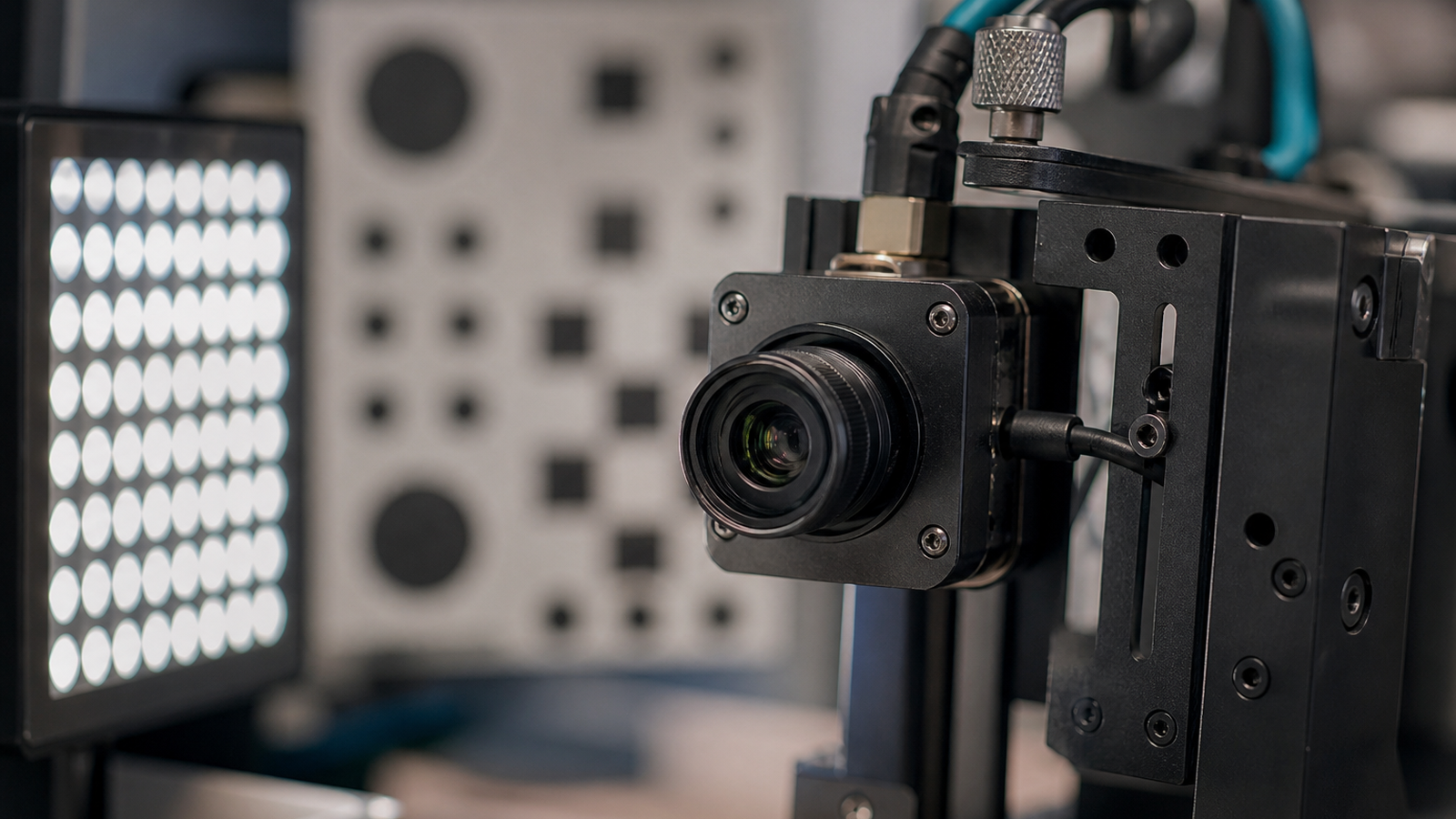
AprilTag problems are often blamed on code, camera resolution, or tag size. Sometimes the real issue is simpler: the camera is changing exposure during the run. A target that is detectable near the bench can become unreliable when a robot turns toward a bright window, a dark wall, a reflective floor, or an LED panel.
Quick answer
Before an AprilTag demo, lock or document exposure behavior, keep lighting consistent, reduce glare, verify calibration, test at the real distance and angle, and record the camera settings used during the successful run.
This support guide strengthens TVG’s robot-vision cluster. It is not a claim that TVG has tested every camera or vision stack.
Why auto exposure becomes a failure mode
Auto exposure is useful when a camera is used by a person. A robot-vision pipeline needs repeatability. If exposure changes while the robot moves, the tag border, corner contrast, motion blur, and threshold behavior can change at the same time. The software may look unstable even when the algorithm is doing exactly what the image allows.
OpenCV’s camera-calibration documentation and FIRST Tech Challenge AprilTag calibration guidance both point toward careful setup. WPILib’s AprilTag documentation does the same for FRC-style workflows. Calibration and detection are not isolated software steps; they depend on the camera, lens, light, target, and mounting geometry.
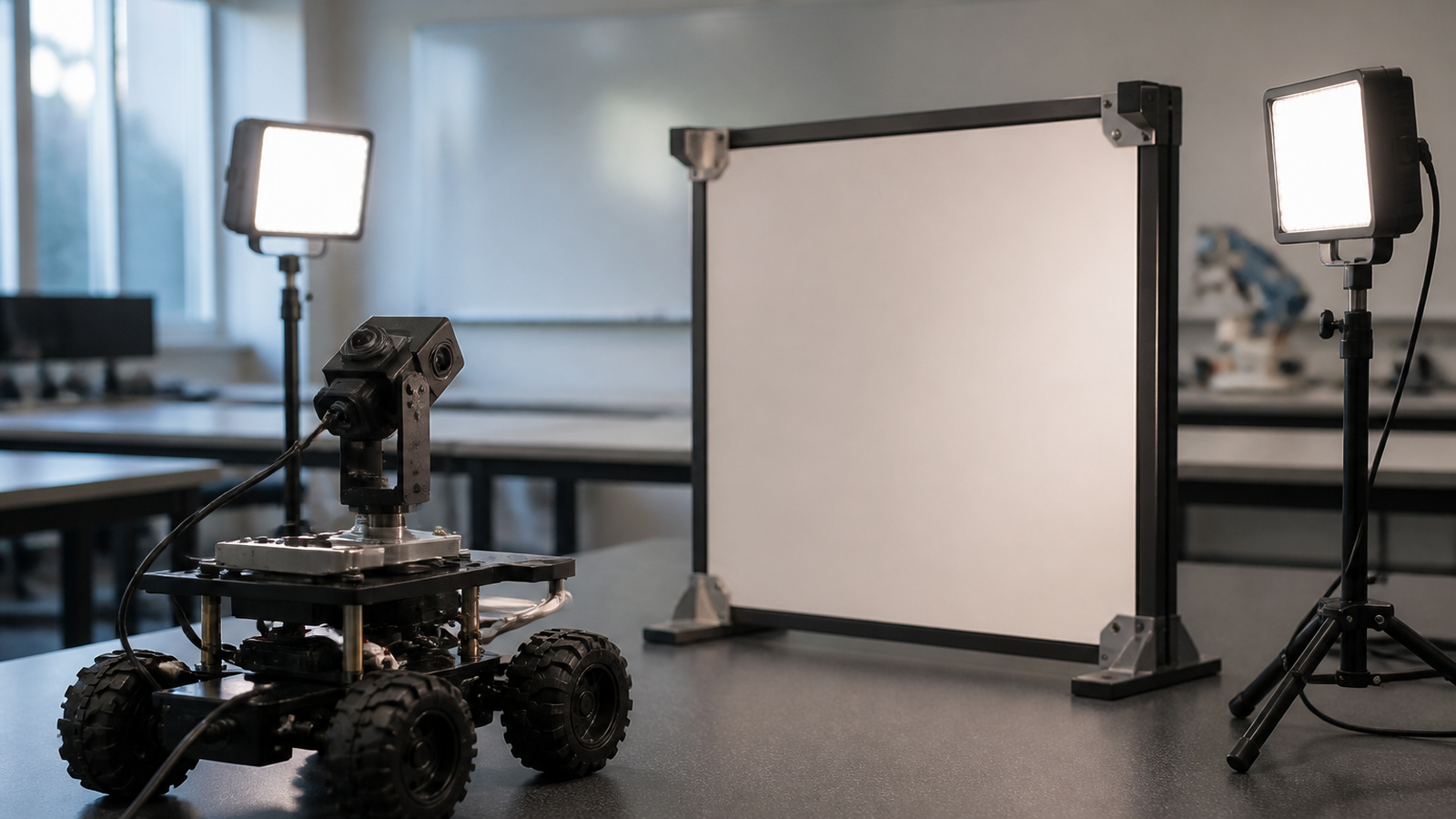
Build a pre-demo exposure checklist
- Confirm whether the camera supports manual exposure, gain, and white balance.
- Record the settings used during a successful test.
- Test with the real field lighting, not only under a desk lamp.
- Check the tag at the nearest, farthest, steepest, and fastest approach angles.
- Turn the robot toward bright and dark backgrounds to see whether detection changes.
- Retest after the camera mount is bumped, reprinted, or moved.
TVG’s robot camera calibration checklist covers the wider setup. Exposure lock is a narrower habit that can save hours during demo week.
Watch glare and motion blur together
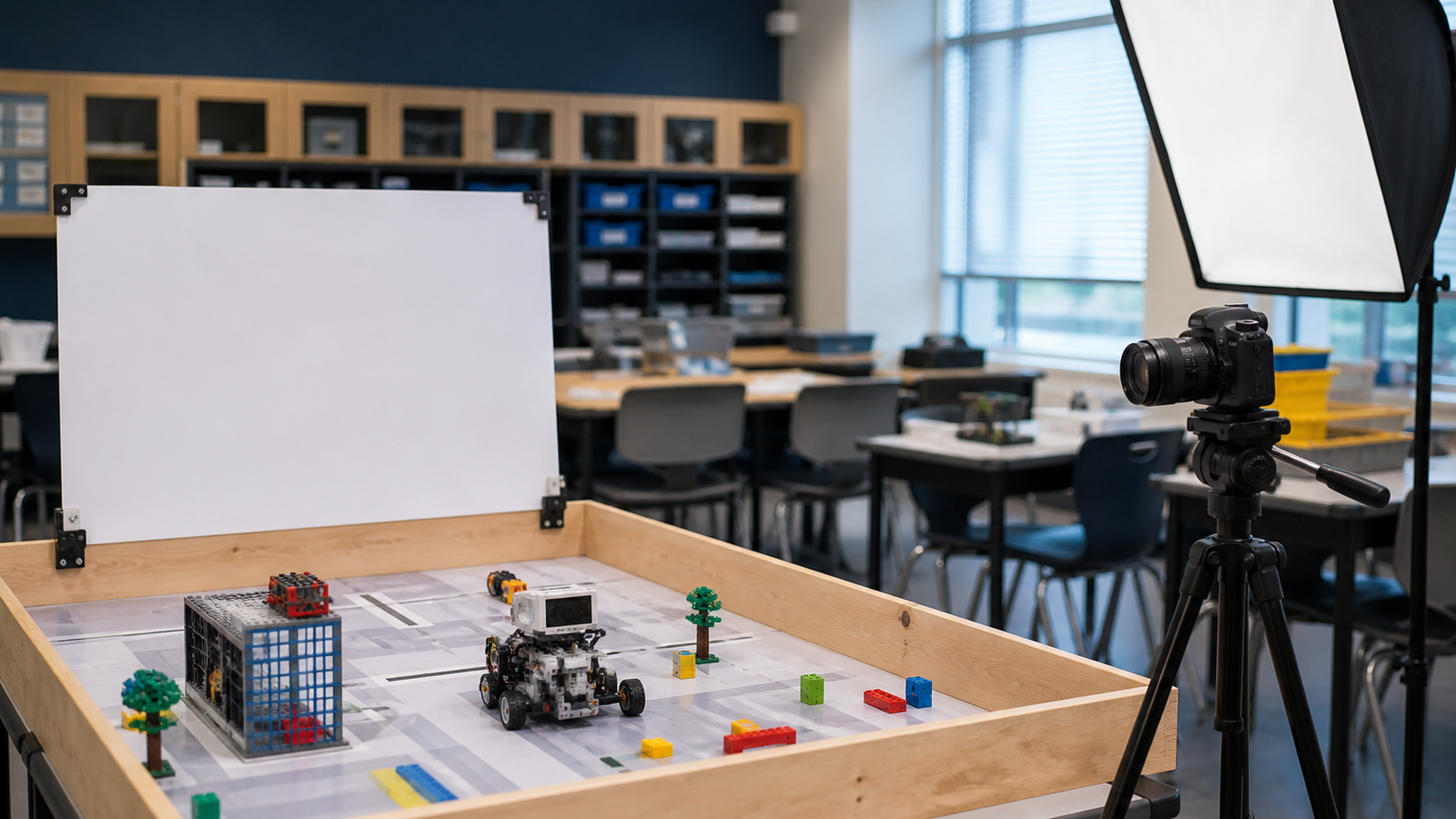
Glare can erase the tag border. Low light can push exposure longer and add motion blur. A camera that works perfectly when the robot is still may fail when the chassis starts moving. That is why a useful AprilTag test should include motion, not just a static screenshot.
TVG’s AprilTag print-size and glare guide covers target preparation. This article adds the camera-control layer.
TVG Take
Exposure control is boring until it breaks the demo. Teams should treat camera settings like wiring and calibration: document them, protect them from accidental changes, and retest them in the room where the robot will actually run.
Add a lighting log to the code log
Most teams already version code. Fewer teams version the room conditions that made vision work. A useful log can be plain: camera model, lens, resolution, exposure mode, gain, light position, target distance, target height, and whether the robot was moving. If a mentor or student changes the mount, update the log before retesting.
That record also helps separate defects. If detection fails only under one light angle, the problem is not the AprilTag library. If it fails after the camera is remounted, calibration and focus deserve attention before another afternoon of code edits.