
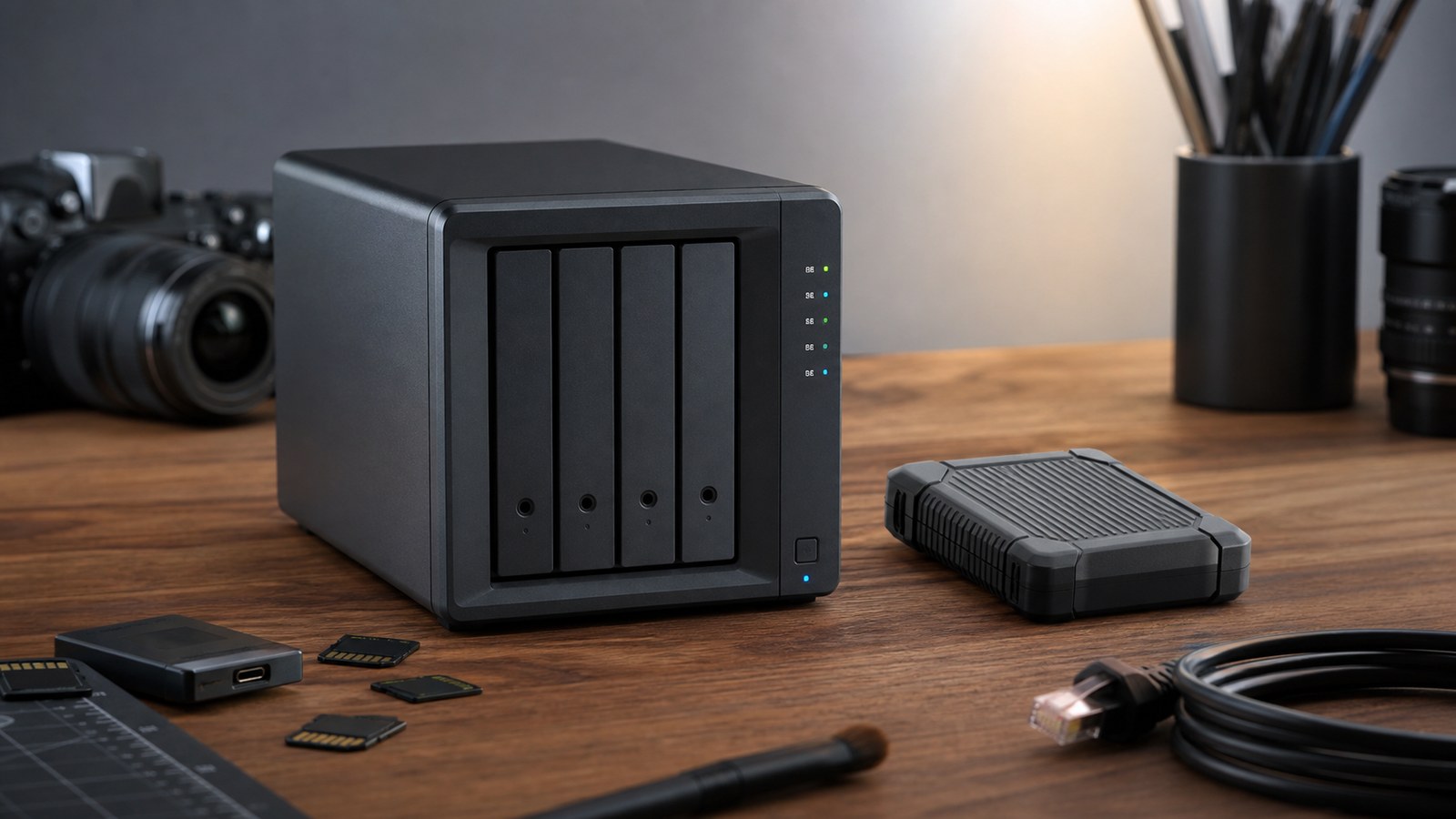
A rugged SSD and a NAS both look like storage purchases, but they solve different failure modes. One helps a field team get footage off cards quickly. The other helps a lab keep organized copies, user access, and longer-term backups after the shoot or robot test is over.
This is a buyer evaluation, not a hands-on review. TVG has not tested a new NAS or SSD for this article and is not ranking specific models. The goal is to help maker labs, robotics teams, and small creator groups decide what role each device should play.
Quick answer
Use a rugged SSD when the job is fast field ingest, portability, and editing from a small kit. Use a NAS when the job is shared storage, versioned backup, project organization, and multi-device access back at the lab. Use both when footage or test data matters.
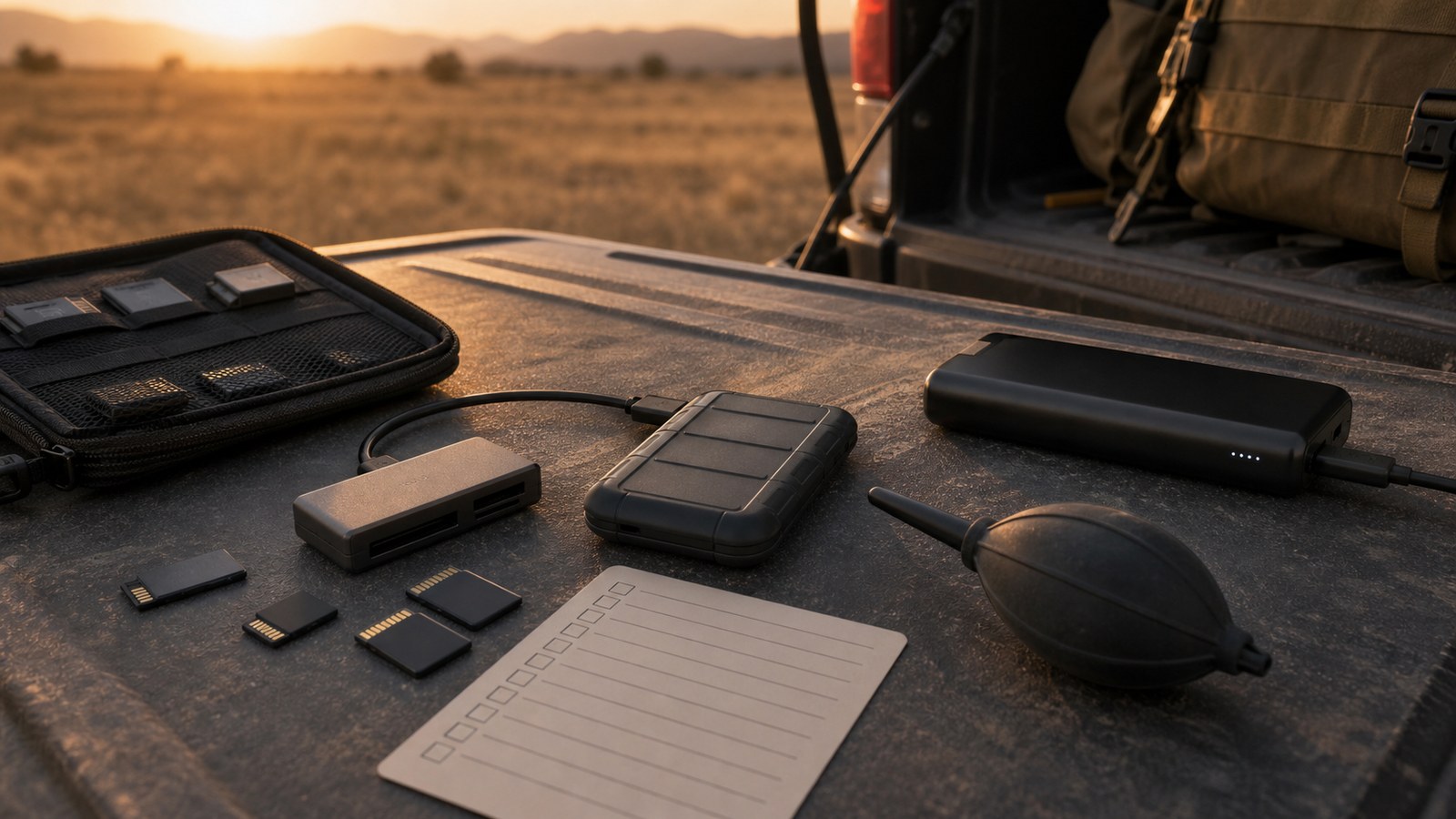
Field ingest is not a backup plan
Backblaze’s 3-2-1 backup guidance remains useful because it separates copies, media types, and off-site protection. A single rugged SSD in a backpack is convenient, but it is not a complete strategy. It can be lost, damaged, overwritten, or left with the wrong person after an event.
The field workflow should be simple: copy cards, verify the copy, keep the original cards safe until the lab copy exists, and record what was captured. For robotics teams, that might include driver-station logs, camera footage, sensor exports, CAD revisions, and notes from the test session.
Where a NAS earns its space
Synology’s backup materials emphasize that hardware failures, data corruption, ransomware, and accidental deletion can all cause data loss. That is the right framing: redundancy is not the same as backup, and a NAS should not be treated as magic protection just because it has multiple drives.
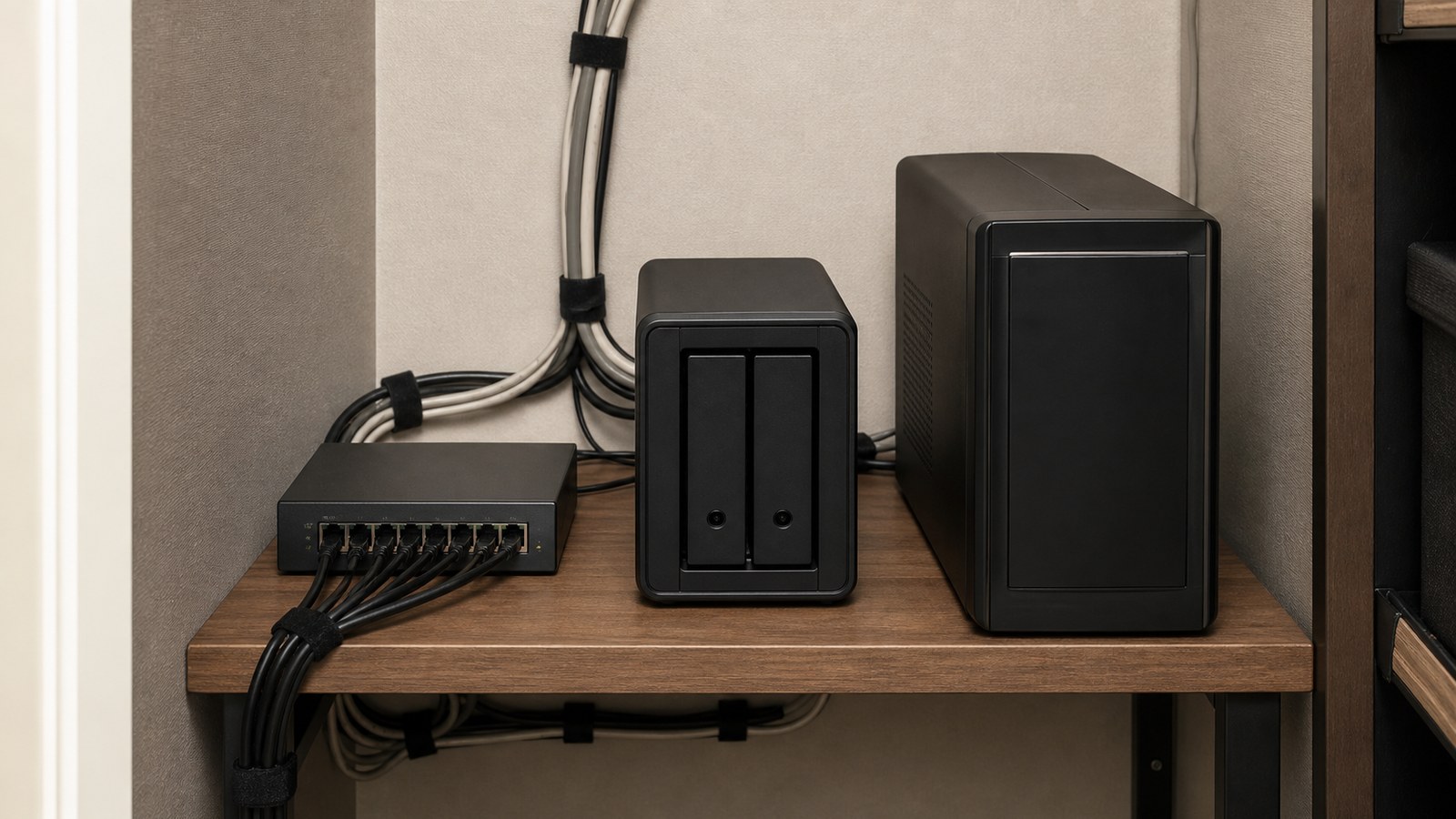
A NAS is useful when several people need access to the same footage, CAD files, training clips, or documentation. It can also support scheduled backups, user permissions, and cleaner project folders than a pile of disconnected SSDs. The tradeoff is setup time, network speed, drive maintenance, and a need for off-site or cloud copies.
Buyer checklist
- For field kits: prioritize bus-powered reliability, cable retention, weather/dust handling, and simple verification.
- For NAS: check Ethernet speed, drive bays, backup software, permissions, snapshots, and UPS support.
- For video teams: separate ingest storage from editing storage; do not let the only copy be the editing drive.
- For robot teams: keep test footage linked to robot configuration and code version, not just date folders.
TVG Take
The most reliable small-team setup is usually boring: rugged SSD for field capture, NAS for lab organization, and a separate off-site copy for anything that would hurt to lose. If the budget only allows one purchase today, buy the piece that fixes the most common failure in your workflow—not the one with the best spec sheet.
For adjacent camera workflow decisions, see TVG’s CFexpress vs SD card guide and 32-bit float audio guide.
How to choose on a small budget
If the team has no reliable field copy workflow, buy or assign the rugged SSD first. If the team already gets footage home safely but loses track of edits, project folders, and final exports, the NAS is the stronger next purchase. If several students or editors touch the same files, shared storage can save hours of version confusion.
Whatever the order, write the copy path down. A backup strategy that only one person understands tends to fail exactly when that person is absent from the event.
Sources
- Synology: Backup and data protection overview
- Backblaze: 3-2-1 backup strategy
- SD Association: speed class overview (403 to cron environment during verification)



