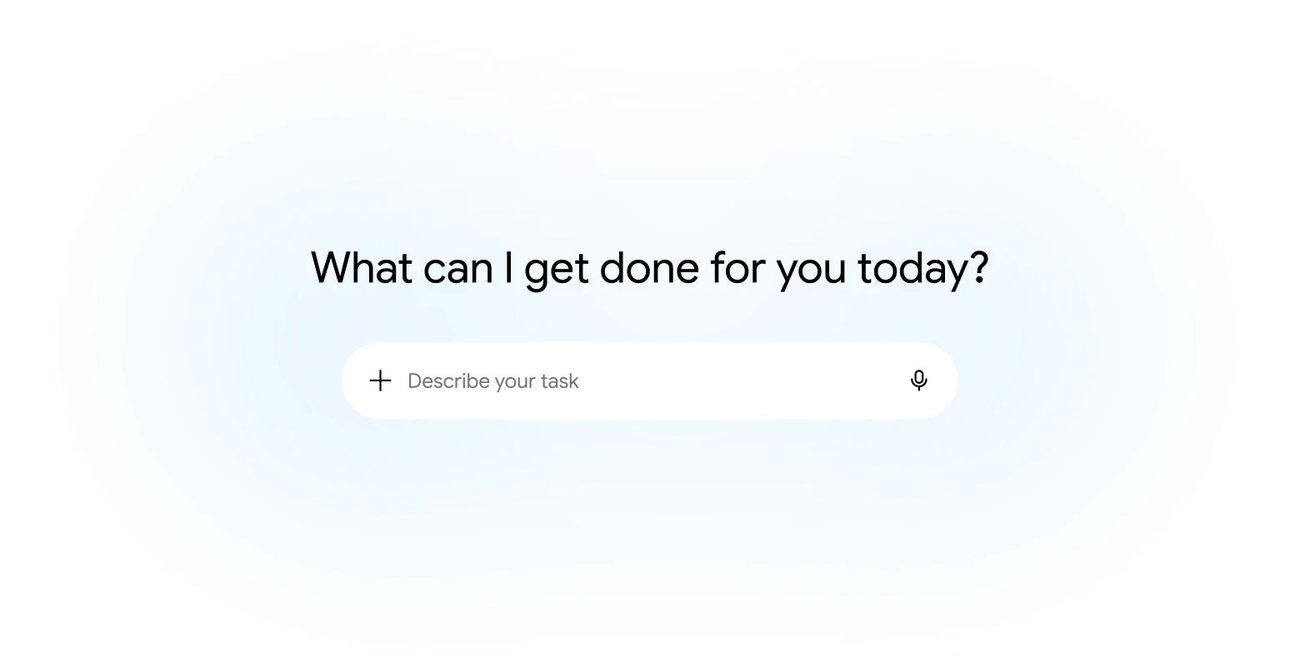
Google says Gemini Spark is coming to the Gemini app on macOS, extending the company’s agentic assistant work from a chat window into a more desktop-shaped workflow.
In a June 30 update, Google said Spark can now connect with apps including Canva and Dropbox, track topics in real time, and run inside the Gemini macOS app for eligible users. Engadget reported that the feature is rolling out through the Gemini app on Mac and is limited to Google AI Ultra subscribers in the U.S. at launch.
The news is not just another assistant feature. It is part of a larger move toward agents that can touch files, coordinate app workflows, and stay active after a prompt is sent.
What Google announced
According to Google, Spark can be used for tasks such as sorting files, building spreadsheets, connecting to everyday apps, and keeping track of changing topics without a user constantly refreshing a browser tab. The company describes the update as a way to make Gemini more useful across daily work rather than only inside a single conversation.
The macOS rollout matters because desktop agents face a different permission model than web-only assistants. A browser chatbot can summarize or draft. A desktop helper may request access to local folders, cloud accounts, documents, downloads, calendars, or project assets.
That shift makes the operating environment more important than the model benchmark.
Why it matters for builders and small teams
For maker labs, robotics teams, small studios, and technical classrooms, a desktop agent could be useful in routine work: renaming field-test files, pulling notes into a spreadsheet, organizing bill-of-materials exports, or watching a folder for new photos from a camera card. Those are not glamorous tasks, but they consume real time in labs that already juggle documentation, media, and build work.
TVG has covered similar supervision questions around OpenAI Codex Remote and local AI workstations. In both cases, the practical issue is not whether the model can produce a good answer once. It is whether the surrounding workflow makes access, review, rollback, and human approval clear enough for real use.
Google’s official post emphasizes connected apps and real-time tracking. That is useful, but it also means users should know what Spark can read, what it can write, and whether a task is reversible before handing it a working folder.
Permission and reliability questions
Desktop automation has familiar failure modes. Files can be moved to the wrong place. Drafts can be overwritten. A spreadsheet can be generated with the right columns and the wrong assumptions. A useful real-time topic tracker can become noise if it cannot separate routine updates from important changes.
Google has not published a universal reliability score for Spark across messy local file systems, shared cloud drives, or mixed personal and lab accounts. The company also has not turned the feature into a general-purpose local automation layer for every Gemini user. At launch, availability is limited.
That does not make the update small. It means the best early use cases are bounded: duplicate a working folder, test on non-critical files, ask for a visible plan before execution, and keep manual confirmation on actions that rename, delete, send, or publish anything.
TVG Analysis
The practical signal is that AI assistants are moving closer to the operating surface where work actually happens: folders, files, project assets, and connected services. For technical users, the most valuable agent may not be the one with the boldest demo. It may be the one that leaves a clear action log and can be trusted with boring, repetitive tasks without silently damaging the source material.
Labs evaluating Spark should treat it like any new automation tool: start with low-risk folders, define what it may modify, keep source files backed up, and test whether its output is auditable by a person who did not write the prompt.
What remains unknown is how broadly Google will expand Spark access, how granular the desktop permission controls will become, and whether connected-app agents will prove reliable enough for shared lab and creator workflows rather than personal task experiments. TVG will keep watching desktop agents as they move from chat features into everyday work surfaces.