
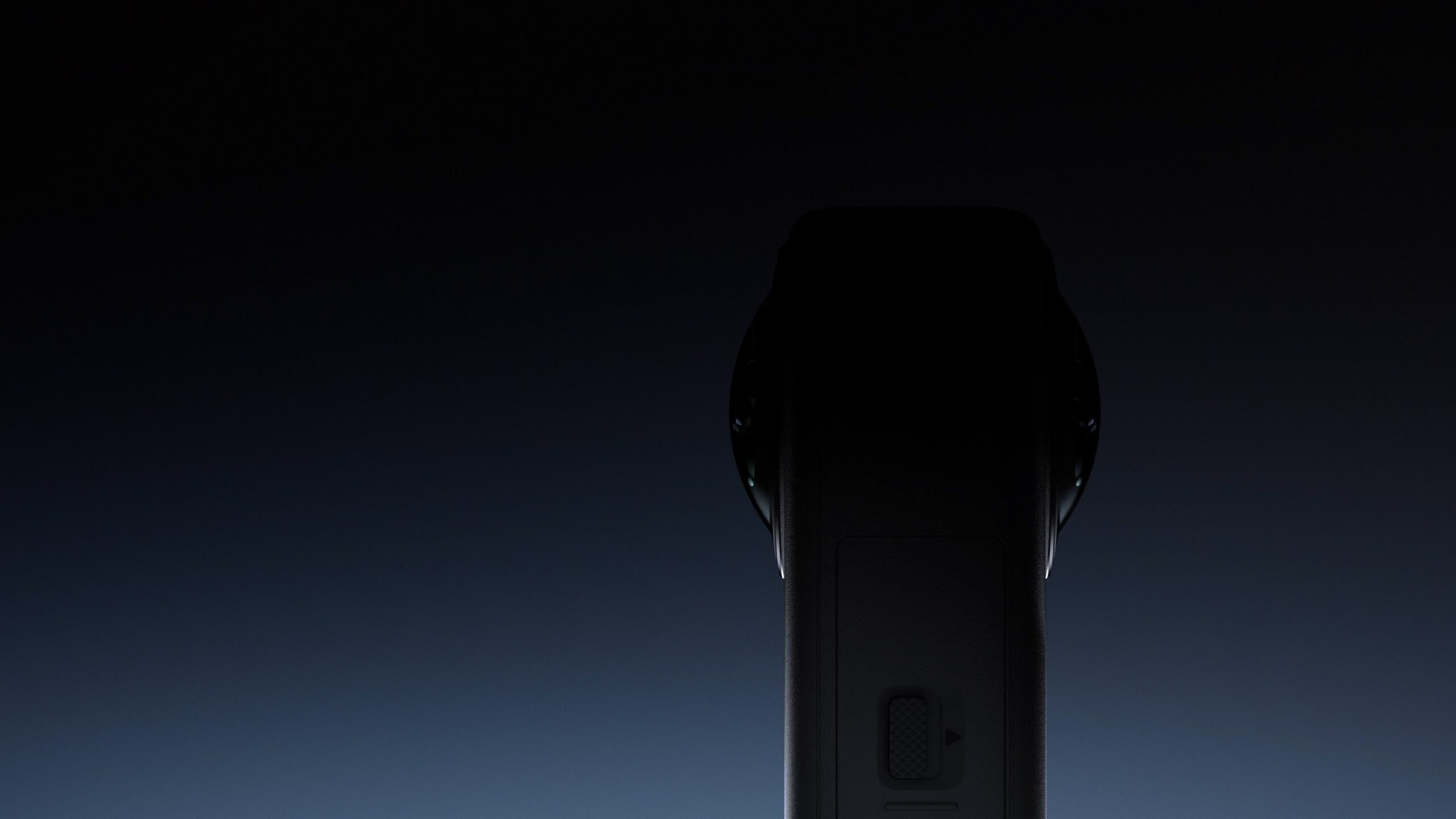
The DJI Osmo 360 is not a TVG hands-on review unit. This is a spec review and buyer evaluation based on DJI’s official product and specification pages, with a focus on what maker labs, robotics teams, and field-documentation crews should verify before treating an 8K 360 camera as a serious technical tool.
DJI positions the Osmo 360 as its first 360 camera, with native 8K 360 video, large 2.4μm pixels, 13.5 stops of dynamic range, 4K/120fps Boost Video, 120MP 360 photos, and up to 100 minutes of continuous 8K/30fps recording. The company’s specification page lists the camera as a compact all-in-one capture device for creators who want reframing flexibility without operating multiple cameras.
For TVG readers, the interesting question is not whether 8K sounds impressive. It is whether a compact 360 camera can make field documentation more reliable than a conventional action camera, phone, or drone when the operator needs to capture everything around a robot, test site, classroom build, or inspection path.
What the spec sheet says
DJI’s headline claims are clear: native 8K 360 video, 4K/120fps in a 170-degree Boost Video mode, 120MP 360 photos, 13.5 stops of dynamic range, 10-bit and D-Log M support, and continuous 8K/30fps recording up to 100 minutes under DJI’s stated conditions. The product page also emphasizes low-light performance, stabilization, and a compact body designed for travel and movement.
The camera’s value proposition is different from a normal action camera. A traditional action camera asks the operator to aim correctly in the moment. A 360 camera records the surrounding sphere, then lets the editor reframe later. That can be helpful when a robot test, youth robotics match, drone setup, or field inspection moves unpredictably and there is no spare operator to track the action.
The tradeoff is that 360 capture spreads pixels across a sphere. Even when the headline number is 8K, the final reframed view is a crop from that sphere. Buyers should not compare 8K 360 footage directly with a normal 8K rectangular camera view.
Where it fits in a field kit
The Osmo 360 makes the most sense as a context camera. Mount it near a test bench, on a tripod at a robotics field, on a vehicle interior, or beside a work area where the point is to capture multiple directions at once. It can document who moved where, which part failed, what the operator saw, and how the environment changed around the test.
That context role complements, rather than replaces, a focused camera. A robotics team may still want a conventional action camera pointed at the mechanism, a phone for quick clips, a drone for outdoor overview shots, or a machine-vision camera for measurement. TVG’s earlier field documentation buyer evaluation covers that division of labor in more detail.
For field creators, the 360 workflow can also reduce missed shots. If a camera is mounted safely and the entire scene is recorded, the editor can decide later whether the final clip should show the operator, the robot, the audience, or the workbench. That is useful for outreach videos and post-test review.
The specs to verify before relying on it
The first verification point is heat. DJI’s claim of up to 100 minutes of continuous 8K/30fps recording is useful, but teams should test it under their own conditions: sun exposure, enclosure, airflow, ambient temperature, battery age, and whether the camera is being powered externally. A camera that works in a cool room may behave differently on a summer field day.
The second point is storage. 8K 360 capture can create large files and sustained write demands. Buyers should confirm card requirements, recording limits, file-splitting behavior, transfer speed, and whether the team’s laptop or editing station can handle the footage. TVG’s action camera storage guide is directly relevant here.
The third point is lens protection. A 360 camera needs exposed lenses to see in both directions. That makes protective handling, replaceable covers, mounting clearance, and repair cost more important than on a recessed-lens action camera. For classrooms or youth teams, the handling plan may matter as much as the image quality.
The fourth point is reframing time. 360 footage is powerful because it can be edited later, but that also adds workflow steps. A team that only needs quick evidence of a failure may prefer a simpler fixed camera. A team producing outreach clips, sponsor recaps, or training material may benefit from the extra flexibility.
What TVG would test
- Thermal behavior: 8K/30 recording in shade, direct sun, and a warm indoor gym.
- Storage reliability: sustained recording with recommended cards, file recovery, and transfer time.
- Mount durability: vibration on carts, robots, tripods, and field rigs.
- Lens risk: scratches, protective covers, cleaning, and transport cases.
- Reframed quality: whether final 16:9 clips have enough detail after cropping from the 360 sphere.
- Low-light and high-contrast scenes: pits, gym floors, outdoor sunset tests, and reflective robot parts.
- Audio usefulness: whether onboard audio is good enough for notes or if a separate mic is required.
- Software workflow: mobile editing, desktop editing, metadata, export time, and repeatable team presets.
Who should consider it
The Osmo 360 looks most useful for teams that repeatedly miss context with fixed cameras: robotics coaches, maker educators, field engineers, drone crews documenting setup and safety zones, and creators filming technical workflows alone. It is less compelling if the job is pure measurement, long unattended surveillance, or fast turnaround with no editing time.
If the goal is a simple proof clip, a conventional action camera may be easier. If the goal is a complete record of a test environment, a 360 camera can be the safer capture choice. The buyer decision should be based on the cost of missing the shot, not just the maximum resolution line on the spec sheet.
TVG Take
The DJI Osmo 360 is a strong candidate for field-documentation kits because 360 capture solves a real operational problem: tests move faster than camera operators. The risks are also practical rather than abstract. Heat, storage, exposed lenses, and editing time will decide whether the camera becomes a reliable tool or another impressive device that stays in the case. Before buying for a lab or team, run a full-length recording test, a storage/offload test, and a reframing test using the kind of motion you actually need to document.




That’s a really helpful breakdown. Focusing on storage and heat management seems like a crucial first step for any team using this kind of equipment in the field.