Adobe’s reported acquisition of Topaz Labs is not just another AI headline for photographers and video editors. For creator teams, maker labs, robotics clubs, and field-documentation crews, the practical question is whether AI enhancement becomes easier to trust inside a real production workflow.
TechCrunch reported that Adobe is acquiring Topaz Labs, the company behind AI-based photo and video enhancement tools, with the transaction expected to close in the second half of 2026. Topaz describes its software as using deep learning for noise reduction, sharpening, upscaling, stabilization, smoothing, and other image-quality tasks across products such as Topaz Photo/Gigapixel and Topaz Video. PetaPixel’s coverage also shows why the story is landing with creators: Topaz has become a familiar tool for photographers and video editors who want enhancement without rebuilding their whole editing setup.
Why creators and field teams should care
The obvious read is that Adobe wants more AI capability inside its creative suite. The more useful read is that enhancement is moving from a final polish step into the middle of capture, review, archive, and delivery. A robotics team documenting a build, a drone crew reviewing inspection footage, or a school media lab cleaning noisy event video all face the same problem: the enhancement step must preserve evidence, metadata, and repeatability.
That matters because AI cleanup can make weak footage look better while also making the workflow harder to audit. If a tool changes detail, stabilizes motion, interpolates frames, or upscales a low-resolution source, teams need to know what was changed and whether the output is still suitable for engineering review, public communication, or archival use.
The technical compatibility checklist
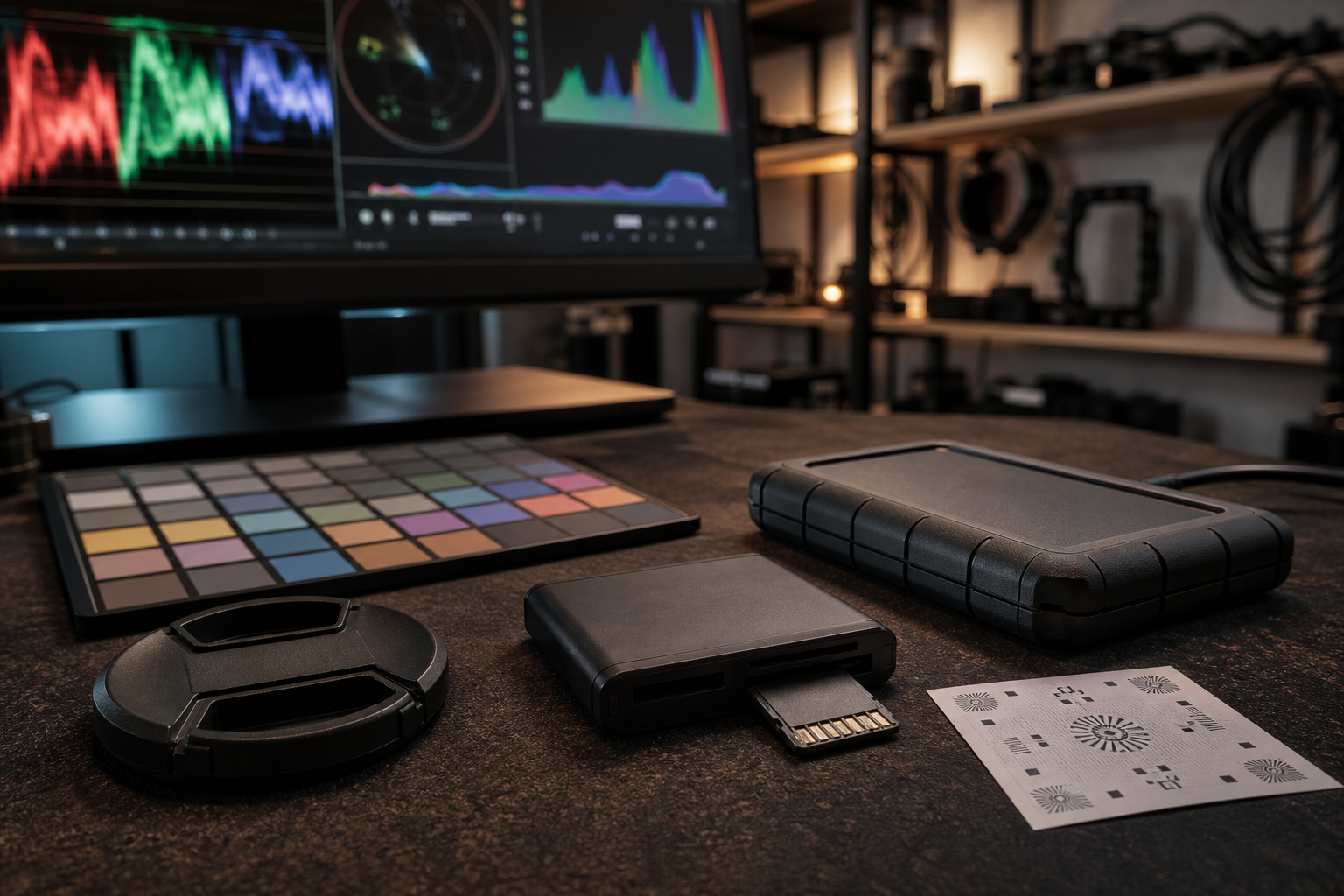
The first test is file handling. Creator teams should watch whether Topaz-style enhancement remains friendly to common camera codecs, high-bit-depth stills, proxy workflows, batch exports, and removable-media handoffs. TVG has already covered how camera sensor size affects field documentation and why portable storage choices matter for field cameras and robot logs. Enhancement software only helps if it fits into that chain without adding mystery failures.
The second test is local versus cloud execution. Topaz has appealed partly because creators could run demanding enhancement tasks on local workstations. If more of that work moves behind account systems, cloud queues, or subscription tiers, small labs may gain convenience but lose predictability. Local processing still matters when footage is sensitive, bandwidth is limited, or a competition/event deadline leaves no time for upload bottlenecks.
The third test is metadata and versioning. A useful AI enhancement workflow should make it easy to keep the original media, enhanced output, settings, model/version information, and export notes together. Without that trail, a cleaned-up clip may be fine for a YouTube recap but weak evidence for a build log, incident review, or product comparison.
Risks and unknowns
The biggest unknown is product direction. Adobe could make Topaz capabilities more accessible inside Lightroom, Photoshop, Premiere Pro, or cloud-based creator services. It could also change pricing, licensing, activation, or standalone-app behavior in ways that frustrate existing users. Until Adobe and Topaz publish specific integration details, teams should avoid assuming that today’s workflow will survive unchanged.
There is also an evaluation risk. AI upscaling, denoising, and frame generation can produce convincing output that hides capture problems. For field documentation, the right habit is to keep a source-original archive and treat enhanced media as an edited derivative. That is especially important when footage is used to debug a robot run, compare a sensor mount, or document a fabrication issue.
TVG Take
This deal is worth watching because it may pull serious enhancement tools closer to mainstream creative software. The win would be fewer handoffs, better batch processing, and cleaner media for small teams. The risk is a less transparent workflow. Before standardizing on any new Adobe/Topaz path, teams should test original-file preservation, export repeatability, plug-in compatibility, local processing options, and whether the tool records enough information to explain what changed.