
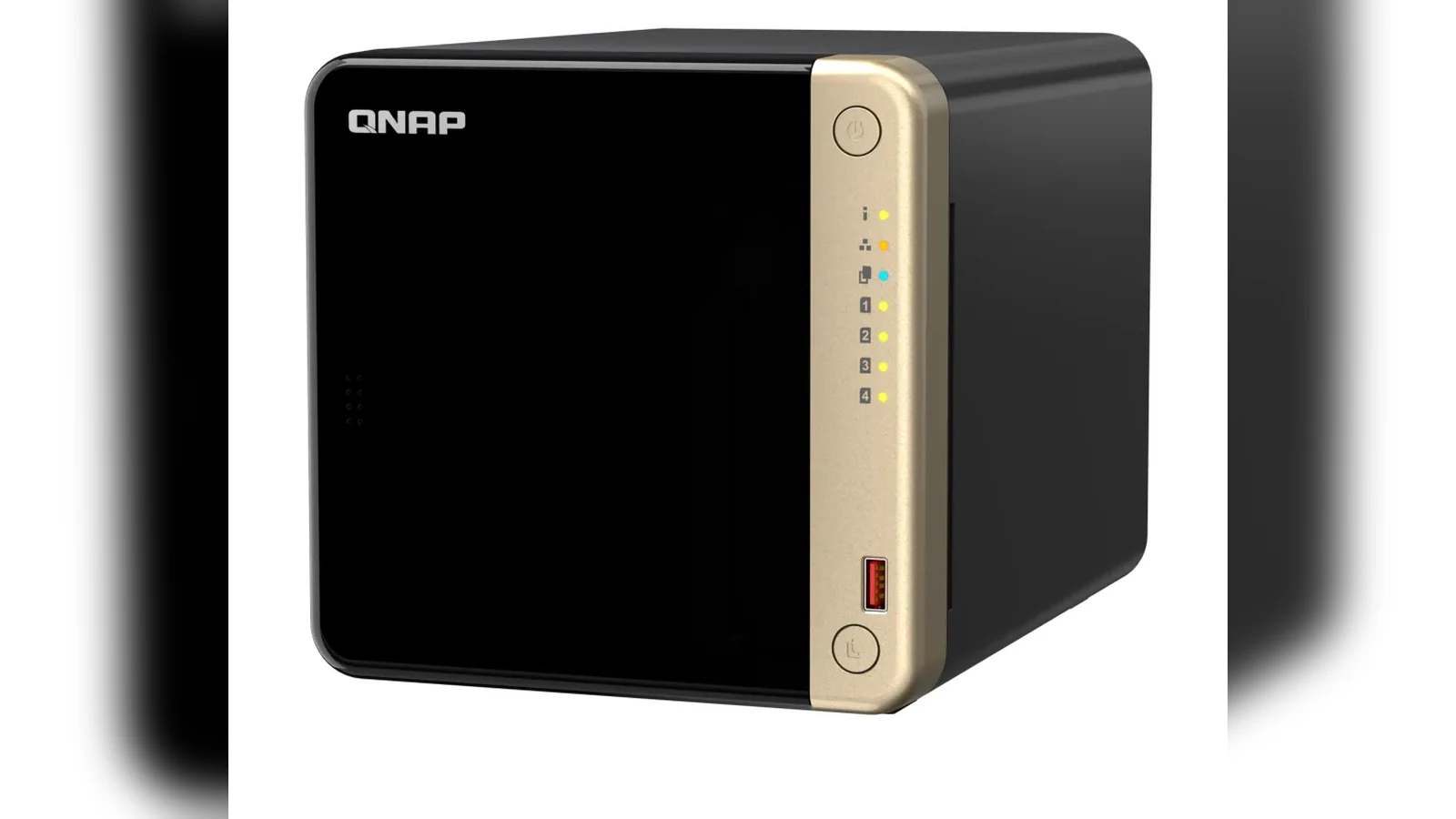
CMR and SMR describe how a hard drive writes magnetic tracks. Conventional magnetic recording keeps tracks independently writable. Shingled magnetic recording overlaps tracks to raise density, so changing one area may require reorganizing a larger zone. That difference matters most during sustained random writes, array rebuilds and heavy multi-user NAS activity.
First identify which SMR model you are dealing with
Drive-managed SMR presents a conventional block interface and hides zone management inside the drive. It may perform normally during light, bursty writes, then slow when its cache and background cleanup are pressured. Host-managed SMR exposes zoned rules and requires software designed to write accordingly; it is not a drop-in choice for an ordinary NAS expecting a conventional disk.
CMR is usually the lower-surprise option for RAID, frequent overwrites and sustained ingest. That does not make every SMR drive unusable. An SMR model can fit a compatible, mostly sequential or archive workload when the host and operator understand its behavior.
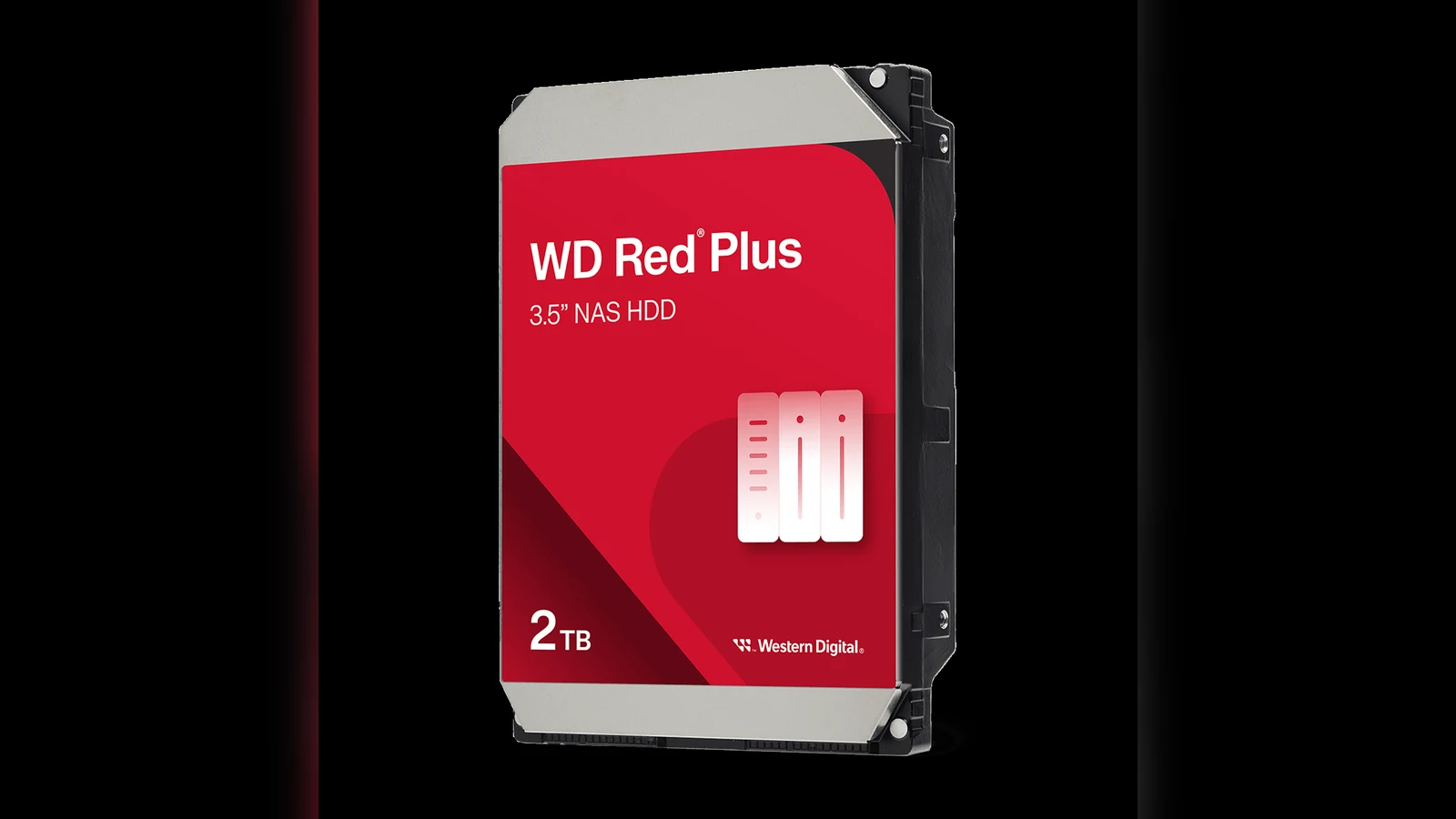
Why rebuilds expose the difference
A rebuild combines long reads with substantial writes while the array is already degraded. On a drive-managed SMR disk, internal reorganization can make completion time less predictable, especially if client writes continue. Longer rebuilds extend the period in which another fault matters. NAS timeout policies and firmware compatibility can also affect whether a slow drive remains in the array.
Before replacing a disk, check the NAS vendor’s compatibility list, the drive workload rating and the array’s error-handling behavior. Keep a separate backup: RAID availability is not backup, regardless of recording technology.
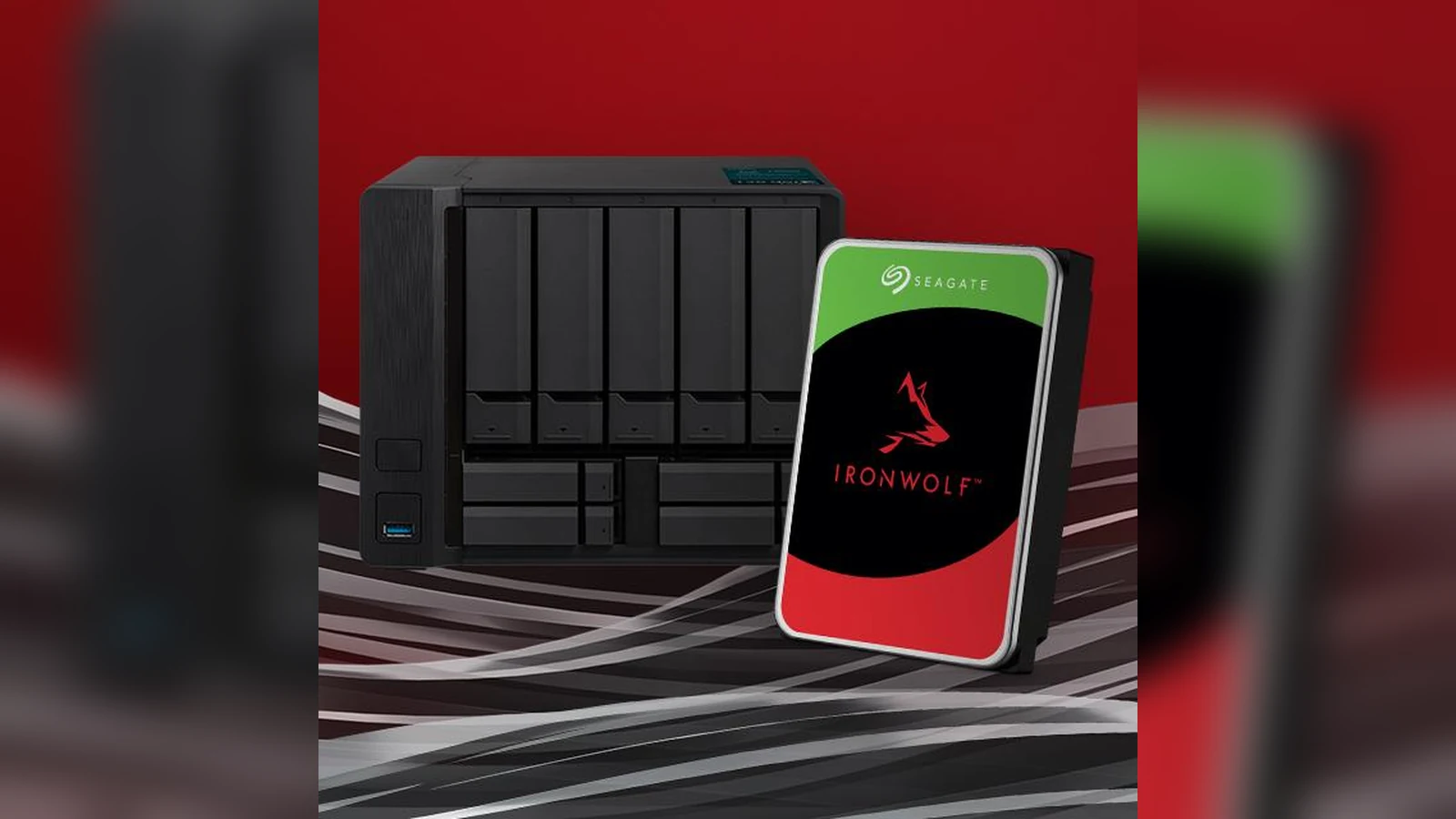
Verify the exact model, not the label color
Read the complete model number from the drive label or SMART inventory. Then find that exact number in the manufacturer’s current data sheet or recording-technology disclosure. Family names, capacity alone and marketplace descriptions are not sufficient because technology can differ within a broad product line. Save the document with the purchase record and repeat the check when buying a replacement.
For a creator or robotics lab, choose from the real workload: continuous camera ingest, build artifacts, simulation files and rebuild expectations. CMR is a sensible default when those writes are mixed or time-sensitive; verified SMR can still serve a deliberately compatible archive tier. Monitor rebuild progress and drive latency during maintenance so unexpectedly slow behavior is caught before the array is returned to normal service.



