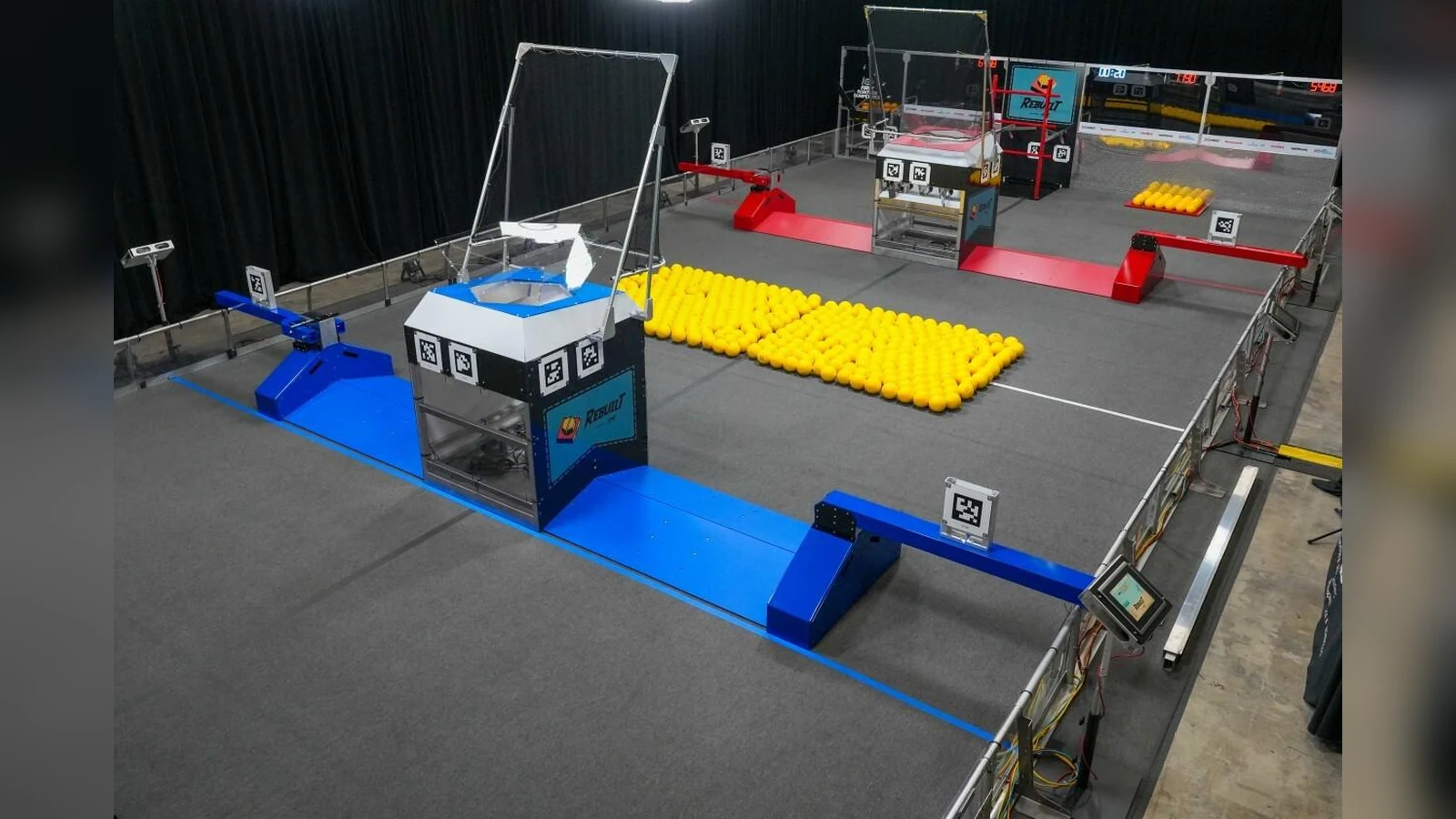
An AprilTag board is part of the measurement system. A sharp print can still produce poor pose estimates if the target bows, its scale changes, glare hides an edge or the mount moves between setup and demonstration. Storage and transport should preserve the same geometry the software configuration expects.
Build around a known target size
Use the tag family required by the robot software and generate the target from an official source. Print at 100 percent scale with page scaling disabled. Measure the physical dimension defined by the library—not a convenient outer paper edge—and enter that same value in the detector or field layout. WPILib describes tag size between the detection corners; teams should follow the definition used by their own library.
Mount the print to a rigid, flat backing without wrinkles or bubbles. Keep the black and white regions clean and preserve the required border. Do not laminate by default: a glossy surface can create reflections that erase part of the pattern from the camera’s view.
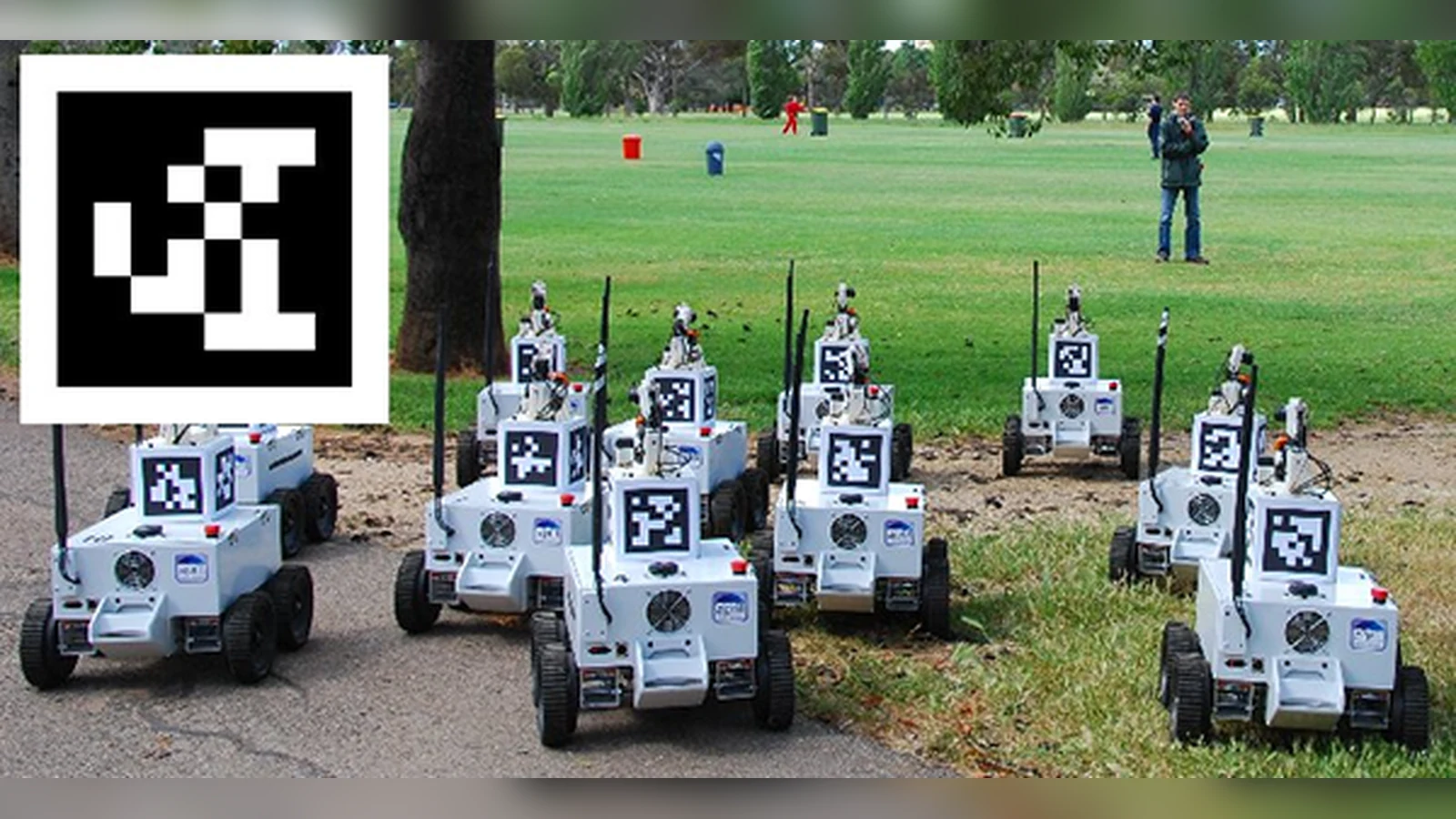
Pack the board as an instrument
Transport boards vertically in a rigid sleeve or flat between protective sheets. Do not roll a board whose calibration depends on flatness. Protect corners and mounting holes, and keep heavy tools from pressing on the face. If the board has a stand, mark the approved attachment points so setup crews do not introduce a new bend or tilt.
Store boards dry and away from direct heat. Before reuse, look across the surface for warping, lifted edges, scratches, fading and adhesive creep. Replace a damaged print instead of correcting unexplained vision behavior only in software.
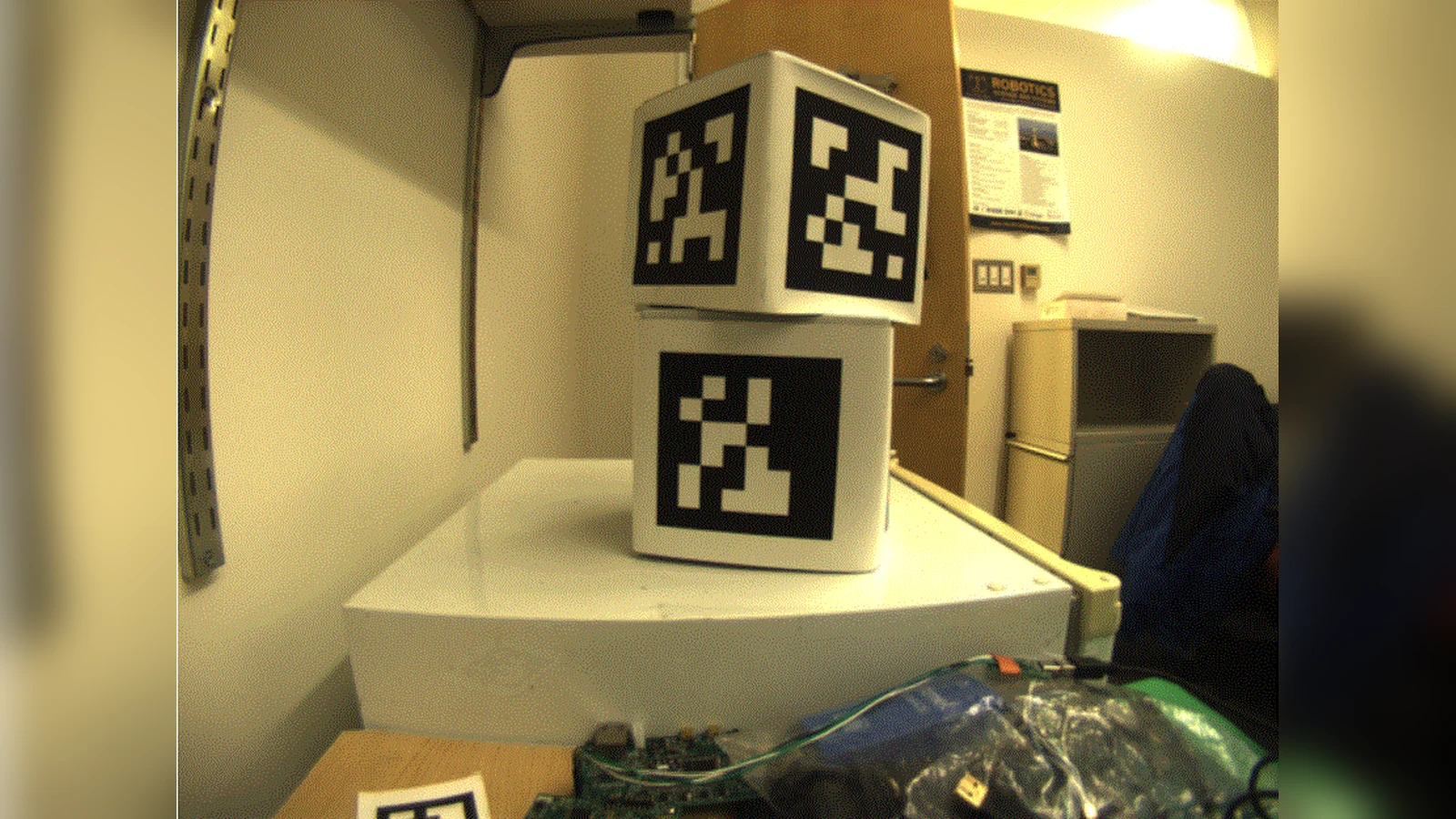
Run a pre-demo view check
Set the board at its documented location and orientation, then view it through the actual robot camera. Check near, far and oblique positions expected during the demonstration. Watch for glare as people, lights and doors move. Confirm the configured family and physical size, and verify the detected ID matches the board.
Finally, inspect the camera mount and focus. A stable target cannot compensate for a loose camera or changed exposure. Record the board dimensions, mounting position and a reference camera frame so the next setup can be compared without claiming a calibration result that was never measured. Keep a spare print from the same verified file and scale, but measure it before use rather than assuming two printers produced identical geometry.