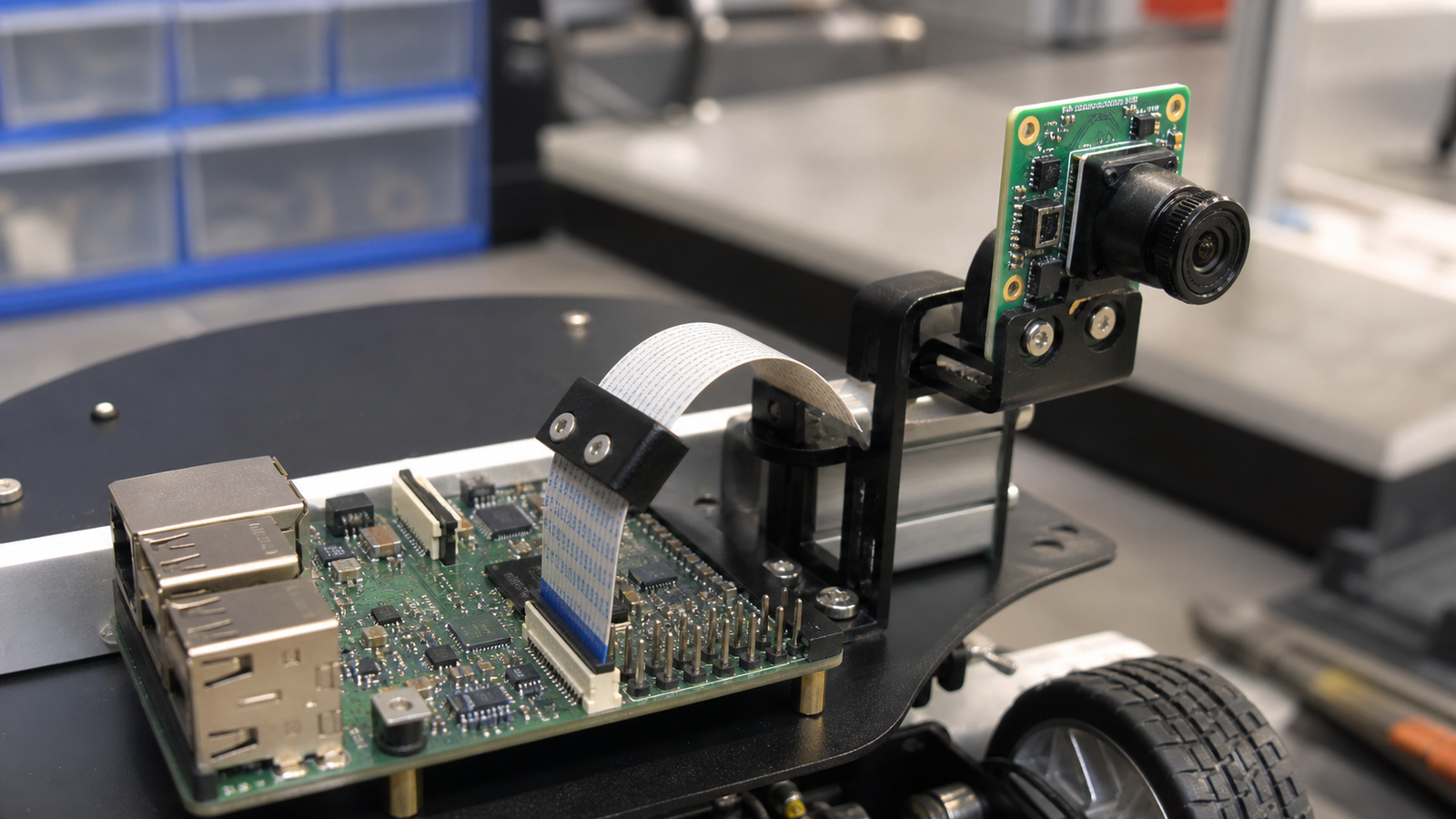
A maker robot can lose its camera feed for reasons that have nothing to do with OpenCV, neural networks, or frame-rate settings. A flat ribbon cable may be half-seated, bent too tightly, pulled by the mount, or rubbing against the chassis.
MIPI CSI camera modules are popular because they can be compact and efficient. The tradeoff is that the physical connection is less forgiving than a chunky USB cable when the robot moves.
Quick answer
Before rewriting vision software, inspect the ribbon cable path. Confirm connector orientation, latch seating, bend radius, strain relief, moving-joint clearance, and cable wear. If the camera fails only after the robot moves, the mechanical path is a prime suspect.
Why ribbon cables fail quietly
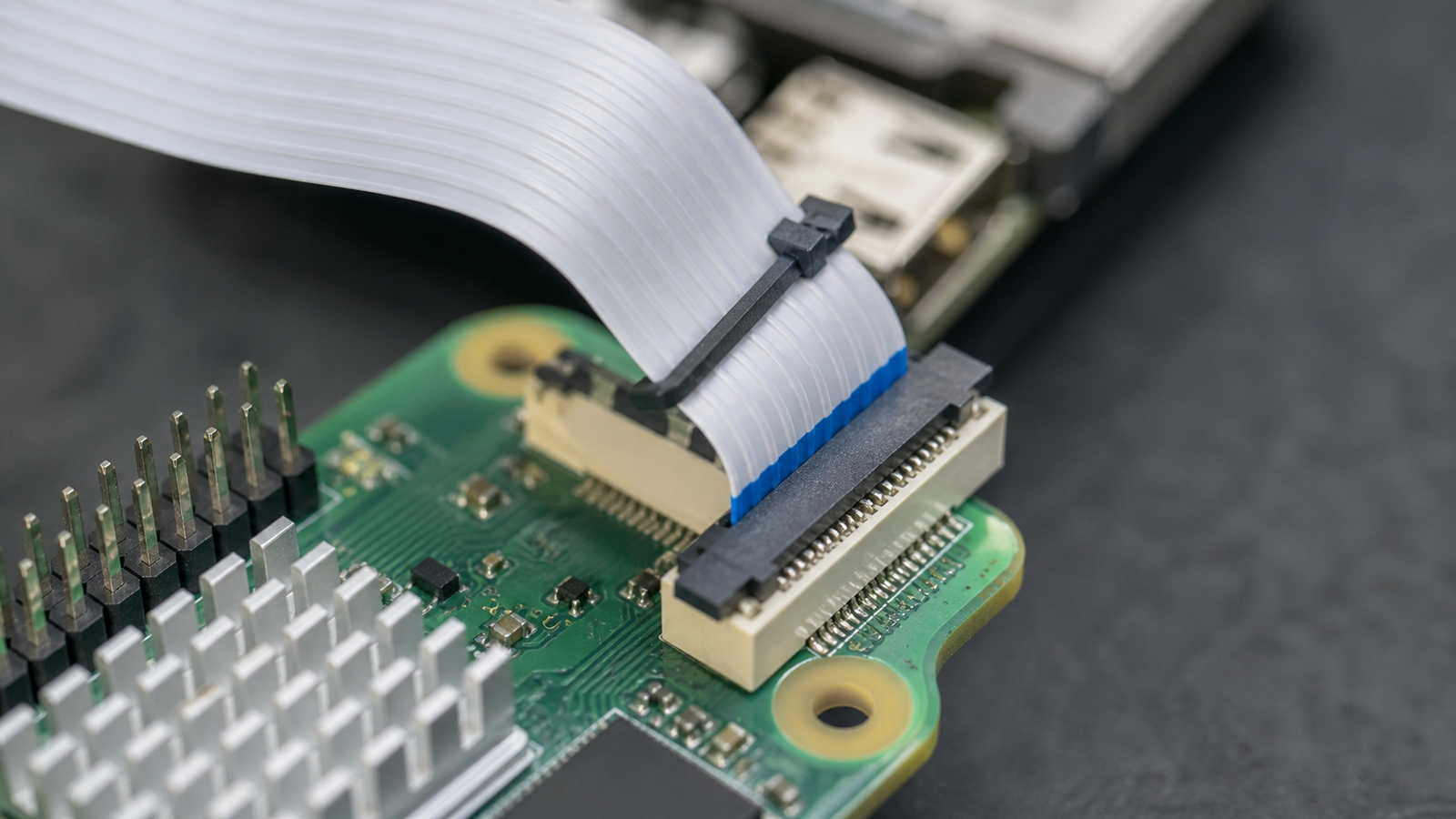
Raspberry Pi’s camera documentation shows the camera ecosystem and board connections that make small vision builds practical. In a robot, the same compact connector can be stressed by mast movement, turret rotation, vibration, or repeated bench assembly.
A ribbon cable can look connected while a latch is not fully seated. It can pass a static test while failing when a camera tilts. It can be damaged by sharp folds that a team barely notices during a late-night build session.
Robot-team checklist
- Verify orientation: check both board and camera ends before power-up.
- Seat the latch: a partly closed connector can create intermittent faults.
- Avoid sharp folds: use gentle bends and replace creased cables.
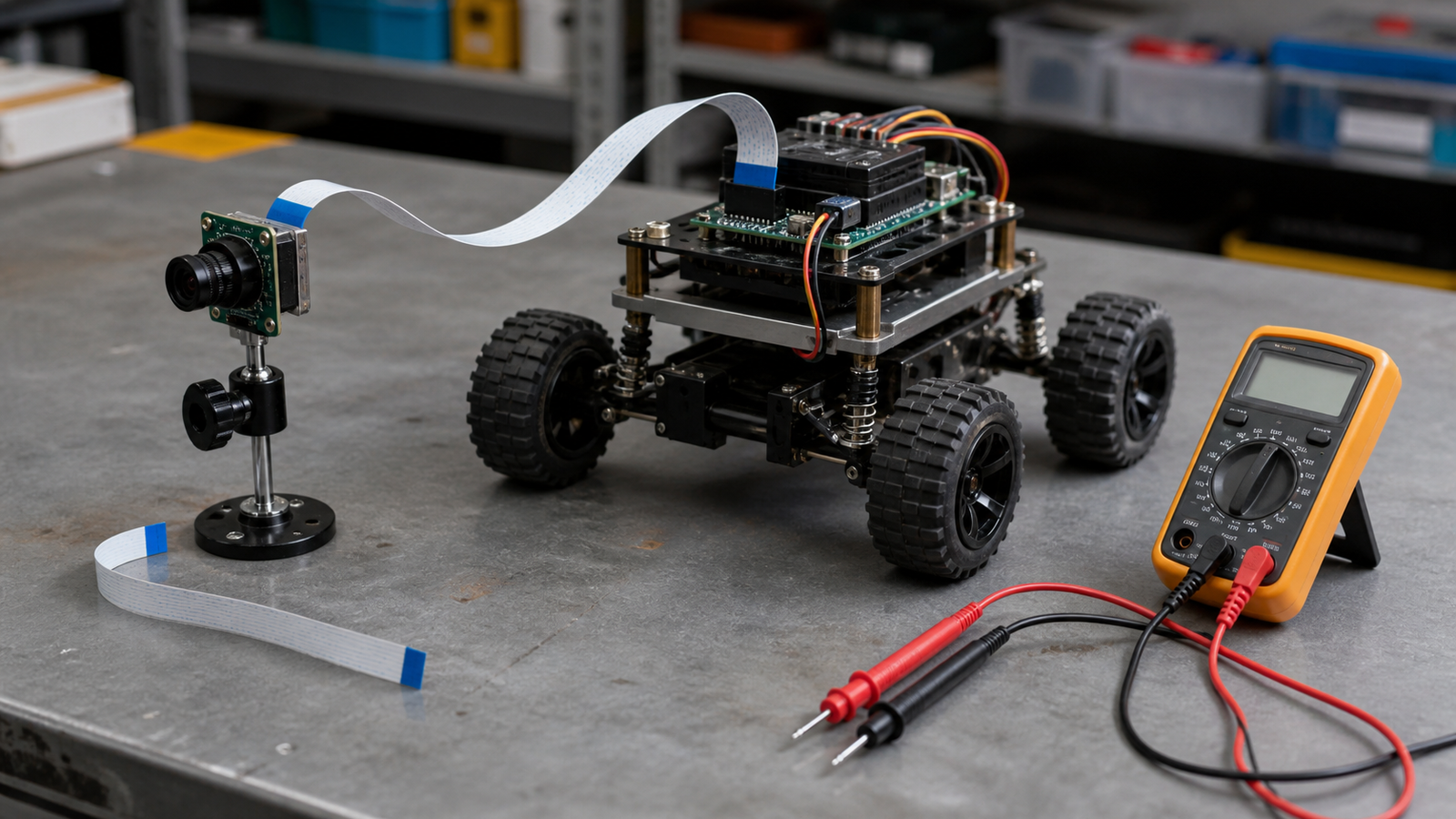
- Add strain relief: secure the cable before it reaches a moving camera mount.
- Keep clearance: route away from wheels, belts, linkages, and pinch points.
- Test motion: stream video while moving the robot or camera joint by hand.
CSI vs USB is also mechanical
TVG’s MIPI CSI vs USB camera guide focuses on interface tradeoffs. This is the bench-level companion: the electrical and software interface only matters if the physical cable survives the robot.
USB cameras have their own problems, including bulky connectors and cable snags. CSI ribbon cables solve space problems but demand better routing discipline. The right choice depends on enclosure space, mount motion, service access, and who will repair the robot at an event.
TVG Take
The ribbon cable is part of the camera system. Treat it that way in the CAD, the wiring plan, and the pre-event checklist. A one-dollar routing mistake can waste an entire vision debugging session if the team starts at the model instead of the connector.