
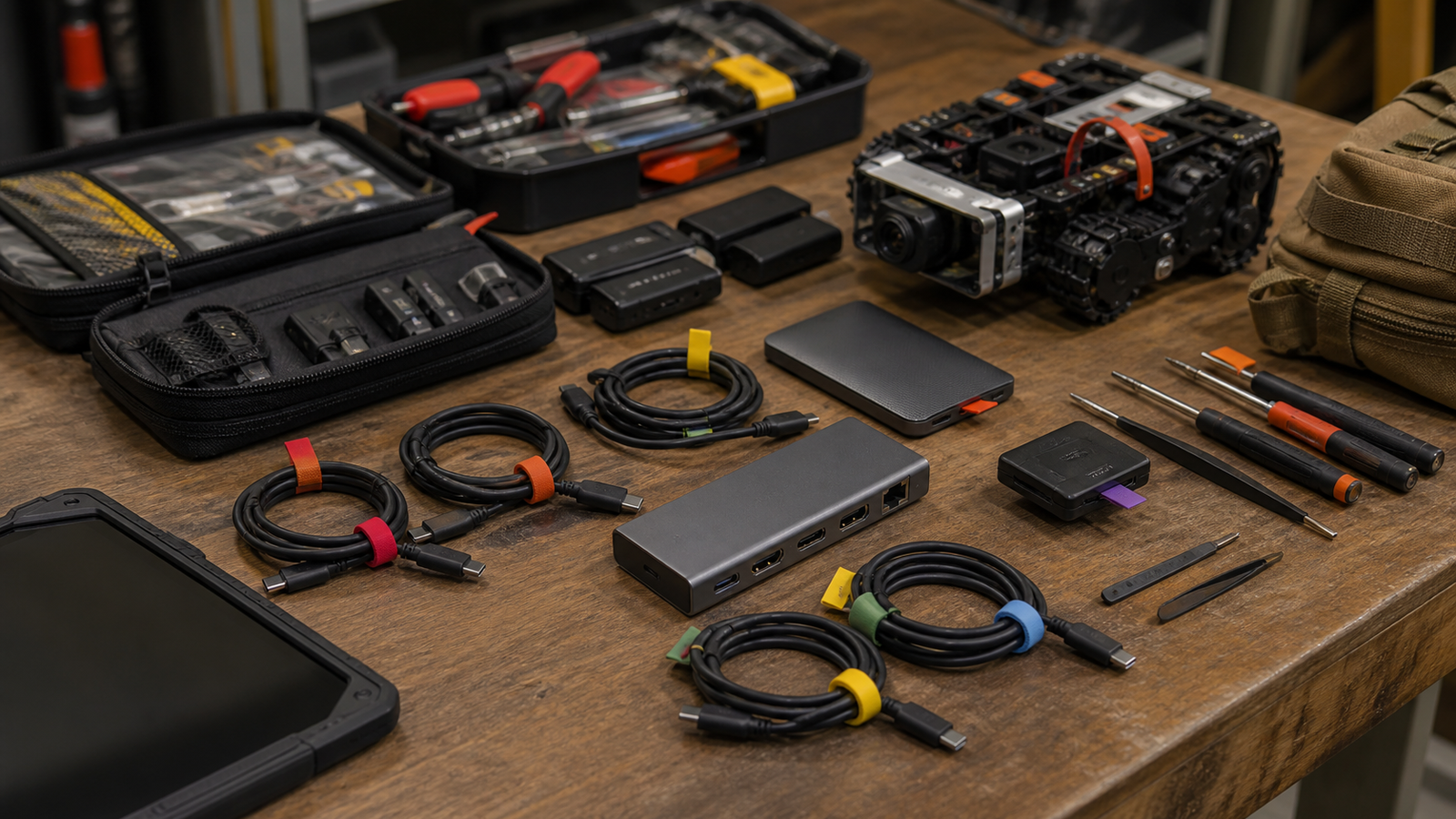
USB4 Version 2 sounds simple when reduced to the headline number: up to 80 Gbps over USB-C. In a real creator cart, field robot kit, or home-lab bench, that number only matters if the host, dock, cable, storage device, display path, and power budget all support the same workload.
Quick answer
Buy USB4 Version 2 and 80 Gbps cables for jobs that actually need high-bandwidth storage, display, or dock traffic. For charging, sensor setup, microcontroller programming, and basic camera ingest, a certified lower-speed cable may be more reliable and cheaper. Label every cable by capability instead of trusting the shape of the connector.
Where 80 Gbps can matter
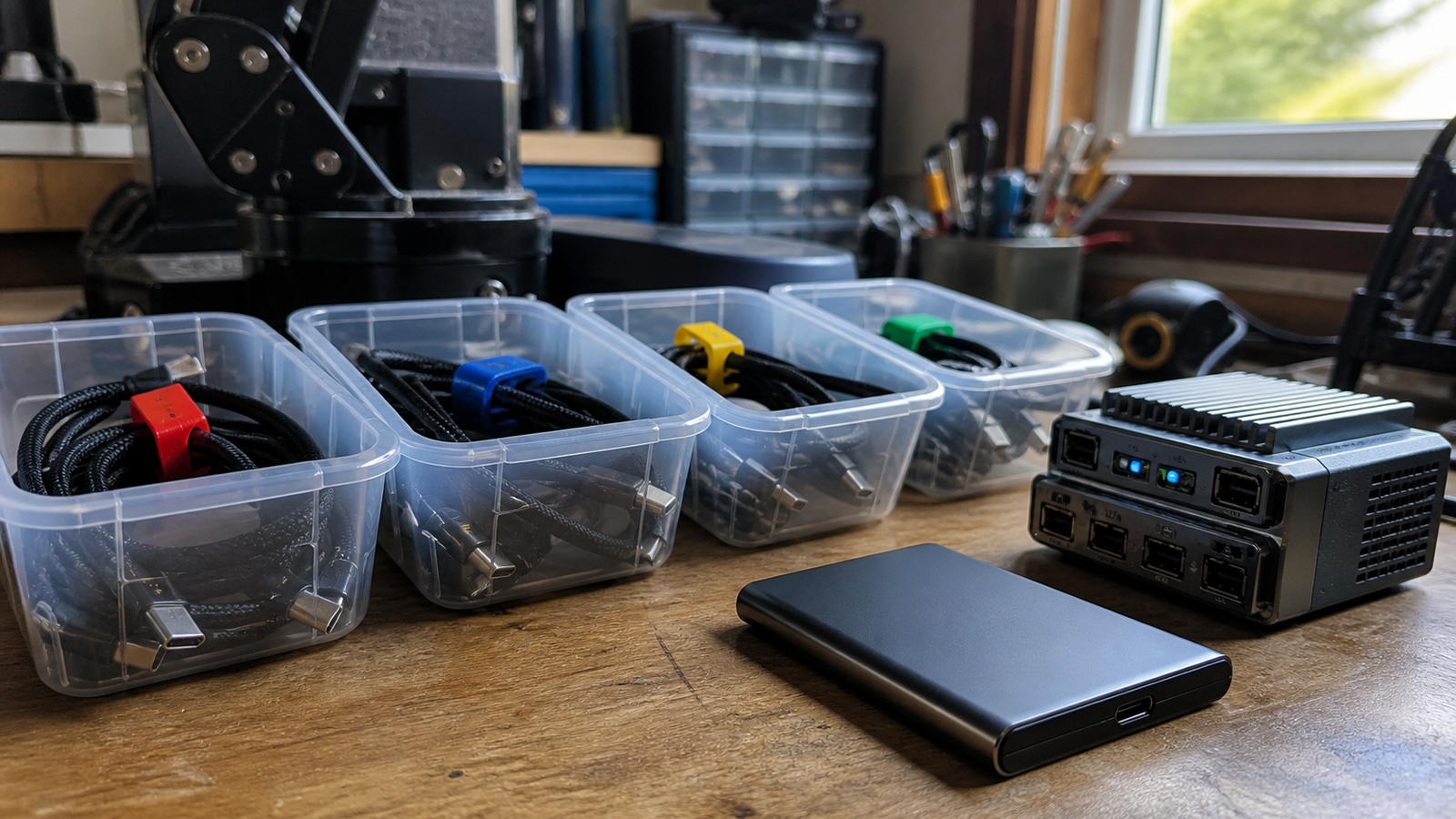
The useful cases are bandwidth-heavy: moving large video projects to external SSDs, connecting high-resolution displays through a dock, running fast scratch storage, or reducing cable clutter around a workstation that also handles robot logs and media assets. USB-IF describes USB4 as a multi-protocol link that can share bandwidth across data and display traffic.
The trap is assuming every USB-C cable is equivalent. Some cables are built for charging, some for USB 2.0 data, some for 20 or 40 Gbps USB4, and newer certified cables for higher-speed operation. In a field kit, the unlabeled cable at the bottom of the bag is often the weakest part of the system.
Field-kit checklist
- Label by capability: mark charge-only, 10 Gbps, 20/40 Gbps, and 80 Gbps cables separately.
- Match the host: the laptop, mini PC, or tablet must support the link speed.
- Check the dock path: ports on a dock can differ even when the enclosure looks uniform.
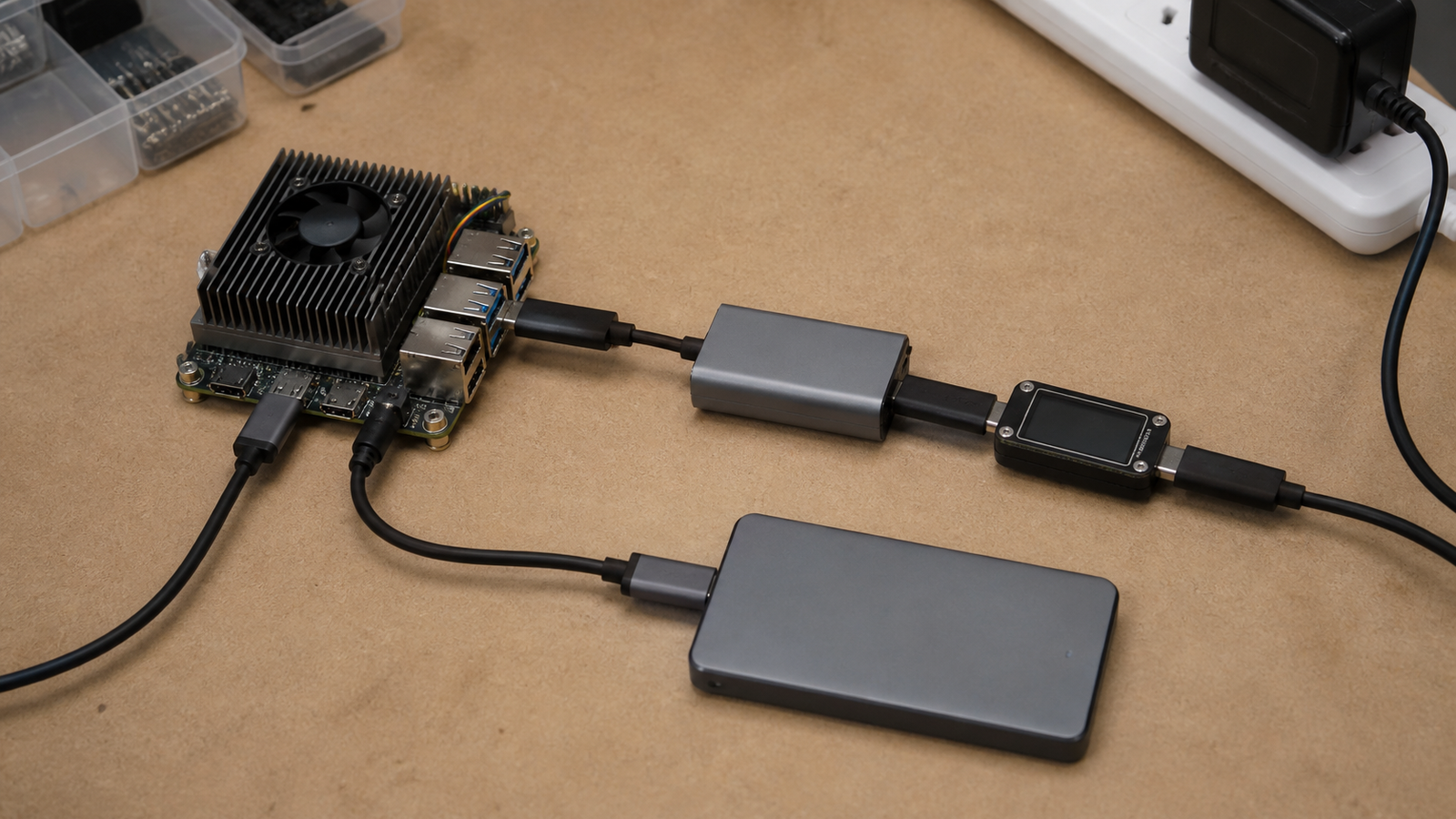
- Test before travel: run a real file copy, display, and power test with the exact cable.
- Keep a known-good spare: the backup cable should be labeled and tested, not just new.
TVG Take
USB4 Version 2 is not just a faster cable story. It is a workflow reliability story. The teams that benefit will be the ones that document cable capability, dock behavior, and storage performance before the shoot, demo, or robot test — not the teams that assume USB-C means solved.
Related TVG reading
What the label does not tell you
A cable can be physically short, expensive, and still wrong for the job if it is not certified for the protocol and power level the kit needs. A field editor may only need a dependable charging cable for a camera battery. A robot team pulling large log files from an external SSD may need data speed. A portable monitor may need display transport and power at the same time. Those are different requirements hidden behind the same connector shape.
The safest approach is to build a small cable inventory instead of a loose cable pile. Keep one tested high-speed cable with the dock, one known-good cable with the SSD, and one charge cable where charging is the only requirement. The extra minute spent labeling cables can prevent an hour of diagnosing a slow transfer or a display that never lights up.
How to test before relying on it
Run a real workload. Copy a large folder to the SSD, connect the display through the dock, power the device from the same setup, and touch the connectors after several minutes to check for heat or looseness. If the kit is used for robot demos, repeat the test with the robot controller or logging computer that will actually travel.



