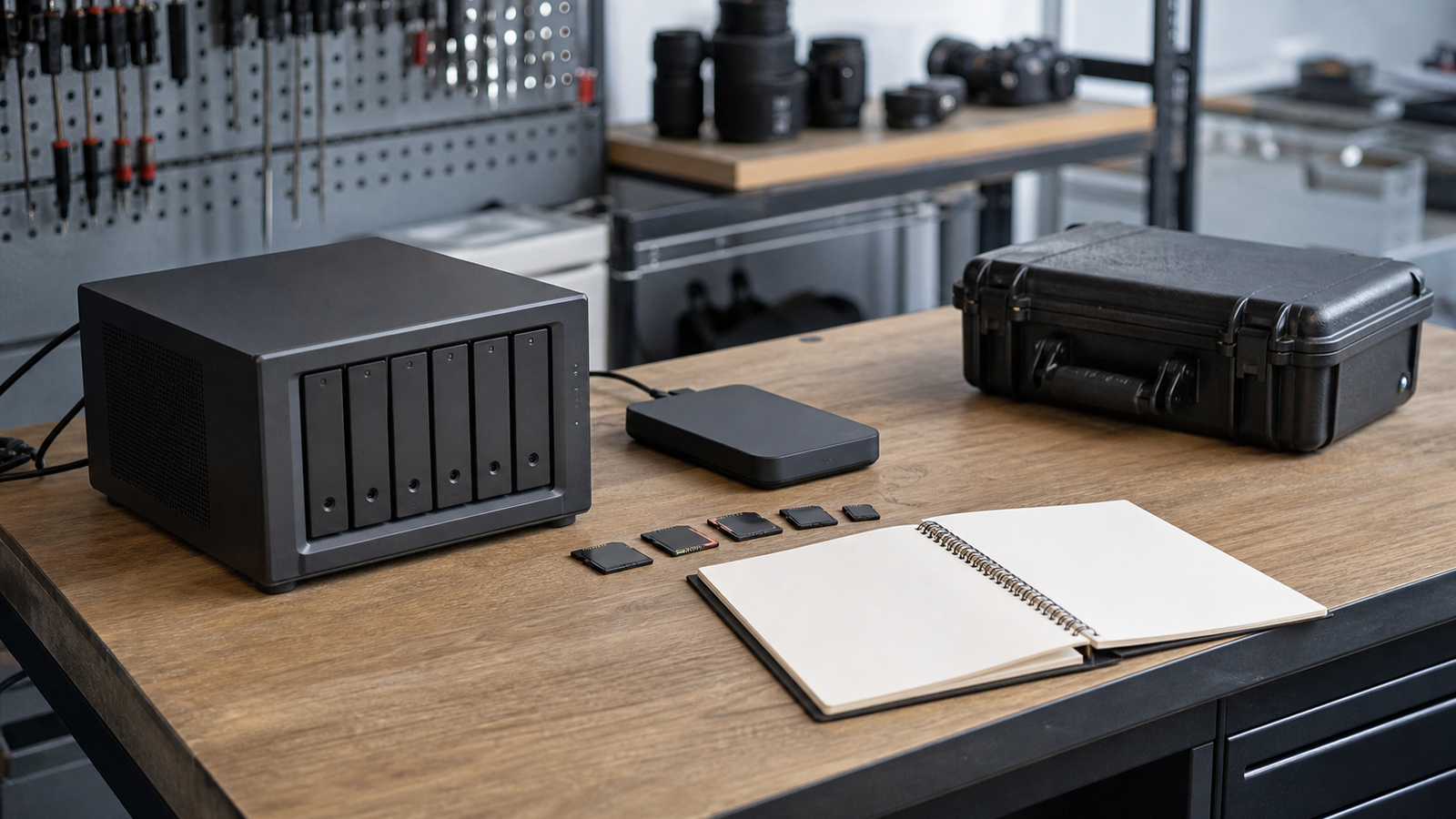
A NAS can make a maker lab feel organized. CAD files, printer profiles, robot logs, camera footage, firmware builds, and class materials all land in one place. The danger is that a tidy network share can look safer than it really is. Snapshots are useful, but snapshots are not the same thing as backups.
This guide supports TVG’s storage and home-lab coverage, including our NAS vs external SSD creator-backup guide. The goal is simple: help small labs build a storage plan that survives mistakes, drive failures, ransomware, theft, and the very common problem of not knowing whether a restore will actually work.
What a snapshot does well
A snapshot captures the state of data at a point in time. On systems such as TrueNAS, data-protection tools can help users preserve and roll back dataset states. That is powerful for a lab because many failures are human-scale: a student deletes the wrong folder, a CAD revision gets overwritten, or a script damages a batch of files.
Snapshots are fast, local, and convenient. They can turn a bad afternoon into a five-minute restore. They also encourage better habits because the lab can keep short retention windows for active project areas without manually copying folders every hour.
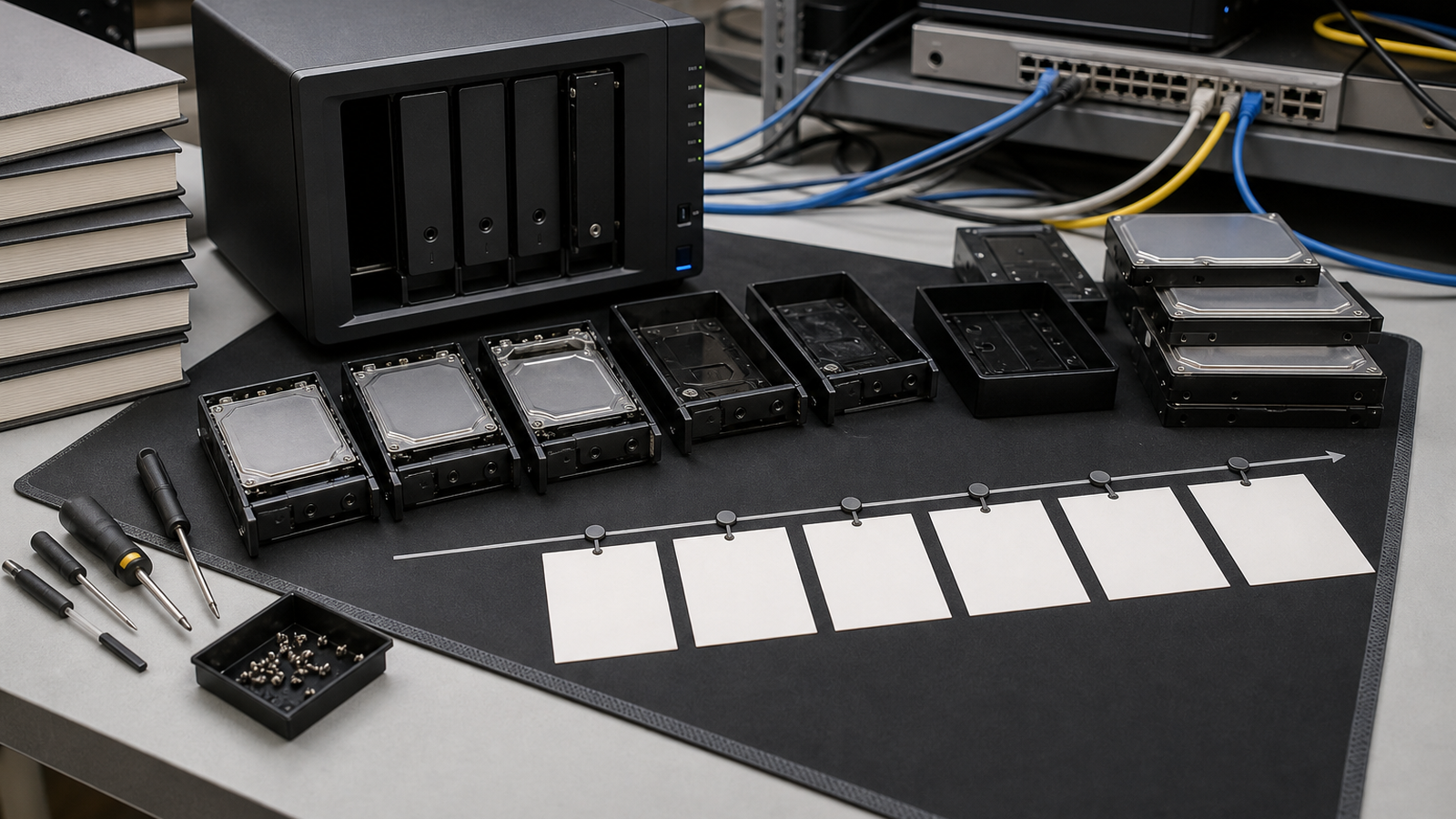
Where snapshots fail
The weakness is location and dependency. If the NAS is stolen, destroyed, misconfigured, or hit by a storage-wide failure, local snapshots may disappear with the original data. If an attacker or mistaken administrator deletes the dataset and its snapshots, the rollback layer is gone. If nobody tests restore behavior, the lab may not discover gaps until the project deadline is near.
That is why the classic 3-2-1 backup strategy remains useful: keep multiple copies, on more than one type of storage, with at least one copy off-site. The exact tools can vary, but the design goal is separation.
A practical maker-lab storage plan
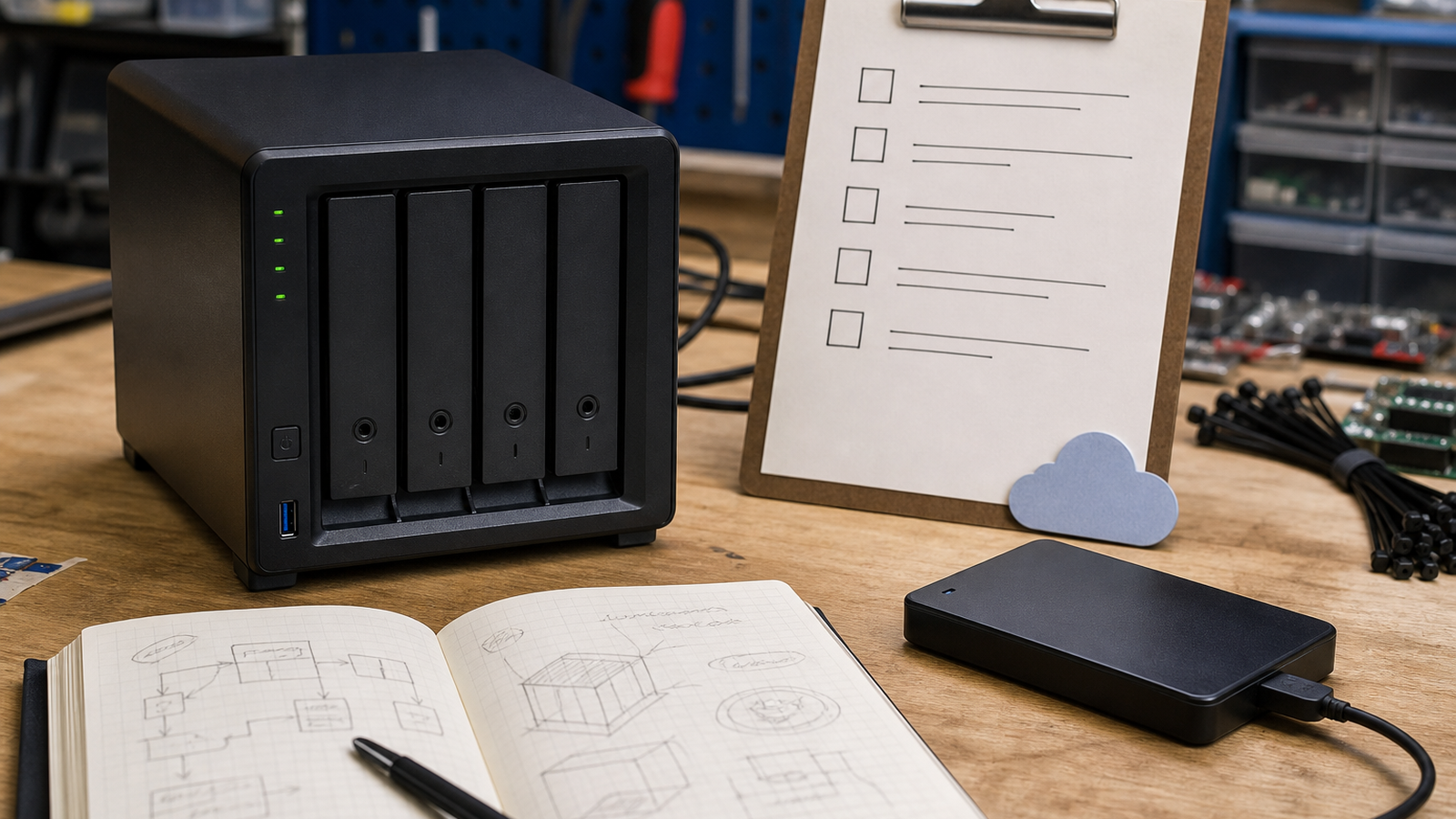
- Snapshots: use short-term snapshots for active project folders and accidental deletion recovery.
- Local backup: keep a second local copy on a separate device or external disk for fast restores.
- Off-site copy: send critical files to cloud storage, another location, or a rotated drive stored elsewhere.
- Retention: keep enough history to catch mistakes discovered days or weeks later.
- Restore tests: schedule a real restore drill for sample files, not just a dashboard check.
- Documentation: write down who owns the backup job and what data is considered critical.
What to prioritize first
Do not try to protect every byte equally. A maker lab may have terabytes of easily replaceable camera footage and only a few gigabytes of irreplaceable design files, calibration notes, and student documentation. Start with the files that would stop the project if they vanished.
For robotics teams, that usually means CAD, code, wiring diagrams, scouting data, calibration files, and build photos. For 3D printing and fabrication labs, it means source models, slicer profiles, material notes, and final job settings. For creator workflows, it means project files and selects before raw footage archives.
TVG Take
Snapshots are a recovery feature, not a disaster plan. A strong NAS setup for a maker lab has quick rollback, a separate backup path, an off-site copy, and a restore test that someone actually runs. If the lab cannot explain how it would restore one project folder by tomorrow morning, the storage system is not finished.