
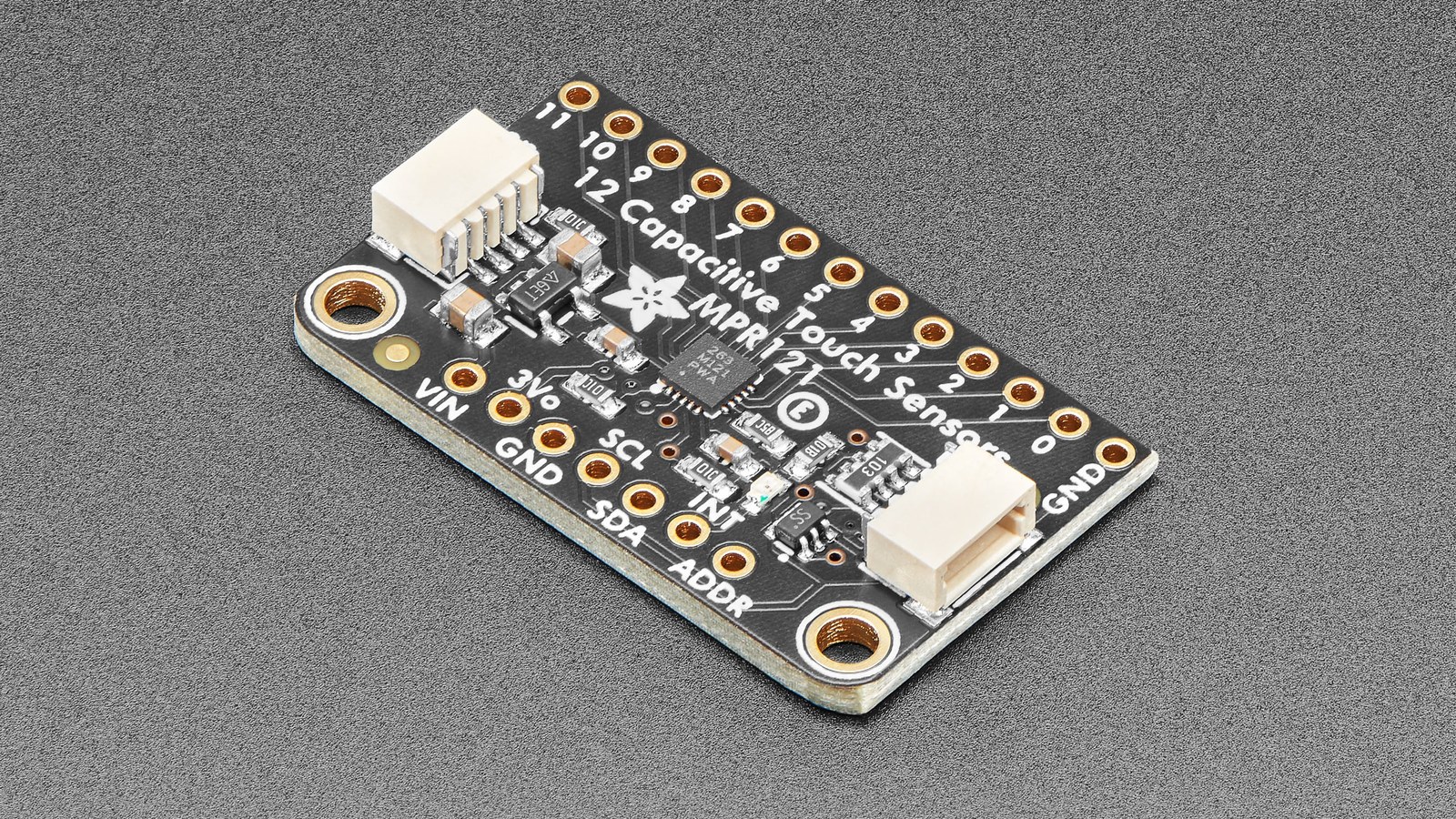
When an MPR121 reports touches with no finger present, raising the touch threshold may hide the symptom without identifying the cause. The controller already exposes the evidence needed to separate a weak electrode signal from baseline drift or noisy event qualification: filtered electrode data, tracked baseline values, independent touch and release thresholds, and debounce.
The useful measurement is the gap between the baseline and the immediate filtered value for each electrode. Log that gap while the pad is idle and while it is touched. A reliable channel needs separation between the two distributions, not merely a threshold that happens to work once.
Start with filtered data and baseline together
The MPR121 Rev. 4 data sheet says the device tracks background capacitance automatically and compares that baseline with immediate electrode data. Filtered results occupy registers 0x04 through 0x1B, while baseline values occupy 0x1D through 0x2A. Reading only the 12-bit touch-status result discards the signal trend that explains a false event.
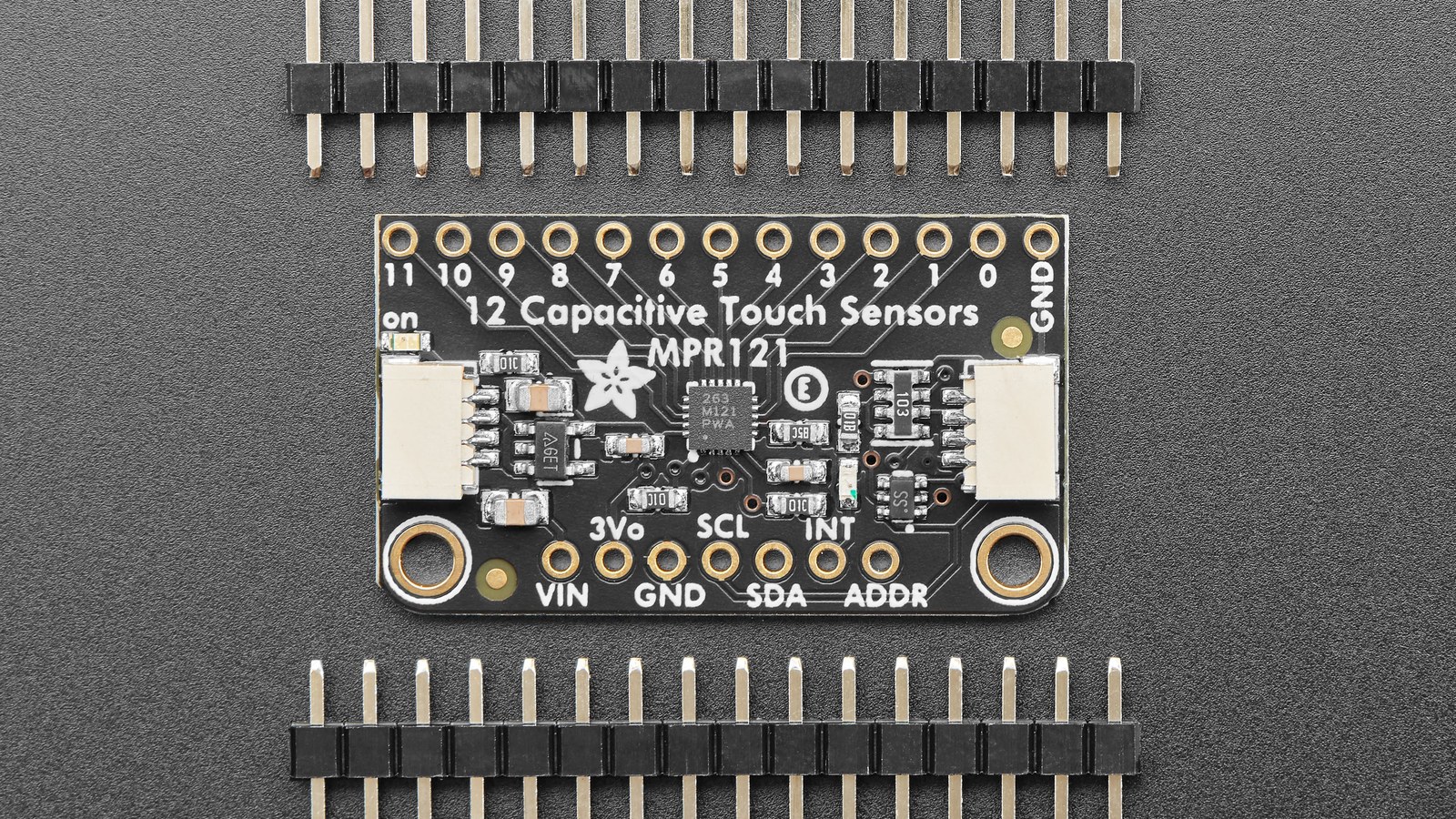
Capture several seconds of idle data before touching the pad. If the filtered reading repeatedly approaches the touch boundary during idle, inspect electrode area, lead length, grounding, nearby mains wiring and mechanical movement before changing firmware. If the baseline follows a real touch too aggressively, the tracking configuration deserves attention. If the raw gap is stable but the reported state chatters, thresholds or debounce are the more likely controls.
Touch and release thresholds are a hysteresis pair
Every electrode has a touch-threshold register and a release-threshold register: electrode 0 uses 0x41 and 0x42, continuing through 0x57 and 0x58 for electrode 11. The two values are deliberately separate. A stronger touch delta can enter the touched state, while a smaller release delta can keep the state from flipping back immediately as the signal moves near the boundary.
Adafruit’s Arduino library defaults to a touch threshold of 12 and a release threshold of 6. Those are starting values, not universal calibration. Change them from recorded idle and touched deltas. Raising both without checking margin can make a pad feel insensitive; placing them too close together removes useful hysteresis.
Use debounce after signal margin is visible
Register 0x5B holds separate touch and release debounce fields. Debounce requires a condition to persist across more consecutive samples before the state changes. It can suppress one-sample spikes, but it cannot repair an electrode whose idle distribution overlaps its touched distribution. Excessive debounce also adds latency, which is noticeable on keys and musical controls.
Most MPR121 configuration registers from 0x2B through 0x7F can be written only in Stop Mode. The Electrode Configuration Register at 0x5E controls Stop and Run modes; clear its electrode-enable bits before changing thresholds, filtering or debounce, then restore the intended channel count. The data sheet notes that ECR itself and GPIO/LED control registers are exceptions that remain writable.
Rule out the bus before tuning touch behavior
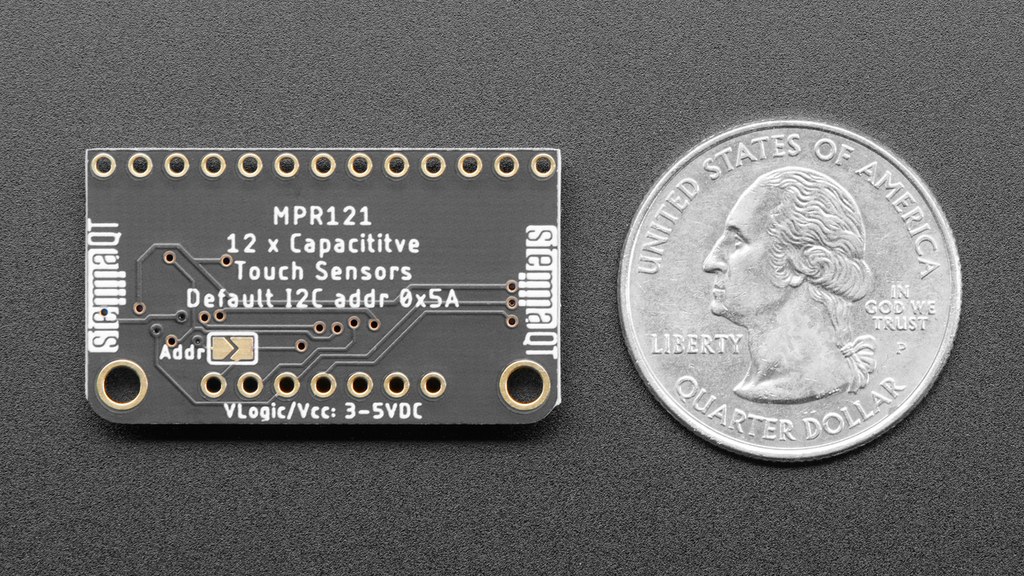
The MPR121 supports addresses 0x5A through 0x5D depending on the ADDR connection, allowing four devices and as many as 48 pads on one bus. Before tuning, verify that register reads are stable and that the IRQ line and pull-ups are sound. A transport fault can resemble random touch data; the same principle applies when diagnosing timing-sensitive I2C peripherals.
A controlled repair changes one layer at a time: confirm the bus, log filtered and baseline data, set touch/release hysteresis from observed margin, then add only enough debounce to reject brief spikes. That sequence preserves responsiveness and leaves a record of why the final values work.



