
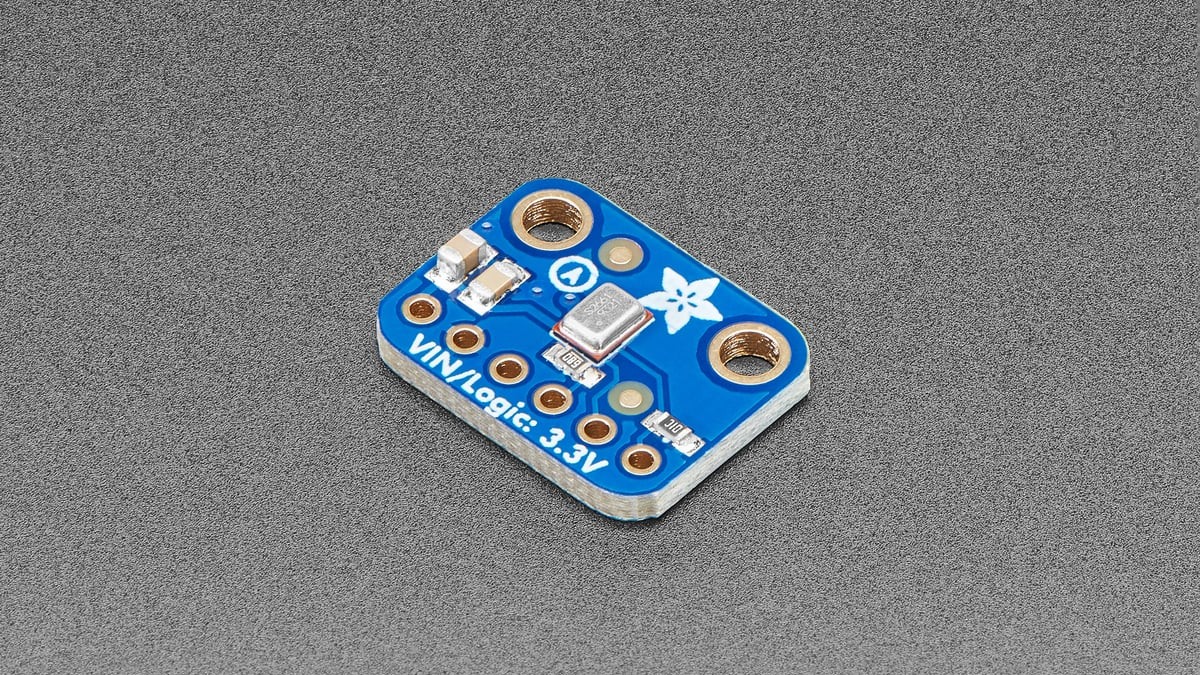
SPH0645 microphone data can look quiet, clipped or random even when the acoustic path is fine because the receiver is reading the wrong channel or bit position. The microphone provides 18 bits of precision inside a 24-bit I²S word, so firmware must preserve the signed field before it scales samples or applies gain.
The Knowles SPH0645LM4H-B datasheet defines the serial format. Start with framing and channel selection; changing digital gain first only magnifies a decoding error.
Select the slot the microphone actually drives
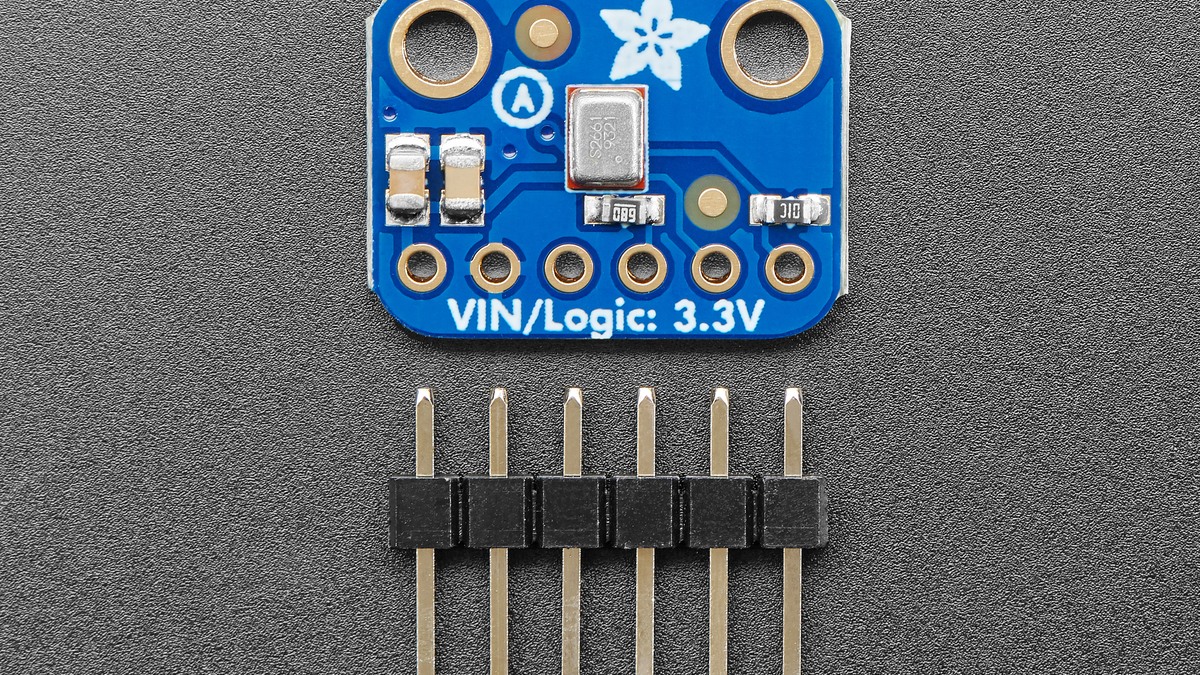
The LRCL signal divides the bus into left and right channel slots. The microphone’s SELECT pin determines which slot carries its sample. Adafruit’s breakout labels that pin SEL; its default wiring selects one side, and changing the pin state moves output to the other slot.
A receiver configured for the opposite slot will capture zeros or another device. On a two-microphone bus, one microphone can be assigned left and the other right because each output becomes high impedance outside its selected slot. Both microphones should not drive the same slot.
Account for the I²S one-clock delay
Standard I²S changes the word-select state one bit-clock before the most-significant data bit. Hardware peripherals often handle that delay automatically when configured for I²S/Philips format. A receiver set for left-justified data instead can shift every sample by one position.
That off-by-one error changes both amplitude and sign interpretation. Confirm the BCLK, LRCL and DOUT relationship with a logic analyzer at the connector, then match the peripheral mode to the observed transition. Do not infer format from a buffer that has already been shifted by a driver.
Recover the signed 18-bit value before scaling
Knowles specifies a 24-bit I²S output word with 18-bit precision; unused least-significant positions are zero. After the receiver places the 24-bit word in a 32-bit container, locate the 18-bit field according to the peripheral’s documented alignment, then sign-extend that field to a signed 32-bit integer.
A simple validation uses three conditions: digital silence should center near zero, positive and negative peaks should be roughly symmetric, and left-shifting or right-shifting by one bit should not be necessary after the format is configured correctly. A fixed DC offset, one-sided waveform or repeated maximum code points to framing or sign extension before it points to acoustic overload.
Clock range is part of the interface contract
The microphone derives its operation from the I²S clock. A missing or out-of-range clock can place it in a low-power state or prevent valid output. The exact accepted clock range and wake timing belong in the board’s startup sequence, especially if a controller dynamically stops I²S between captures.
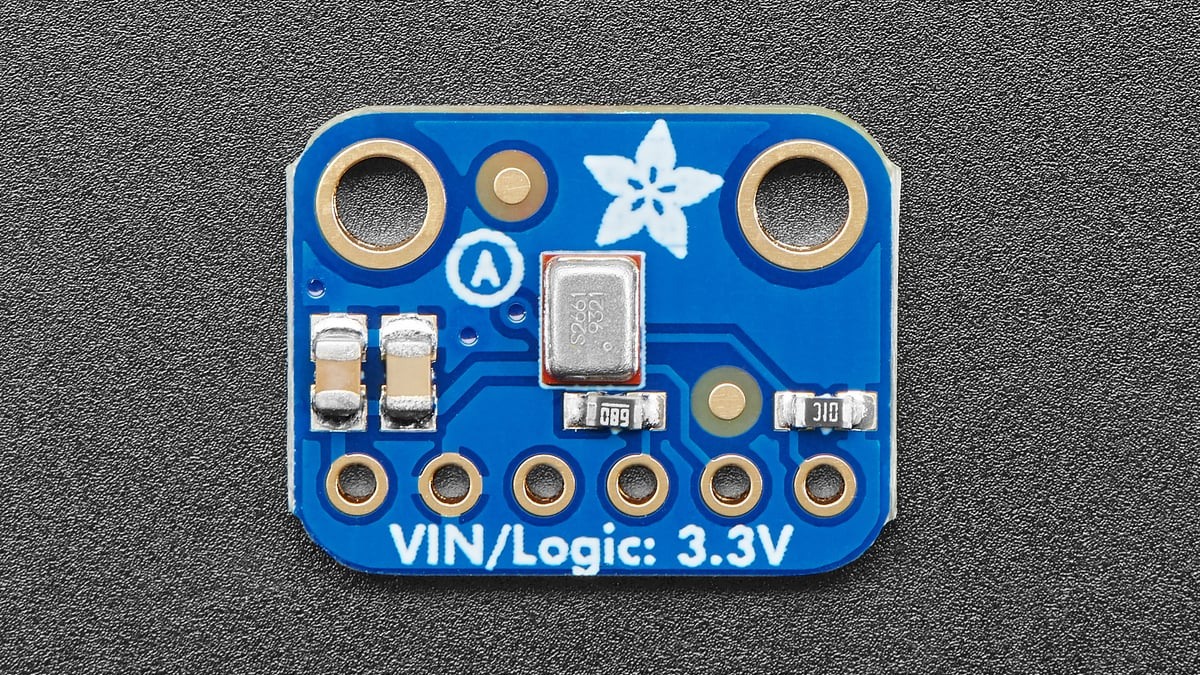
Adafruit describes the breakout as a 3 V device and exposes BCLK, LRCL, DOUT, SEL, 3V and ground. It has no analog output, so an oscilloscope on DOUT will show logic transitions rather than an audio waveform. Validate clock, slot and bit alignment first; only then apply microphone gain or acoustic filtering.



