
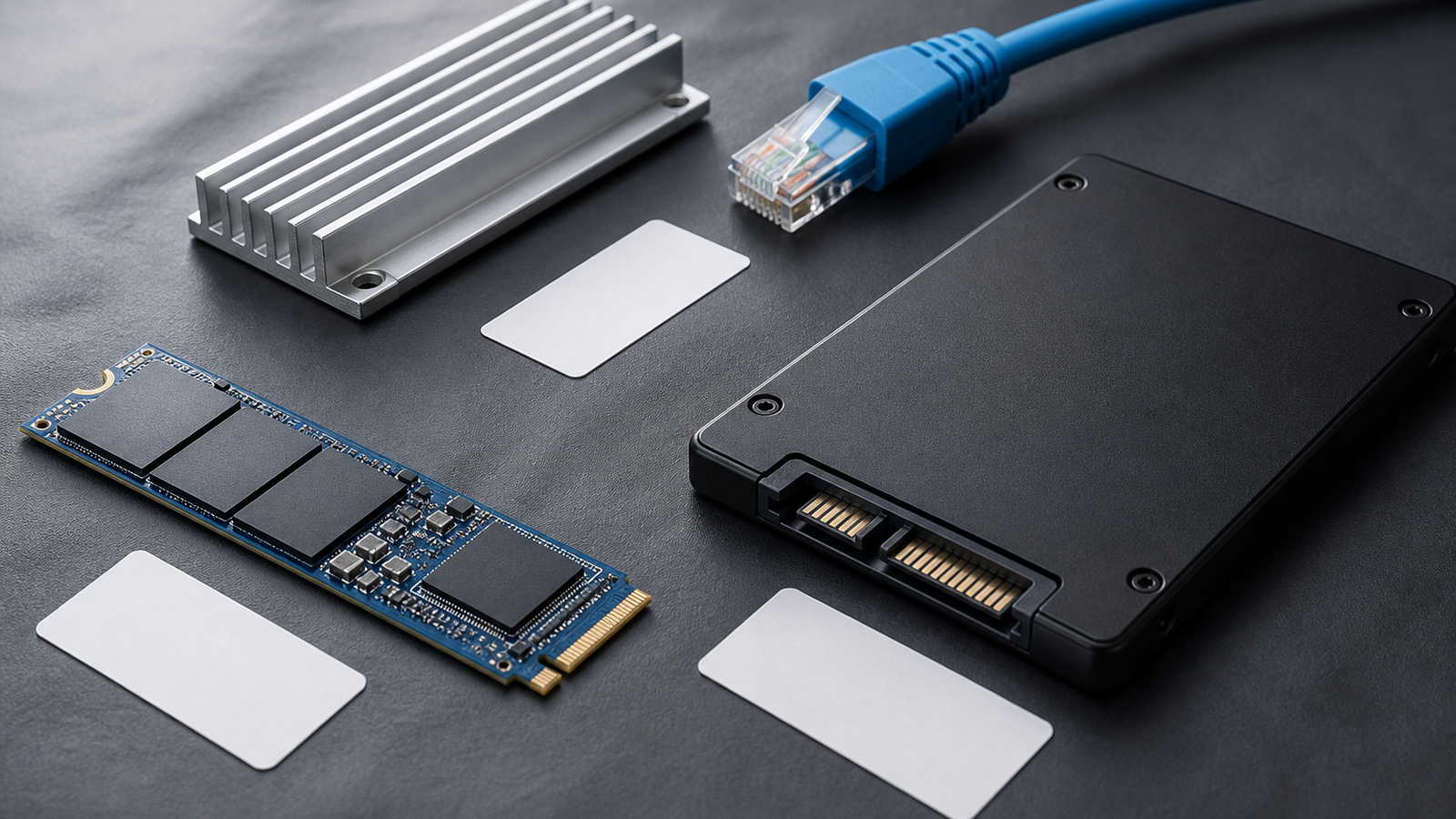
NVMe versus SATA is the second question. First identify the device’s job. In ZFS, L2ARC and SLOG solve different problems, and neither is a universal SSD speed boost.
Pick the role
- Repeated reads: ARC in RAM is the first cache and is faster than L2ARC. Consider L2ARC only when the active read set is reused, does not fit in ARC and slow pool reads are the measured constraint. L2ARC also consumes RAM for metadata.
- Synchronous writes: A SLOG hosts ZFS intent-log records so acknowledged synchronous writes can survive interruption. It is not a general write cache and does not accelerate asynchronous writes. Latency, endurance and power-loss behavior matter more than headline sequential speed.
- One-pass transfers: Camera-card dumps, backups and new video files offer little data reuse. Cache often cannot beat a client link or disk pool that is already the bottleneck.
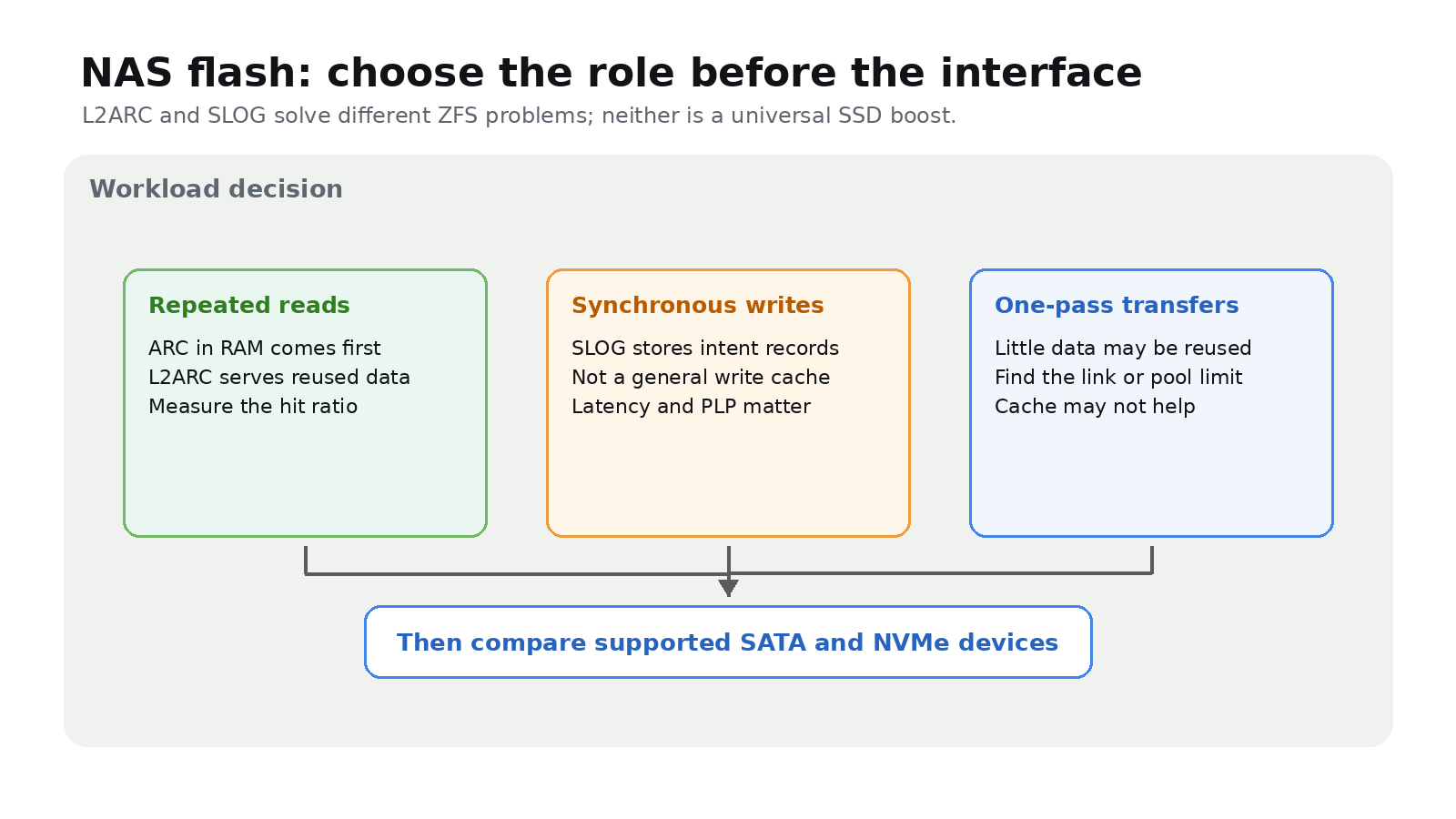
Then choose SATA or NVMe
NVMe is the common host-controller interface for PCIe devices; SATA and NVMe describe the connection, not the ZFS role. NVMe can offer lower latency and more parallelism, but that matters only if the workload, NAS slot and pool can use it. SATA can be sufficient when it meets the measured target.
Check the NAS vendor’s supported slots, device roles, cooling, endurance and redundancy requirements. For SLOG in particular, follow vendor guidance on power-loss protection and failure handling rather than repurposing an arbitrary consumer SSD.
Measure before and after
Record client link speed, pool throughput and latency, ARC/L2ARC hit rates, and a repeatable test of the real workload. For L2ARC, compare repeated reads after warm-up. For SLOG, test the application’s synchronous writes; an ordinary file copy may not exercise them.
Upgrade RAM or networking first when either is the measured limit. Keep cache separate from data protection: snapshots and backups address recovery, not performance.



