MOUNTAIN VIEW, CA — Google just made Chrome feel a lot smarter with a Gemini sidebar that actually understands the page you’re on—and even multiple tabs at once. We took it for a spin, and while the day-to-day assist is a massive win, the flashy “let me do it for you” stuff still hits a safety wall.
Chrome’s Gemini grows up: a sidebar that actually knows your tab
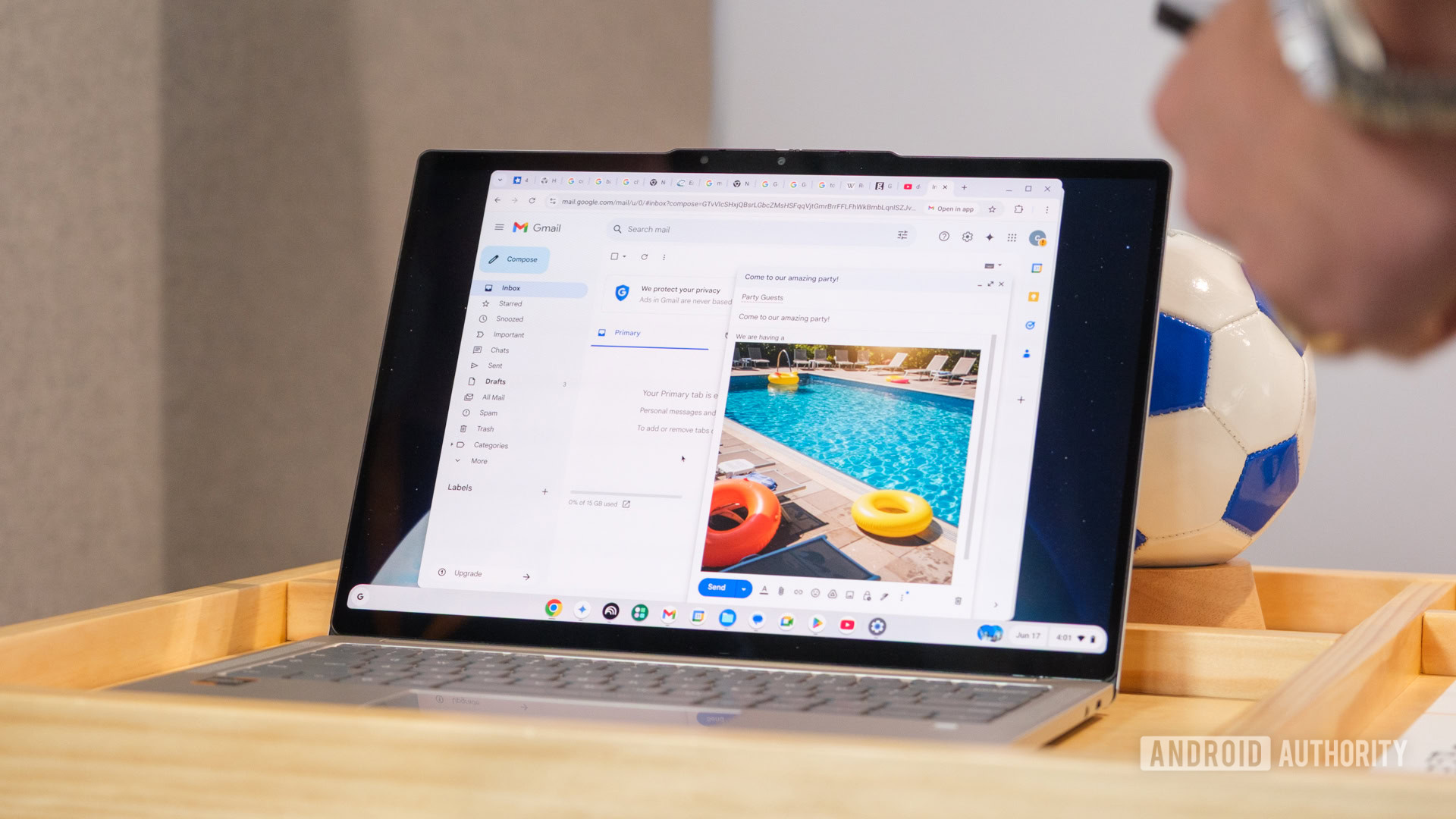
Old Gemini chats lived in their own window and yanked you out of your workflow. Now it slides in as a flyout that can “see” the current tab’s content. Shopping a Best Buy page of Windows laptops, we asked if any used Intel’s new Panther Lake chips. Gemini nailed it: it recognized most listings were last-gen and pointed to where Panther Lake models actually were. No CTRL-F marathons, just a straight answer.
Tab-by-tab memory and multi-tab compare = shopping cheat mode
Each tab keeps its own conversation thread—so no spec soup when you jump between a search page and, say, an HP OmniBook X product page. The killer move is multi-tab context: share several product tabs and ask, “Which ones have AMD Ryzen?” Gemini scanned them all and flagged the right models. It’s like having a research intern who already knows which windows you’ve got open.
Agent mode can shop for you—but won’t place the order
Google’s pitch is an “agent” that takes actions. We tested that by asking Gemini to rebuy a recent console bundle it found in Gmail (with permission). You can watch it work—red screen tint, the cursor typing into Best Buy, adding items, marching to checkout. Then it stops. By design, the AI won’t hit “Place order.” You still have to finalize the purchase.
Is it cool? Absolutely. Is it faster than doing it yourself right now? Not really. It understood a plain-text receipt, found the live products, and built the cart—but manual reorder would’ve been quicker. If Google trims the lag, this could become the “go make tea while it handles the busywork” feature.
Image gen needs the “magic words” (for now)
The built-in image tools powered by Nano Banana with a living-room photo and a simple request: “Show this room with more Nanoleaf lights.” Gemini gave design tips instead of an edited image. Only after explicitly prompting “Use Nano Banana to generate an image based on this tab…” did it render. The model clearly “sees” the scene, but natural prompts don’t always trigger generation yet.
Should you try it?
If you live in Chrome all day, the sidebar and multi-tab context are worth turning on now. They’re genuinely helpful for research and comparison without derailing your workflow. The agent features feel like a preview—impressive, but slower than a power user’s muscle memory and capped by checkout safety rules. Image gen is getting there, but be ready to prompt like a power user.
Availability note: many features are early access and currently tied to Google One AI Pro or AI Ultra, U.S.-only, with Chrome set to English. With competition heating up from upstart browsers, this is the right direction—Chrome finally feels like it’s working with you, not just showing you the web.
The Editor’s Take: The Gemini sidebar is a legit quality-of-life upgrade today; the agent is a cool demo tomorrow. If you’re an early adopter, flip it on. Everyone else can wait for speed boosts and fewer “say the magic phrase” moments.
Credit and Source: Android Authority